

A Wi-Fi dropout should not stop a kitchen remodel, a garage conversion, or a full house plan. That is the practical appeal of offline home design software: your drawings, measurements, and 3D views stay available on your computer whether you are at a jobsite, in a rural build location, or simply tired of browser tools that slow down when you need them most.
For homeowners and small professionals, that matters more than software marketing usually admits. Home planning is not just about making a pretty 3D image. It is about testing room sizes, checking furniture fit, adjusting wall positions, producing drawings that others can actually build from, and doing all of it without paying forever for access to your own work. If you are choosing software for a remodel, new build, ADU, or client concept, offline capability is not a niche feature. It can be the difference between real control and constant dependency.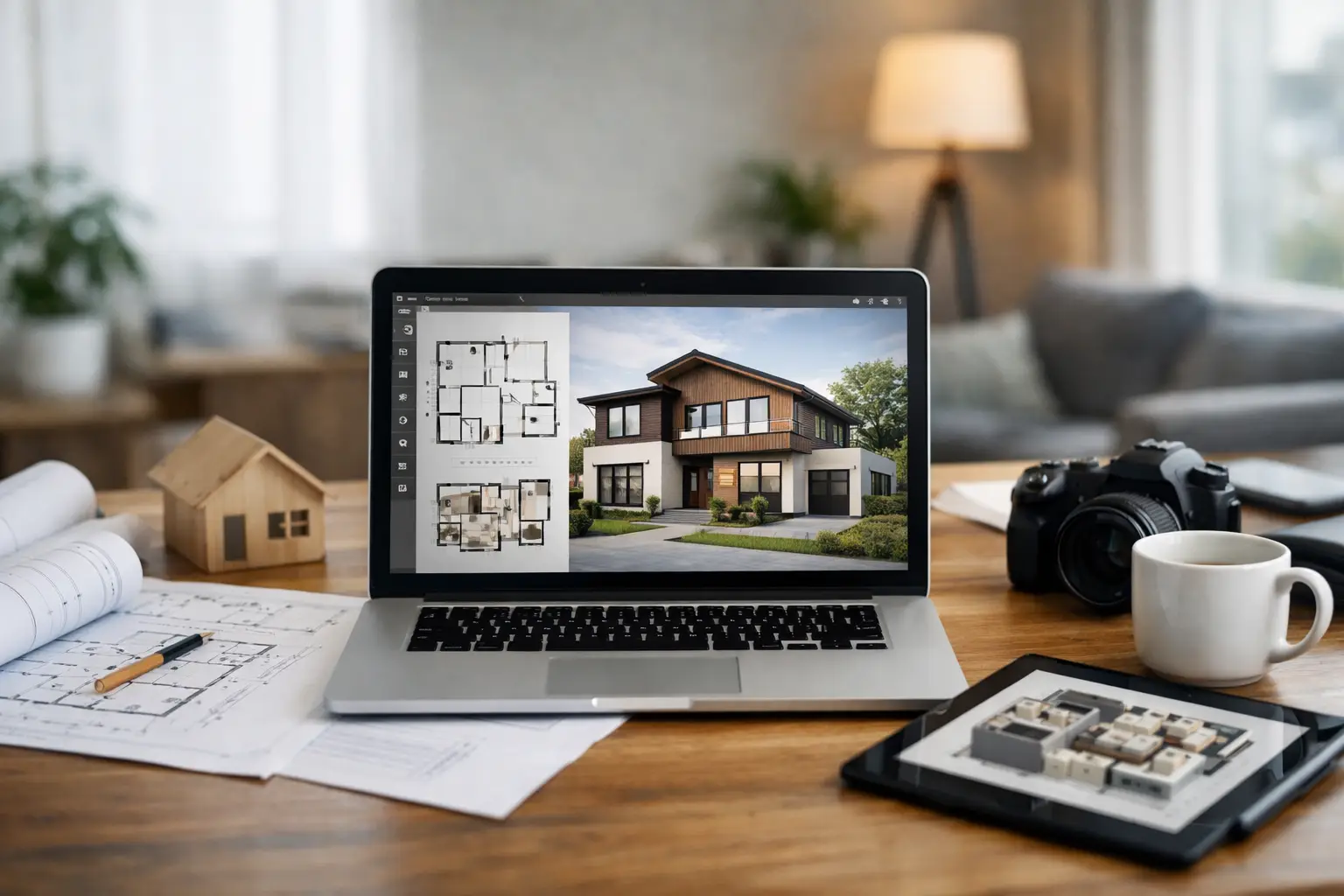
Why offline home design software still matters
A lot of design tools have moved to the browser. For some users, that is convenient. You can log in quickly, share a simple mockup, and make early-stage layout changes from almost anywhere. But browser-first software also comes with trade-offs that become obvious once a project gets serious.
Speed is one of them. Large floor plans, detailed 3D scenes, and layered construction drawings can feel sluggish in cloud-only systems. Local software often feels more responsive because the work is being handled by your machine, not a browser session competing with your internet connection.
Ownership is another factor. With offline software, you typically install the program, save files locally, and keep direct access to your plans. That is especially appealing to homeowners who may spend months refining one project and to contractors who need to reopen old jobs years later. If your software depends entirely on an account, a subscription status, or a server connection, your access can feel conditional.
Privacy also plays a role. Floor plans reveal a lot about a property, including room layout, entrances, storage areas, and overall building organization. Some users are perfectly comfortable storing that information in cloud platforms. Others prefer to keep residential plans on their own computers unless they choose to share them.
What good offline home design software should actually do
Offline access alone is not enough. Plenty of older desktop programs still exist, but some feel dated, limited, or too simplistic for real planning. The better option is offline home design software that combines ease of use with practical building output.
At minimum, you want reliable 2D floor planning and usable 3D visualization. Those two functions cover most early design work. You can set accurate room dimensions, place doors and windows, and then switch to 3D to see whether the layout actually feels right. That sounds basic, but it solves one of the biggest problems in residential planning: people often approve dimensions on paper that feel completely different once visualized.
The next step is documentation. If your project is more than a casual idea, software should help you produce elevations, sections, and construction-oriented drawings. Homeowners may not need full architect-level output for every project, but they do need clear plans to discuss with contractors, permit offices, engineers, or consultants. Contractors and designers need even more. They need drawings that communicate intent without forcing them to redraw everything from scratch.
File compatibility matters too. If software can import or export common formats such as DWG or DXF, it becomes much easier to coordinate with outside professionals. That flexibility is often overlooked during the buying stage, then becomes critical when a surveyor, builder, or designer needs your files in a standard format.
Who benefits most from working offline
The obvious users are people in areas with unstable internet. Rural self-builders, jobsite professionals, and anyone working from outbuildings or temporary offices know the value of software that does not stop when the connection does. But the case is broader than that.
Homeowners planning renovations benefit because design work rarely happens in one uninterrupted sitting. You make a few changes at night, revisit them on the weekend, and compare options over several weeks. Local software suits that stop-and-start process well because your project is simply there when you reopen it.
Contractors benefit because they often need fast revisions in front of clients. Adjusting a room, moving a partition, or showing a roof change should not depend on logging into a platform or waiting for cloud syncing to catch up. Speed builds trust during client meetings.
Interior designers and real estate professionals also gain from offline tools when they need presentable layouts without the cost and complexity of enterprise CAD systems. Not every project requires a full architecture office workflow, but many projects still need more than a basic room planner can provide.
The real trade-offs to consider
Offline software is not automatically better in every way. Cloud tools can be easier for quick collaboration, especially when multiple people need browser access to the same concept at the same time. Some also simplify sharing by keeping everything in one online workspace.
Desktop software places more responsibility on the user. You need to save files properly, back up your work, and keep your system organized. That is not a major burden, but it is real. If you never back up your drawings, local ownership can turn into local risk.
There is also a learning curve question. Some offline programs are extremely capable, but they may ask more from the user than a lightweight web app. The right choice depends on your project. If you only want to mock up a living room once, a browser tool may be enough. If you are planning structural changes, comparing floor plan options, and preparing documents others will build from, more capable software is usually worth the extra learning time.
How to choose offline home design software for real projects
Start by being honest about your end goal. If you are designing for inspiration only, prioritize ease of use and strong 3D visualization. If you are moving toward construction, prioritize accuracy, technical drawings, and export options.
Next, look at how the software handles both beginners and advanced users. That balance matters in residential design because many projects start with a homeowner and later involve a contractor, designer, or draftsperson. Software that is approachable at the beginning but still capable later saves time and reduces rework.
Pricing structure deserves close attention. Subscription software may look affordable at first, but long projects change the math. One-time purchase software often appeals to value-conscious users because it gives ongoing access without recurring pressure. For many homeowners, that feels more aligned with how home planning actually works. You buy the tool, use it thoroughly, and keep your files.
You should also check whether the software supports US workflows in a practical way. That includes imperial units, usable construction views, printable plans, and outputs that make sense for permit discussions or contractor communication. Fancy rendering is nice. Accurate plans are more important.
What separates a serious tool from a toy
A serious residential design program helps you move from idea to decision. It lets you test a kitchen layout, verify whether an added bathroom fits, study window placement, and create drawings detailed enough to support the next step. A toy gives you attractive visuals but leaves the hard part unresolved.
That is where many buyers make the wrong comparison. They focus on the prettiest interface or the fastest first drawing instead of asking whether the software can still help when the project becomes real. Once structural walls, dimensions, roof lines, or permit conversations enter the picture, lightweight tools tend to run out of road.
This is why many users end up looking for software that is both accessible and professionally grounded. A platform such as Plan7Architect appeals in that space because it combines local installation, 2D and 3D planning, construction drawing capability, and one-time purchase value without pushing ordinary residential users into overly complex enterprise software.
A better way to think about software ownership
When people shop for design software, they often compare features line by line. That matters, but ownership matters too. If you are investing hours into a home design, your software should not feel rented in a way that limits access to your own plans later.
Offline software changes that relationship. It gives you a working environment you control, files you can keep, and a process that is not tied to constant internet availability. For homeowners, that means less friction and more confidence. For professionals, it means reliability when deadlines, client meetings, and field conditions are not ideal.
The best choice is not the one with the longest feature list. It is the one that lets you plan clearly, work consistently, and produce drawings people can actually use. If your project has real stakes, offline capability is not old-fashioned. It is practical insurance against wasted time, lost access, and half-finished ideas.

Plan your project with Plan7Architect

Plan7Architect Pro 5 for $169.99
You don’t need any prior experience because the software has been specifically designed for beginners. The planning process is carried out in 5 simple steps:
1. Draw Walls

2. Windows & Doors

3. Floors & Roof

4. Textures & 3D Objects

5. Plan for the Building Permit

6. Export the Floor Plan as a 3D Model for Twinmotion

- – Compliant with international construction standards
- – Usable on 3 PCs simultaneously
- – Option for consultation with an architect
- – Comprehensive user manual
- – Regular updates
- – Video tutorials
- – Millions of 3D objects available
Why Thousands of Builders Prefer Plan7Architect
Why choose Plan7Architect over other home design tools?


