If you are planning a remodel, new home, ADU, or room addition, the gap between a rough sketch and a buildable plan is where most projects get stuck. Good 2d and 3d floor plan software closes that gap. It helps you test layouts, check dimensions, visualize the result, and turn an idea into drawings that other people can actually work from.
That matters more than most buyers expect. A pretty 3D view is useful, but it is not enough on its own. If the software cannot also produce accurate 2D plans, wall dimensions, elevations, and practical documentation, you may still end up redrawing everything later. For homeowners and small professionals, that usually means wasted time, added cost, and more back-and-forth with contractors or permit offices.
![Best 2D and 3D Floor Plan Software]()
 What good 2D and 3D floor plan software should actually do
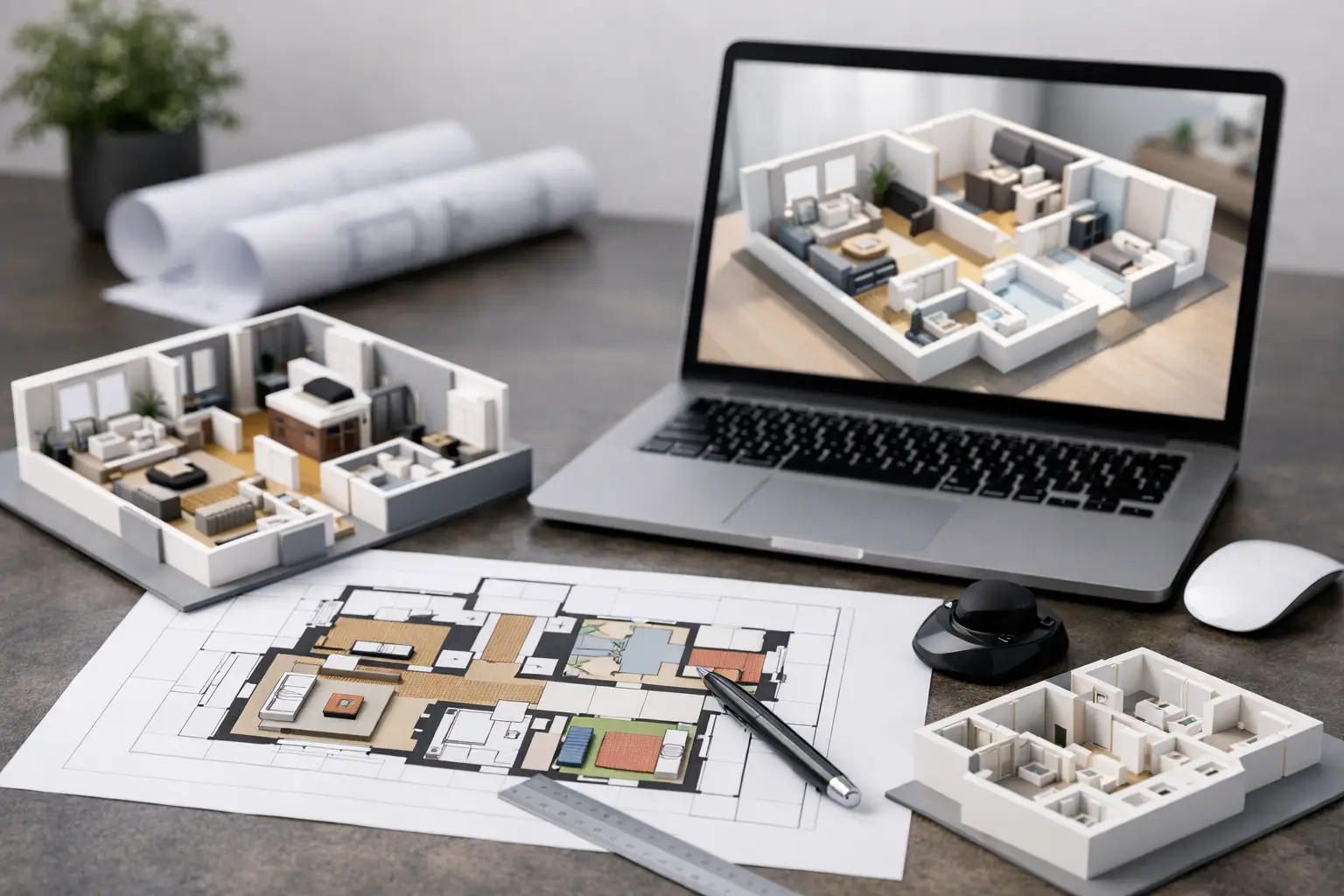
The strongest tools combine visual planning with real drafting. In practice, that means you should be able to draw walls to exact sizes, place doors and windows precisely, define floor levels, and then switch into a 3D view to understand space, proportions, ceiling height, and furniture fit.
This combination is what makes the software genuinely useful for real projects. A homeowner can check whether a kitchen island crowds the work triangle. A contractor can show a client a clearer concept before pricing. A designer can compare two room layouts without redrawing from scratch. A self-builder can move from concept planning into construction documentation with fewer handoffs.
The key is balance. Some tools lean heavily toward fast visualization and are great for inspiration boards, but weak for measured planning. Others are closer to traditional CAD and offer precision, but feel too technical for a first-time user. The best option usually sits in the middle – simple enough to learn, detailed enough to build from.
Choosing 2D and 3D floor plan software for real-world projects
The right choice depends on what you are trying to produce.
If your goal is early-stage layout planning, ease of use matters most. You want drag-and-drop placement, quick room creation, and fast 3D previews. If your goal is permit drawings or contractor communication, accuracy becomes more important than visual polish. You need dimension tools, layers, construction elements, elevation views, and export options that fit real workflows.
That is why buyers should be careful with software marketed only through glossy renderings. A beautiful image does not tell you whether the program can generate cross-sections, handle custom wall assemblies, or export DWG or DXF files. For residential projects, those details often matter more than the rendering style.
A practical test is simple. Ask whether the software can support the full job, not just the first hour of excitement. Can it help you sketch an idea, refine dimensions, furnish the space, create elevations, and prepare drawings someone else can trust? If the answer is no, you may outgrow it halfway through the project.
Ease of use matters, but so does depth
Many people shopping for floor plan software assume they need to choose between beginner-friendly and professional-grade. That is not always true. Well-designed residential planning software can give beginners guided tools while still offering serious output for experienced users.
This is especially important for homeowners who want independence without getting trapped in a technical learning curve. You should be able to start with walls, rooms, roofs, stairs, and furniture, then move into more advanced features only when needed. That progression is far more useful than software that expects CAD experience from day one.
For contractors and designers, depth still matters. You may need editable dimensions, layered plans, section views, and compatibility with standard drawing formats. If those functions are missing, the software becomes a presentation tool rather than a planning tool.
The features that separate useful software from gimmicks
Not every feature has equal value. In residential design, a few capabilities make the biggest difference.
Accurate 2D drafting is the foundation. Without it, room sizes, wall positions, and openings become guesses. A good 3D engine then builds on that by showing the plan spatially, helping users catch issues that are easy to miss in flat drawings. Ceiling height problems, furniture clearances, awkward circulation paths, and window placement are all easier to spot in 3D.
Construction-oriented outputs are another dividing line. If you need elevations, sections, or permit-ready drawings, you should verify that the software goes beyond visual planning. This is where many consumer apps fall short. They help you imagine a room, but not document it clearly enough for pricing, review, or approvals.
Offline use is also more valuable than it sounds. Many users prefer software they actually own, rather than a subscription tied to cloud access. That matters for long projects, repeat revisions, and budget control. For homeowners especially, one-time pricing often makes more sense than paying monthly for years after the design work is finished.
File compatibility and measurement systems are not minor details
For US users, practical compatibility saves time. If you work with a builder, engineer, or designer, the ability to exchange common file types like DWG and DXF can prevent redraws and confusion. The same goes for using imperial dimensions properly, while still supporting metric when needed.
These may sound like technical footnotes, but they affect whether your design can move smoothly into the next phase. Software that looks simple on the surface but creates friction during handoff can become expensive in indirect ways.
Who benefits most from 2D and 3D floor plan software
Homeowners are often the biggest winners because they can finally see what a remodel will look like before committing money to it. That is useful for kitchens, bathrooms, additions, garages, and open-concept reconfigurations where layout mistakes are costly.
Self-builders benefit for a different reason. They need more than inspiration. They need a working design they can refine over time, price in stages, and coordinate with trades. Software that supports both concept design and technical drawing is especially valuable here.
Contractors and small design professionals often use the software as a communication tool. A clear 2D plan plus a persuasive 3D view can speed up pre-bid discussions and reduce misunderstanding with clients. In smaller firms, this kind of software can cover a lot of ground without the cost and overhead of large enterprise CAD platforms.
Real estate and property professionals also use it to test renovation potential. Being able to show a possible basement conversion, ADU layout, or updated main floor plan helps move conversations from vague ideas to measurable opportunities.
Where buyers often make the wrong choice
The most common mistake is buying based on screenshots instead of workflow. A polished interface is nice, but it does not tell you how fast you can edit a wall, generate an elevation, or print a scaled drawing.
Another mistake is overbuying. Some full-scale architecture platforms are powerful, but they are built for specialized professionals working on large or highly technical projects. For a homeowner, remodeler, or small contractor, that level of complexity can slow everything down. The better fit is software designed for residential planning with enough depth to produce real outputs, not just impressive marketing demos.
There is also the opposite problem – choosing a very basic planner because it looks easy, then realizing it cannot support permit sets or contractor coordination. Cheap software is not a bargain if you have to replace it once the project becomes serious.
This is why feature transparency matters. Buyers should know what each version or edition can actually do, especially if they need construction drawings, advanced exports, or higher-detail planning tools.
What a strong value option looks like
For most residential users, strong value means software that covers the full design journey without forcing a subscription or requiring formal CAD training. It should let you create accurate plans, switch into 3D instantly, document the design properly, and keep ownership of your license.
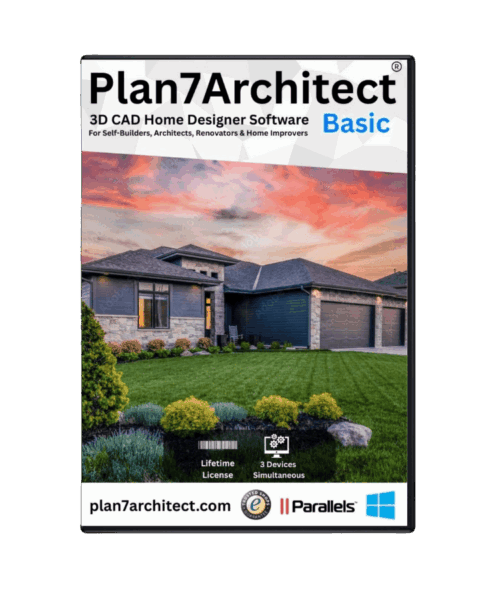
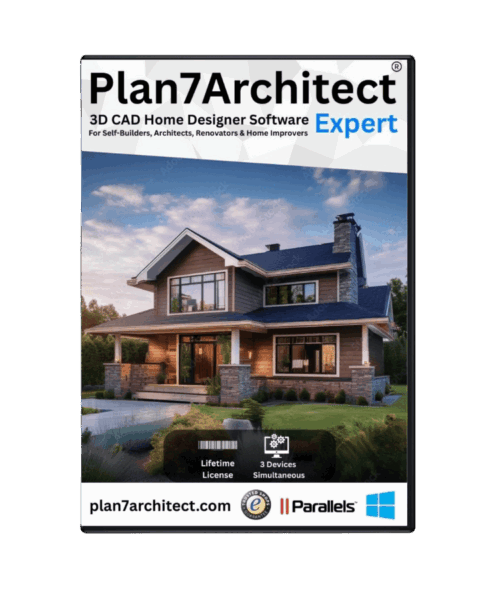
That combination is exactly why many buyers look at tools like Plan7Architect. The appeal is not just that it can create both 2D and 3D floor plans. It is that the software is built for real house planning, with practical drawing features, permit-oriented output, standard file compatibility, and a price structure that makes sense for homeowners and smaller professionals.
That does not mean every buyer needs the same edition or feature set. Someone planning a one-room remodel may care most about speed and visualization. A contractor or serious self-builder may need more advanced documentation tools. The right software should let you match the level of capability to the job, rather than forcing everyone into the same complexity and cost.
The smartest way to choose is to think one step beyond the design itself. Ask what you need after the floor plan is done. If you will need pricing, approvals, construction communication, or future revisions, choose software that supports those next steps from the start.
A floor plan is not just a picture of a house. It is the working language of the project. The right software makes that language clear enough for you to design with confidence and practical enough for other people to build from.
Plan your project with Plan7Architect
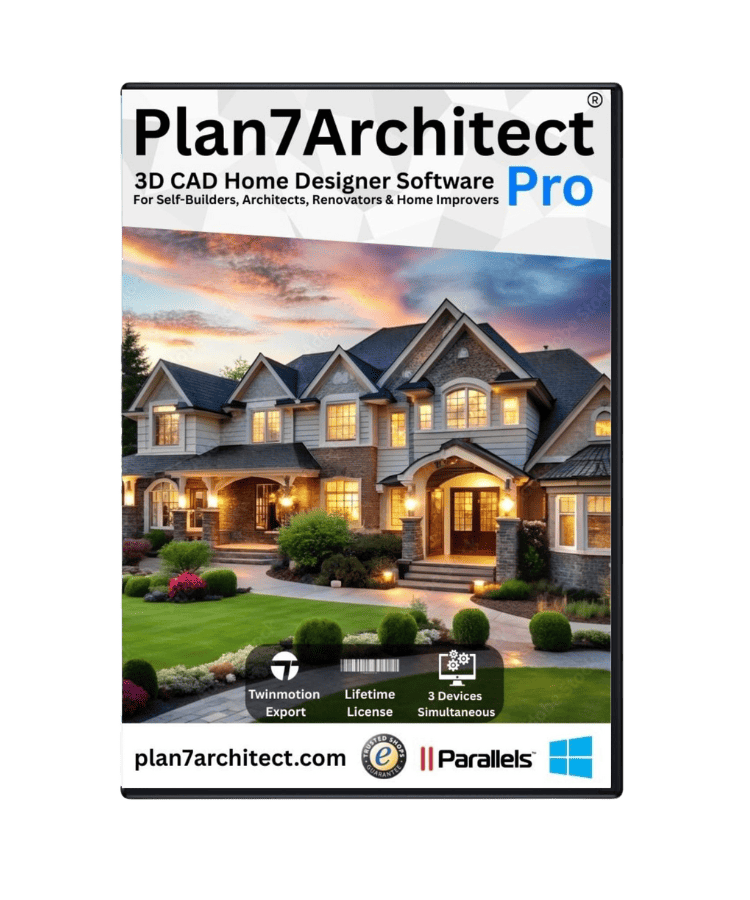
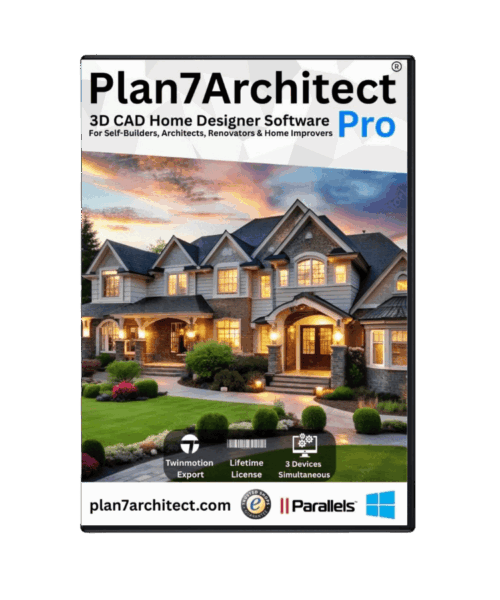
Plan7Architect Pro 5 for $169.99
You don’t need any prior experience because the software has been specifically designed for beginners. The planning process is carried out in 5 simple steps:
1. Draw Walls
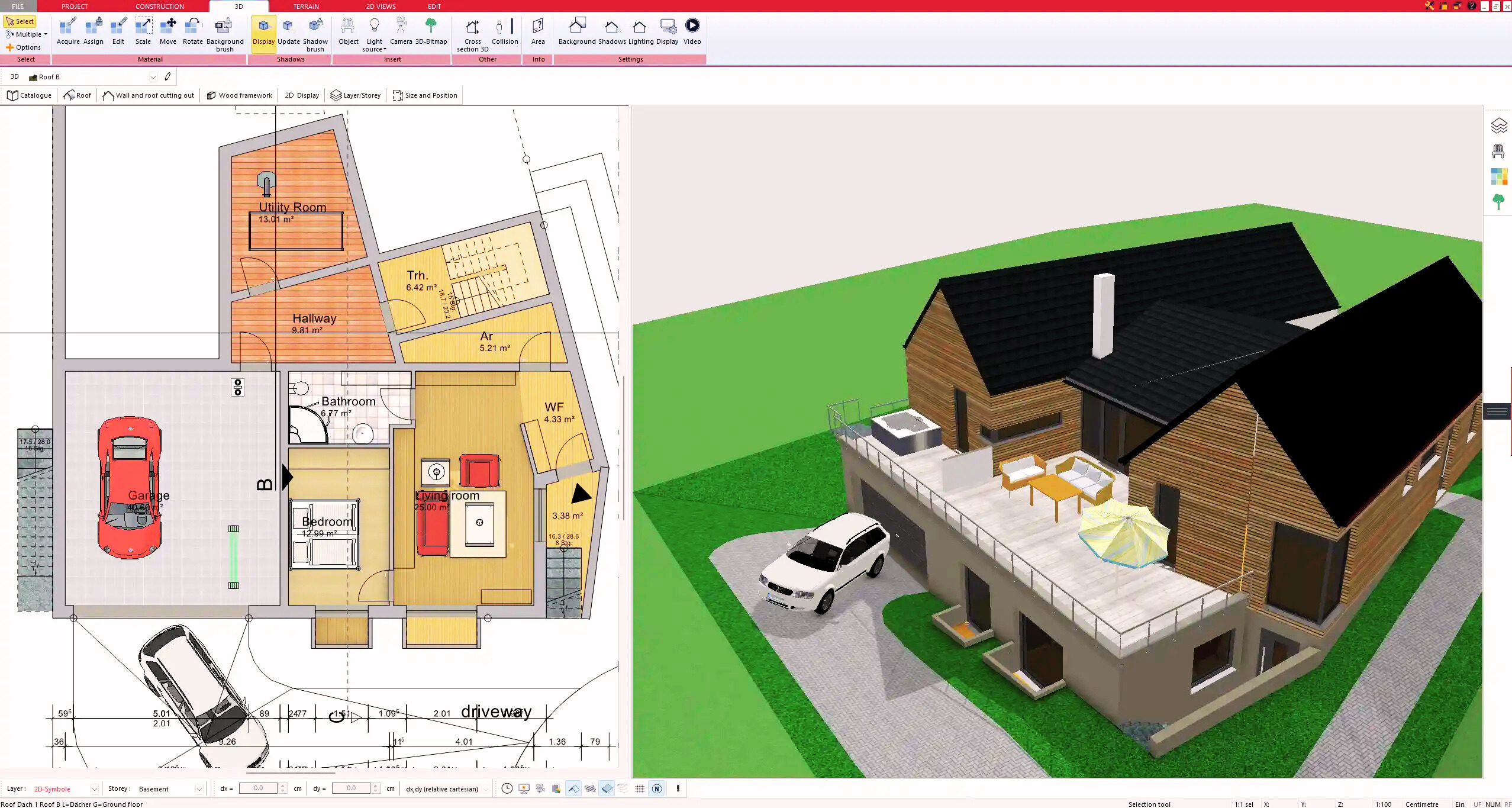
2. Windows & Doors
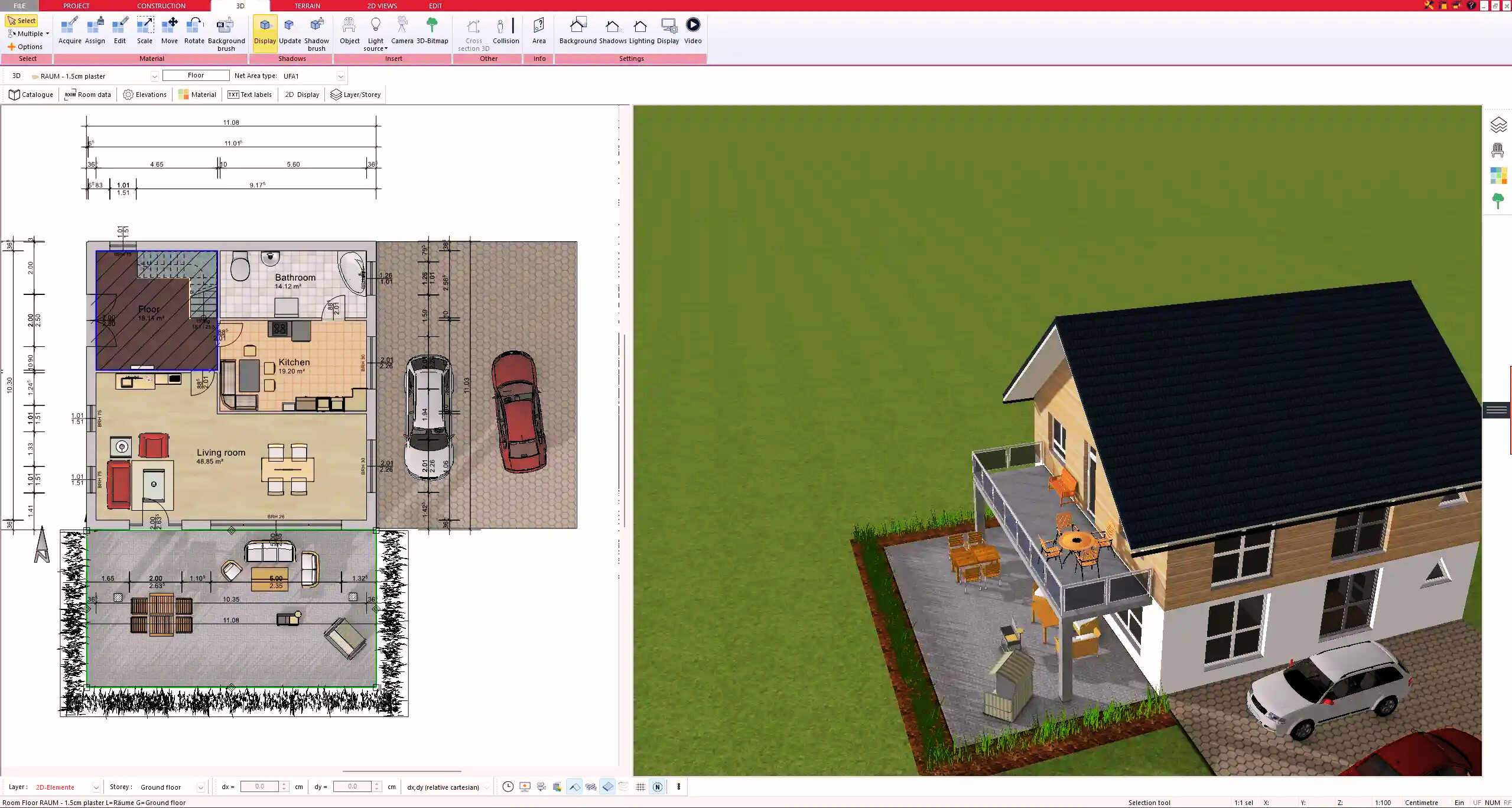
3. Floors & Roof
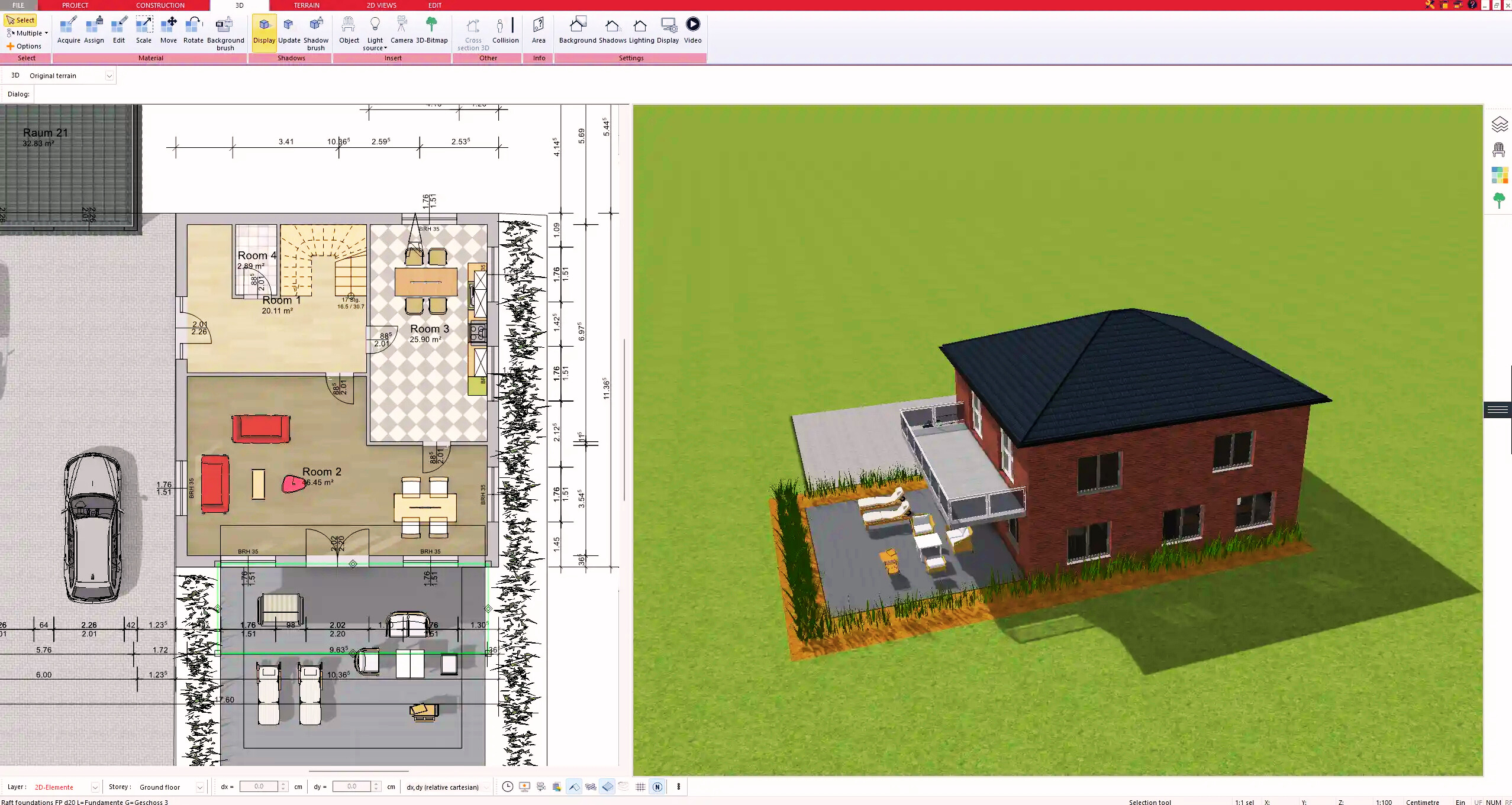
4. Textures & 3D Objects
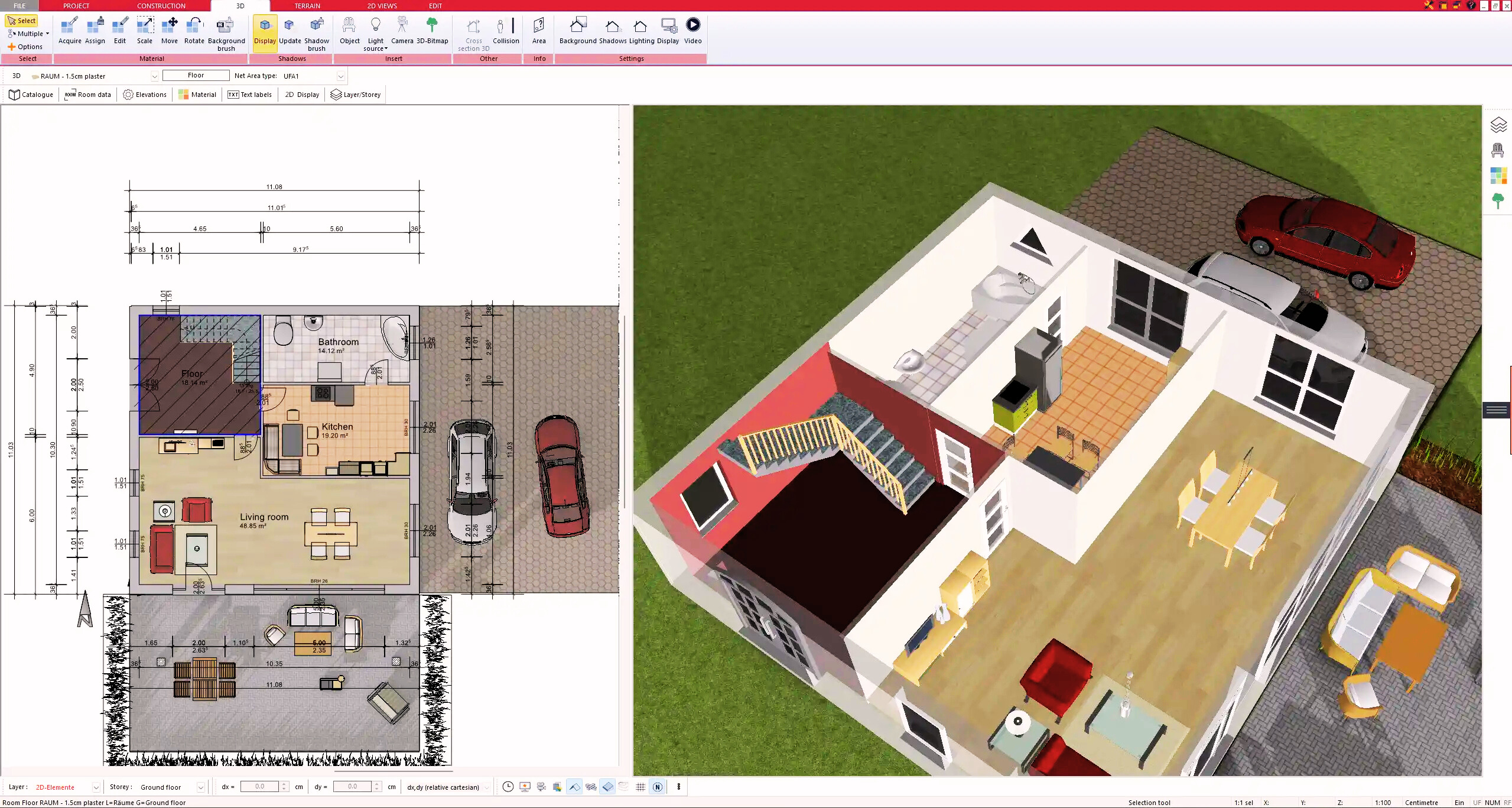
5. Plan for the Building Permit
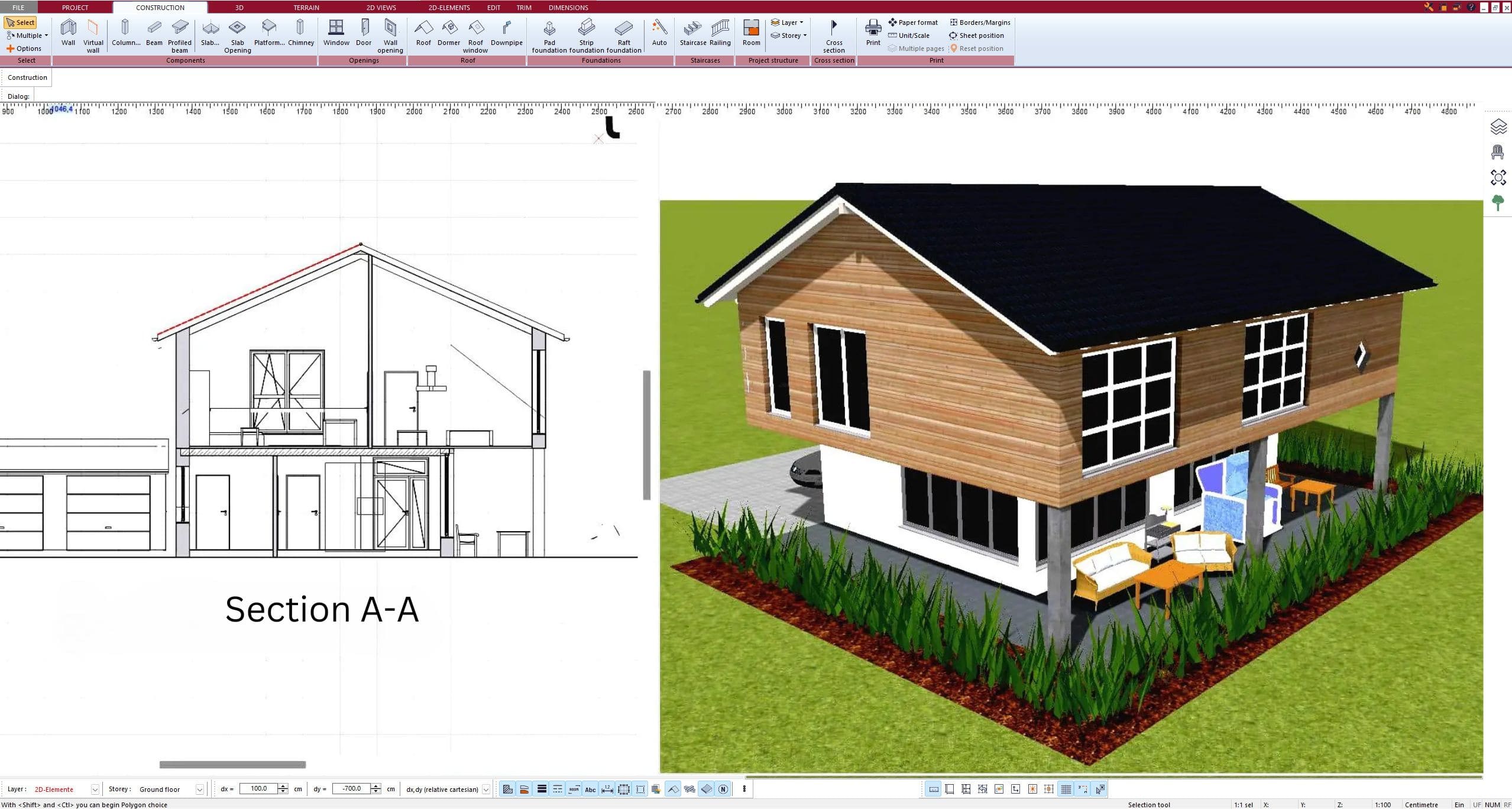
6. Export the Floor Plan as a 3D Model for Twinmotion
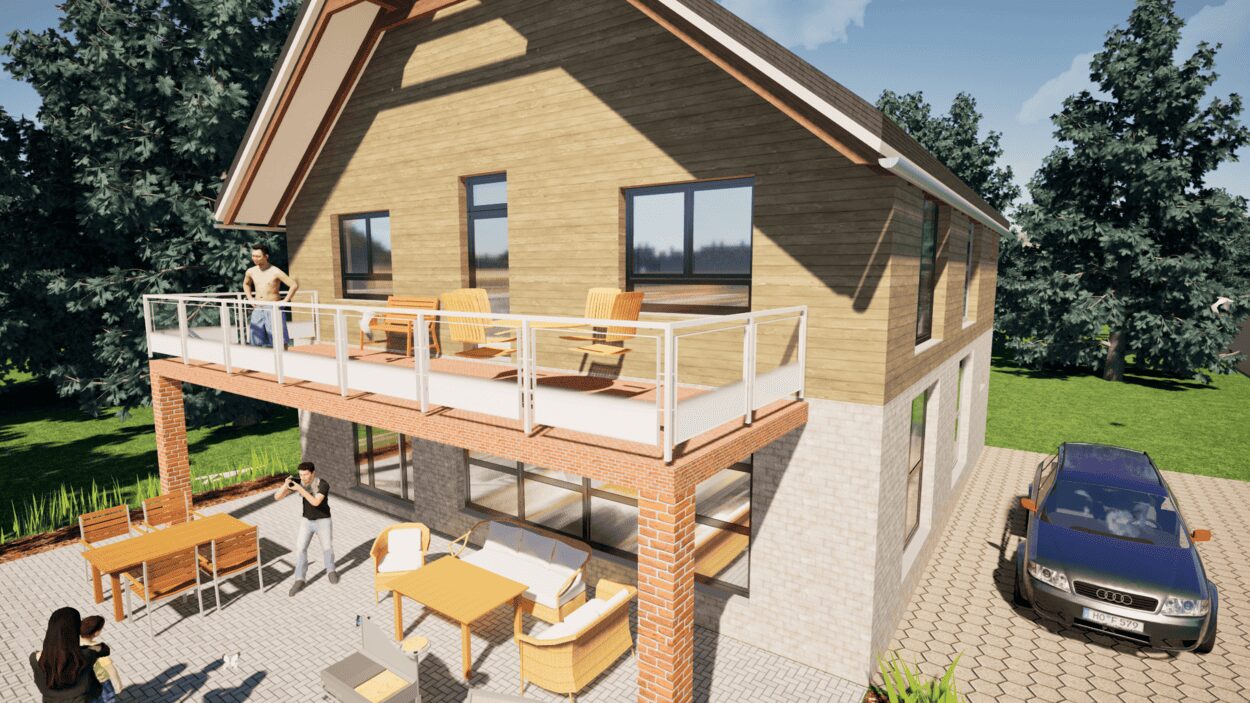
- – Compliant with international construction standards
- – Usable on 3 PCs simultaneously
- – Option for consultation with an architect
- – Comprehensive user manual
- – Regular updates
- – Video tutorials
- – Millions of 3D objects available
Why Thousands of Builders Prefer Plan7Architect
Why choose Plan7Architect over other home design tools?