Most self-build problems start before the first shovel hits the ground. A room looks large on paper but feels tight once furniture is placed. A roofline that seemed fine in 2D creates awkward headroom in real life. A contractor asks for clearer dimensions, and suddenly a rough sketch is not enough. That is where house planning software for self builders stops being a nice extra and starts being a practical tool.
If you are designing your own home, major addition, garage conversion, or ADU, the right software helps you make decisions earlier, cheaper, and with more confidence. It lets you test ideas before materials are ordered, communicate more clearly with trades, and produce drawings that are useful beyond the inspiration stage. The difference is not just visual. It affects cost control, buildability, and how many mistakes you catch while changes are still easy.
![Best House Planning Software for Self Builders]()
 What self builders actually need from planning software
A lot of design software looks impressive in a demo and becomes frustrating the moment a real project begins. Self builders usually do not need enterprise tools built for large commercial teams, and they do not benefit much from simple room planners that only create pretty images. They need something in the middle – software that is approachable enough to learn, but serious enough to produce real working plans.
That usually means accurate 2D floor planning, 3D visualization, editable dimensions, wall and roof tools, doors and windows that behave like building elements instead of decorations, and the ability to create elevations and sections. For many users, permit-ready output matters too. Even if a local professional must review or stamp the plans, starting with organized drawings saves time and money.
The strongest options also support practical file handling. If you need to share work with a contractor, designer, or permit consultant, compatibility with common formats such as DWG and DXF is useful. Offline access matters more than many people expect as well. Not every user wants their project tied to a browser tab or monthly subscription.
Why house planning software for self builders is different from standard CAD
Traditional CAD platforms can do almost anything, but that does not mean they are the right fit. For a self builder, the issue is often not capability. It is the amount of time and training required to reach basic productivity.
General-purpose CAD tools are powerful, but they often assume technical drafting experience. You may spend more time setting up layers, libraries, and drawing standards than actually planning your home. That is fine in a professional office. It is less appealing when you are trying to compare kitchen layouts after work or finalize a second-floor plan before meeting your builder.
Purpose-built house planning software narrows the gap between concept and construction. Instead of drawing everything from scratch, you work with walls, floors, roofs, windows, stairs, and rooms as real building components. That makes revisions faster and reduces avoidable errors. Move one wall, and the plan updates in a way that matches how residential design actually works.
This is also where value matters. Many self builders are managing land costs, material budgets, financing, and permit fees. Spending heavily on software subscriptions can be hard to justify, especially for a one-time project. A one-time license with serious functionality is often the better fit for this audience.
The features that matter most before you choose
Start with 2D planning. If the software cannot produce clean, dimensionally reliable floor plans, nothing else really saves it. You need to be able to set wall thicknesses, place openings accurately, define room sizes, and revise layouts without redrawing the entire project.
Next comes 3D. This is not just about attractive renderings. Good 3D helps you catch proportion issues, ceiling height problems, roof conflicts, window placement mistakes, and circulation problems. For self builders, that visual clarity often leads to better decisions faster.
Construction output is where many casual tools fall short. Elevations, cross-sections, and detailed drawings matter if you want to move from idea to execution. The same goes for printable plans with proper dimensions and scale. If your software only helps you imagine the house but not document it, you may still end up recreating everything elsewhere.
Ease of use matters, but it should not be confused with oversimplification. The best software for this audience feels learnable without being limited. You should be able to start quickly, then grow into more advanced tools as the project develops.
Support for both metric and imperial units is also worth checking, especially if you work with mixed references or international plan sources. And if you expect to collaborate with professionals, import and export options can save a lot of friction later.
Where simpler tools work – and where they fall short
There is nothing wrong with starting with a lightweight planner if you are only exploring ideas. If you want to compare open-concept vs. closed kitchen layouts or test furniture placement in a remodel, a simpler tool may be enough in the early stage.
The problem comes when the project gets serious. Once you need accurate wall assemblies, roof geometry, dimensioned drawings, or builder-facing documents, many entry-level apps hit a wall. They are often designed for decorating, not building.
That creates a hidden cost. You spend time learning one tool, build part of your project in it, then have to start over somewhere else. For a self builder trying to keep momentum, that is frustrating and expensive in a different way.
What a better fit looks like in practice
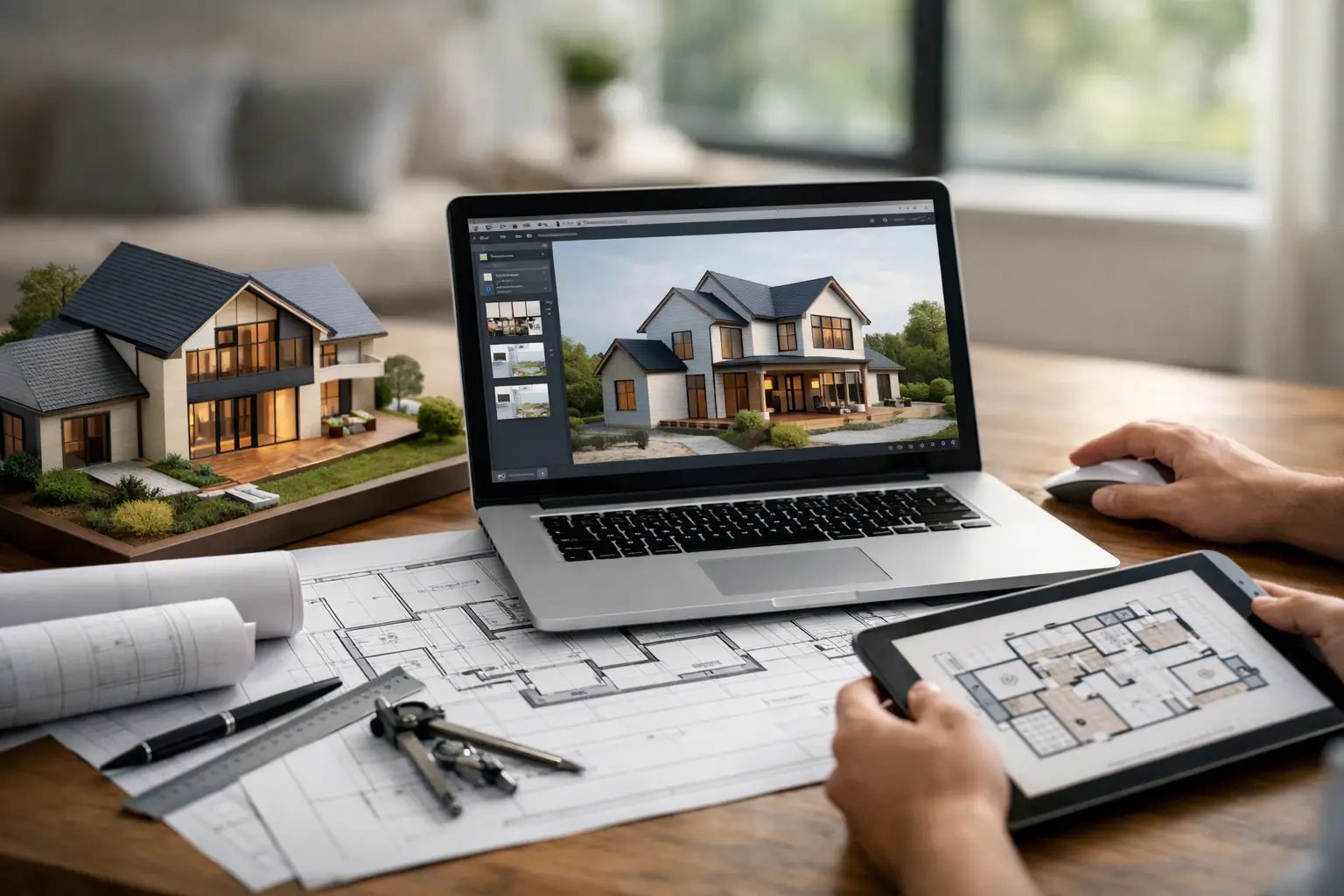
A practical house planning platform should let you sketch a layout quickly, refine it with exact measurements, and then see the result in 3D without rebuilding the model from scratch. It should help with common self-build tasks such as adjusting room sizes, testing roof designs, planning stair placement, and creating drawings you can actually discuss with contractors.
That is why many users look for software that balances beginner-friendly operation with professional output. Plan7Architect fits that need well because it gives self builders access to serious residential design tools without pushing them into the cost and complexity of traditional architectural software. You can work in 2D and 3D, generate elevations and sections, prepare construction-style drawings, and keep ownership through a one-time license instead of an ongoing subscription.
That combination matters if you are planning a full house, a remodel, an addition, or a detached unit. It means the same software can support the idea stage, the revision stage, and the documentation stage without forcing a platform change halfway through the project.
How to judge software based on your project type
A new-build home needs more depth than a simple remodel. You will likely need full floor plans, roof planning, exterior views, and more detailed documentation. In that case, choose software that can carry the project further, even if the learning curve is slightly higher.
For additions, garage conversions, and ADUs, visualization and dimensional accuracy tend to matter most. You need to understand how new spaces connect to the existing structure and how those changes affect circulation, light, and usable area.
For interior remodels, the right choice depends on scope. If you are moving walls, changing windows, or coordinating with trades, proper planning software is still worth it. If you are only changing finishes, cabinetry, or furniture layout, a lighter tool may be enough.
This is where honest trade-offs matter. More advanced software gives you more control, but it may ask for more input at the start. Simpler software feels fast early on, but can slow you down later if it lacks drawing depth.
A smarter way to buy once and use it well
Before choosing any software, think about what the final output needs to be. If your goal is only to visualize ideas, your options are broad. If your goal is to create accurate plans you can revise, print, and share for real construction conversations, narrow the field quickly.
Look for software that respects your budget, your time, and your need for practical results. Self builders do not need empty complexity. They need tools that help them make better decisions while the project is still flexible.
Good house planning software will not replace every architect, engineer, or permit reviewer in every situation. But it can make you far better prepared when those conversations happen. And if you are building your own home, that preparation is often what keeps a good idea from becoming an expensive correction later.
Choose the tool that helps you think clearly, draw accurately, and keep control of your project from the first sketch to the moment the plans leave your desk.
Plan your project with Plan7Architect
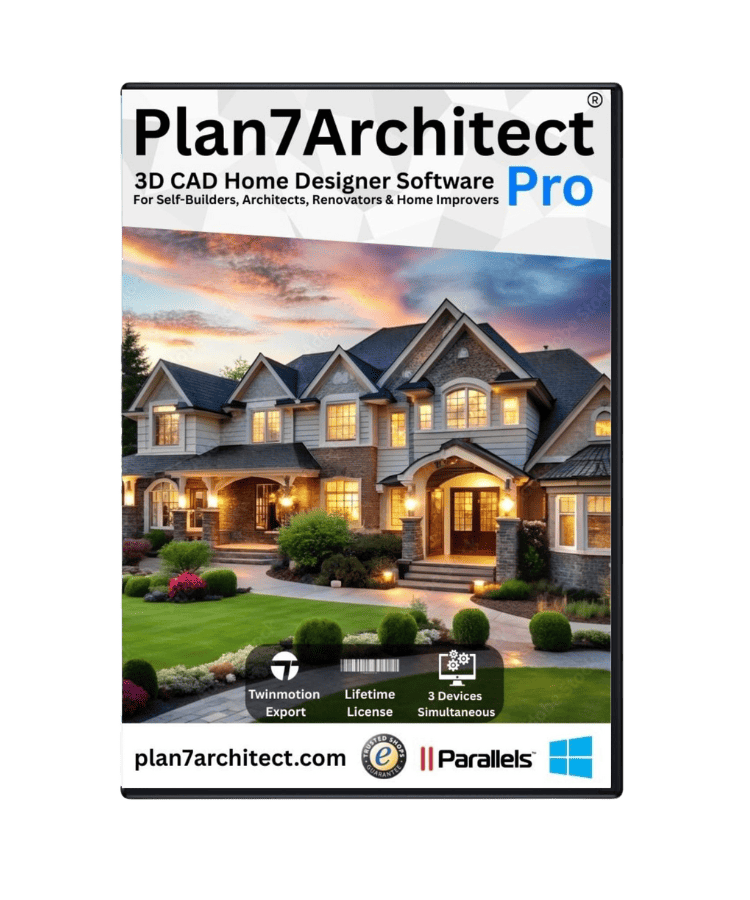
Plan7Architect Pro 5 for $169.99
You don’t need any prior experience because the software has been specifically designed for beginners. The planning process is carried out in 5 simple steps:
1. Draw Walls
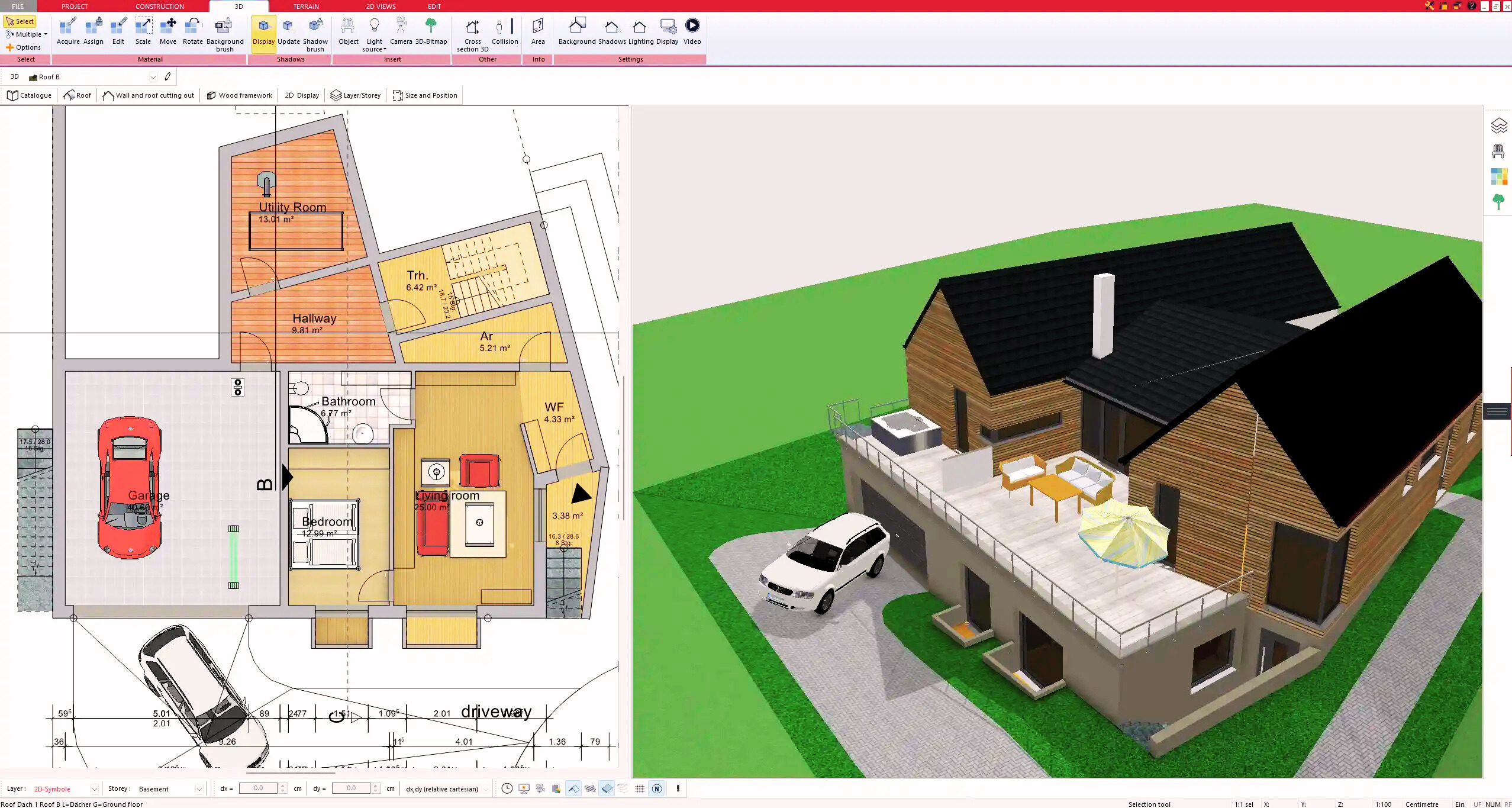
2. Windows & Doors
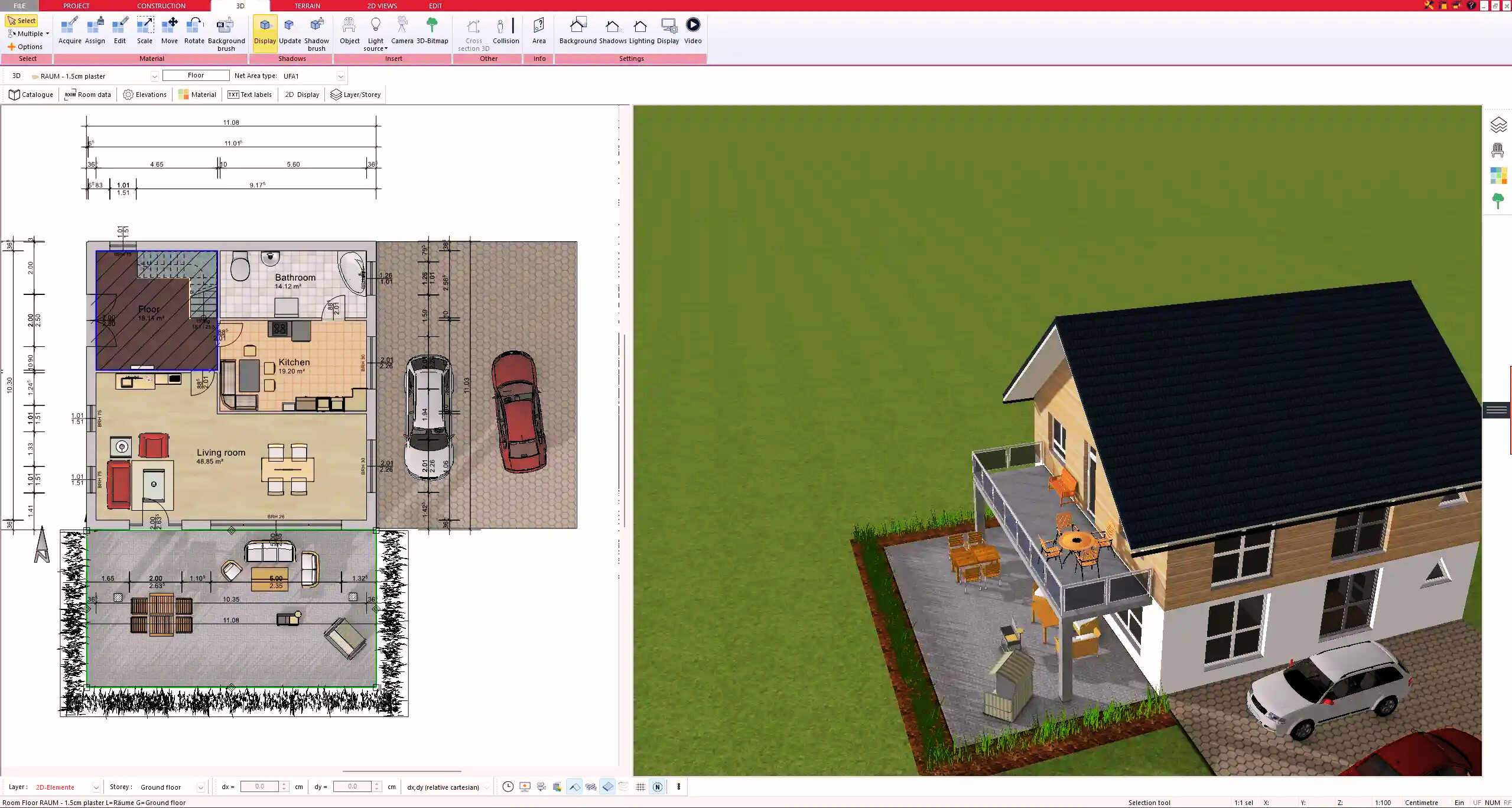
3. Floors & Roof
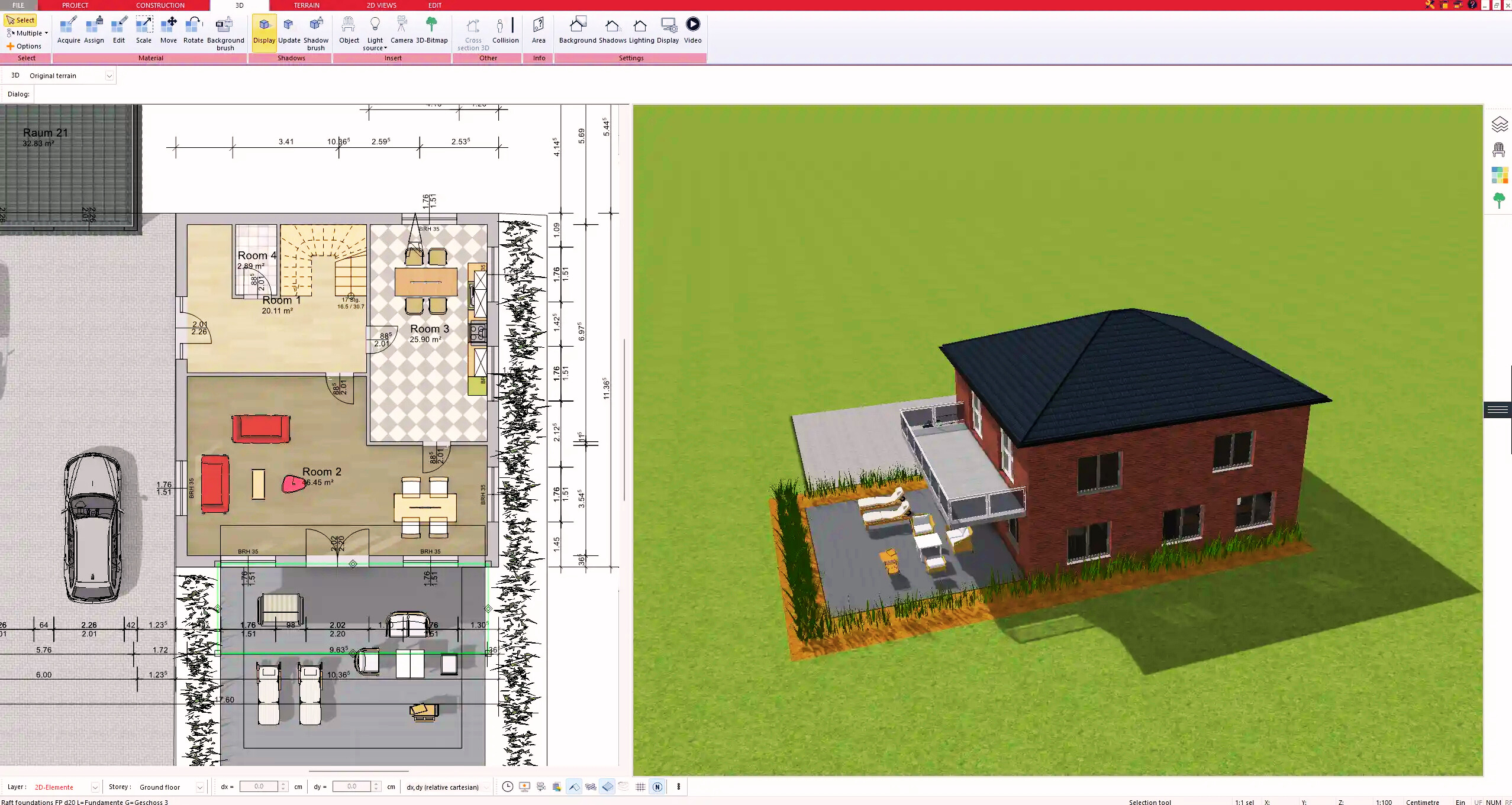
4. Textures & 3D Objects
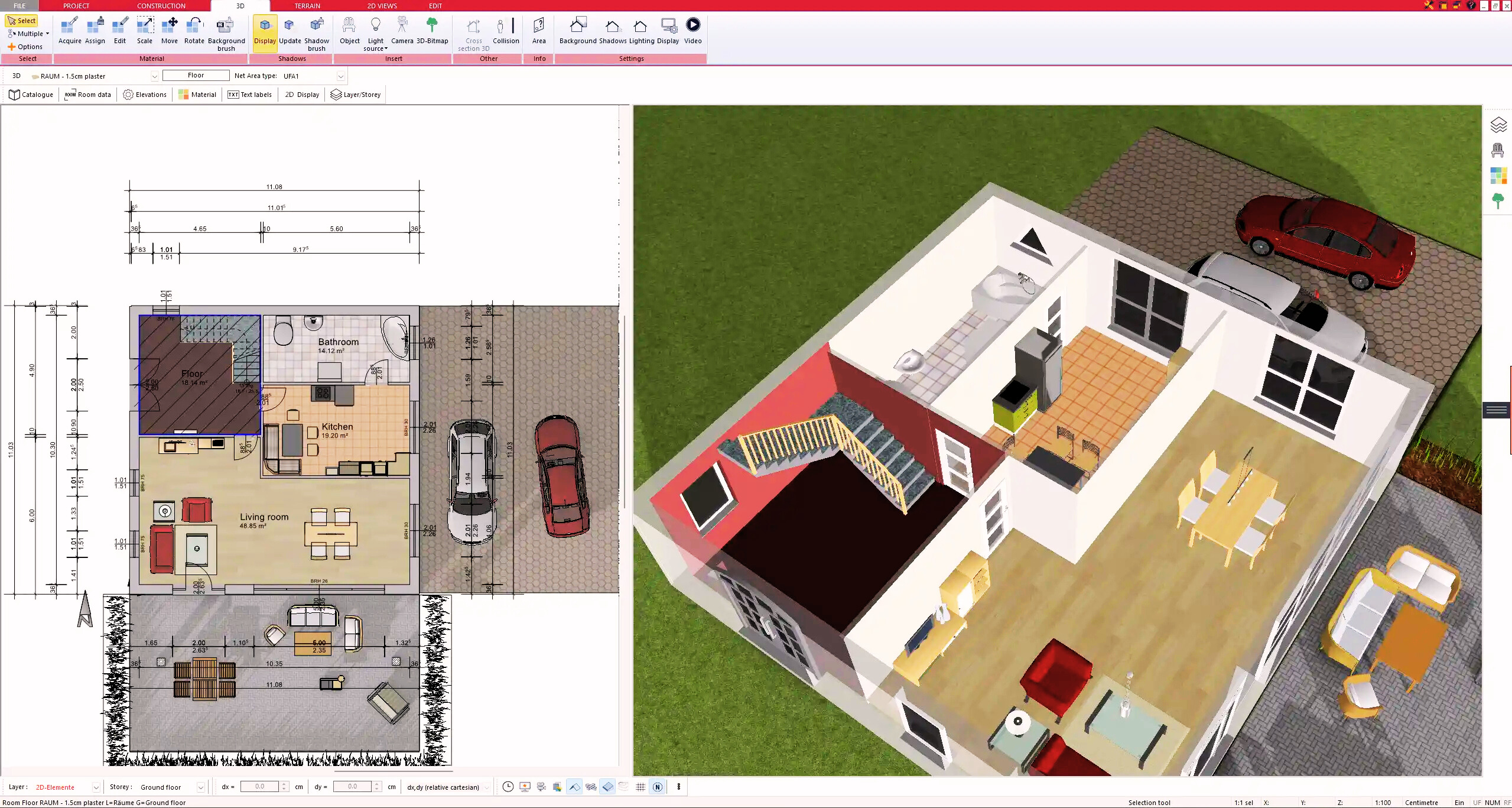
5. Plan for the Building Permit
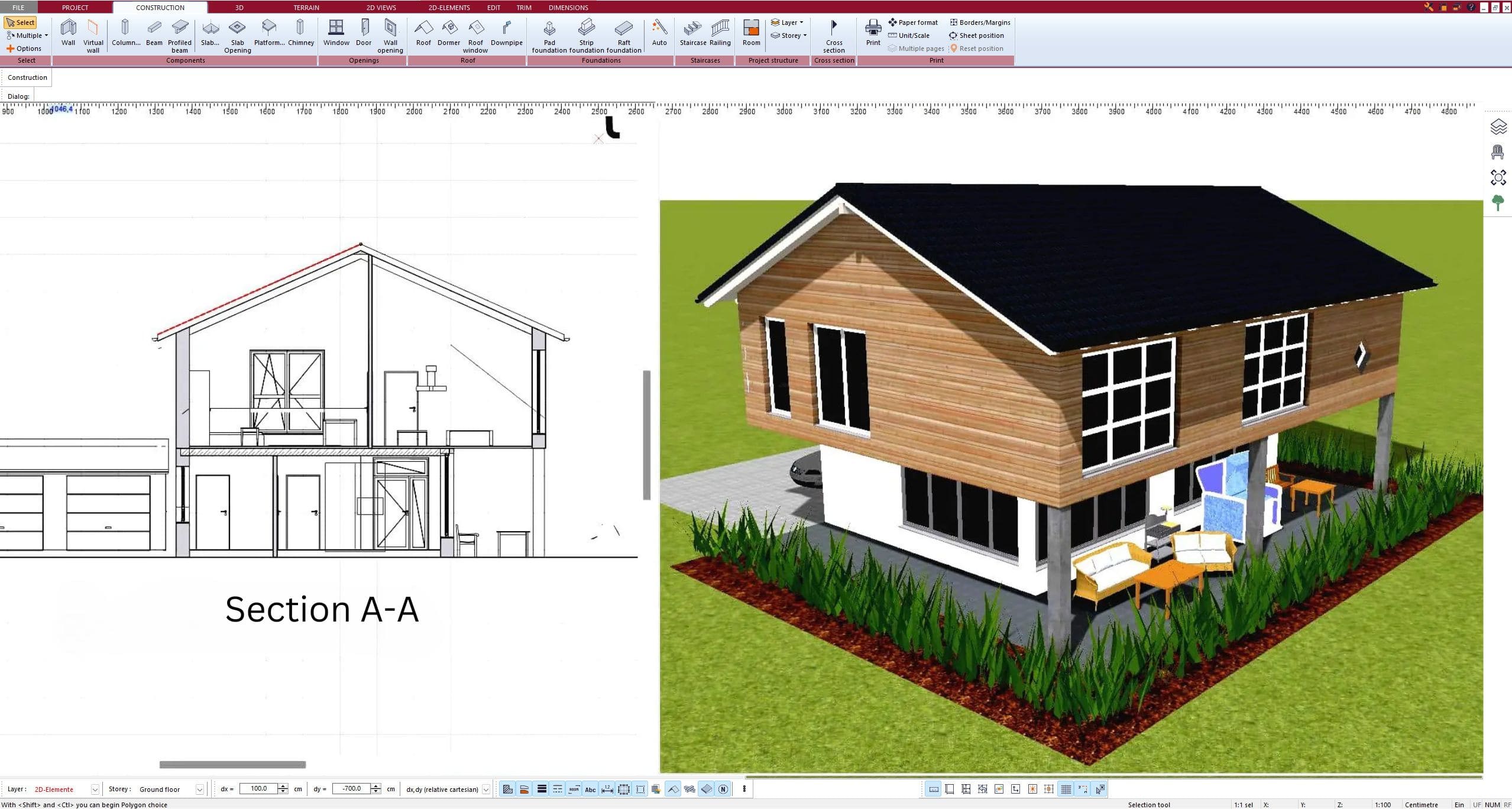
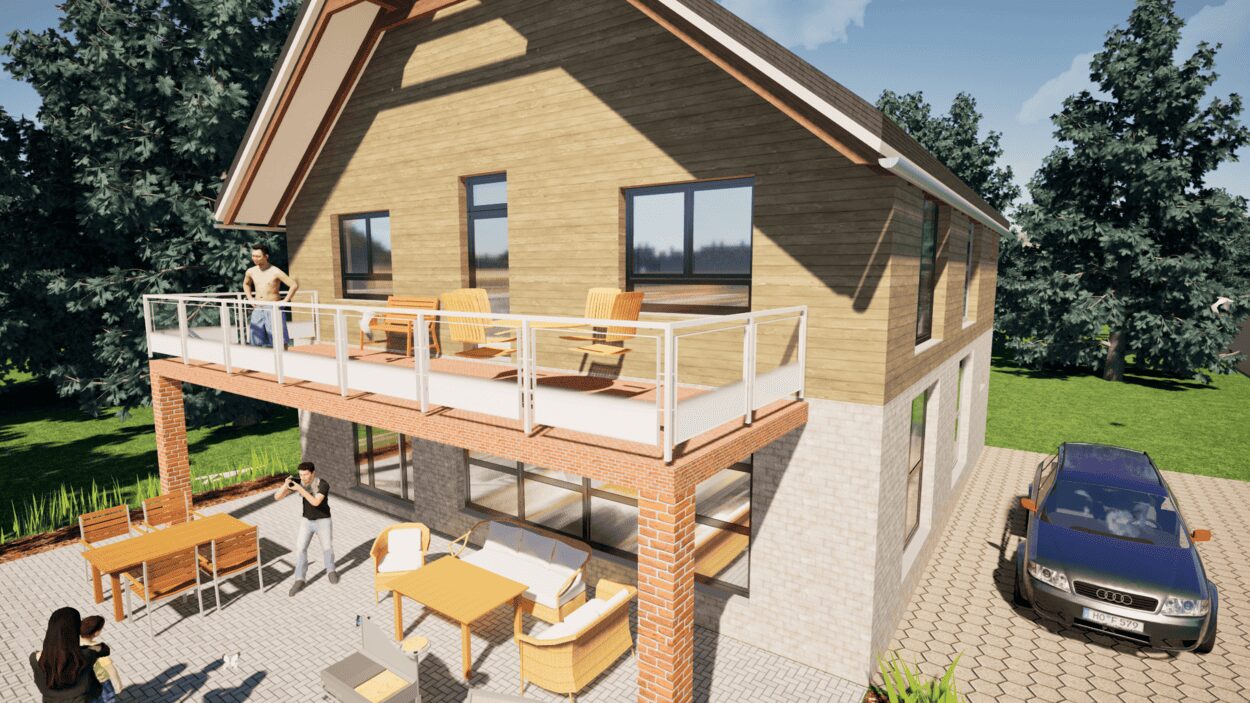
6. Export the Floor Plan as a 3D Model for Twinmotion
- – Compliant with international construction standards
- – Usable on 3 PCs simultaneously
- – Option for consultation with an architect
- – Comprehensive user manual
- – Regular updates
- – Video tutorials
- – Millions of 3D objects available
Why Thousands of Builders Prefer Plan7Architect
Why choose Plan7Architect over other home design tools?