Subscriptions look cheap until you are six months into a remodel, still adjusting wall positions, and paying again just to open your own file. That is exactly why interest in one time purchase home design software keeps growing among homeowners, remodelers, contractors, and small design businesses. If you are planning a renovation, an addition, an ADU, or a new house, owning the software outright often makes more practical sense than renting access to it.
The appeal is not just the price model. It is control. With a permanent license, you can return to your plans when the budget changes, when the contractor requests revisions, or when you finally move from ideas to construction documents. For residential users especially, that flexibility matters more than a long list of flashy cloud features they may never use.
![Best One Time Purchase Home Design Software]()
 Why one time purchase home design software appeals to real projects
Most home design projects do not happen on a neat monthly timeline. A kitchen remodel may stretch across a year. A custom home may go through multiple design rounds before permit submission. A garage conversion might pause while financing, zoning questions, or contractor scheduling get sorted out.
That is where the one-time model has a real advantage. You buy the software once, install it, and keep working on your timeline. You are not under pressure to finish before the next billing cycle. For homeowners, that reduces stress. For contractors and designers, it protects margin.
There is also a psychological benefit. Ownership changes how people use software. Instead of wondering whether a tool is worth another monthly payment, they are more likely to invest time learning it properly and using its full capability. That matters when you need more than a quick room mockup and want plans with actual dimensions, elevations, sections, and printable output.
What to look for in one time purchase home design software
Not every desktop design program is worth buying outright. Some are too limited for real planning, while others are so technical that a homeowner gives up before drawing the first wall. The better option sits in the middle – approachable enough for beginners, but serious enough to support real building work.
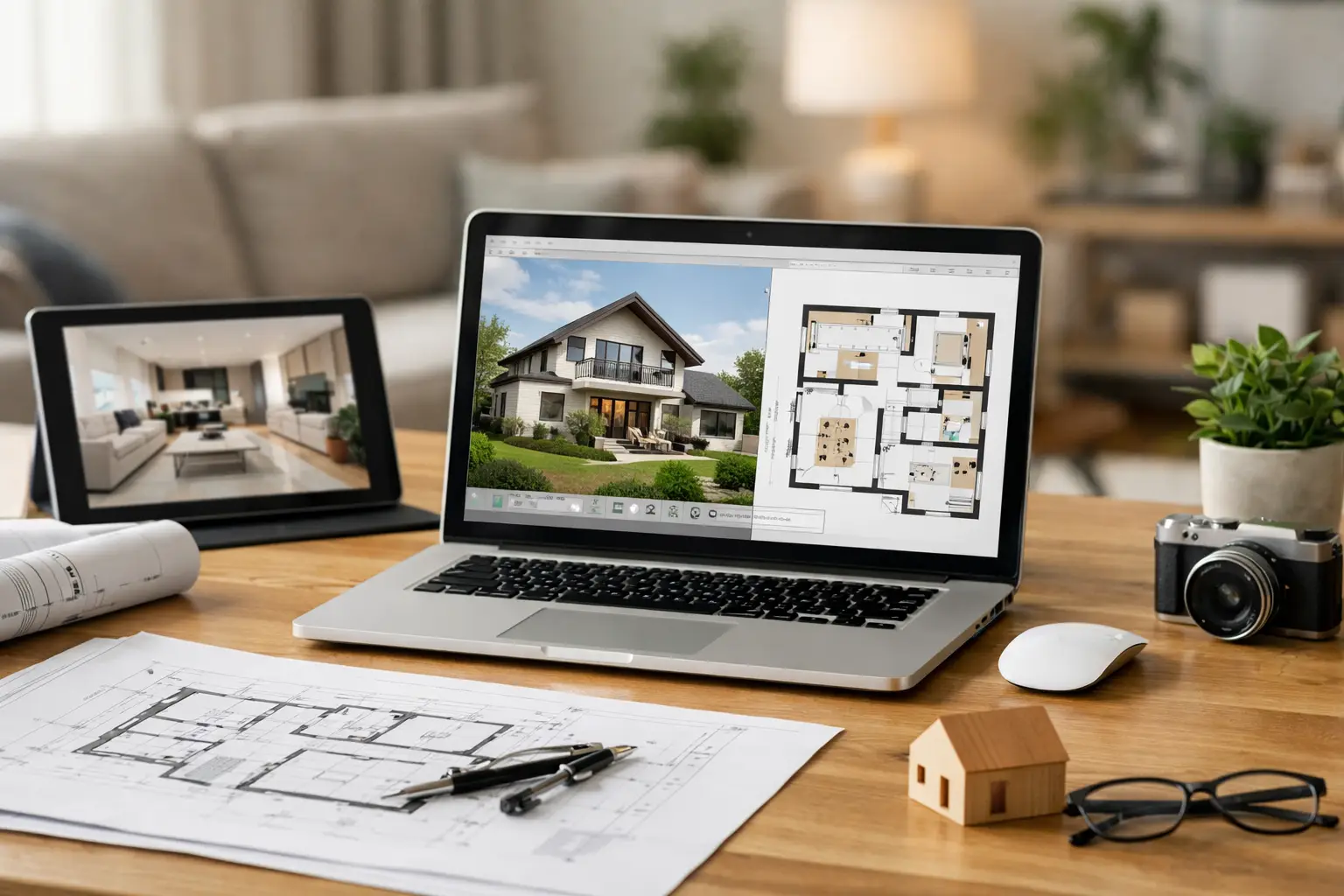
First, look closely at 2D and 3D capability. Good residential software should let you draft accurate floor plans in 2D and immediately see the same project in 3D. That is what helps users catch common mistakes early, such as cramped circulation, awkward roof lines, or furniture layouts that looked fine on paper but fail in the room.
Second, pay attention to drawing output. If your end goal is construction, basic visualization alone is not enough. You may need dimensioned plans, elevations, cross-sections, site layouts, and clean printouts that builders or permit offices can actually use. A lot of low-cost programs stop at presentation views. That is fine for inspiration, but not for execution.
Third, offline use matters more than many buyers realize. Residential planning often involves large files, long work sessions, and revisions made from a job site, home office, or property with weak internet. Software that runs locally is often faster, more reliable, and easier to access over the long term.
File compatibility is another practical issue. If you ever need to coordinate with a contractor, draftsman, engineer, or architect, support for common formats such as DWG and DXF can save time and prevent redrawing. That feature tends to separate hobby software from tools with real professional value.
The trade-off: one-time pricing is not automatically better
A one-time license is attractive, but it is not automatically the best fit for every buyer. If you only need to sketch one room this weekend and never touch the project again, even a simpler or cheaper tool might do the job. On the other hand, if you expect constant cloud collaboration with a larger design team, some subscription platforms may offer workflow advantages.
The key question is not just cost. It is whether the software matches the job. For residential planning, many users want independence, local control, and enough technical depth to move from concept to buildable drawings. In that use case, one-time purchase software often delivers stronger value than monthly tools built around recurring fees.
Who benefits most from a permanent-license design program
Homeowners are the clearest example. If you are designing your own remodel or new home, you need time to compare layouts, test ideas, and revisit decisions. A permanent license supports that slower, more realistic planning cycle.
Self-builders also benefit because they often wear multiple hats. One week they are designing a floor plan, the next they are reviewing framing concepts, and later they are printing updated dimensions for a subcontractor. They need software that stays available throughout the full life of the project.
Contractors and small design firms can see even stronger financial value. If you prepare pre-bid concepts, room additions, basement finishing plans, or client-facing 3D layouts on a regular basis, avoiding recurring software charges can improve profitability quickly. The software becomes a tool you own, not a cost that keeps running in the background.
Real estate professionals and interior designers fall somewhere in between. For them, the value often comes from fast visual communication. Being able to show a proposed layout, furnishing plan, or renovation concept in a clear 2D and 3D format can help clients make decisions faster without requiring enterprise-level CAD complexity.
What separates useful software from toy software
A lot of buyers start with the wrong question: does it look nice? A better question is whether it helps you solve real planning problems.
Useful software should let you place and edit walls precisely, set dimensions accurately, handle multiple floors, generate roofs and stairs, add windows and doors that behave like building elements, and switch between plan view and 3D without rebuilding the project from scratch. It should also support documentation, not just decoration.
That distinction matters during remodels. A kitchen update may begin with cabinet placement, but quickly turns into clearance checks, window adjustments, appliance spacing, and changes to adjacent walls. An addition may start with a simple box, then require roof integration, elevation work, and printed plans for pricing or permit review. If the software cannot keep up as the project gets more serious, the low upfront price stops being a bargain.
A practical benchmark for residential buyers
For most US residential users, the sweet spot is software that feels learnable on day one but still produces professional-looking results after a few hours of serious use. That means drag-and-drop where it helps, precise input where it matters, and outputs that can support real decisions.
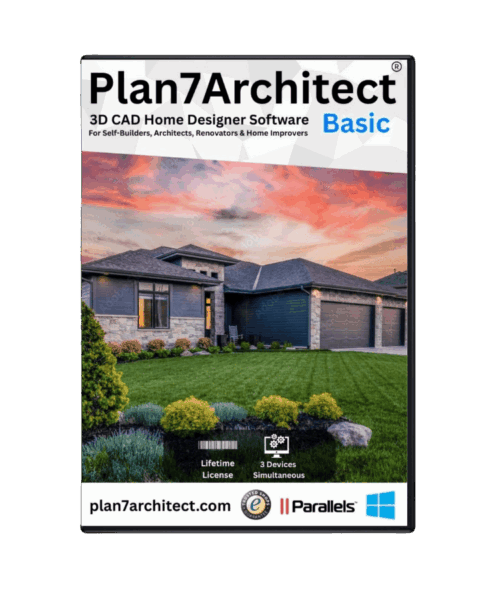
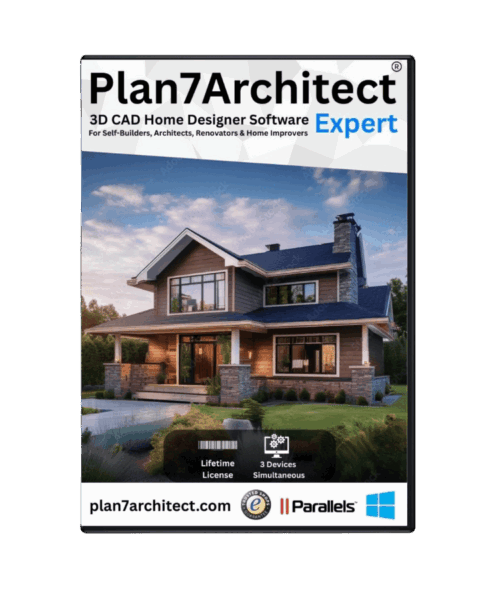
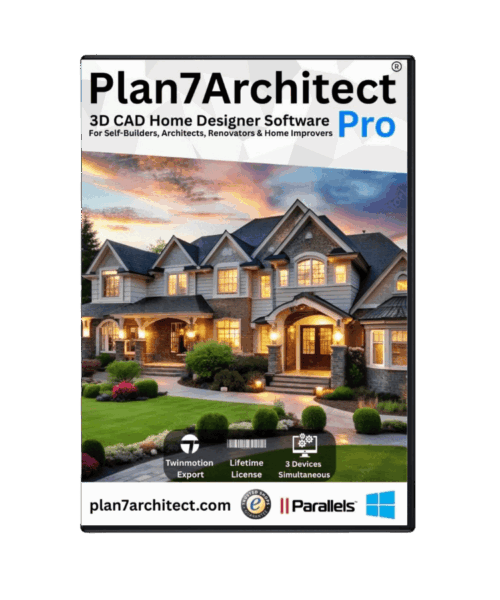
This is where products built specifically for house planning tend to stand out. Plan7Architect, for example, is designed around residential floor plans, 3D visualization, construction-oriented drawings, and one-time pricing. That combination is especially relevant for users who want more than pretty renderings but do not want the cost or steep learning curve of full enterprise CAD.
The larger point is not brand-specific. It is that home design software should match the actual workflow of residential planning. You should be able to start with a concept, refine dimensions, test layouts in 3D, and produce clean drawings without jumping between multiple tools.
How to evaluate before you buy
Start with your project type. A bathroom refresh and a custom home are not the same job, and they should not be judged by the same criteria. If you are planning structural changes, additions, or permit-related work, prioritize technical drawing features over visual effects.
Next, look at the learning curve honestly. Most buyers do not need the deepest architecture platform on the market. They need software they will actually use. Clear menus, a logical workflow, editable building components, and training materials can matter more than advanced functions you may never touch.
Then consider longevity. Will you want access to the project next year? Will you need to print revised plans later? Will you use the software again for another property, rental unit, flip, or addition? If the answer is yes, a one-time purchase becomes easier to justify.
Finally, think about output quality. If your plans need to be shared with trades, reviewed with family, or developed toward permit-ready documentation, make sure the software produces drawings that are clean, dimensioned, and credible. That is the difference between software that supports a project and software that only visualizes one.
One time purchase home design software is really about ownership
When people search for one time purchase home design software, they are usually asking for more than a payment model. They want predictability, usable tools, and the freedom to work at their own pace. They want software that supports actual home planning instead of pushing them into another monthly subscription.
That is a reasonable standard. A house is expensive enough without renting your design tool forever. If the software helps you create accurate floor plans, test ideas in 3D, communicate clearly with builders, and keep access to your work without ongoing fees, it is doing exactly what residential design software should do.
The best choice is the one that stays useful after the first burst of excitement, when the real work starts and the plan has to become something buildable.
Plan your project with Plan7Architect
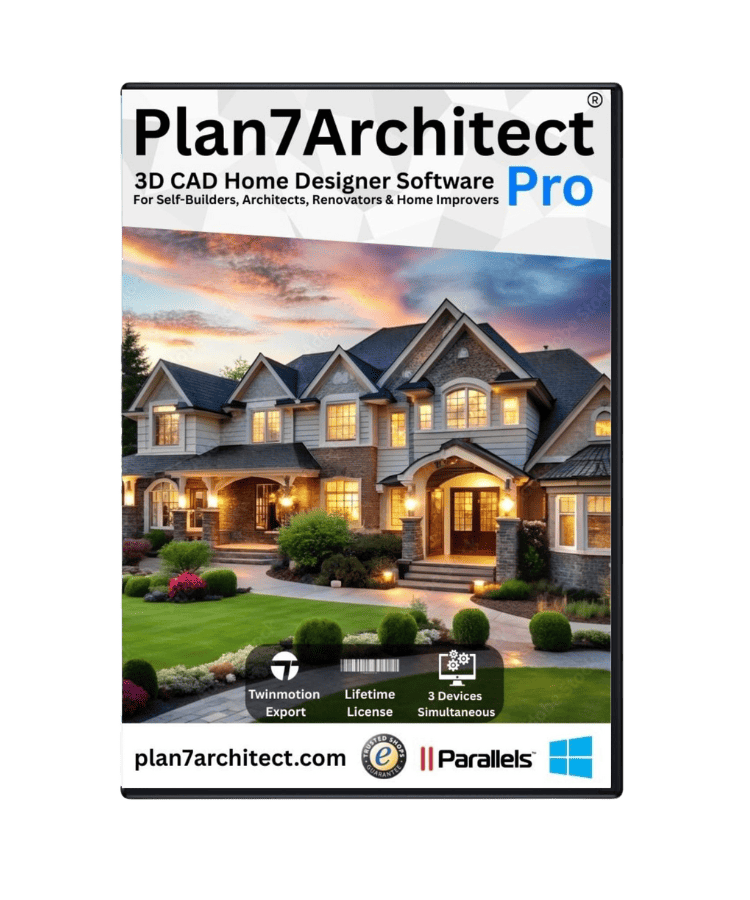
Plan7Architect Pro 5 for $169.99
You don’t need any prior experience because the software has been specifically designed for beginners. The planning process is carried out in 5 simple steps:
1. Draw Walls
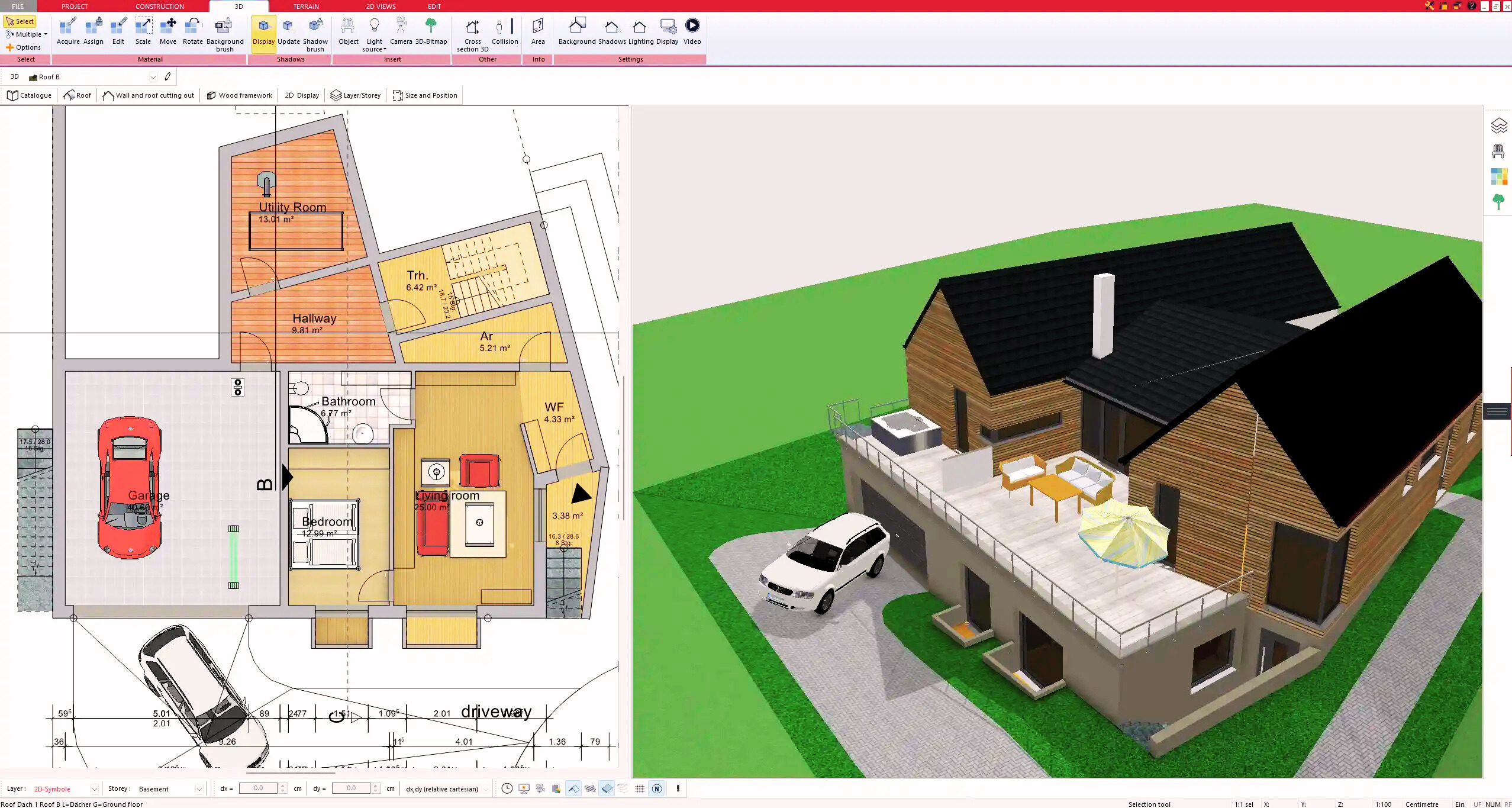
2. Windows & Doors
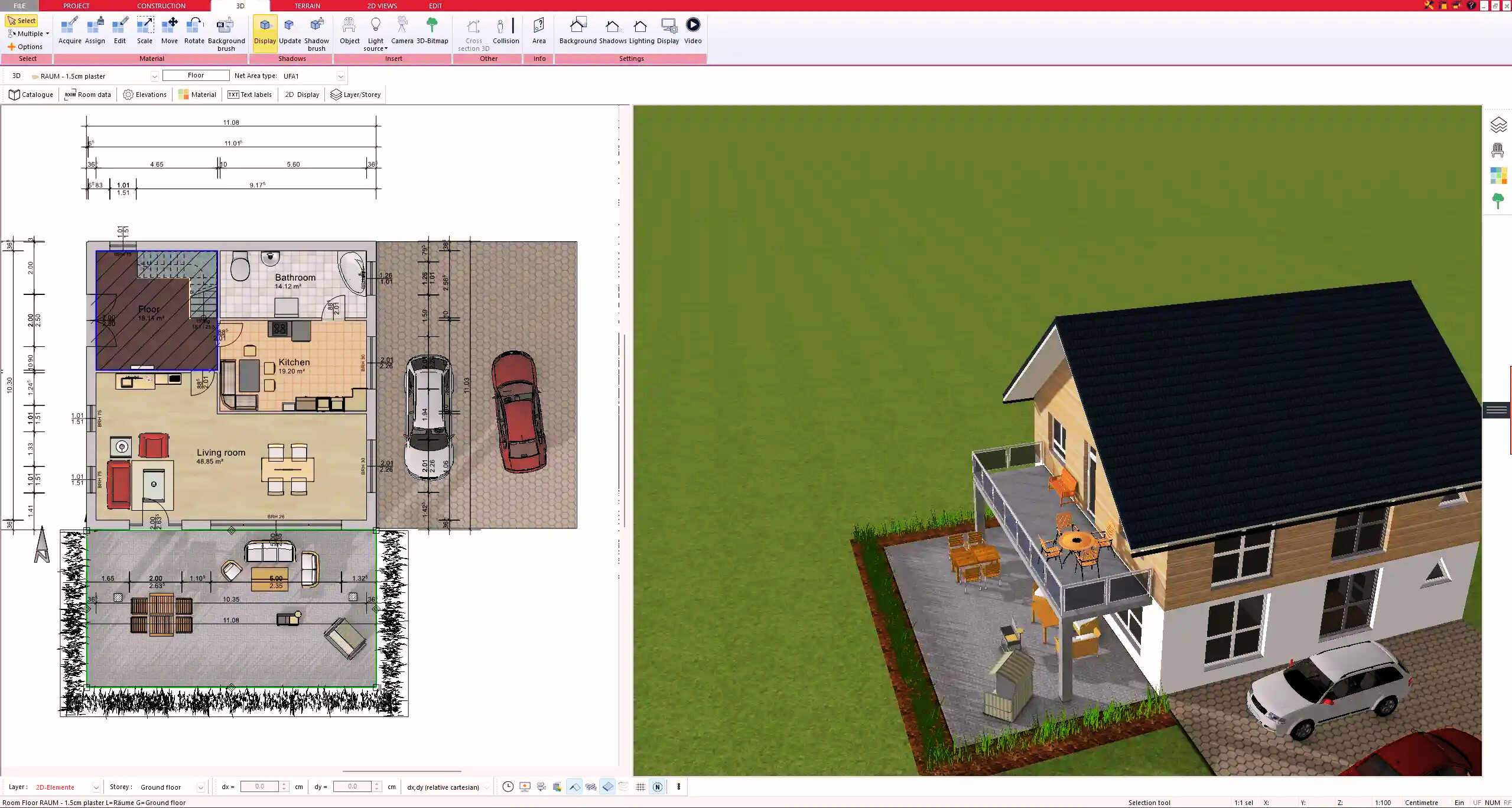
3. Floors & Roof
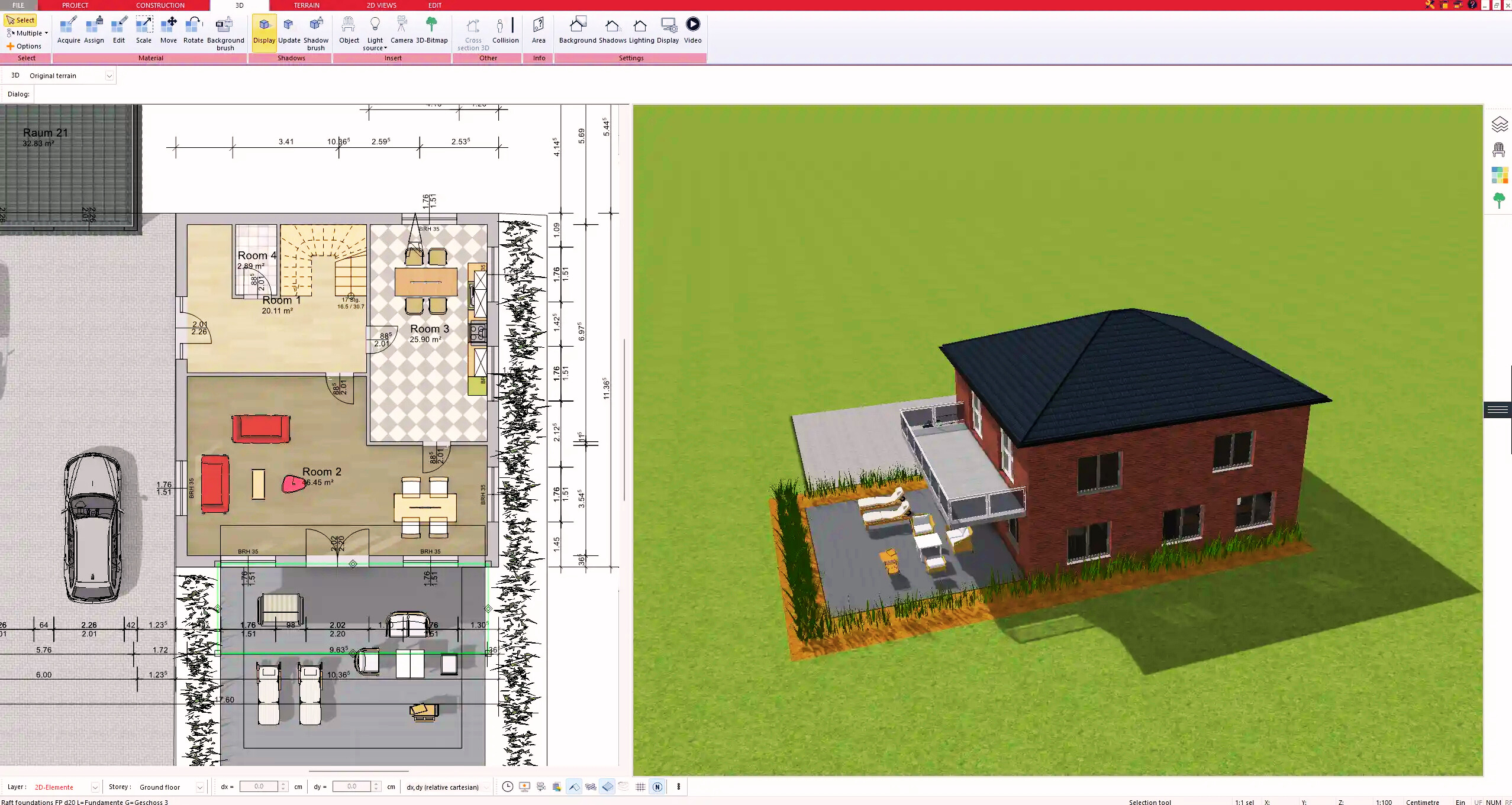
4. Textures & 3D Objects
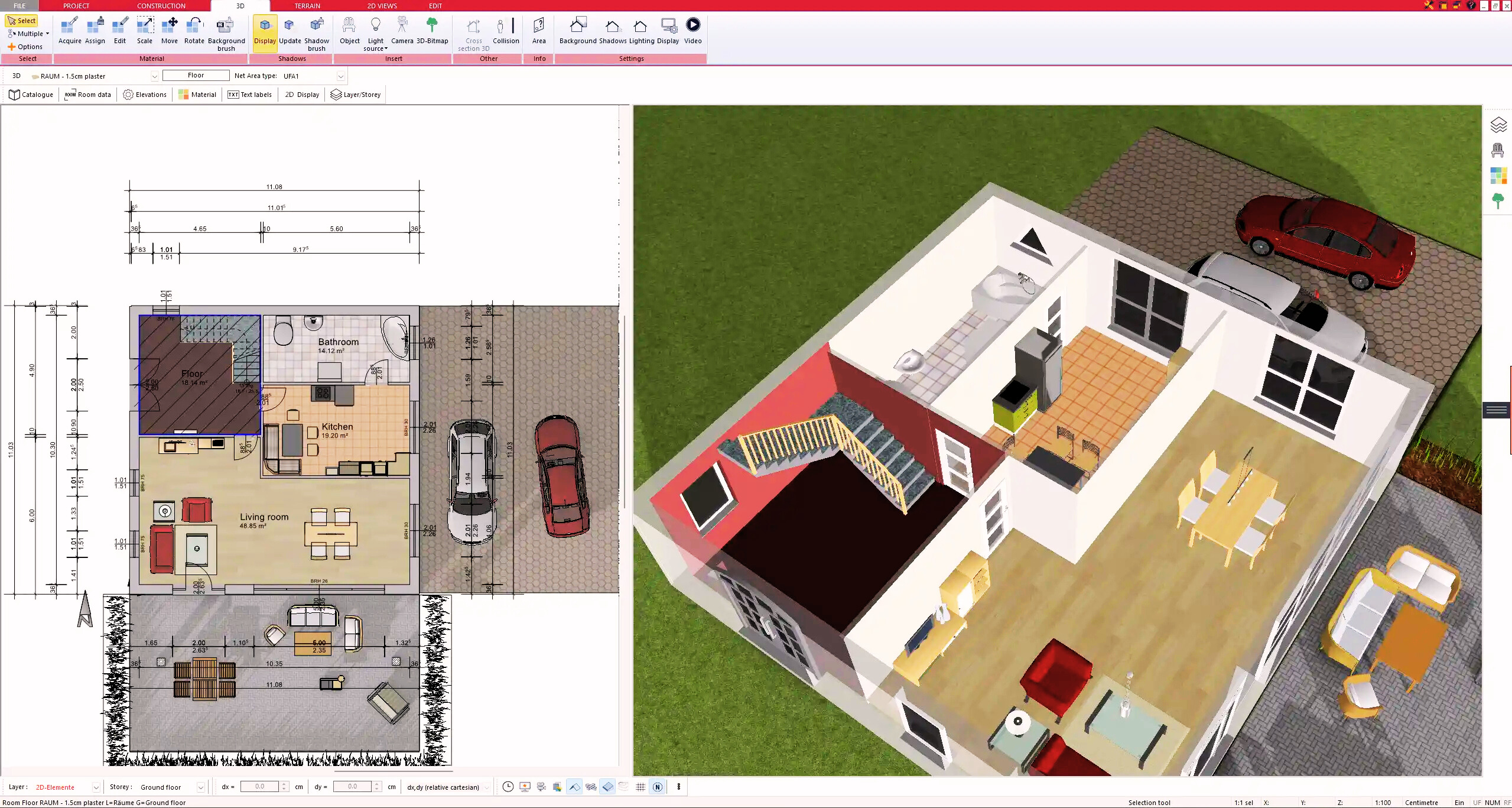
5. Plan for the Building Permit
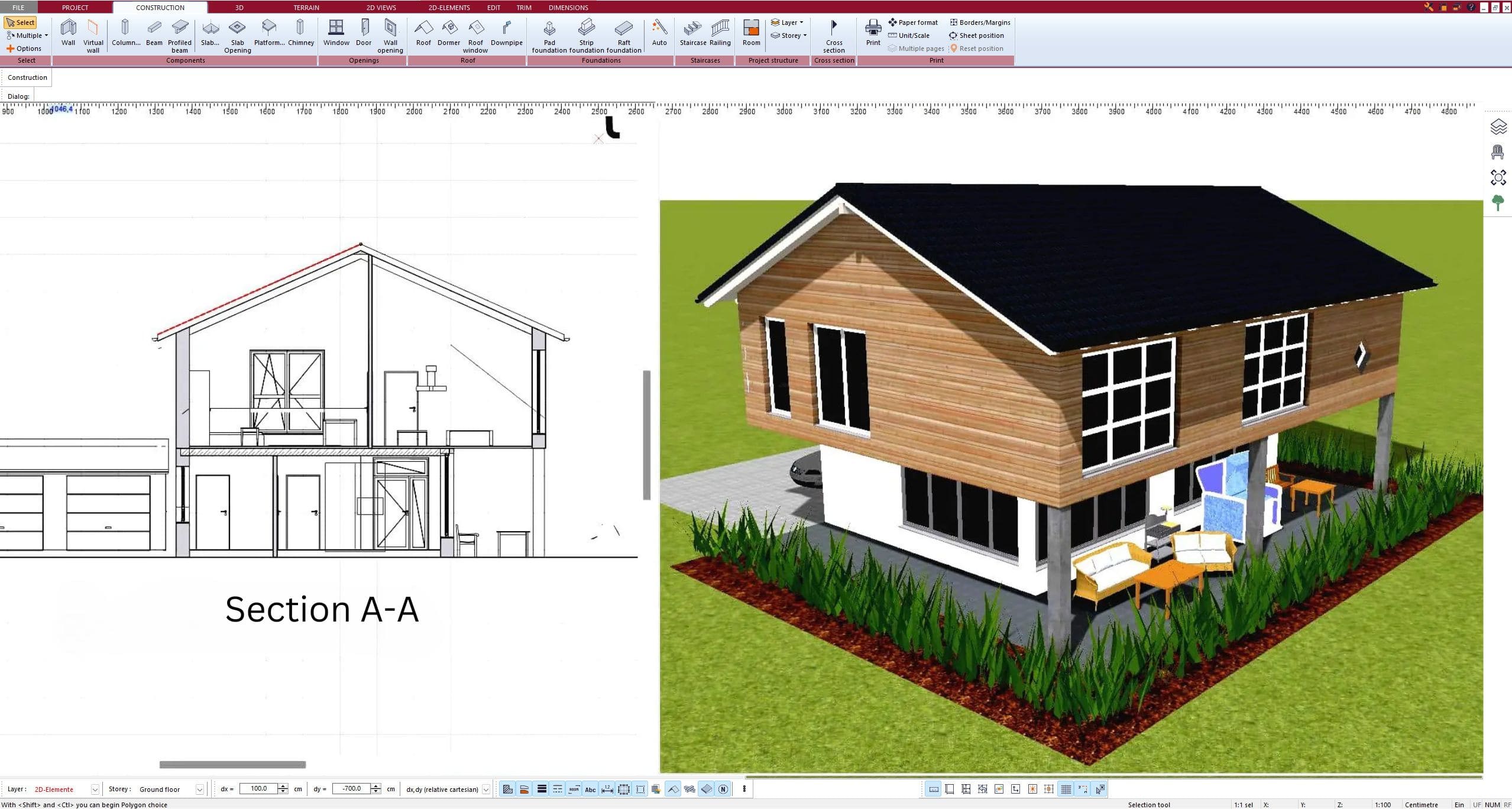
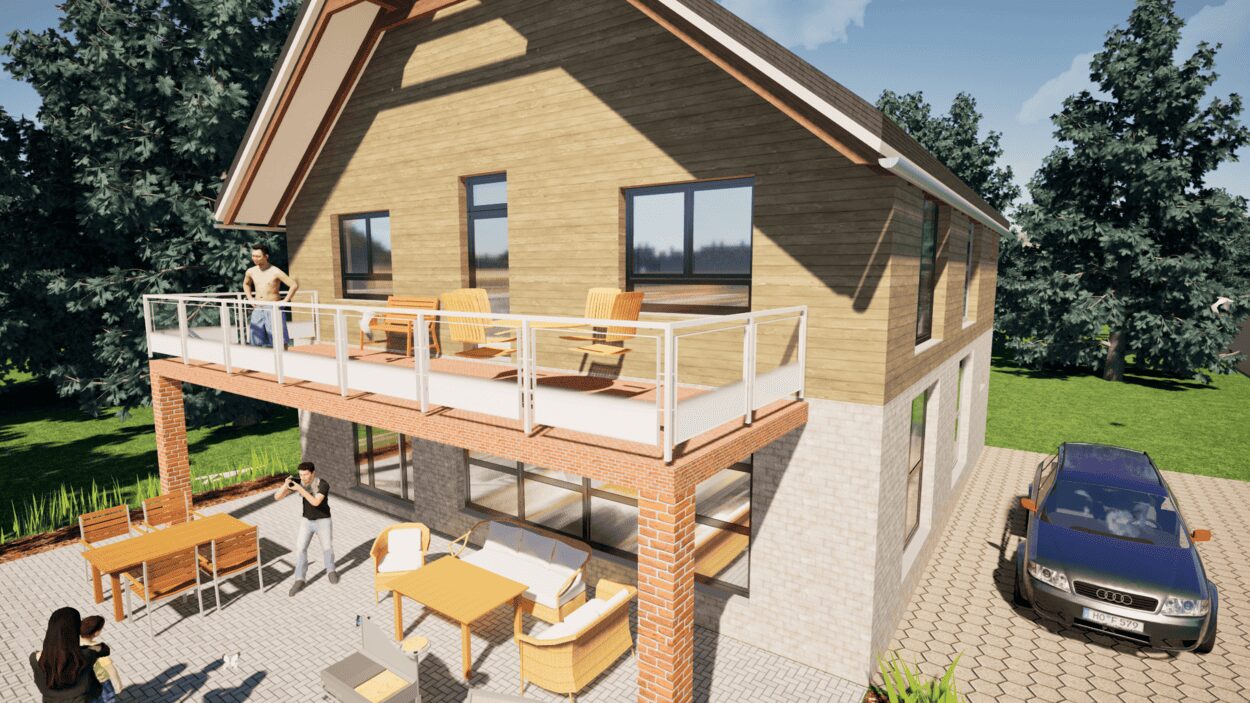
6. Export the Floor Plan as a 3D Model for Twinmotion
- – Compliant with international construction standards
- – Usable on 3 PCs simultaneously
- – Option for consultation with an architect
- – Comprehensive user manual
- – Regular updates
- – Video tutorials
- – Millions of 3D objects available
Why Thousands of Builders Prefer Plan7Architect
Why choose Plan7Architect over other home design tools?