

A floor plan can look perfect in your head and still fail on paper. The kitchen island blocks the walkway. The stair run steals space from a bedroom. The new addition works visually, but the dimensions do not. That is where a solid residential CAD software review matters – not as a feature checklist, but as a reality check before money gets spent on construction, permits, or revisions.
For homeowners, remodelers, contractors, and small design businesses, residential design software has to do more than produce attractive 3D images. It needs to help you make decisions, catch mistakes early, and create drawings that people can actually build from. Some programs are excellent for quick concepts but weak on technical output. Others are powerful but so complex that a simple remodel turns into a training project. The right choice depends less on marketing claims and more on what you need the software to do when the planning gets serious.
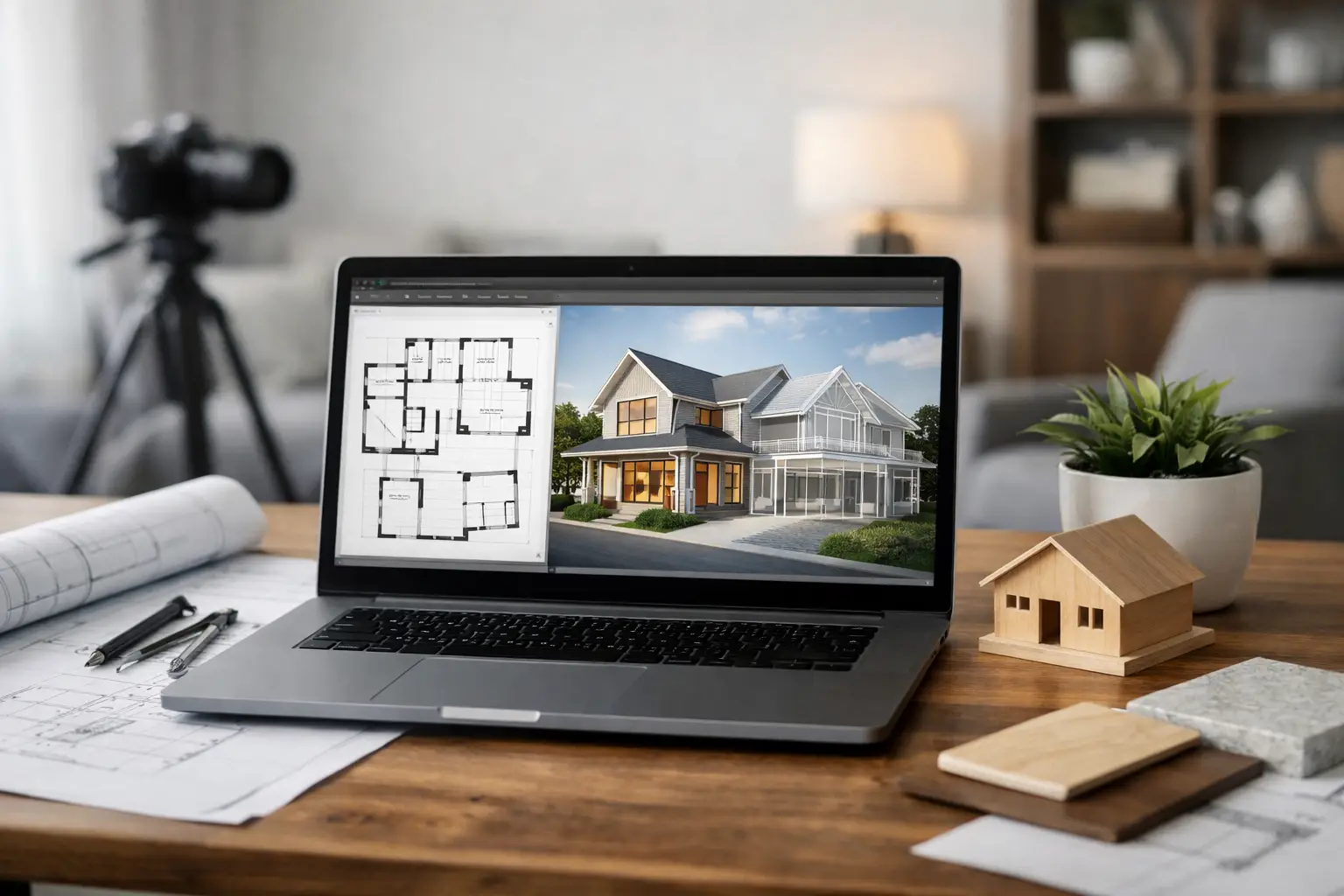 What a residential CAD software review should actually measure
A useful residential CAD software review should start with the real jobs users need to complete. Most people shopping in this category are not designing skyscrapers. They are planning a custom home, a remodel, an ADU, a basement conversion, or a set of contractor drawings. That changes the criteria.
The first question is usability. If software is aimed at residential work, it should let beginners create walls, doors, windows, roofs, stairs, and room layouts without a steep learning curve. Drag-and-drop tools help, but they are only valuable if the dimensions remain accurate and editable. Ease of use matters most in the early planning stage, when users test multiple layouts and need quick answers.
The second question is drawing depth. A lot of programs can produce a floor plan. Fewer can create elevations, cross-sections, dimensioned construction drawings, and documentation that supports permit applications or builder communication. If your project is more than a mood board, this is where weak software starts to show.
The third factor is 3D visualization. Good 3D tools are not just for presentation. They help homeowners understand ceiling heights, roof shapes, room flow, and sightlines before construction begins. This is especially useful for open-concept remodels, second-story additions, and garage conversions where space perception can be hard to judge in 2D alone.
Then there is pricing. Subscription fatigue is real, especially for independent users and small firms. A residential program should be judged not only by sticker price, but by whether it offers long-term value. One-time purchase software can make a lot of sense for homeowners planning one major project, as well as for contractors who want dependable access without ongoing fees.
Residential CAD software review: where many tools fall short
Many products in this category split into two extremes. On one side, you have simplified home design apps that are easy to start but limited once you need detailed output. On the other, you have professional CAD platforms built for engineers and architects, with serious capability but a cost and learning curve that many residential users do not need.
The simplified tools usually do well at furniture placement, room visualization, and quick concept layouts. They can be useful for testing ideas, especially for homeowners planning kitchens, bathrooms, or basic additions. The trade-off is that technical drawing capability is often limited. You may get a decent floor plan and a nice rendering, but not the section views, dimension controls, or export options needed for serious project coordination.
The heavier professional platforms offer precision and broad drafting control, but they can be excessive for residential users who just want to plan a home efficiently. If the software assumes formal CAD training, many users lose time learning commands instead of refining the design. For a contractor trying to present a pre-bid concept, or a homeowner trying to map a remodel, that complexity can become expensive.
This is why the middle ground matters so much. The best residential software tends to combine approachable home-planning tools with enough technical depth to support real building work.
What good residential CAD software looks like in practice
A strong program for residential planning should let you start simply and go deeper as the project develops. That means drawing a floor plan quickly, then layering in structural and presentation details without switching software halfway through the job.
For example, a homeowner planning a kitchen remodel may begin by testing cabinet runs, appliance placement, and circulation widths. Later, that same project may require detailed dimensions, elevations, and clearer communication with a contractor. A self-builder working on a new house might start with room sizing and roof concepts, then move into sections, facade views, and scaled documentation. The software should support both phases.
This is where feature balance matters more than feature volume. You do not need every advanced tool found in commercial architecture software. You do need reliable control over walls, windows, roofs, stories, measurements, and output formats. You also need a 3D engine that helps you understand the design rather than just decorate it.
Programs built specifically for house planning often perform better here than generic drafting tools. They understand rooms, stories, and common building elements in a way that feels closer to actual residential design work. That saves time and reduces errors.
The features that matter most for home projects
If your goal is a buildable residential design, certain capabilities carry more weight than others. Accurate 2D drafting is non-negotiable. If the plan is not dimensionally dependable, every later step becomes risky. Walls need to join correctly, openings need to stay editable, and measurements need to update cleanly.
3D modeling should also feel practical, not gimmicky. You want to see how a dormer changes the upper floor, how a vaulted ceiling affects the room, or whether a proposed addition overwhelms the original structure. These are design decisions, not decoration choices.
Construction documentation is another separator. Elevations, sections, and printable plans matter because residential projects move from ideas to bids, permits, and jobsite coordination quickly. Even if an architect or engineer reviews the final package, software that helps you communicate clearly can save both time and revision costs.
Import and export support is also worth attention. DWG and DXF compatibility can be useful if you need to exchange files with a contractor, draftsman, or consultant. Unit flexibility matters too, especially for users working in imperial dimensions in the US or collaborating internationally.
Offline use may sound minor until you need it. For many buyers, owning software outright and being able to work without depending on an internet connection is part of the value.
Who benefits most from this type of software
Residential CAD is no longer just for licensed design offices. Homeowners use it to test renovations before hiring trades. Contractors use it to present cleaner concepts and reduce confusion before quoting. Interior designers use it to coordinate layout changes with spatial accuracy. Real estate investors use it to assess conversion potential and property improvements.
What these users have in common is not professional background. It is the need to make faster, clearer decisions with fewer costly surprises. That is why software in this category should be judged by real-world output, not by how impressive the interface looks in a demo.
A beginner may care most about simplicity and visualization. A contractor may care more about speed and credibility when presenting options to a client. A small design professional may need permit-ready drawings without paying enterprise software prices. A good residential platform can serve all three, but only if it balances accessibility with serious planning tools.
A practical buying standard
If you are comparing options, the smartest approach is to ignore broad claims like professional-grade or easy to use unless the software proves both. Ask a narrower set of questions. Can you create a precise floor plan without frustration? Can you produce elevations and sections when needed? Can you visualize the project in 3D well enough to catch design problems early? Can you own the software without getting pulled into ongoing subscription costs?
That standard tends to eliminate weak options quickly. It also highlights why purpose-built residential software often makes more sense than either lightweight room planners or oversized commercial CAD systems.
For many users, the strongest value sits in software that gives you practical house-planning tools, construction-level output, and pricing that feels realistic for a home project or small business. That is the space where products such as Plan7Architect tend to stand out – not because they try to be everything, but because they focus on what residential users actually need.
The right software should leave you with more than a nice rendering. It should leave you with confidence that the design works before the first wall is opened or the first footing is poured.

Plan your project with Plan7Architect

Plan7Architect Pro 5 for $169.99
You don’t need any prior experience because the software has been specifically designed for beginners. The planning process is carried out in 5 simple steps:
1. Draw Walls

2. Windows & Doors

3. Floors & Roof

4. Textures & 3D Objects

5. Plan for the Building Permit

6. Export the Floor Plan as a 3D Model for Twinmotion

- – Compliant with international construction standards
- – Usable on 3 PCs simultaneously
- – Option for consultation with an architect
- – Comprehensive user manual
- – Regular updates
- – Video tutorials
- – Millions of 3D objects available
Why Thousands of Builders Prefer Plan7Architect
Why choose Plan7Architect over other home design tools?


