

When you are planning a house extension, the first thing you need to know is that specific rules apply everywhere. In most regions, you cannot simply build without approval. The most important rules include:
-
You usually need planning permission if the extension changes the outside appearance or size of your home
-
There are strict limits for height and floor space that must not be exceeded
-
Extensions must keep a minimum distance from property boundaries
-
Local zoning or planning laws decide what can and cannot be built on your plot
These rules differ from country to country and even from municipality to municipality. The safest approach is to contact your local planning authority before you start designing.

When You Need Planning Permission
Planning permission is required in many situations, for example:
-
If the extension is higher than the original house or more than one story tall
-
If it takes up too much of the available garden or yard space
-
If it changes the roofline significantly
-
If it is close to a public road or property boundary
-
If you live in a protected area, near listed buildings, or in a neighborhood with strict regulations
In the UK and parts of Europe, you may benefit from “permitted development rights,” which allow certain small extensions without full permission. In the United States and many other countries, zoning laws and building permits cover similar situations. Always check the limits that apply in your area before starting.
Common Restrictions to Be Aware Of
Height and Size Limits
Authorities usually set a maximum height for single-story extensions and stricter limits for two-story additions. Many regions also limit the floor space you can add, for example a percentage of your existing house size or of your plot size.
| Type of Extension | Common Restrictions |
|---|---|
| Single-story | Height often limited to 4 meters / 13 feet, must not exceed main roof height |
| Two-story | Not allowed to be higher than existing house, often limited to rear of property |
| Floor space | May not exceed 30 to 40 percent of the plot area, depending on location |
Distance from Property Boundaries
Extensions must usually keep a minimum distance from property boundaries. Side and rear setbacks are standard in U.S. zoning laws, while in Europe there are clear fire safety and privacy rules. If you build too close to your neighbor’s property, your application may be rejected.
Design and Material Requirements
Many authorities require the new extension to match the existing building in terms of materials, roof type, and window style. In historic areas, the rules are even stricter. A modern glass extension on a listed property, for example, is rarely allowed without special permission.
Building Regulations vs. Planning Permission
Planning permission decides what you are allowed to build, but building regulations control how it must be built. Building regulations cover:
-
Structural stability and safety
-
Fire safety and escape routes
-
Insulation and energy efficiency
-
Electrical and plumbing installations
Even if your extension does not need planning permission, it must always comply with building regulations.
Country-Specific Variations
In the UK and Europe, extensions are often governed by permitted development rights with limits on square meters added, distance from the boundary, and roof changes. In the U.S., zoning laws and Homeowners Association (HOA) rules apply, alongside national and state building codes.
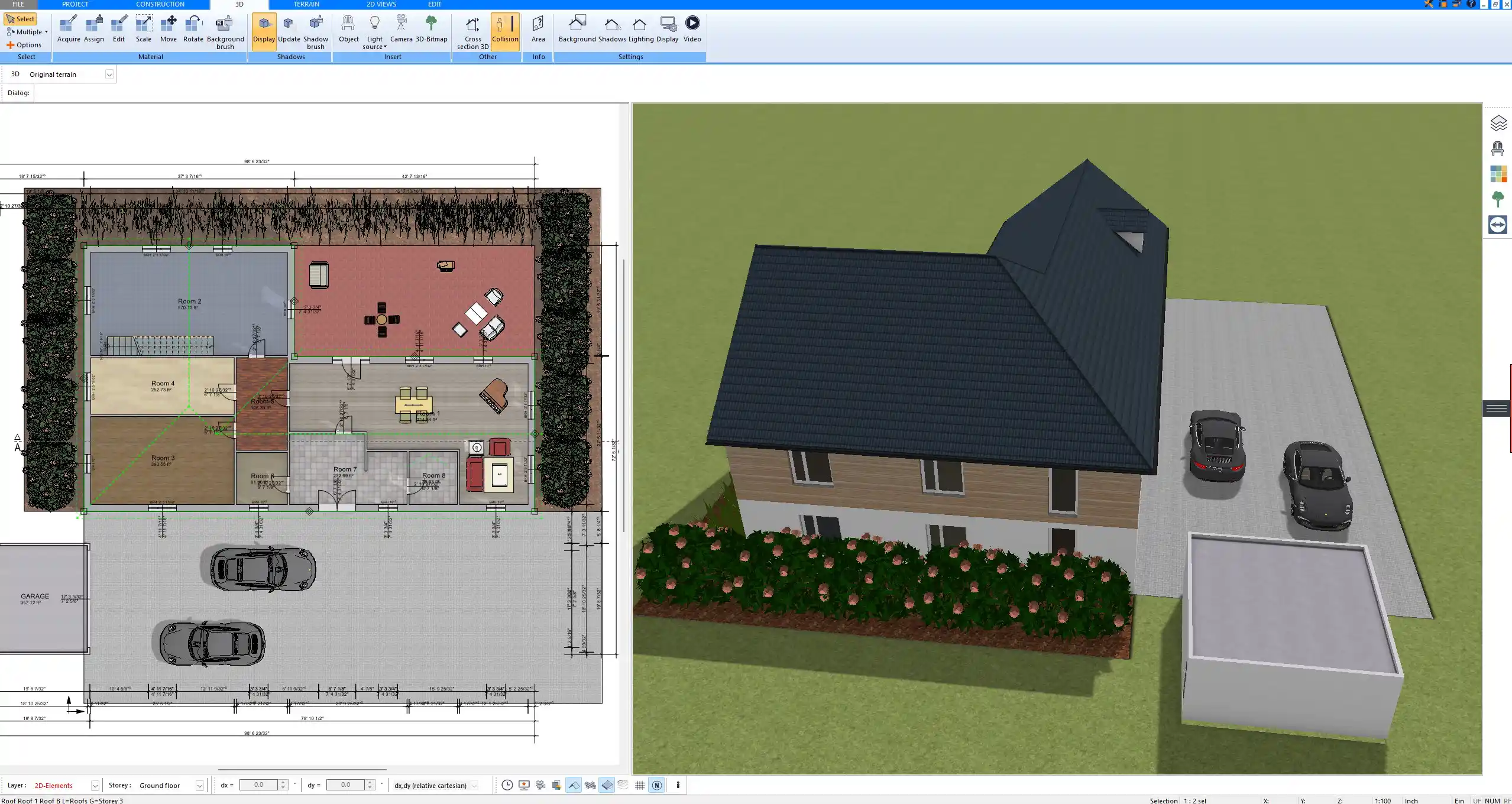
When planning with software such as Plan7Architect, you can choose to work in metric units (meters, square meters) or imperial units (feet, square feet). This allows you to design extensions accurately regardless of your location.
Steps to Stay Compliant When Planning Your Extension
-
Contact your local authority early to clarify rules
-
Check zoning maps or planning guidance online
-
Use architectural software to create accurate 2D and 3D plans
-
Prepare scaled drawings for submission
-
Be aware of neighbor consultation rules, especially in the UK and Europe
Practical Tips for Smooth Planning
Keep your extension proportional to your home to reduce the risk of rejection. Use software to test different roof angles, window placements, and setbacks before submitting your design. Always prepare for possible delays in the approval process and have an alternative design ready in case adjustments are required.
Plan Your House Extension Professionally with Plan7Architect
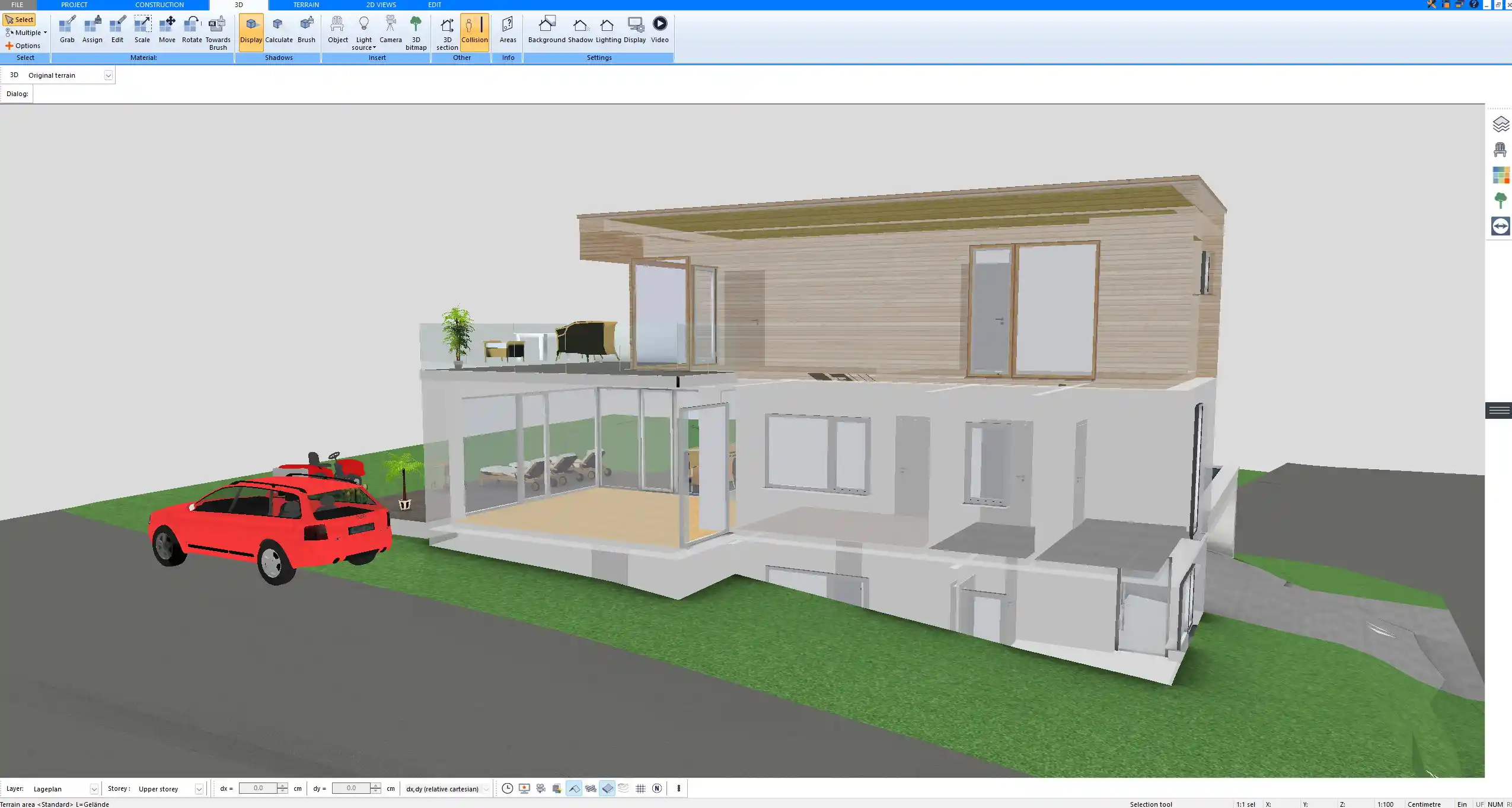
With Plan7Architect you can design and visualize your house extension in both 2D and 3D, making sure all planning rules such as size, height, and setbacks are considered from the beginning. The software allows you to switch between European metric units and American imperial units, so you can plan accurately no matter where your property is located. You can create professional floor plans, check proportions, and prepare high-quality drawings for submission to your local authority. Customers also benefit from a 14-day right of withdrawal, which replaces a trial version. You can easily cancel your purchase by email if you change your mind. This makes Plan7Architect a safe and professional choice for planning your house extension.
Plan your project with Plan7Architect

Plan7Architect Pro 5 for $109.99
You don’t need any prior experience because the software has been specifically designed for beginners. The planning process is carried out in 5 simple steps:
1. Draw Walls

2. Windows & Doors

3. Floors & Roof

4. Textures & 3D Objects

5. Plan for the Building Permit

6. Export the Floor Plan as a 3D Model for Twinmotion

- – Compliant with international construction standards
- – Usable on 3 PCs simultaneously
- – Option for consultation with an architect
- – Comprehensive user manual
- – Regular updates
- – Video tutorials
- – Millions of 3D objects available
Why Thousands of Builders Prefer Plan7Architect
Why choose Plan7Architect over other home design tools?


