

When planning a living room, certain ideas consistently prove useful. Here are the essentials you should keep in mind from the very beginning:
-
Define the main purpose of your living room
-
Choose a layout that fits the room shape and circulation paths
-
Arrange furniture with both comfort and proportions in mind
-
Use natural and artificial lighting strategically
-
Integrate storage solutions without sacrificing style
-
Add personal touches through colors, textures, and accessories
-
Test different options digitally before committing
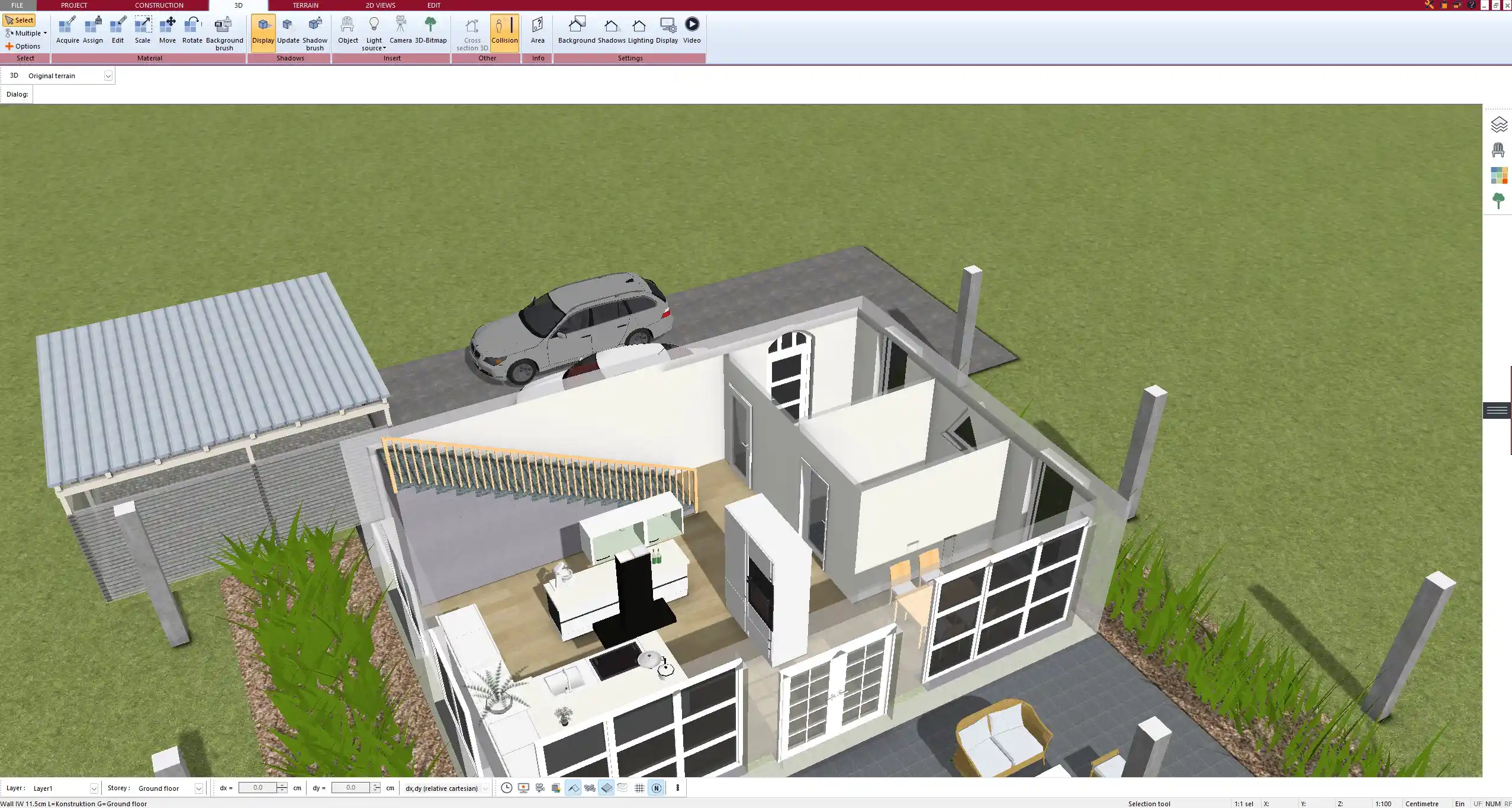
Defining the Purpose of Your Living Room
Every successful living room plan begins with a clear purpose. Ask yourself: Is this space primarily for relaxation, entertaining guests, or serving as a central family hub? If you love movie nights, a sectional sofa and large screen may dominate the layout. If you entertain, multiple seating groups might make more sense. Families with children often benefit from durable surfaces and plenty of hidden storage. Once you know the role of the living room, the rest of the design decisions follow naturally.
Layout and Floor Plan Considerations
Choosing the Right Room Shape
Different room shapes come with specific strengths. A square living room can feel balanced but sometimes tricky to furnish. Rectangular spaces are easier for arranging long sofas and clear circulation paths. Irregular rooms with alcoves or niches can be perfect for reading corners or built-in storage, but they require careful planning to avoid wasted space.
Zoning Without Walls
You do not always need physical partitions to divide a living room into zones. Rugs can define a seating area, while different ceiling lights emphasize specific functions. A bookshelf can double as a subtle room divider. These strategies help keep the space flexible and open while maintaining order.
Circulation Paths
Clear walking routes are essential. Avoid placing large furniture in front of doors, windows, or the way to other rooms. As a general rule, leave at least 60–90 cm (24–36 in) of clearance for comfortable circulation. This ensures that the room feels inviting rather than cramped.
Furniture Planning Ideas
Seating Arrangements
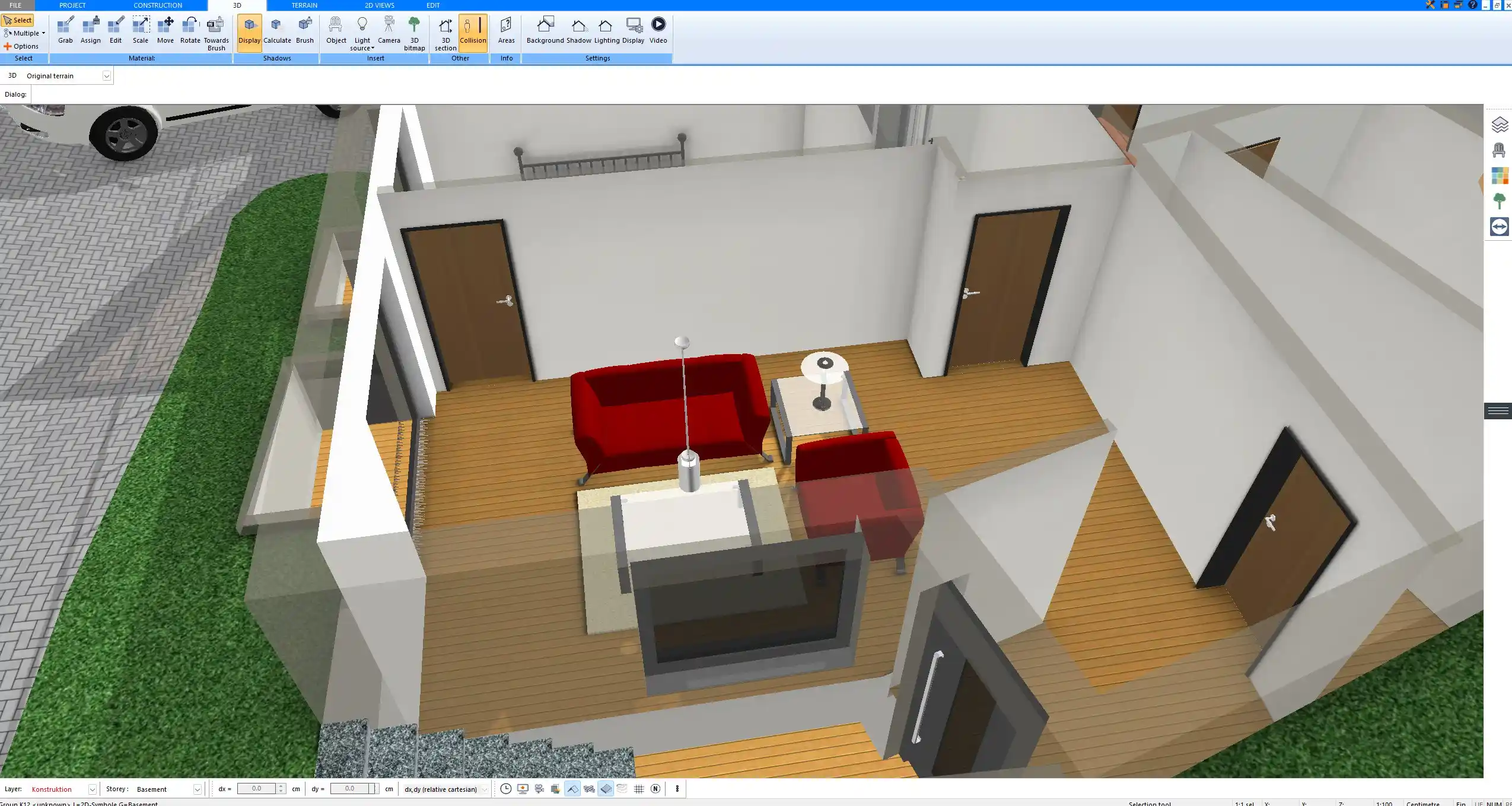
The seating arrangement is the heart of every living room. A classic combination of sofa and two armchairs works in most spaces, while sectional sofas offer a cozy option for larger families. Place seating so that people can comfortably face each other and the focal point, whether that is a fireplace, a television, or a large window with a view.
Multi-Functional Furniture
Smart furniture choices maximize flexibility. Sofa beds allow a living room to double as a guest space. Nesting tables are practical for both small and large groups. Ottomans with integrated storage are ideal for keeping blankets and magazines within reach but out of sight.
Scale and Proportions
One of the most common mistakes in living room planning is choosing furniture that is too big or too small for the space. Measure carefully before buying and consider how each piece relates to the room as a whole. With Plan7Architect, you can test furniture sizes digitally in both European (cm/m) and American (in/ft) measurements, which ensures accuracy no matter where you are planning.
Light and Atmosphere
Natural Light
Position seating to benefit from windows whenever possible. Avoid placing tall shelves or wardrobes directly in front of natural light sources. If privacy is needed, consider light curtains or adjustable blinds rather than heavy drapes that block the daylight entirely.
Artificial Lighting
Layered lighting makes a living room versatile.
-
Ambient lighting provides general illumination, usually from ceiling fixtures.
-
Task lighting focuses on activities such as reading, often provided by table or floor lamps.
-
Accent lighting highlights artwork, shelves, or architectural features.
Combining these types ensures the right mood for every situation.
Color and Materials
Colors influence atmosphere. Light palettes make a room feel airy and spacious, while darker tones create a sense of coziness. Materials also matter: soft textiles absorb sound and add comfort, while glass and metal surfaces give a sleek, modern touch. Combining textures adds depth and interest.
Storage and Functionality
Built-in vs. Freestanding Solutions
Built-in shelving or media walls integrate seamlessly into the architecture and save floor space. Freestanding solutions like sideboards or cabinets are more flexible and can be moved if the layout changes.
Hidden Storage Ideas
To keep clutter under control, hidden storage is invaluable. Sofas with built-in compartments, ottomans with lift-up lids, and benches with drawers help maintain a tidy and organized space without compromising on style.
Style and Personal Expression
Popular Styles
Several styles dominate living room planning today:
-
Minimalist: clean lines and neutral tones
-
Scandinavian: light woods, simple shapes, natural textures
-
Industrial: exposed brick, metal frames, raw finishes
-
Traditional: elegant furniture, warm colors, detailed patterns
Mixing Styles
Personal expression often means mixing. A minimalist sofa can pair well with a vintage armchair, as long as colors or materials tie the pieces together. Choose a few consistent elements to maintain harmony while still showcasing your personality.
Practical Tips for Living Room Planning
Here are some quick, actionable recommendations:
-
Always measure carefully before purchasing furniture
-
Leave enough clearance space around main items
-
Plan seating around natural focal points
-
Test different layouts digitally before committing
-
Do not underestimate the effect of lighting
Tip: Use painter’s tape on the floor to visualize the footprint of a sofa, table, or rug before moving or buying. This helps prevent costly mistakes.
Planning Tools and Visualization
A digital planning tool makes experimenting with layouts easier than rearranging heavy furniture in real life. With Plan7Architect, you can switch between 2D planning for accuracy and 3D visualization for atmosphere. It allows you to plan in both European and American measurement systems, making it flexible for international use. Testing different layouts, styles, and even lighting setups helps you make confident decisions before you start redecorating.
Professional Floor Plans with Plan7Architect
With Plan7Architect you can also create professional living room floor plans and visualize every idea in detail. You can test layouts, furniture arrangements, lighting setups, and storage solutions directly in the software, while switching easily between European and American measurements. This allows you to design with accuracy and confidence. Customers benefit from a 14-day right of withdrawal, which replaces the need for a test version. You can cancel your purchase easily by email if needed. If you are planning your living room, Plan7Architect offers you all the tools to do it professionally and efficiently.
Plan your project with Plan7Architect

Plan7Architect Pro 5 for $109.99
You don’t need any prior experience because the software has been specifically designed for beginners. The planning process is carried out in 5 simple steps:
1. Draw Walls

2. Windows & Doors

3. Floors & Roof

4. Textures & 3D Objects

5. Plan for the Building Permit

6. Export the Floor Plan as a 3D Model for Twinmotion

- – Compliant with international construction standards
- – Usable on 3 PCs simultaneously
- – Option for consultation with an architect
- – Comprehensive user manual
- – Regular updates
- – Video tutorials
- – Millions of 3D objects available
Why Thousands of Builders Prefer Plan7Architect
Why choose Plan7Architect over other home design tools?


