

A lot of expensive building mistakes start as perfectly reasonable ideas on paper. A room looks large enough until furniture goes in. A kitchen island seems fine until the walkway feels tight. A roofline works in elevation but creates awkward space inside. That is exactly where 3d model house planning earns its value – it lets you see decisions before you pay to build them.
For homeowners, remodelers, and small professionals, that matters because house planning is not just about making something look good. It is about fitting real dimensions, real circulation, real structure, and real expectations into one workable plan. A 2D sketch can get you started, but a 3D model gives you a more honest view of what you are actually creating.
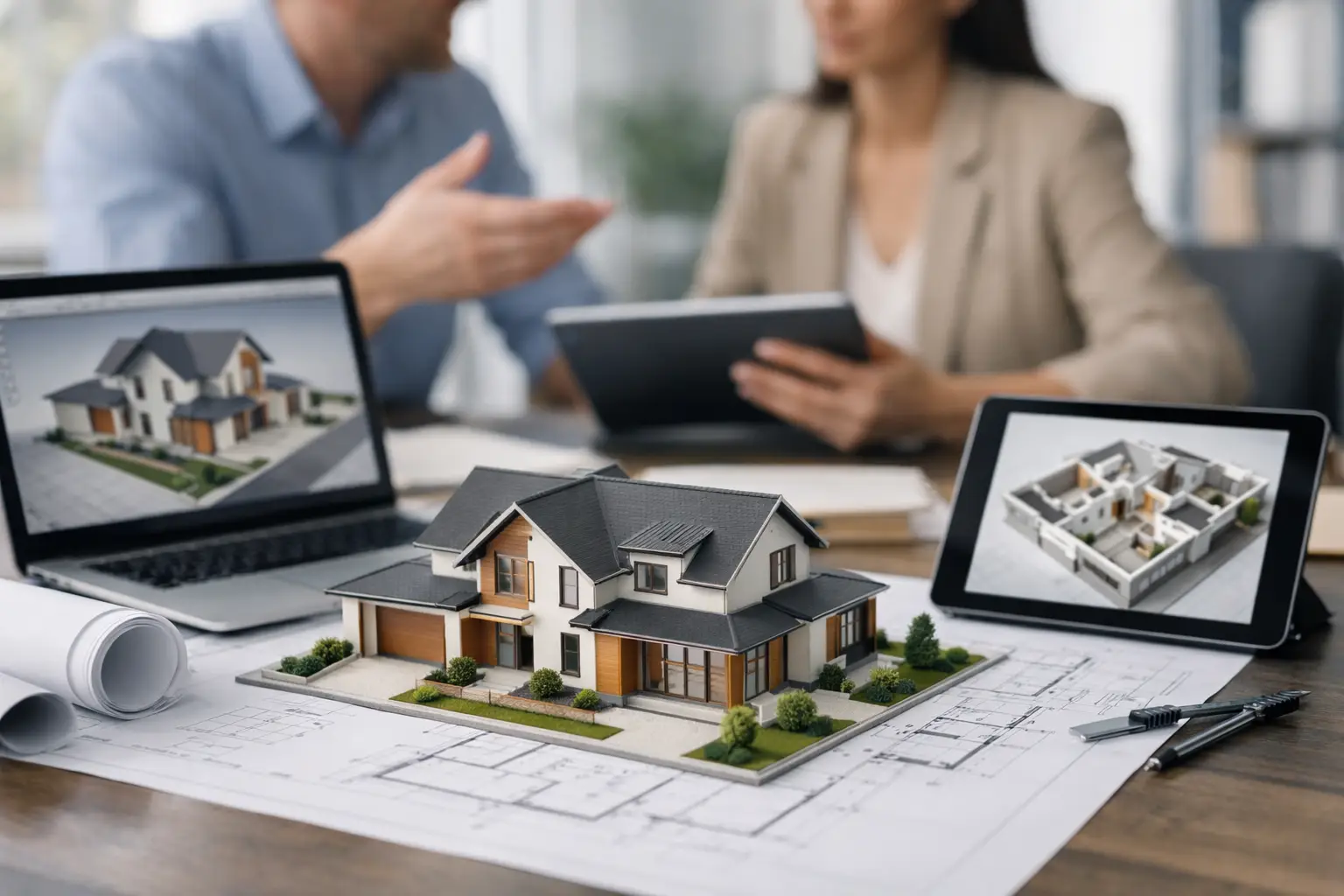 What 3D model house planning really changes
The biggest shift is simple. Instead of imagining how a plan might feel, you can evaluate it directly. You can place walls, windows, stairs, cabinets, doors, and furniture, then view the result from different angles and room heights. That changes the quality of your decisions.
This is especially useful when you are planning a remodel, addition, ADU, or custom home. Those projects involve trade-offs. You may want a larger primary bath, but that could reduce closet depth. You may want open-concept living, but that can affect structural spans, storage, or furniture placement. In 3D, those compromises are easier to judge because the plan stops being abstract.
It also improves communication. Homeowners can show family members what they mean. Contractors can review intent faster. Designers can present options with less back-and-forth confusion. If a project needs permit drawings later, the work done during planning is already moving in that direction instead of staying trapped in a rough sketch.
Why 3D model house planning is more practical than many people expect
Some people assume 3D planning software is only for architects or commercial design offices. That used to be more true than it is now. Today, the better house planning tools are built so a first-time user can create walls and rooms quickly, while an experienced contractor or designer can still produce serious documentation.
That middle ground is where the real benefit sits. You do not need to become a full CAD specialist to build a useful home model. You need software that lets you set accurate dimensions, edit layouts without friction, generate 3D views, and keep the plan connected to real construction information.
If you are planning your own project, that means you can test ideas without hiring out every early-stage revision. If you are a contractor or small design professional, it means you can produce cleaner concept work and reduce misunderstandings before pricing or construction starts.
Start with the floor plan, not the rendering
The visual side of 3D planning gets attention, but the foundation is still the floor plan. If the room sizes, wall positions, ceiling heights, and circulation paths are wrong, a beautiful model will not save the project.
A good workflow usually starts in 2D. You draw exterior walls, add interior partitions, define openings, and set dimensions accurately. Then you move into 3D to evaluate proportion, sightlines, and spatial comfort. That order matters because planning should be driven by function first, then confirmed visually.
For example, in a kitchen remodel, the first question is not whether the cabinets look modern. It is whether the work triangle makes sense, whether appliance doors can open properly, and whether people can move through the room without conflict. Once those basics are right, 3D helps you refine the experience of the space.
Where 3D catches mistakes early
One of the strongest arguments for 3d model house planning is how often it exposes issues before they become change orders.
Stair geometry is a classic example. In 2D, the stair location may appear workable. In 3D, you may realize headroom is tight, the landing is awkward, or the stair cuts into usable upper-floor area more than expected. The same goes for sloped ceilings, dormers, roof intersections, and second-floor spaces under rafters.
Window placement is another common problem. A window can be centered nicely on a wall in plan view but conflict with cabinetry, shower walls, exterior grades, or roof conditions. In a 3D model, those relationships become easier to spot.
Even simple furniture planning can save money. People regularly design bedrooms that technically fit a bed but leave poor clearance around it. They create living rooms with no natural furniture wall. They place doors where traffic patterns feel awkward once the room is furnished. These are not dramatic design failures, but they create daily frustration. They are much cheaper to fix on screen than on site.
It depends on your goal
Not every project needs the same level of detail. That is worth saying clearly because people often overbuild their model too early.
If you are comparing two layout ideas for a basement conversion, you may only need walls, doors, windows, and basic furniture placement. If you are preparing for contractor pricing, you will probably want more detail – dimensions, elevations, sections, and enough construction clarity to avoid broad assumptions. If you are moving toward permits, the model needs to support real documentation, not just visualization.
That is why the best planning software is flexible. It should let a beginner start simply, then add detail as the project becomes more serious. You should not have to rebuild the entire design just because you want to move from concept to permit-ready drawings.
What to look for in house planning software
This is where many buyers make the wrong comparison. They focus on flashy rendering or on the lowest price, when the real question is whether the software helps you move from idea to buildable plan.
For residential work, you want accurate 2D and 3D planning in one system. You want the ability to create floor plans, elevations, cross-sections, and construction drawings without switching platforms. You also want reliable dimensioning, editable wall assemblies, roof tools, libraries for fixtures and furnishings, and support for standard file formats such as DWG and DXF if you need to exchange work with others.
Ease of use matters just as much. If the software is too technical, many homeowners will stop before they get a usable result. If it is too simplistic, professionals and serious self-builders will hit a wall when they need precise output. Plan7Architect sits in that practical middle range, where a non-architect can start planning quickly but still work toward detailed residential drawings.
Ownership matters too. For many users, a one-time license makes more sense than an ongoing subscription, especially if the project lasts months or if the software will be reused for future renovations, additions, or investment properties.
A better process for homeowners and small pros
The strongest use case for 3D planning is not replacing every architect or engineer. It is improving the quality of early planning and making the whole project more efficient.
A homeowner can sketch a renovation idea, test room sizes, and decide what is worth pursuing before paying for full outside design work. A contractor can create a clear concept for a client before estimating. An interior designer can coordinate cabinetry, furniture, and circulation with more confidence. A small developer can compare several residential layouts and identify the most practical option faster.
That does not remove the need for licensed professionals when structure, code, engineering, or permit requirements demand them. But it gives everyone a stronger starting point. Better starting points usually lead to fewer revisions, clearer pricing, and more realistic expectations.
The real value is confidence
Most people do not want 3D planning because they love software. They want it because uncertainty is expensive. They want to know whether the addition will crowd the yard, whether the bathroom will actually function, whether the roof shape will look right, and whether the layout will support daily life instead of fighting it.
That is the practical promise of 3d model house planning. It helps you make design decisions with your eyes open. Not every issue disappears, and not every plan becomes easier just because it is modeled in 3D. But when you can test ideas early, measure them accurately, and view them like real spaces, you put yourself in a much stronger position before the first wall is framed.
If you are planning to build, remodel, or price a residential project, the smartest next step is often not to guess better. It is to model the house well enough that guessing is no longer carrying the job.

Plan your project with Plan7Architect

Plan7Architect Pro 5 for $169.99
You don’t need any prior experience because the software has been specifically designed for beginners. The planning process is carried out in 5 simple steps:
1. Draw Walls

2. Windows & Doors

3. Floors & Roof

4. Textures & 3D Objects

5. Plan for the Building Permit

6. Export the Floor Plan as a 3D Model for Twinmotion

- – Compliant with international construction standards
- – Usable on 3 PCs simultaneously
- – Option for consultation with an architect
- – Comprehensive user manual
- – Regular updates
- – Video tutorials
- – Millions of 3D objects available
Why Thousands of Builders Prefer Plan7Architect
Why choose Plan7Architect over other home design tools?


