

SketchUp can be used for construction drawings, but it is not always the most efficient or professional choice. The software is excellent for 3D visualization, concept development, and client presentations. However, when it comes to creating detailed, standardized, and highly accurate 2D construction drawings, SketchUp is often less practical compared to specialized CAD or BIM software. If you are working on early design phases, small projects, or personal use, SketchUp can work well. For precise, professional, and code-ready documentation, dedicated software is usually the better solution.
What SketchUp Excels At
SketchUp is particularly strong in areas where visual communication and creativity matter most. Many architects and designers rely on it to quickly translate ideas into understandable 3D forms.
Advantages of SketchUp include:
-
Fast and intuitive 3D modeling
-
Easy-to-understand interface, even for beginners
-
A vast online library of objects and materials
-
Smooth presentation of spaces and layouts to clients
-
Integration with LayOut (in the Pro version) for 2D sheets and annotations
It is especially useful for schematic design, early project stages, and when the goal is to show clients how a concept will look in reality.
Limitations of SketchUp for Construction Drawings
While SketchUp is excellent for visual models, there are challenges when trying to create precise technical documentation.
Main limitations include:
-
Fewer precision-focused drafting features compared to AutoCAD or Revit
-
Dimensioning and detailing require more manual effort
-
Limited automation for generating technical sections and schedules
-
Collaboration can be harder with teams who expect DWG/DXF as a standard format
If you rely only on SketchUp, you may spend significantly more time on details that could be done faster in specialized tools.
Comparison with Dedicated CAD and BIM Software
SketchUp should be seen more as a conceptual design tool rather than a full construction drawing system. To understand the differences, here is a simple comparison:
| Feature | SketchUp | CAD Software | BIM Software |
|---|---|---|---|
| Conceptual 3D Modeling | Strong | Limited | Strong |
| Detailed 2D Drafting | Basic | Strong | Strong |
| Precision & Standards | Limited | Strong | Strong |
| Ease of Use | Easy | Moderate | Complex |
| Professional Acceptance | Mixed | High | High |
As you can see, CAD and BIM tools such as AutoCAD, Revit, or Plan7Architect have a stronger focus on producing professional, code-compliant construction drawings. SketchUp shines when quick visualization is the priority.
When Using SketchUp for Construction Drawings Makes Sense
There are situations where SketchUp is more than enough:
-
Small-scale projects such as home renovations or garden structures
-
Personal use or DIY projects
-
Early concept presentations to clients before moving to a detailed CAD workflow
-
Teams that already use SketchUp Pro with LayOut for annotated sheets
If you are not required to submit standardized documents to contractors or authorities, SketchUp can be a good way to develop and communicate your ideas.
Best Practices If You Use SketchUp for Construction Drawings
If you decide to create construction drawings with SketchUp, there are several ways to make the process smoother:
-
Always use SketchUp Pro with LayOut to generate proper 2D sheets
-
Work with layers, groups, and components to maintain accuracy
-
Export files in DWG/DXF when collaborating with other professionals
-
Double-check dimensions before finalizing a plan
-
Explore plugins that support advanced dimensioning and annotation
Tip: If your project requires professional submission to contractors, engineers, or authorities, it is wise to use SketchUp only for concept work and then switch to a CAD or BIM tool for final documentation.
Alternatives and Complementary Tools
If your main goal is creating professional construction drawings, it may be better to use SketchUp in combination with another program.
Examples include:
-
AutoCAD: A classic tool for 2D drafting with industry-wide acceptance
-
Revit or ArchiCAD: Parametric BIM software with automated schedules and sections
-
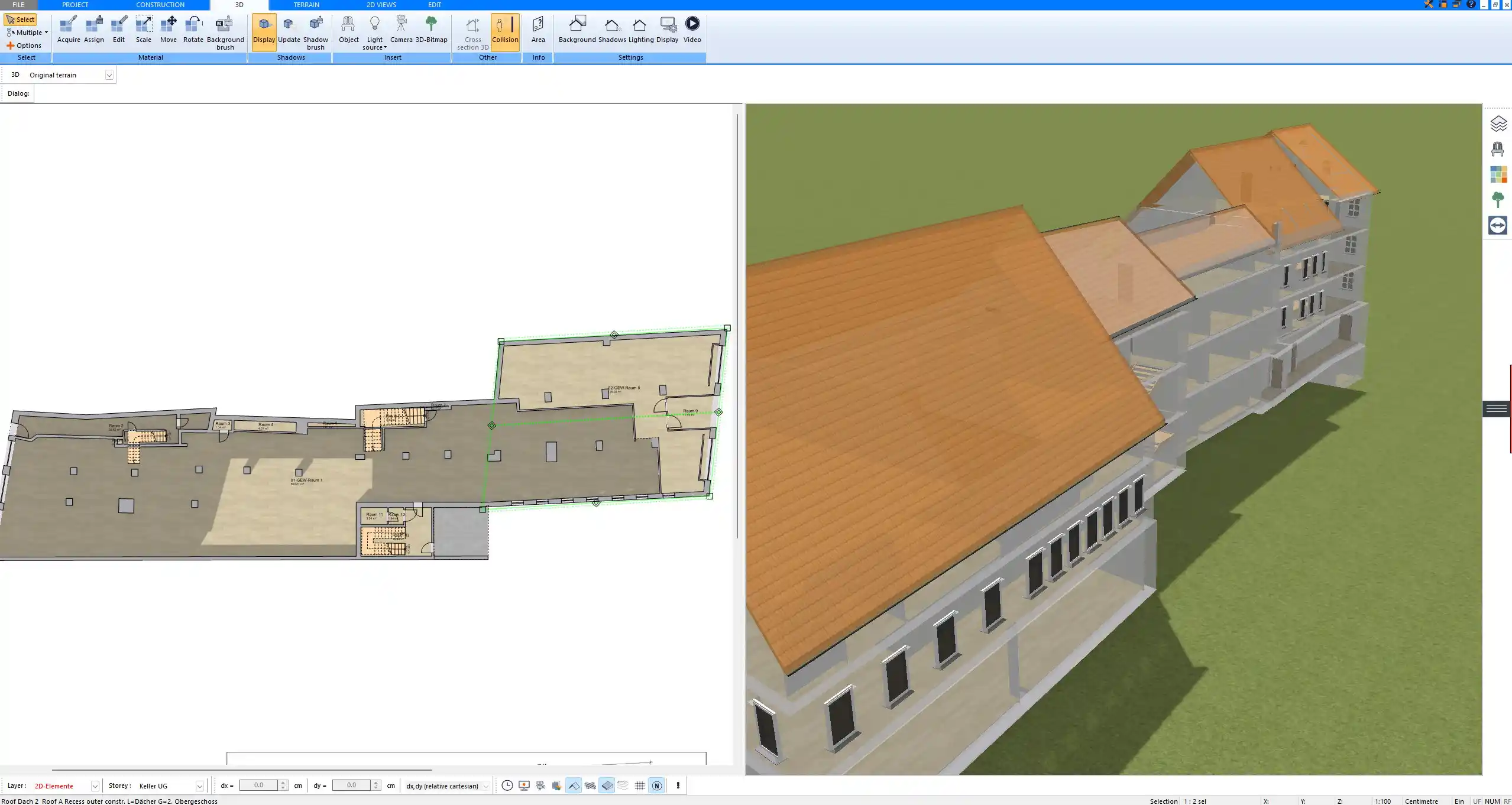
Plan7Architect: A professional yet intuitive 2D and 3D CAD software that combines ease of use with precision. In Plan7Architect you can work with both European (meters, centimeters) and American (feet, inches) units, depending on your needs. It also supports DWG and DXF import and export, making collaboration with architects or engineers seamless.
With this approach, you can design quickly in SketchUp and transfer or finalize your construction drawings in CAD.
Professional Floor Plans with Plan7Architect
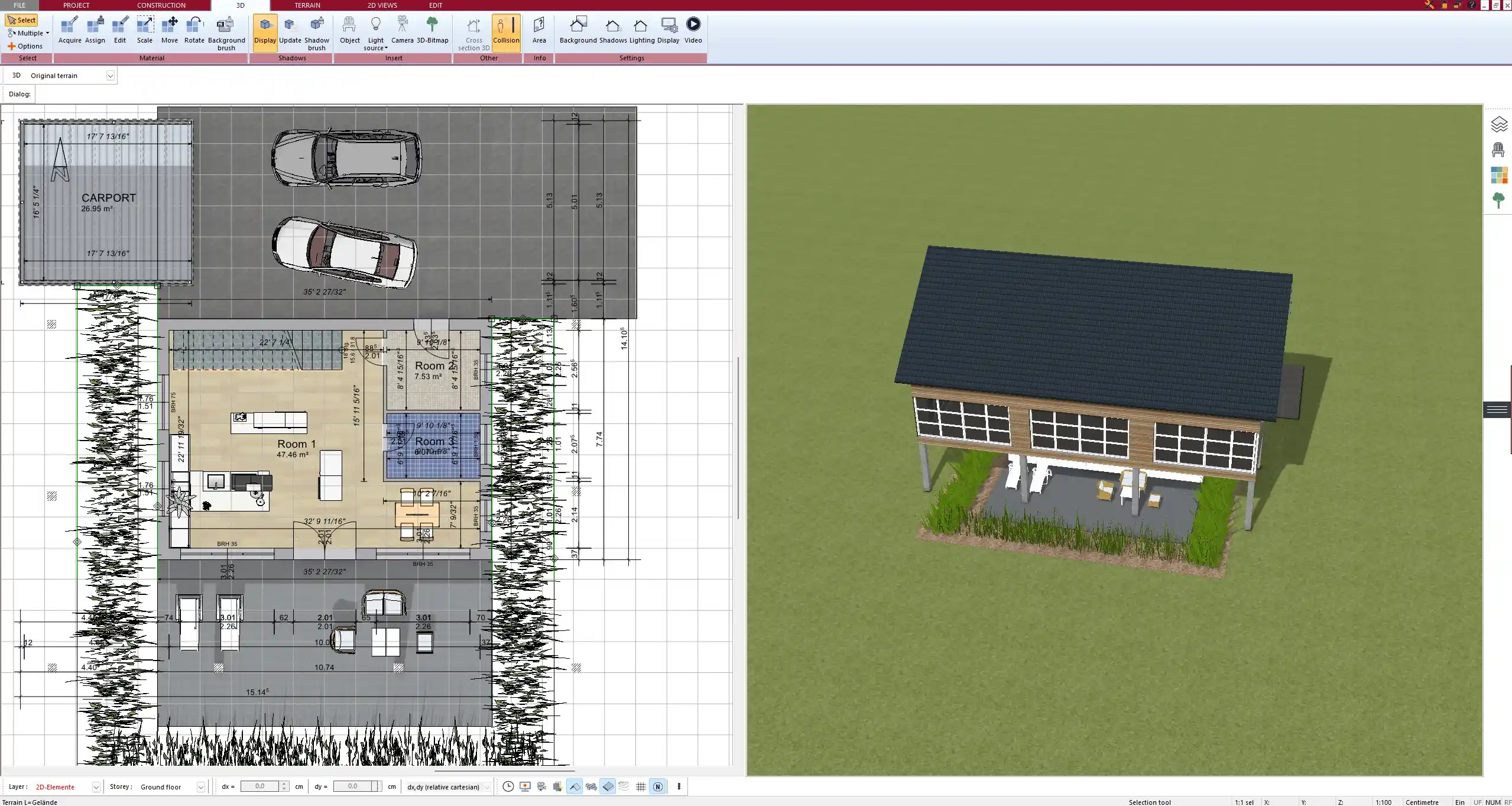
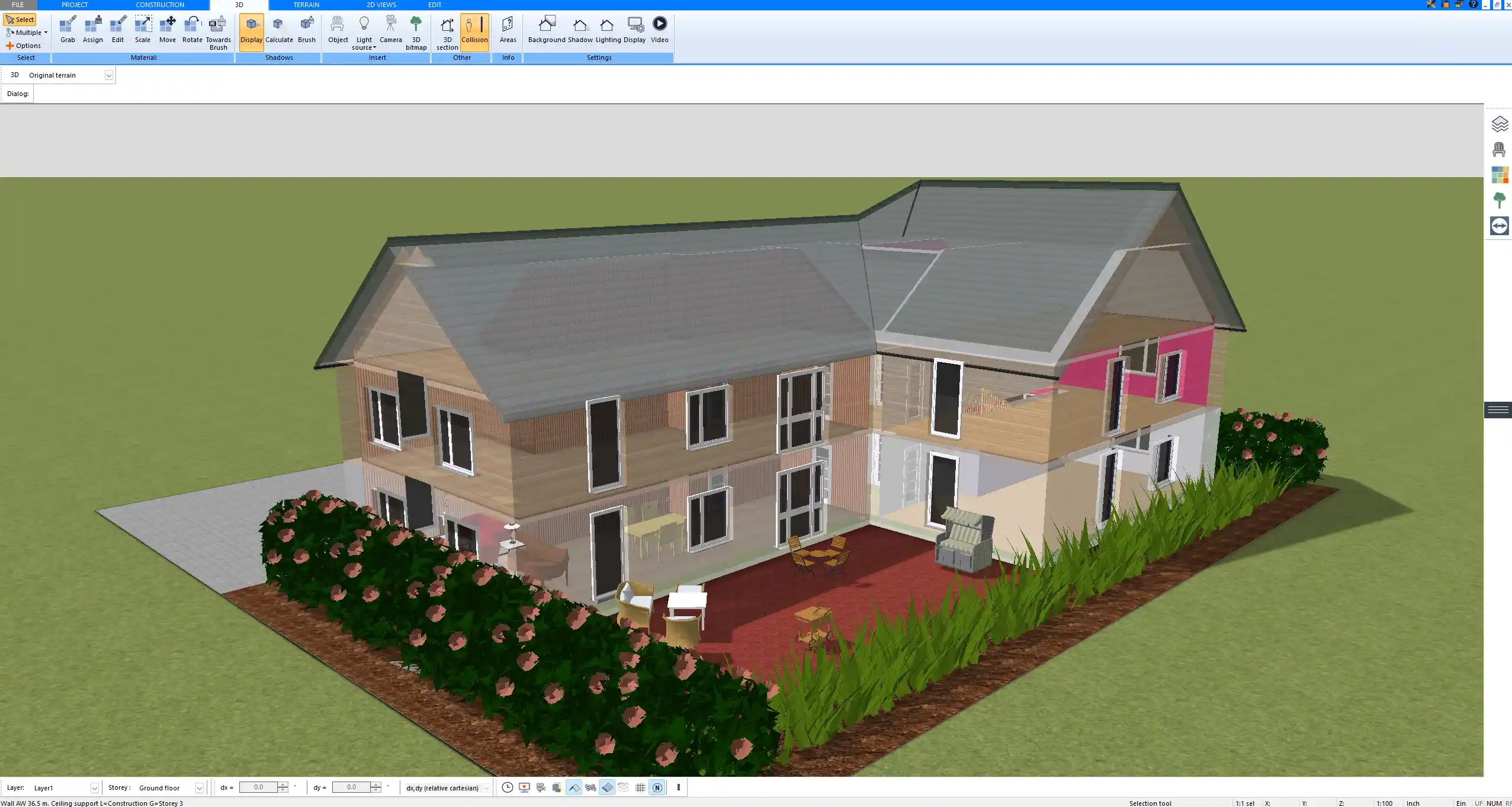
With Plan7Architect you can easily create professional construction drawings and floor plans while keeping full control over both 2D drafting and 3D visualization. Unlike SketchUp, the software is designed for precision in technical planning and allows you to switch effortlessly between European and American measurement systems. This means you can plan walls, layouts, and entire buildings exactly as needed and still present them in a realistic 3D model. If you want to prepare accurate construction drawings for renovations, extensions, or even new builds, Plan7Architect gives you the right tools in one software. Customers also benefit from a 14-day cancellation policy, which replaces the trial version. You can simply send us an email if you wish to cancel your purchase.
Plan your project with Plan7Architect

Plan7Architect Pro 5 for $109.99
You don’t need any prior experience because the software has been specifically designed for beginners. The planning process is carried out in 5 simple steps:
1. Draw Walls

2. Windows & Doors

3. Floors & Roof

4. Textures & 3D Objects

5. Plan for the Building Permit

6. Export the Floor Plan as a 3D Model for Twinmotion

- – Compliant with international construction standards
- – Usable on 3 PCs simultaneously
- – Option for consultation with an architect
- – Comprehensive user manual
- – Regular updates
- – Video tutorials
- – Millions of 3D objects available
Why Thousands of Builders Prefer Plan7Architect
Why choose Plan7Architect over other home design tools?


