A remodel usually goes off track long before demolition starts. It happens when a wall is moved without checking clearance, when a kitchen island looks right on paper but blocks circulation, or when nobody catches that the new bathroom layout conflicts with plumbing lines. Good software for remodeling floor plans helps you solve those problems before they become expensive jobsite changes.
For homeowners, contractors, and small design professionals, the right tool is not just about drawing walls. It needs to help you test ideas quickly, see the space in 3D, verify dimensions, and produce drawings that people can actually build from. That is where many floor plan tools separate into two camps – simple apps that are easy to start but limited once the project gets serious, and professional CAD systems that can do almost anything but often ask too much time, training, and money.
![Best Software for Remodeling Floor Plans]()
 What software for remodeling floor plans should actually do
If your project involves changing an existing home, the software has to do more than support new construction. Remodeling introduces constraints that blank-sheet design software often handles poorly. You are working around current walls, structural limits, windows, doors, stairs, rooflines, utility runs, and local documentation needs.
That means the software should let you trace or recreate the existing layout accurately, then build alternative versions without starting from scratch each time. If you are comparing an open-concept kitchen, a partial wall removal, and a more conservative update, you need fast iteration. If every option takes hours to redraw, planning slows down and decisions get delayed.
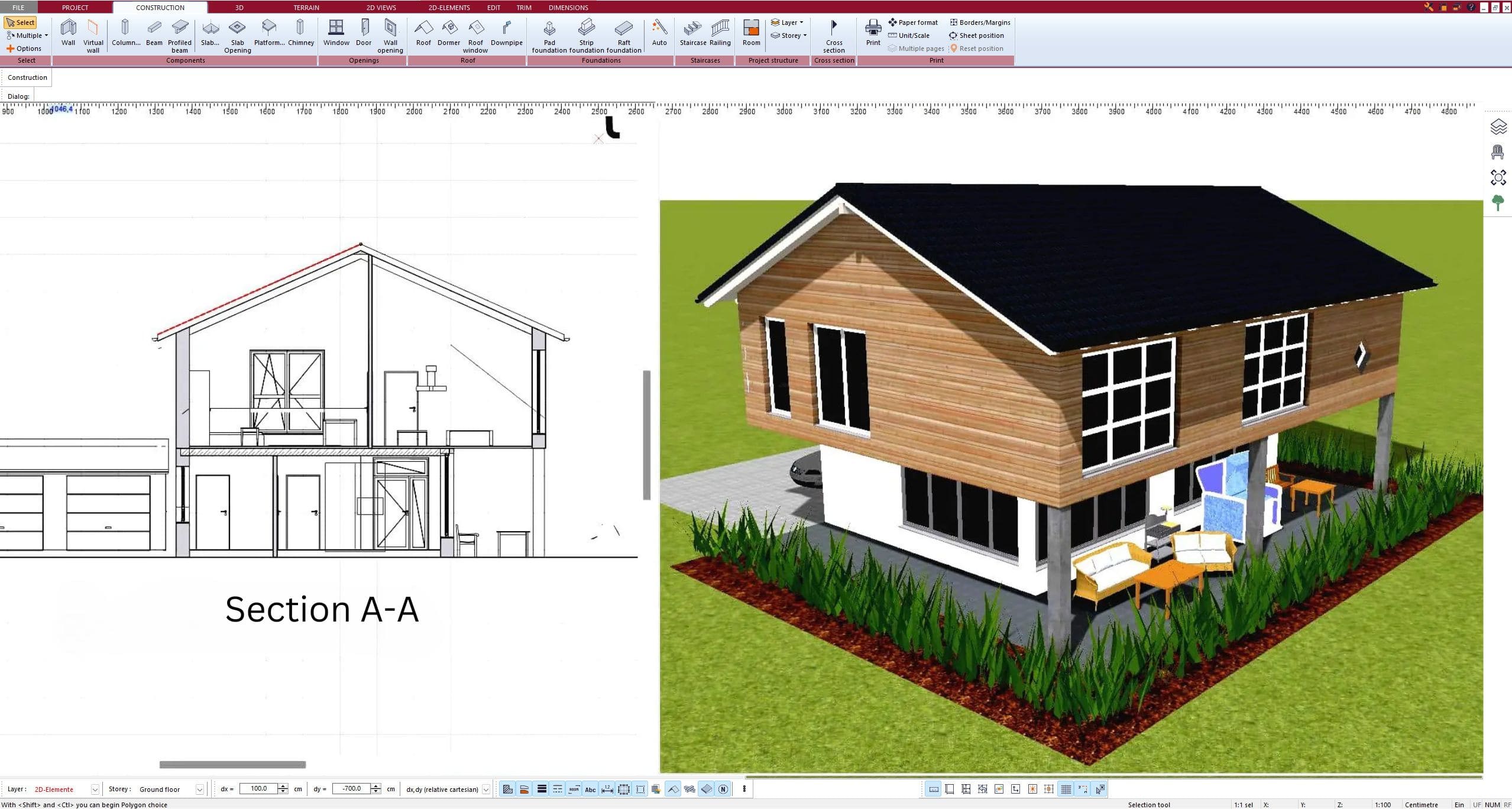
It also helps when the program supports both 2D and 3D in a practical way. In remodeling, 2D is where precision happens. You place walls, adjust room sizes, check dimensions, and prepare technical drawings. But 3D is often what makes the decision clear. A homeowner may hesitate over a layout until they can actually see sight lines, cabinet placement, window positions, or how a converted garage feels as living space.
The features that matter most in remodeling floor plan software
The strongest software for remodeling floor plans usually balances usability with technical depth. That balance matters because renovation projects often involve more than one type of user. A homeowner may start the concept, a contractor may refine dimensions, and a designer may use the drawings to finalize details.
Accurate wall editing is the first requirement. You need to add, remove, and shift interior walls without fighting the interface. Door and window placement should be simple to adjust, because remodels often depend on changing openings to improve natural light or circulation.
Dimension tools are just as important. A visually attractive layout is not enough if appliance spacing is wrong, hall clearances fail code expectations, or furniture fit is unrealistic. The software should make measurements visible and editable instead of burying them behind multiple menus.
Layered planning is another major advantage. In a remodel, you often need to distinguish existing conditions from demolition and proposed construction. Even if you are not creating a full construction set yourself, that separation helps avoid confusion when sharing plans with builders or permit offices.
Then there is output. Many users start with visualization but eventually need printable plans, elevations, sections, or exports in common formats such as DWG or DXF. This is where lightweight apps often run out of value. They may be fine for mood-board-level planning, but not for real project communication.
Why simple floor plan apps are not always enough
A lot of people begin with free or low-cost apps because they want a quick way to test remodeling ideas. That makes sense. If your only goal is rough furniture placement or a basic room reconfiguration, a simpler tool may be enough.
The problem starts when the project becomes real. Once you need exact wall thicknesses, structural coordination, cabinet planning, cross-sections, or permit-oriented documentation, the limitations become obvious. Many easy-start tools are built more for visualization than for accurate residential planning.
That does not mean every remodel requires advanced CAD. A cosmetic refresh probably does not. But if you are moving walls, converting a garage, building an ADU, redesigning a kitchen, or changing a basement layout, the software needs to support more than pretty screenshots.
What professionals and serious DIY renovators usually look for
Contractors and experienced renovators typically care about speed, reliability, and documentation. They do not want to spend weeks learning an enterprise platform if the project is a residential remodel. At the same time, they cannot work with software that lacks construction credibility.
This is why practical residential planning software occupies an important middle ground. It gives users enough control to produce serious drawings, while staying accessible enough for non-architects. For many projects, that middle ground is exactly what is needed.
A strong example is software that works offline, uses a one-time license instead of a subscription, and supports both 2D and 3D planning with real architectural output. That setup is especially attractive for homeowners and small businesses trying to control costs without giving up capability. Plan7Architect fits that category well because it is designed for residential planning and remodeling use cases rather than enterprise-scale commercial drafting.
How to choose software for remodeling floor plans
The best choice depends less on marketing claims and more on the type of remodel you are planning. If you are redesigning a single bathroom, your needs are different from a whole-house renovation.
Start by asking how detailed the planning needs to become. If you only need concept layouts, almost any floor plan tool may work. If you need construction drawings, cabinet planning, elevations, sections, and measurements you can trust on site, choose software built for real residential design.
Next, think about who will use it. Beginners usually need drag-and-drop placement, quick room creation, and clear visual feedback. Professionals and advanced users care more about drawing precision, editable components, and file compatibility. The best remodeling software serves both without forcing either group into the wrong workflow.
You should also consider ownership cost. Subscription software can make sense for large firms or short-term specialized work, but many homeowners, self-builders, and contractors prefer a one-time purchase. For a remodel that may unfold over months, permanent access is often more practical than another recurring bill.
Finally, check whether the software matches US residential planning expectations. Imperial units, printable drawing sets, common export formats, and support for permit-oriented documentation are not side issues. They affect whether your plan remains a private sketch or becomes a buildable package.
Common remodeling scenarios where the right software pays off
Kitchen remodels are probably the clearest example. A kitchen has circulation, appliance spacing, storage, work triangle logic, and often structural implications if walls come down. Good software lets you test multiple layouts quickly and see whether the space actually works before ordering cabinets.
Garage conversions and ADUs are another case where software quality matters. These projects combine existing structure constraints with new living requirements. You may need to evaluate room proportions, window placement, bathroom fit, and furniture use while also preparing formal drawings.
Basement finishing, attic conversions, and open-plan living remodels benefit for the same reason. They are not just decorating projects. They involve dimensions, access, code-related considerations, and often the need to communicate clearly with other people.
The trade-off between ease of use and serious capability
There is always a trade-off. The easiest tools are often the least complete. The most powerful tools often expect trained users. The right software for remodeling floor plans sits between those extremes.
For most residential remodelers, that middle category gives the best return. You can start with a room layout, move into 3D visualization, refine dimensions, and produce technical drawings without switching platforms halfway through the project. That saves time, reduces errors, and keeps planning decisions in one place.
It also makes collaboration easier. A homeowner can understand the 3D views, while a contractor can work from the measured plans. When one software environment serves both conversations, projects tend to move more smoothly.
What to avoid when evaluating remodeling software
Be cautious with software that looks impressive in screenshots but says very little about actual construction output. If you cannot tell whether it supports measured drawings, sections, elevations, or file export, it may be more presentation tool than planning tool.
Also watch for products that are cheap at first but expensive over time. Subscription fees, paid feature add-ons, or locked exports can make a low entry price less attractive than it seems.
And avoid choosing based only on a short learning curve. Ease matters, but not if it forces you to redraw the entire project later in a different program once the remodel becomes more detailed.
The best software for remodeling floor plans is the one that helps you make confident decisions early, then carries those decisions through to real drawings you can use. If a program can do that without overwhelming you or tying you to ongoing costs, it is not just convenient. It becomes part of how you keep a remodel on budget, on track, and much closer to what you pictured when you started.
Plan your project with Plan7Architect
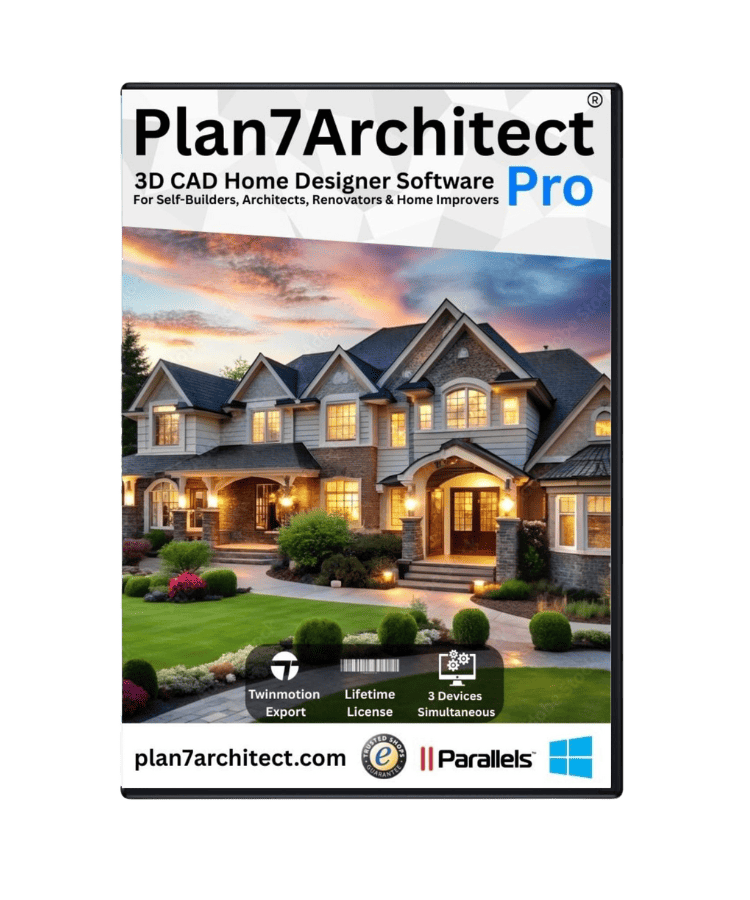
Plan7Architect Pro 5 for $169.99
You don’t need any prior experience because the software has been specifically designed for beginners. The planning process is carried out in 5 simple steps:
1. Draw Walls
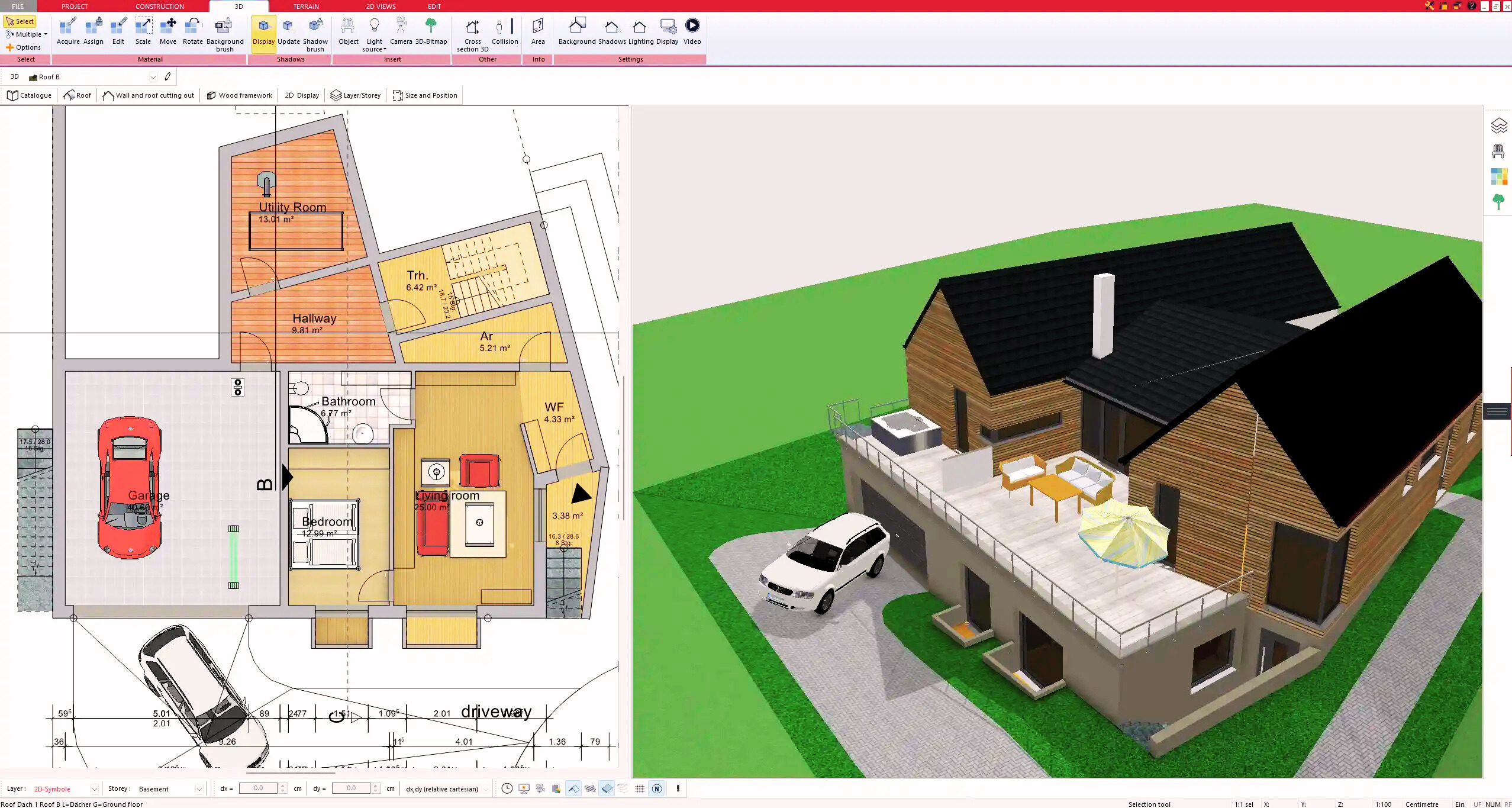
2. Windows & Doors
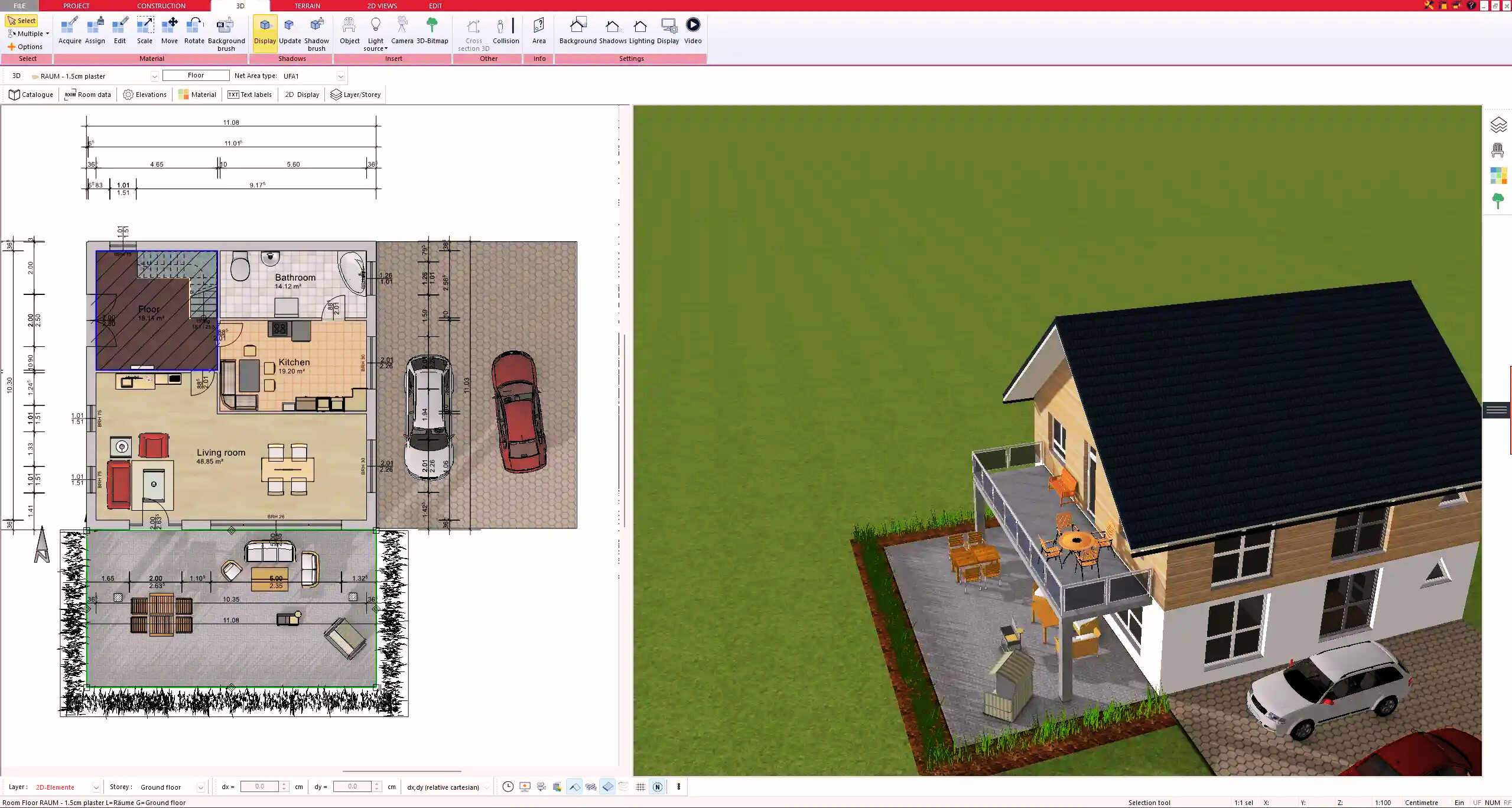
3. Floors & Roof
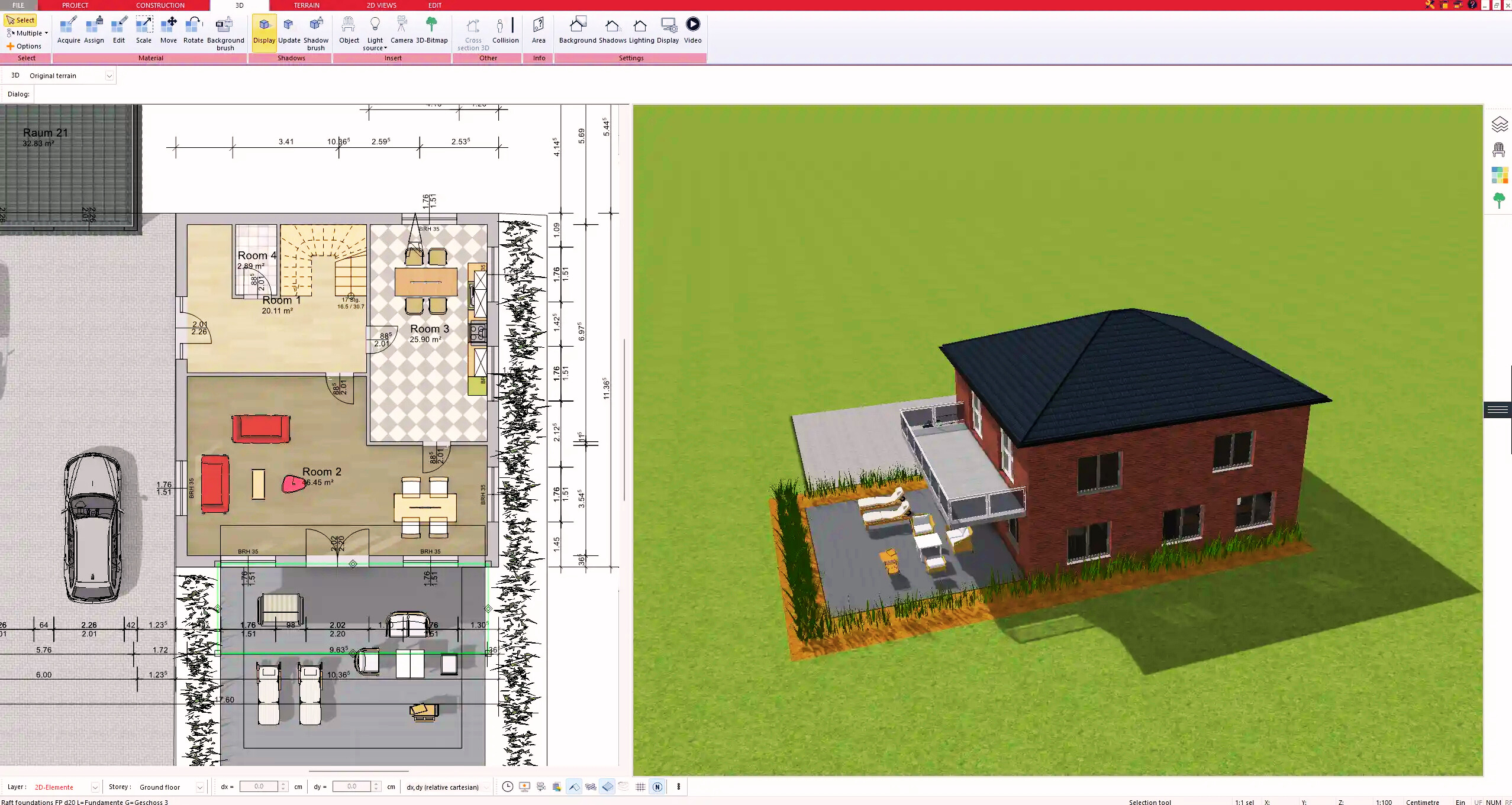
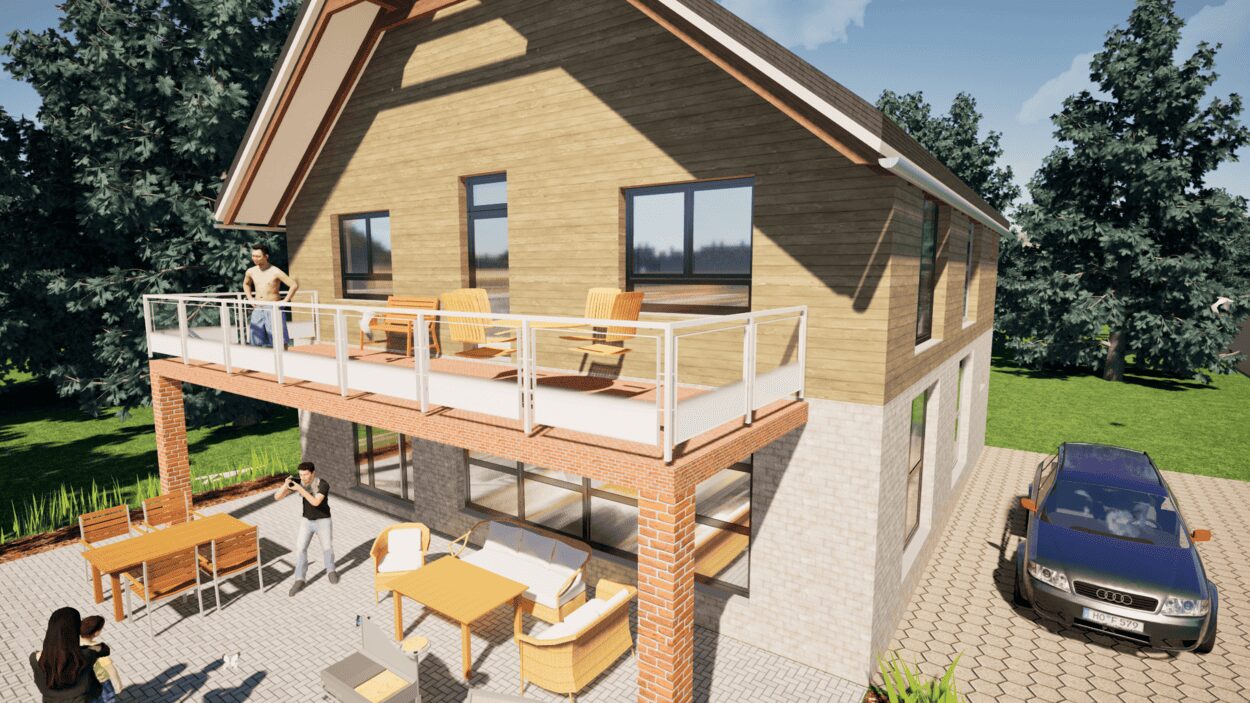
4. Textures & 3D Objects
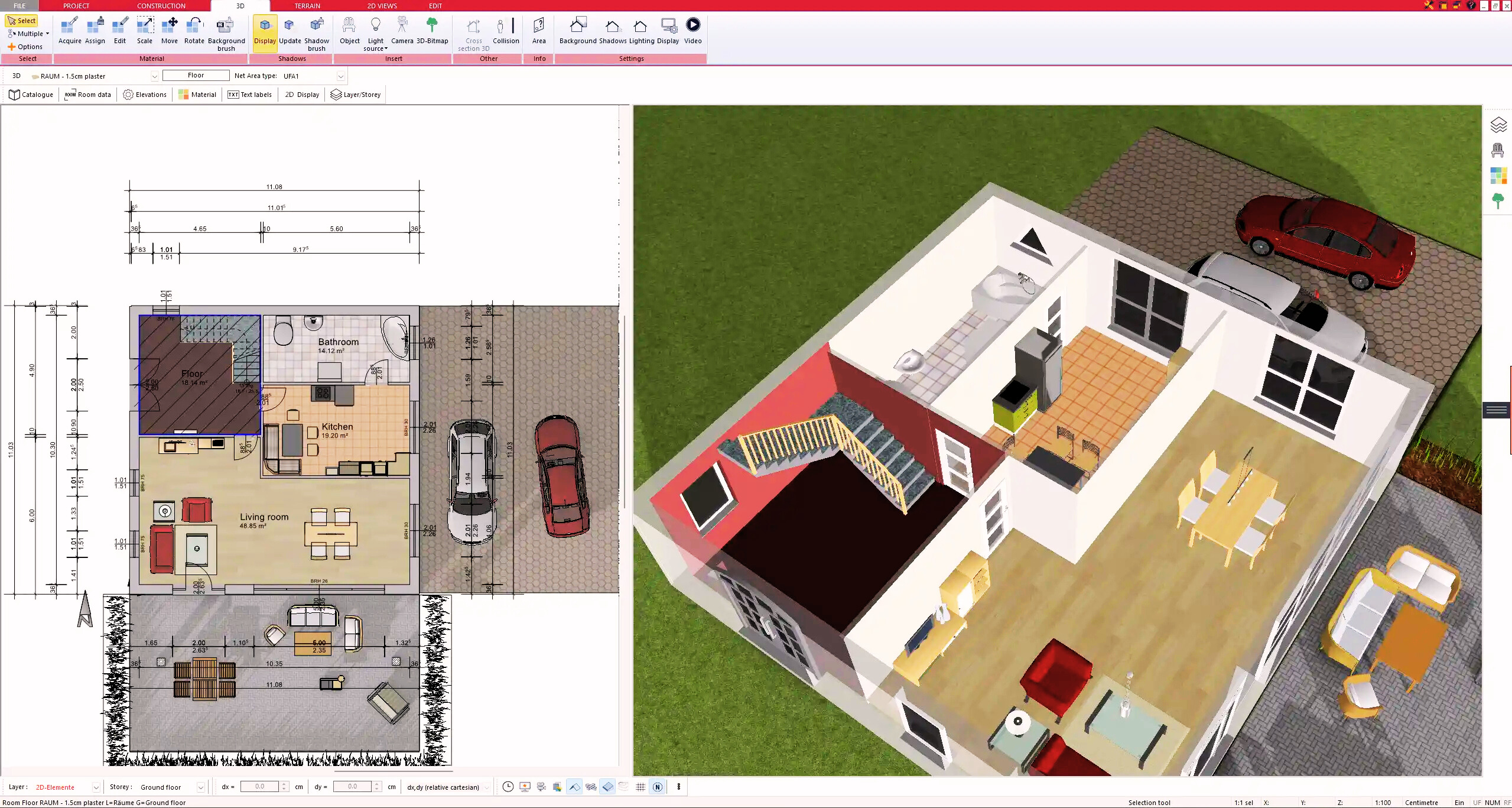
5. Plan for the Building Permit
6. Export the Floor Plan as a 3D Model for Twinmotion
- – Compliant with international construction standards
- – Usable on 3 PCs simultaneously
- – Option for consultation with an architect
- – Comprehensive user manual
- – Regular updates
- – Video tutorials
- – Millions of 3D objects available
Why Thousands of Builders Prefer Plan7Architect
Why choose Plan7Architect over other home design tools?