

If your floor plan looks great on screen but your contractor, draftsperson, or permit office needs a DWG file, the wrong software becomes obvious fast. Home design software with DWG export solves that gap. It lets you plan visually, work in 2D and 3D, and still hand off drawings in a format that many building professionals already use.
That matters more than most buyers expect. Plenty of consumer design apps are fine for inspiration boards and furniture layouts, but they stop being useful the moment you need scaled drawings, editable construction plans, or a file your building team can open without redrawing everything from scratch. If you are planning a remodel, new home, ADU, garage conversion, or major interior rework, DWG export is not a luxury feature. It is often the difference between a pleasant planning phase and a frustrating restart.
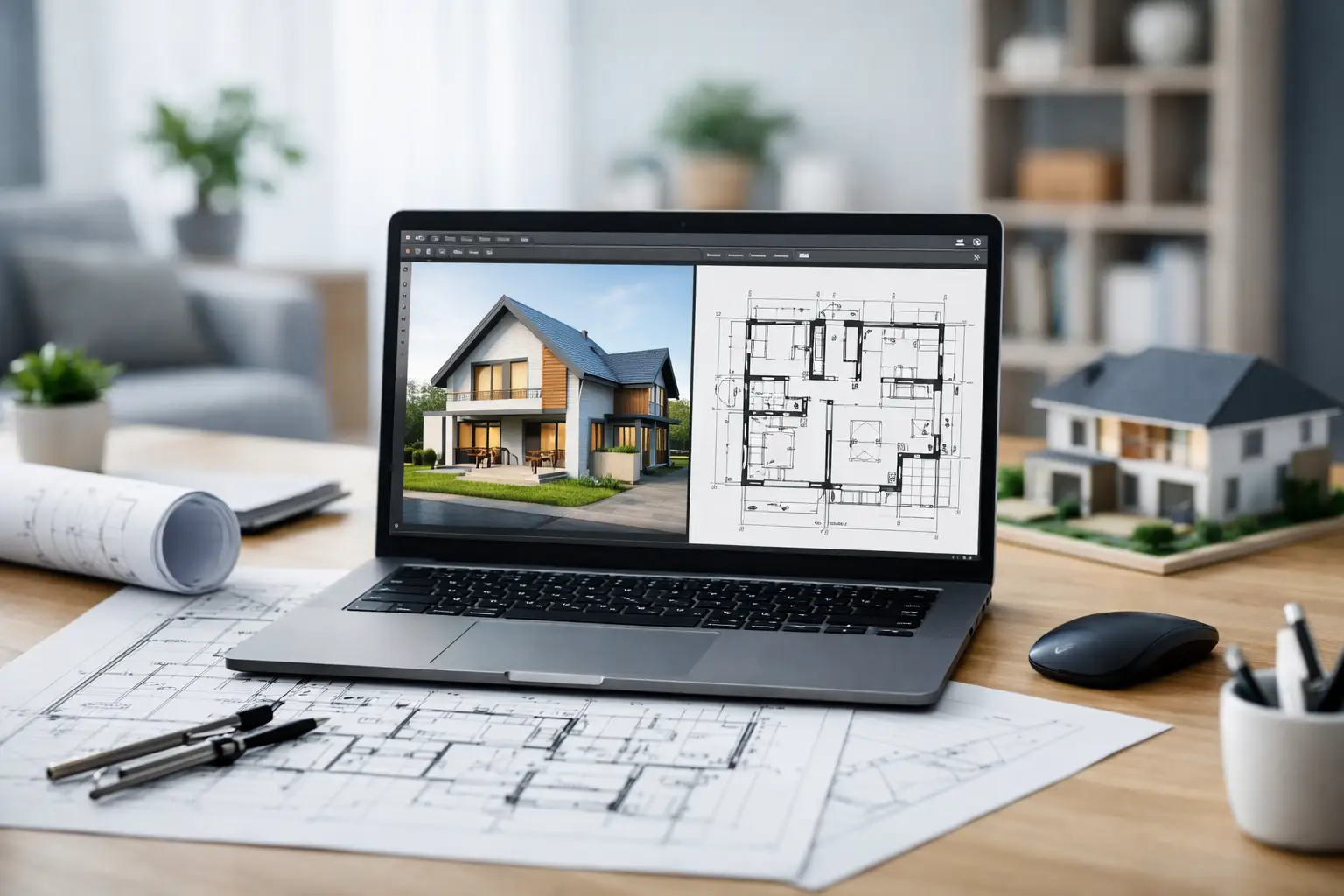 Why home design software with DWG export matters
DWG remains one of the most common drawing formats in architectural, drafting, and construction workflows. Even when a contractor is not designing in full CAD every day, there is a good chance someone in the chain is using DWG-compatible software for revisions, markups, estimates, or permit documentation.
For homeowners and self-builders, this creates a practical requirement. You may want software that is easy enough to use without formal CAD training, but you also need output that does not trap your project inside a closed ecosystem. A pretty rendering is helpful. A measurable, exportable drawing is what keeps the project moving.
The main advantage is flexibility. You can sketch room layouts, test roof shapes, adjust dimensions, place windows and doors, and generate views yourself. Then, when you need outside help, you export a DWG and continue with an architect, engineer, contractor, or permit drafter without losing the work you already paid for with your time.
What to look for in home design software with DWG export
DWG export by itself is not enough. Some software includes it as a checkbox feature, but the rest of the workflow is too limited to be useful for real residential planning. The better question is whether the software helps you create drawings worth exporting.
Start with core drawing control. You need accurate wall tools, dimensioning, door and window placement, story management, roof planning, and the ability to produce elevations and sections if your project goes beyond a simple room refresh. If the software only supports basic room shapes and decorative 3D views, the DWG file may not help much.
Next, consider whether the program works well for both concept planning and build-oriented documentation. Many users start with broad questions such as whether a kitchen should open into the living room or whether an ADU fits on the lot. Later, those same users need exact wall thicknesses, ceiling heights, window schedules, and printable plans. Good residential software should support both stages without forcing you into a second platform.
Ease of use also matters. Traditional CAD tools can be powerful, but they are often expensive, subscription-based, and difficult for nonprofessionals to learn. If you are a homeowner or small contractor, the sweet spot is software that feels approachable while still producing serious output. That is where value really shows.
Finally, check file compatibility beyond DWG. DXF support, printable construction sheets, and the ability to work in both imperial and metric units can save time if your project involves different consultants or regional standards.
Who actually needs DWG export
Not every user needs it on day one, but many projects grow into it. A homeowner planning a bathroom remodel may begin with simple layout testing, then decide to share the plan with a cabinet supplier or contractor who wants a DWG-compatible file. A real estate investor may sketch multiple unit options and later need editable plan files for pricing and revisions. A designer might use a home planning tool for fast concept development, then export to collaborate with technical consultants.
This is especially useful for self-builders and remodeling clients who want more control before they hire outside help. Instead of paying professionals to start from a blank sheet, you can arrive with a measured draft, 3D views, and a file format the next person can actually use.
There is also a cost benefit. When your software supports practical exports, your own planning work has continuing value. You are not just buying a visualization tool. You are building a usable project file.
The trade-off between simplicity and professional output
This is where many buyers get stuck. Very simple apps are appealing because they are quick to learn. High-end CAD systems are appealing because they are industry-standard. Most residential users do not fully want either extreme.
If the software is too simple, you may outgrow it once permits, construction drawings, or contractor coordination enter the picture. If it is too technical, the learning curve can delay the project and raise the real cost of ownership. That is why many buyers look specifically for residential design software that sits in the middle – easier than enterprise CAD, but capable of creating accurate plans and exporting DWG files when needed.
That middle ground tends to work best for kitchen remodels, home additions, attic conversions, ADUs, detached garages, and full custom homes where the user wants independence without giving up professional compatibility.
A practical way to evaluate your options
When comparing software, ignore marketing screenshots for a moment and think about your actual job to be done. Ask whether the program can handle the whole path from idea to handoff.
Can you draw existing conditions accurately? Can you test redesign options in 3D? Can you produce floor plans with dimensions that a contractor will trust? Can you export to DWG without rebuilding the project elsewhere? Can you print or compile sheets that support permit submissions or builder communication?
Those questions reveal more than flashy renderings ever will. The best software for residential users is usually the one that reduces rework. It should let you plan once, refine the design, and continue using the same project data throughout the process.
For that reason, feature transparency matters. Buyers should know whether DWG export is included in the edition they are considering, whether the software works offline, and whether there is a one-time purchase option or an ongoing subscription. For many households and small businesses, predictable ownership is a major advantage.
Where this kind of software delivers the most value
Home design software with DWG export is especially valuable in projects where communication mistakes get expensive. A few inches lost in a kitchen walkway, a misread window size, or a poorly coordinated garage conversion can create delays that cost far more than the software itself.
For homeowners, the biggest gain is confidence. You can see the space in 3D, verify dimensions in 2D, and discuss the same plan with family, builders, and permit reviewers. For contractors and designers, the gain is speed. Early concepts can be built quickly, revised with the client, and exported for downstream drafting or estimating.
This is also where software with construction-oriented outputs stands apart from casual design apps. If you can generate floor plans, elevations, sections, and material-relevant views from one model, you make fewer assumptions and catch problems earlier.
One strong example of this approach is Plan7Architect, which is built for residential users who want professional-grade planning tools without the usual price and complexity of traditional CAD. That matters if you need something approachable enough for self-planning but credible enough to support real building work.
When DWG export may not be enough on its own
There is one realistic caveat. Export quality depends on the quality of the drawing behind it. If the plan is poorly dimensioned, modeled loosely, or missing critical information, a DWG file will not fix that. It only makes the file more transferable.
So the software should help you build clean drawings in the first place. Look for tools that support snapping, layers or drawing organization, clear dimension controls, and documentation views that reflect actual construction intent. For permit or engineering work, you may still need a licensed professional depending on your location and scope. The software supports that process, but it does not replace legal or code-specific requirements.
That is not a drawback so much as a reality check. Good software improves communication, planning accuracy, and handoff quality. It does not remove the need for sound project decisions.
Choosing software you will still like halfway through the project
The best buying decision is usually not the software with the longest feature list. It is the one that matches how residential projects really unfold. You need a tool that lets you start quickly, make confident changes, and produce files that other people can work with when the project becomes more technical.
If that sounds like your situation, prioritize usability, accurate residential drafting tools, and dependable DWG export over flashy presentation features. The right program should help you think clearly, draw accurately, and keep your options open once builders, designers, or permit reviewers enter the conversation.
A good home plan should not get stranded inside the software that created it. If your design can move from your screen into the real world without being redrawn from scratch, you are using the right kind of tool.

Plan your project with Plan7Architect

Plan7Architect Pro 5 for $169.99
You don’t need any prior experience because the software has been specifically designed for beginners. The planning process is carried out in 5 simple steps:
1. Draw Walls

2. Windows & Doors

3. Floors & Roof

4. Textures & 3D Objects

5. Plan for the Building Permit

6. Export the Floor Plan as a 3D Model for Twinmotion

- – Compliant with international construction standards
- – Usable on 3 PCs simultaneously
- – Option for consultation with an architect
- – Comprehensive user manual
- – Regular updates
- – Video tutorials
- – Millions of 3D objects available
Why Thousands of Builders Prefer Plan7Architect
Why choose Plan7Architect over other home design tools?


