

Create floor plans, sections & construction drawings in minutes – with the leading 3D CAD home planner!
Have you ever imagined what your home would look like if you changed its layout, created new spaces, or planned an extension? Whether you’re embarking on a complete new build, modernizing your house, or undertaking a renovation, planning can quickly become overwhelming. Where do you start, which dimensions are crucial, and what regulations must be followed? This is where our story begins: the story of a tool that accompanies you from the very first sketch to the final building permit, making your construction project significantly easier.
The solution: Plan7Architect
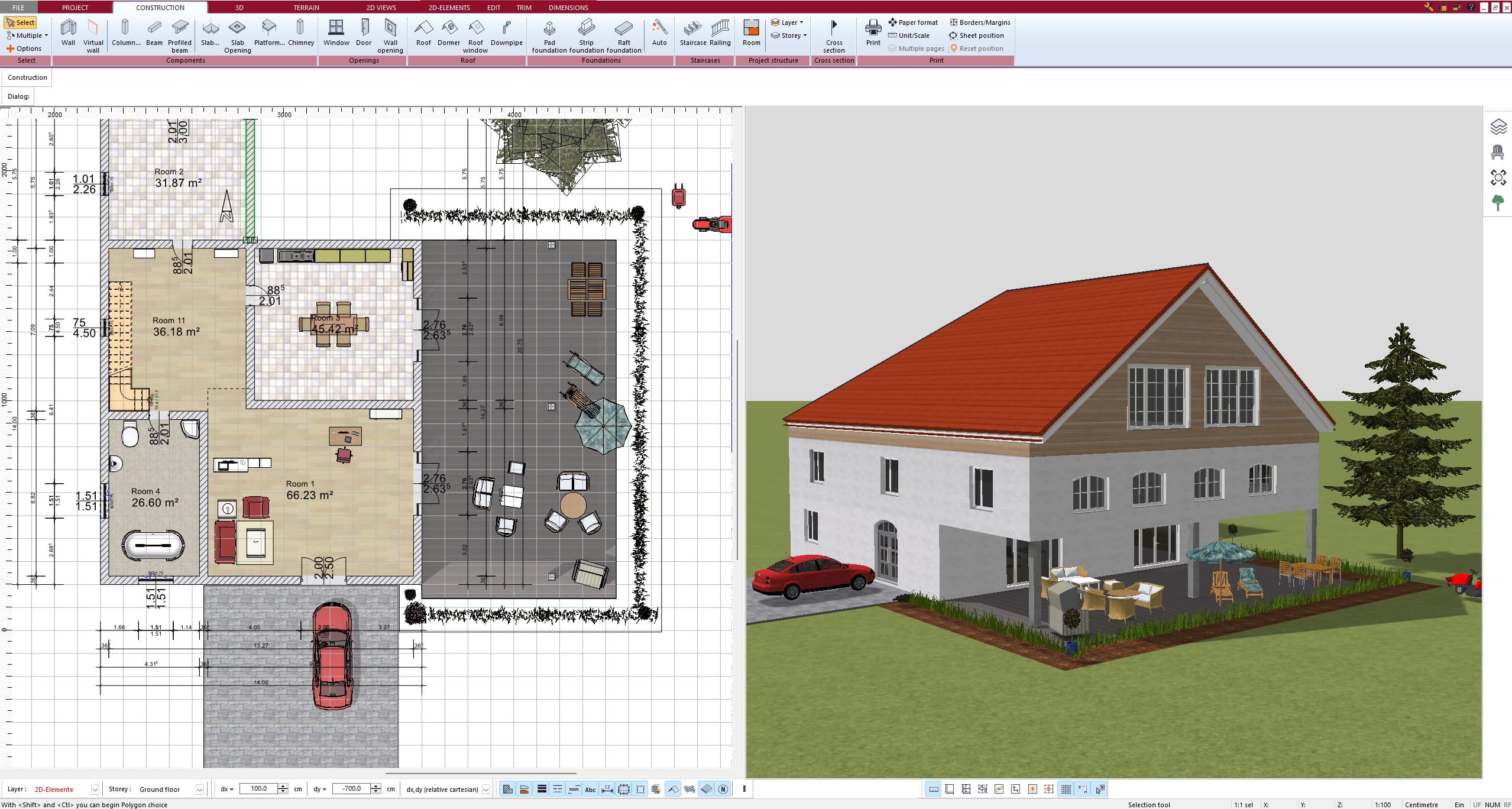
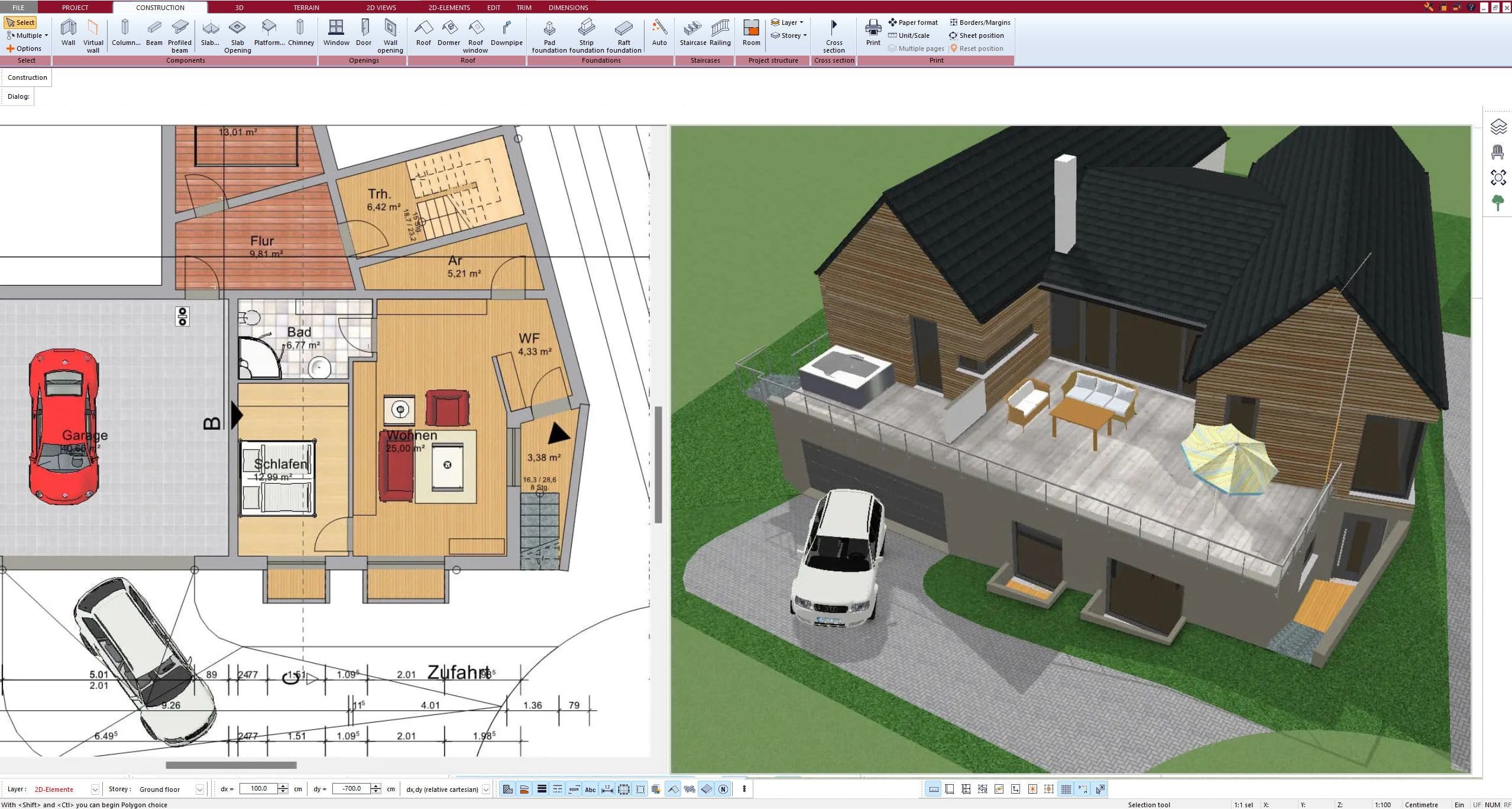
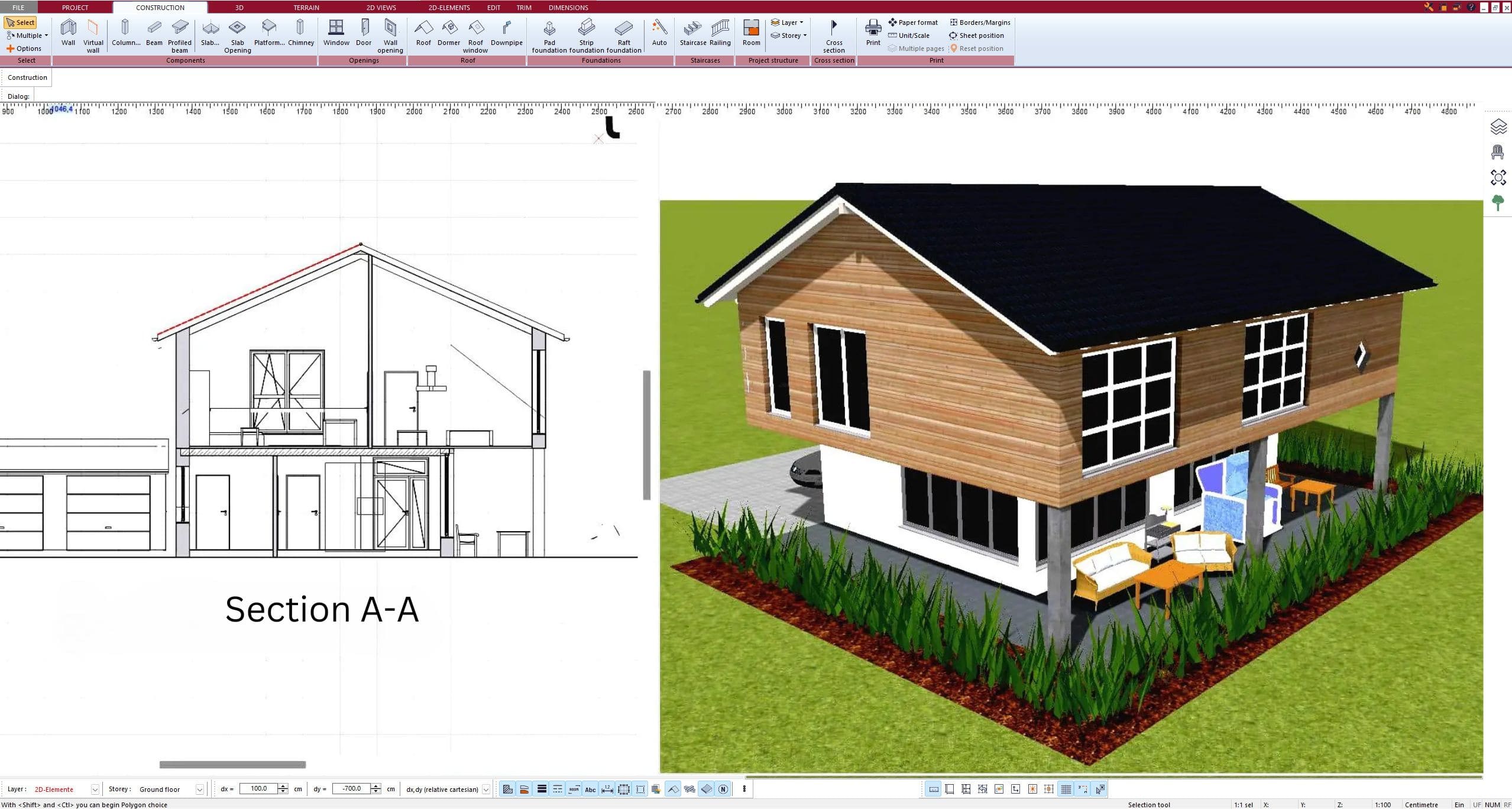
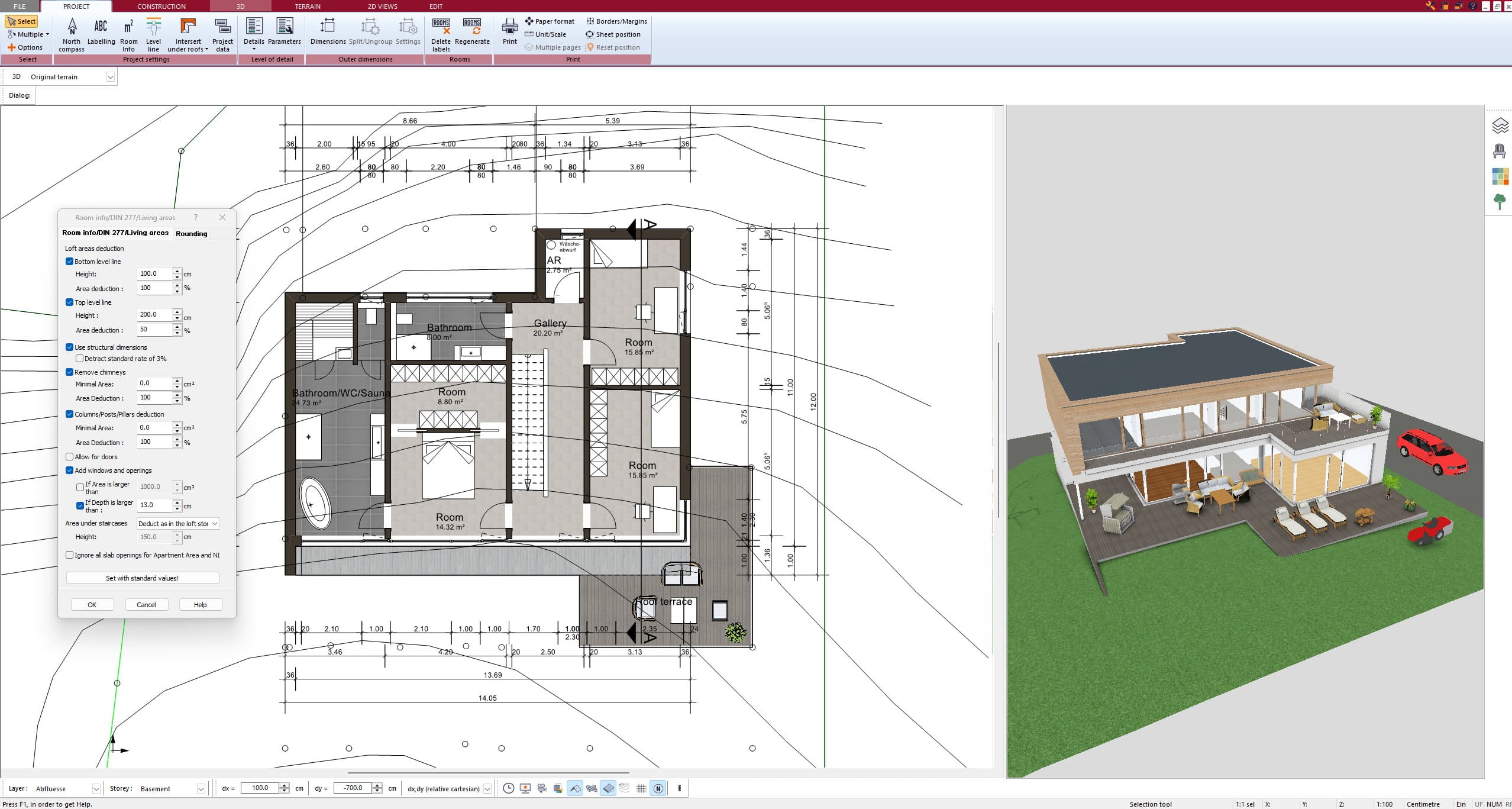
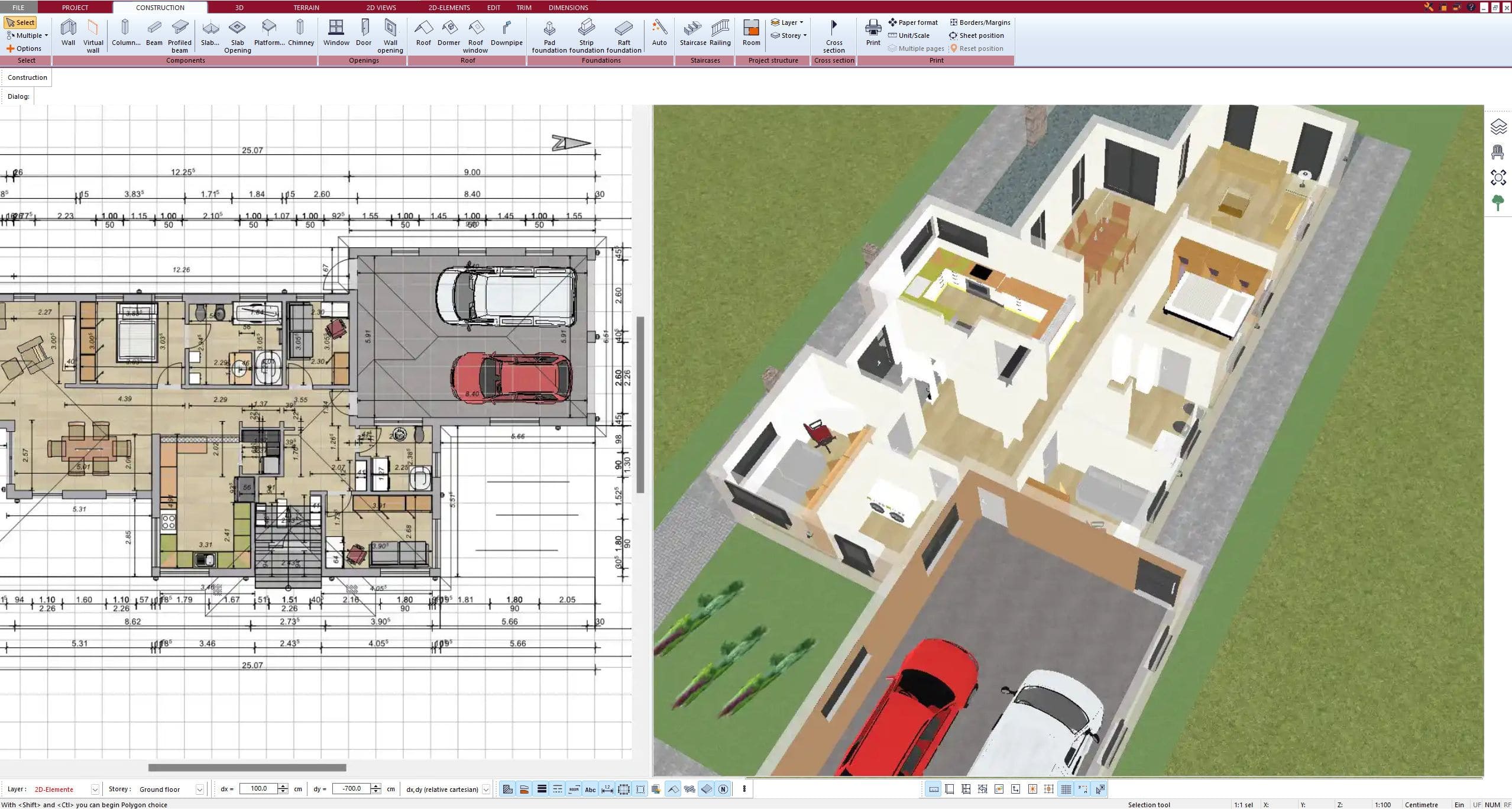
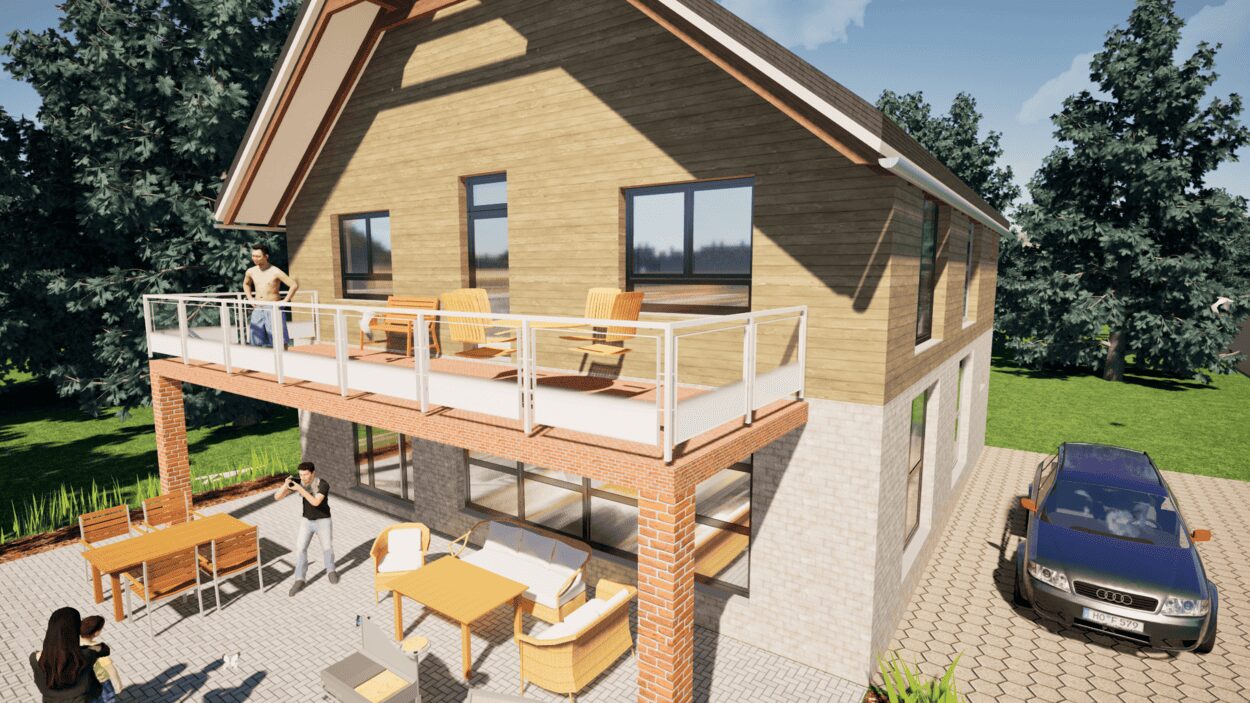
Plan7Architect is a professional architectural software that allows even beginners to easily create floor plans that meet international building standards, including those in the US, UK, Canada, Australia, New Zealand, and all European countries. With this program, you can design floor plans in 2D and 3D simultaneously and then export these plans, send them to your architect, print them, and use them for your building permit application or financing. As a customer, you benefit from a 14-day right of withdrawal, allowing you to cancel your purchase within 14 days without providing any reasons and receive a full refund.
Why Thousands of Builders Prefer Plan7Architect
Why choose Plan7Architect over other home design tools?
Verified Customer Reviews
Watch how a complete house is planned from start to finish – in under 25 minutes
Detailed House Planning (25 Min)
Small Home Planning Demo (12 Min)
Core Functions

Some Highlights of the Software
Frequently Asked Questions
Plan7Architect Pro 5 is ideally suited for private homeowners and property owners who want to build or renovate their house or property and also wish to share their plans with an architect.
At the same time, Plan7Architect Pro 5 is also widely used by professionals.
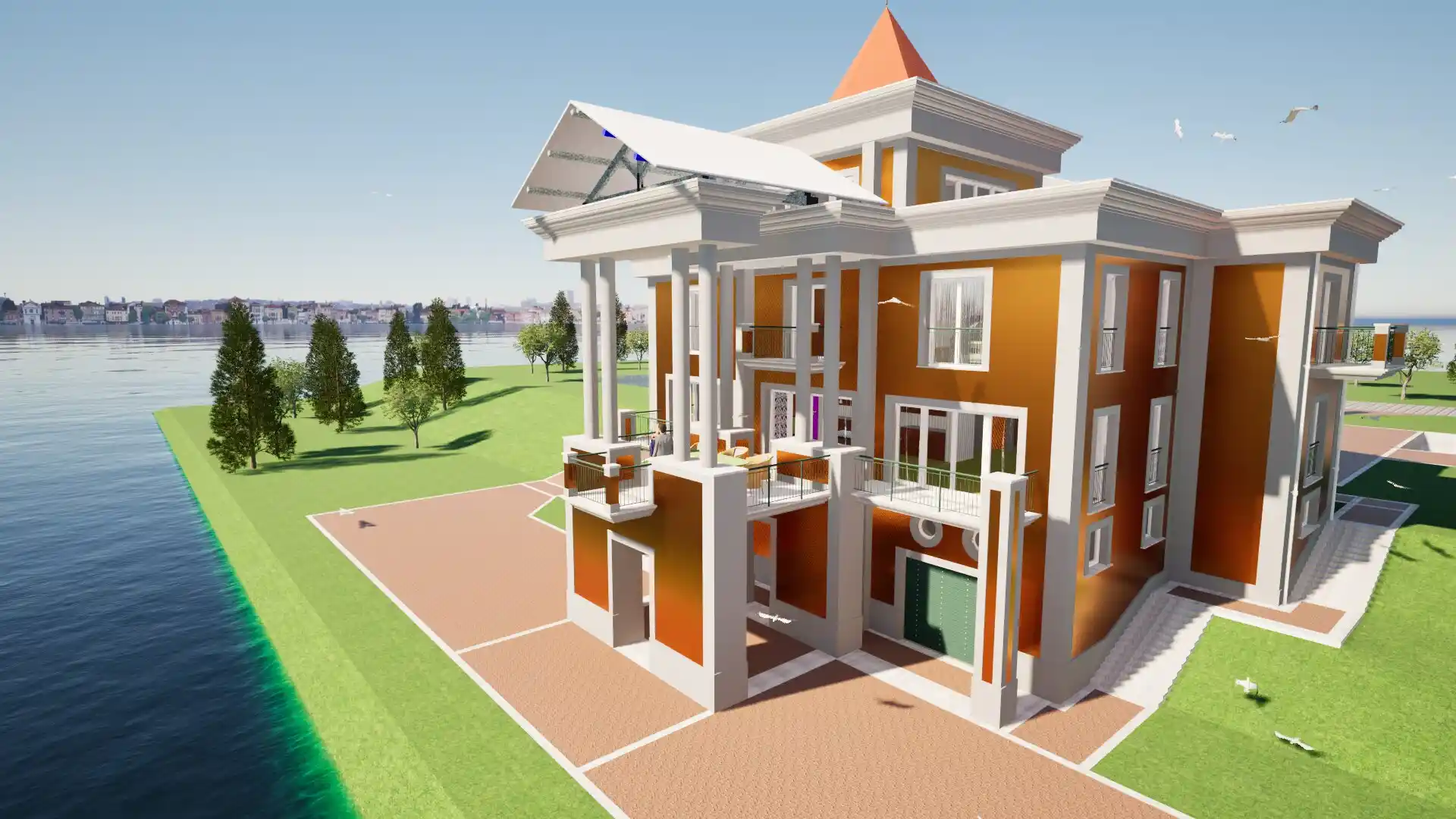
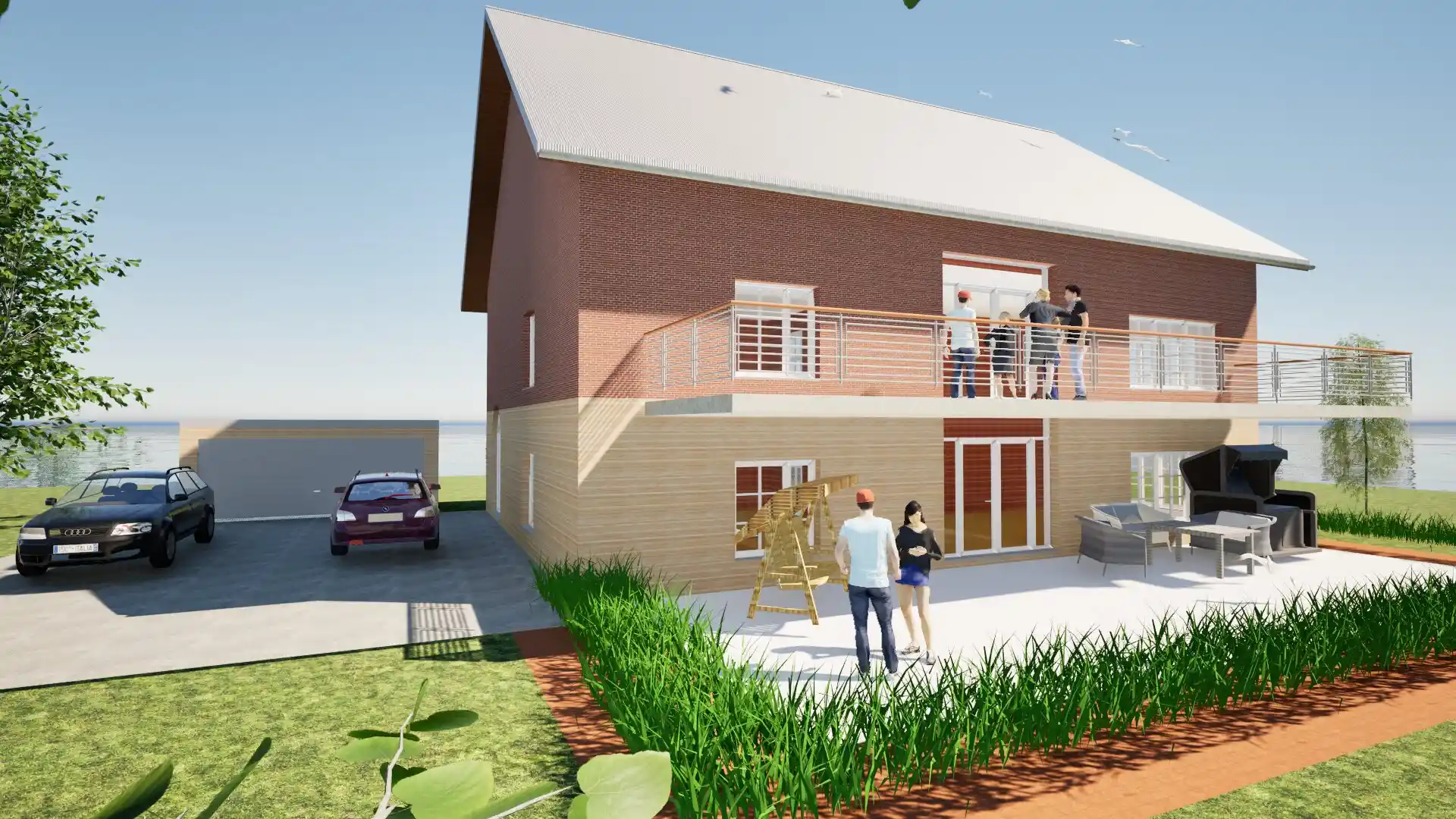
Construction companies, craftsmen, planning offices, and real estate agents rely on the software for 3D visualization, detailed project planning, and high-quality presentations.
Many architects also use the Pro version to design, present, and produce accurate construction drawings for their clients.
With the program, you can independently implement all the essential elements required for a building permit application. The interface has been specifically designed for laypersons, so no prior knowledge is necessary.
It is also perfect for planning renovations, extensions, garages, carports, and more.
Just as well, it is ideal for 3D visualization for companies, planning offices, craftsmen, or real estate agents who want to present their properties in a better light.
Plan7Architect can be adjusted to comply with the building regulations of any country. It is easily configurable to meet U.S., Canadian, Australian, UK, New Zealand, and European building standards, as well as those of other regions.
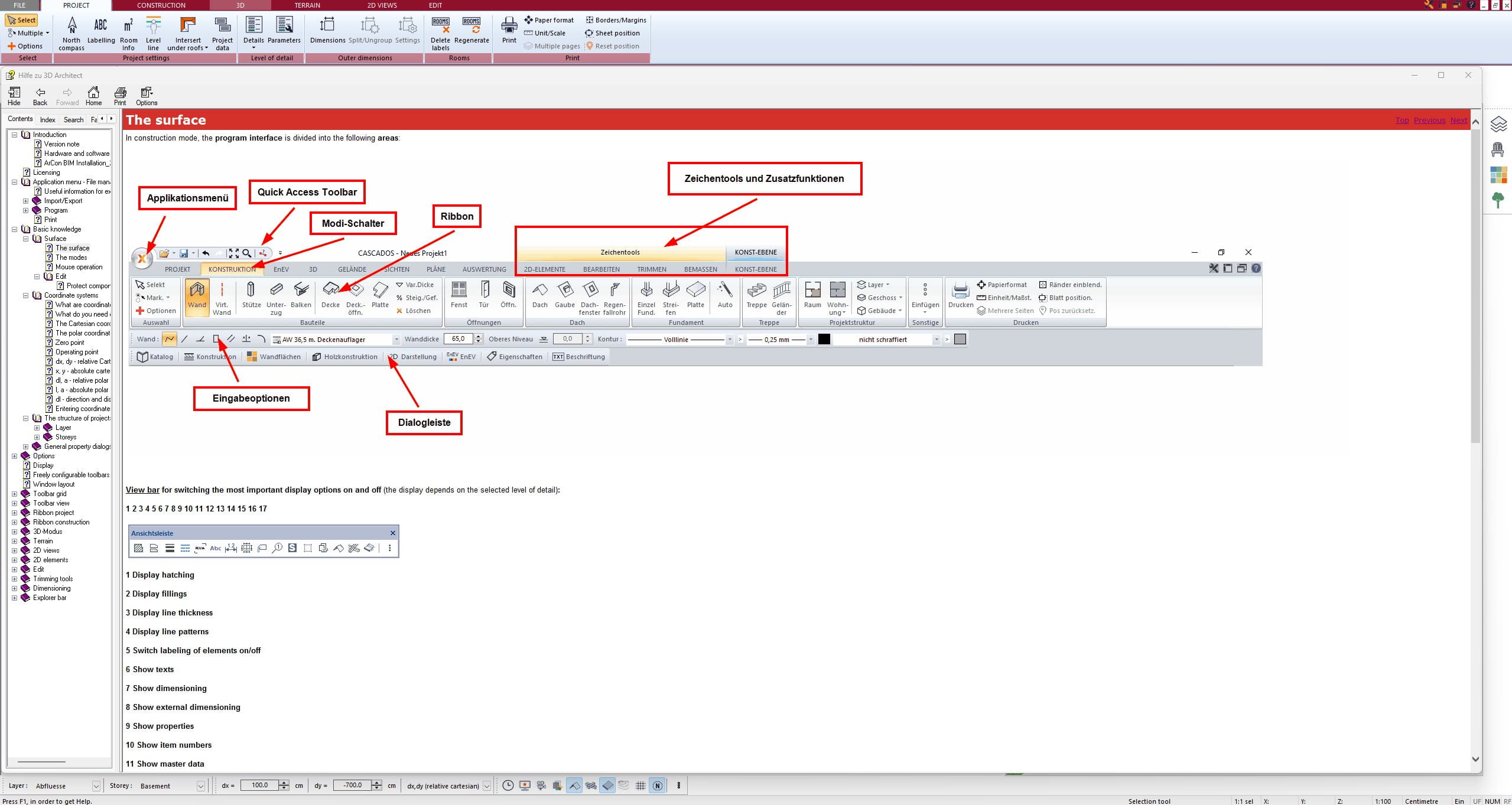
The interface of Plan7Architect is built intuitively, and the most important functions are generally just one click away. As a layman, you can familiarize yourself with the software in approximately 1-2 hours and begin planning moderately complex projects.
Furthermore, as an owner of Plan7Architect, you are supported by the following features:
- Help Functions
The program includes several help features designed to simplify your experience:- Manual & Getting Started Guide
- Context-Sensitive Hints & Tips within the program
- Input Assistance & Tips in the toolbar
- Video Tutorials
Our YouTube channel offers numerous video tutorials with step-by-step instructions for our program. New videos are published regularly. - Support Ticket System
You have the option to create a support ticket at any time via our central support ticket system. The access link is provided automatically after you purchase the software. - Customer Forum
In our customer forum, moderators and fellow users have already answered hundreds of questions, providing valuable assistance. As a customer, you gain access to the forum where you can ask questions or share suggestions for software improvements.
System Requirements:
Operating System:
Microsoft® Windows 10® (64-bit) or higher
CPU:
Intel Core i5 or higher, AMD Ryzen 5 or higher
Hard Drive:
10 GB free disk space
RAM:
8 GB RAM or higher
Graphics Card:
- Optimal: Nvidia GTX 1050ti or higher
- For normal operation: All common graphics card models
Monitor & Mouse:
Full HD (e.g., 1920 x 1080 pixels) or 4K, along with a keyboard and a mouse with a scroll wheel.
After completing your order, you will receive a personal download link for the purchased software via email. Additionally, every customer receives an account on our website where your license key and the download link to the latest version of our program are stored. The download link is valid for exactly 1 year from the date of purchase, and you can download the software as often as you like during that period.
The license has no time limitations, so you can use the software indefinitely after purchase. Only the free updates and download access are limited to 1 year, but these can be extended upon request.
With Plan7Architect, you can easily import existing floor plans and third-party objects. You can even scan hand-drawn floor plans and trace over them.
Of course, completed projects can also be forwarded to architects for further editing. The file formats are compatible with professional architectural software.
Every license you purchase is valid for three devices. This means you can activate it a maximum of three times and work on three computers simultaneously.
As a customer, you receive your own account on our website. In this account, your personal download link to the latest version of our software is available for one year. With every new update, we will inform you via newsletter, so that you can log in to your account and download the newest version free of charge.
With the purchase of a Plan7Architect license, no additional or recurring costs apply. The price is one-time, and the license can be used indefinitely.
We don’t want to force any of our customers into a subscription they might forget to cancel and then get frustrated about the ongoing costs. Most of our customers buy the software once for a renovation, remodel, or home addition and never need it again — so there’s no reason to lock them into a subscription.
We believe in fair and transparent pricing: you pay once, and you own the software for life.
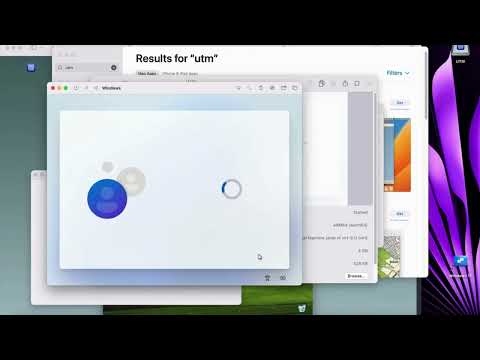
Plan7Architect is currently a Windows-based application, and there is no native Mac or web-based version available at this time.
However, many Mac or iPad users successfully run the software on their devices using virtualization tools. The most popular option is Parallels Desktop, which allows you to install Windows on your Mac or iPad and use Plan7Architect seamlessly — just like on a Windows PC.
But you don’t have to pay for Parallels. Free alternatives like UTM, VMware Fusion (Free for Personal Use), VirtualBox, or compatibility layers like Wine/WineBottler can also be used to run Plan7Architect on macOS.
Important: If you’re using a Mac or iPad with an M1, M2, M3, or M4 (Apple Silicon) chip, Parallels and UTM are the most compatible options. We personally run Plan7Architect on the latest MacBooks with M4 chip — and it works smoothly.
Yes, Plan7Architect is fully compatible with Windows 10 and Windows 11.
No, you don’t require a new license. We have step-by-step instructions in our customer area that show you how to deactivate a license on one PC and then reactivate it on a new PC. This way, you can take your software license with you wherever you go.
Since we offer a 14-day right of withdrawal for all our customers, we do not provide a free trial version. You can cancel your software purchase without giving any reasons and receive a full refund. Simply send us a short email to process your cancellation.
Further Questions & Answers
You can find additional questions and answers in our FAQ section.

