

Choosing the right house planning software is essential for anyone looking to design, visualize, and prepare plans for construction or remodeling. Whether you’re a private homeowner or a professional, the software should be easy to use, feature-rich, and capable of producing permit-ready plans.
Plan7Architect Pro 5 is one of the few tools that combine intuitive usability with professional-level features like construction permit support, high-quality 3D visualizations, and multi-layer management. In this article, we compare Plan7Architect with other popular programs such as Sweet Home 3D, SketchUp, and RoomSketcher to help you decide which solution best fits your needs.
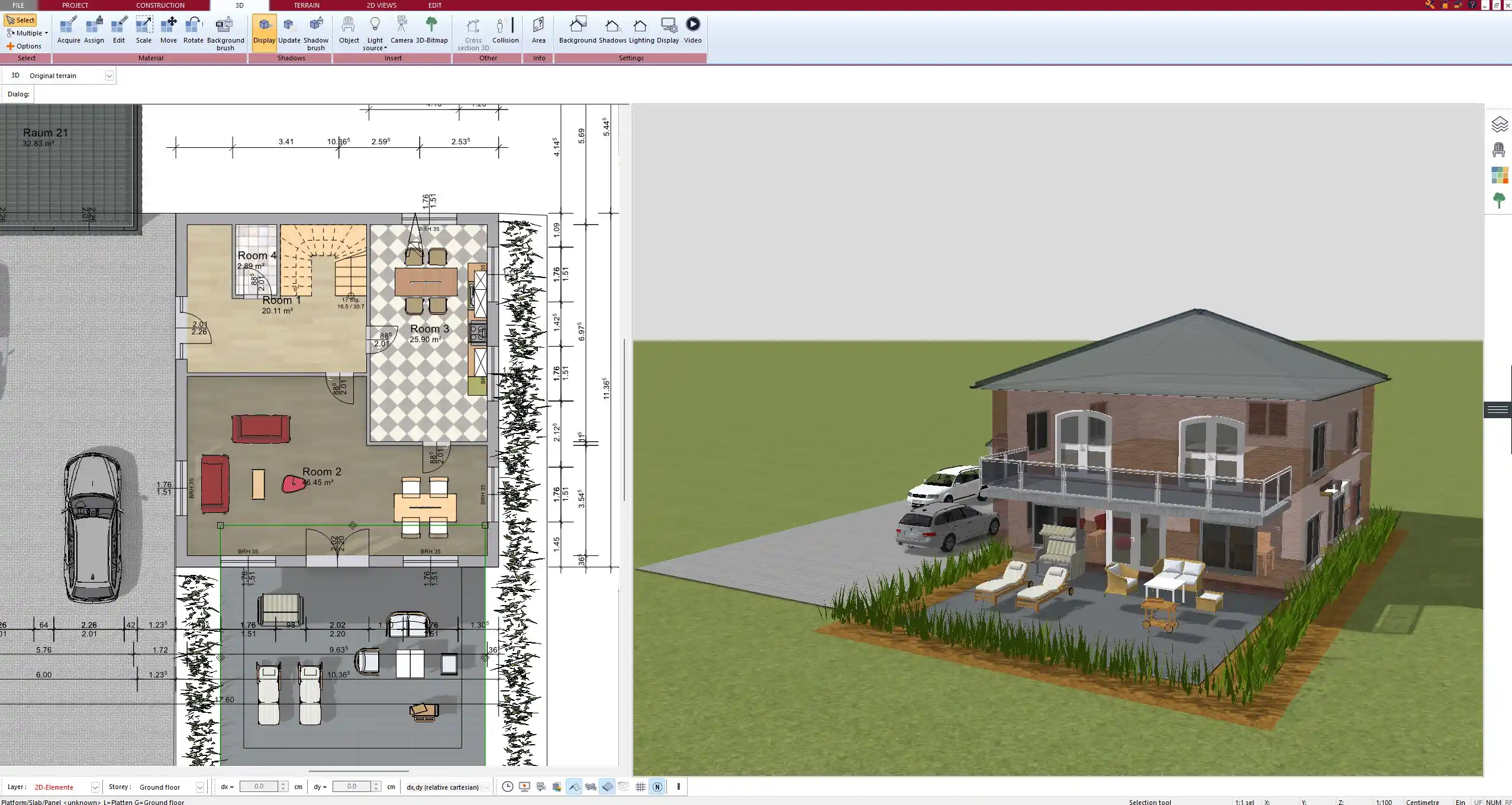
Overview of Popular 3D House Planning Software
Original price was: $259.99.$169.99Current price is: $169.99.
Plan7Architect Pro 5
Advantages:
-
Supports Permit-Ready Plans:
Designed to help users create floor plans and documentation suitable for planning permissions in the USA, UK, Australia, New Zealand, Canada, and European countries. -
Advanced Layer Management:
Enables separate planning of walls, electrical layouts, plumbing, and construction phases (e.g., demolition and extensions). -
High-Quality 3D Visualization:
Delivers photorealistic results with realistic lighting, shadows, textures, and landscaping. -
Comprehensive Planning Tools:
Includes tools for terrain modeling, roofing, timber structures, stairs, balconies, and more. -
Professional Export Formats:
Allows export of plans in DWG and DXF formats for collaboration with architects, contractors, or local authorities. -
Designed for Beginners:
No prior CAD knowledge required. Step-by-step interface and easy drawing tools make it accessible even for first-time users.
Disadvantages:
-
Windows Only:
Native version works on Windows. Mac users can run it using Parallels or similar virtualization tools. -
One-Time Purchase Price:
With a price of $109.99, it’s a higher upfront investment than some free or subscription-based tools.
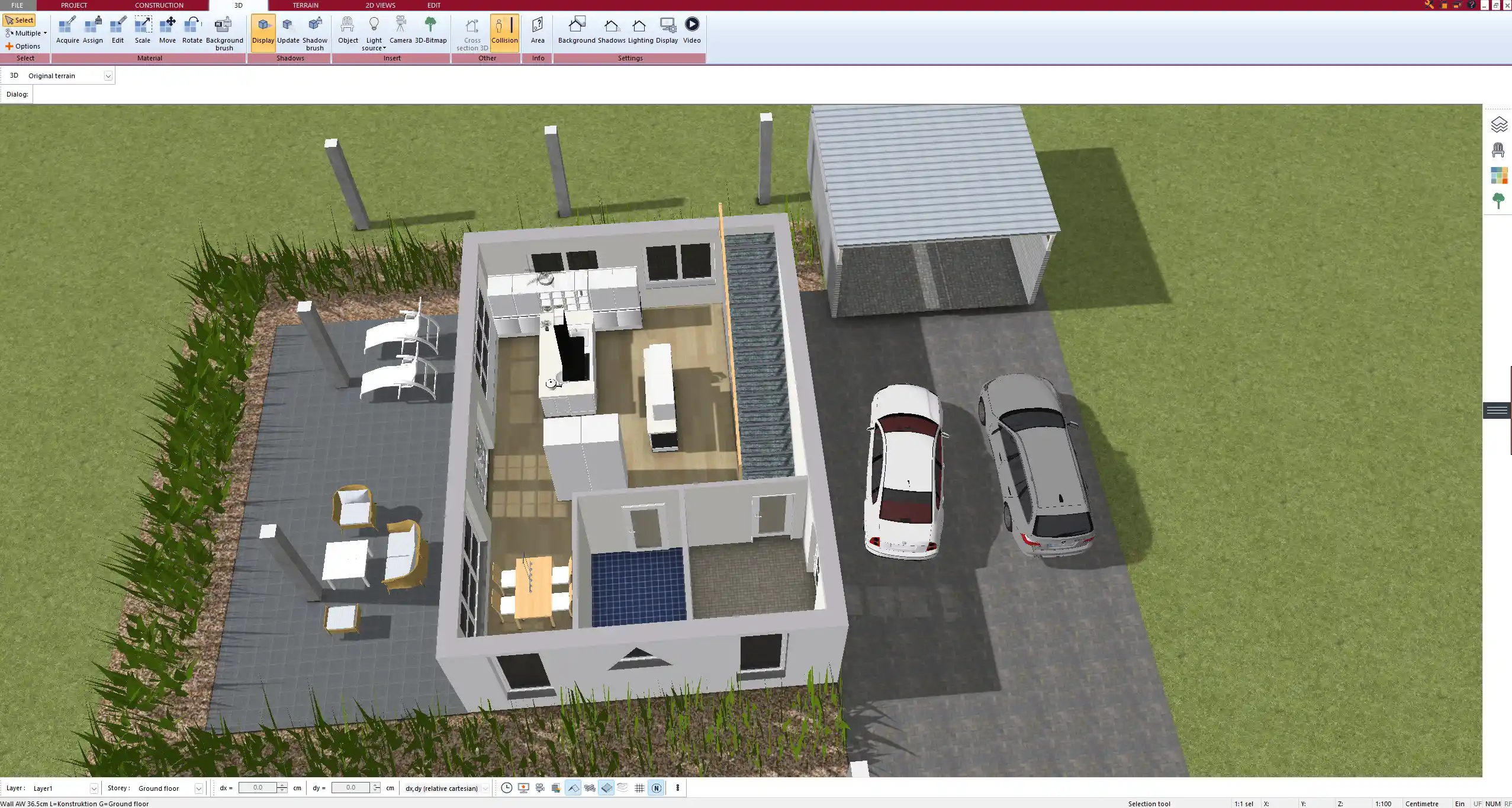
Sweet Home 3D
Advantages:
-
Free and Open Source:
Completely free to use for basic floor planning and interior layouts. -
Easy to Learn:
Beginner-friendly interface for simple room layouts. -
Built-In Object Library:
Includes basic furniture and objects for interior visualization.
Disadvantages:
-
Not Suitable for Permit Plans:
Lacks the tools needed for creating construction-ready documents for any country. -
Basic 3D Output:
Visualization quality is limited; not suitable for professional use or client presentations. -
No Terrain or Roof Planning:
Cannot be used to plan outdoor areas, sloped lots, or complex structures.
SketchUp
Advantages:
-
Strong 3D Capabilities:
Known for its modeling flexibility. Highly customizable through plugins. -
Used by Professionals Worldwide:
Suitable for architectural planning across many countries including US, UK, AU, NZ, and Canada.
Disadvantages:
-
Expensive Subscription:
Annual cost starts at €299 (SketchUp Pro), which may be excessive for occasional users. -
Steeper Learning Curve:
Not beginner-friendly out of the box. Most features require practice and training. -
Relies Heavily on Extensions:
Many essential tools are only available through third-party add-ons.
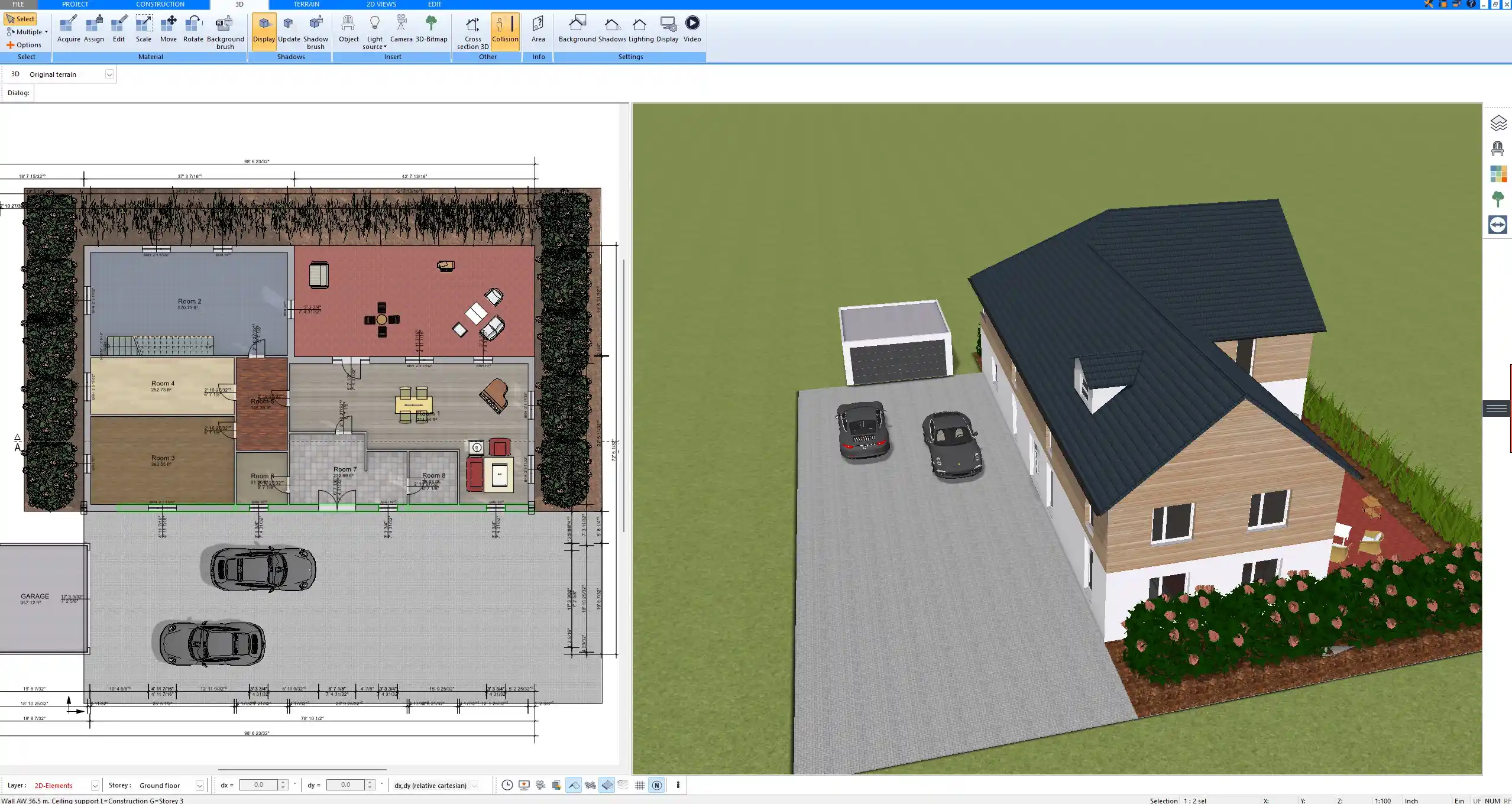
RoomSketcher
Advantages:
-
Quick Interior Planning:
Great for generating simple 2D/3D room layouts, often used by real estate professionals. -
Free Version Available:
Good for initial experiments or hobby use. -
Web-Based Interface:
No installation required – runs directly in the browser.
Disadvantages:
-
Lacks Permit-Level Detail:
Not suitable for generating technical plans for building authorities. -
Limited Construction Features:
No tools for roofs, layers, terrain, or structural components.
Conclusion
If you are looking for a complete software solution that lets you draw, visualize, and prepare permit-ready floor plans for use in the USA, UK, Australia, New Zealand, Canada, and Europe, Plan7Architect Pro 5 offers one of the best combinations of features and usability.
For simple room layout or hobby planning, Sweet Home 3D and RoomSketcher may be enough. SketchUp is powerful but better suited for professionals with more experience and budget.

Plan your project with Plan7Architect

Plan7Architect Pro 5 for Original price was: $259.99.$169.99Current price is: $169.99.
You don’t need any prior experience because the software has been specifically designed for beginners. The planning process is carried out in 5 simple steps:
1. Draw Walls

2. Windows & Doors

3. Floors & Roof

4. Textures & 3D Objects

5. Plan for the Building Permit

6. Export the Floor Plan as a 3D Model for Twinmotion

- – Compliant with international construction standards
- – Usable on 3 PCs simultaneously
- – Option for consultation with an architect
- – Comprehensive user manual
- – Regular updates
- – Video tutorials
- – Millions of 3D objects available
Watch how a complete house is planned from start to finish – in under 25 minutes


The 3 Plan7Architects

Suitable for small hobby projects
No garden planning and only limited floor plan creation with few wall types
★★★★★

For medium-sized projects
Unrestricted floor plan creation & garden planning
No export options for your architect and no plans for building permit applications
★★★★★
For projects of any size
Import & export for working with an architect
Create plans for real building permit applications
Much larger range of features than the other two versions
★★★★★