



Digitize Your Existing Floor Plan – Import, Trace & Edit in 2D and 3D
Somewhere in a drawer, a folder or an old email, there is a floor plan of your home – a printout from the builder, a PDF from when you bought the house, maybe a hand-drawn sketch. It shows what is. But the moment you want to move a wall, plan an extension, find out how much floor area you really have, or simply see how a new kitchen would fit, paper reaches its limit. You can’t edit it, you can’t measure it reliably, and you can’t send your architect anything they can work with. This is where our story begins: you place that old plan under your drawing in Plan7Architect, trace it – and from then on your home exists as a precise, editable digital floor plan in 2D and 3D.

How to Digitize Your Floor Plan
The video shows the complete workflow: you import your existing floor plan as an image, set the scale using a known dimension so it matches real measurements, place it underneath your drawing and trace it with the professional drawing tools in Plan7Architect. You draw in 2D – and your 3D model is created in parallel. Plan7Architect supports building standards in the US, UK, Canada, Australia, New Zealand, and all European countries. As a customer, you benefit from a 14-day right of withdrawal, allowing you to cancel your purchase within 14 days without providing any reasons and receive a full refund.
Digitize Your Floor Plan in 4 Steps
From paper, PDF or scan to a precise, editable CAD floor plan
No blurry copy, no guesswork: you trace your plan with professional CAD tools. That is exactly what turns it into a real floor plan you can edit, dimension, calculate and export – instead of a picture you can only look at.


One-Time Payment – No Subscription Required
What You Can Do Once Your Floor Plan Is Digital
Trace it once – and use it for everything that comes next
Why Thousands of Builders Prefer Plan7Architect
Why choose Plan7Architect over other home design tools?
Verified Customer Reviews
Featured Customer Reviews from Different Countries & Regions
Great for contractors
I run a small construction business near Dallas, and Plan7Architect has been a great tool for pre-bid concepts. I can sketch out decks, garages, or home additions fast and export PDFs for clients. The 3D render helps sell ideas — people love seeing their projects before we build. Way cheaper than other pro software.
Easy for homeowners
I’m a total beginner, but this program made me feel like a pro. I planned my kitchen remodel and patio extension in one weekend. Switching between 2D and 3D is addictive — I could see exactly how the sunlight would fall through my new windows. It’s simple, clear, and doesn’t need an architect degree.
Ideal for professionals
As a licensed contractor in San Diego, I was impressed how well Plan7Architect handles residential layouts. I designed a small ADU and exported scaled drawings for city review. The program runs smoothly, supports U.S. standards, and prints true-to-scale plans. Big thumbs up.
Faster than SketchUp
I’ve used SketchUp before, but Plan7Architect feels much faster for floor plans. Everything’s drag-and-drop. I created my entire apartment layout, including furniture, and exported a clean plan to send to my landlord. I’m genuinely surprised how polished it feels for the price.
Perfect for new builds
We’re building a retirement home in Sedona and wanted to visualize everything ourselves. Plan7Architect lets us move walls, test roof shapes, and even simulate the sun at different times of day. The export to PDF worked perfectly for our local builder. Simple, fast, and very visual.
Excellent for designers
As an interior designer, I use this for client previews. I can quickly adjust wall colors, lighting, and furniture arrangements and send 3D screenshots to clients. It’s become my go-to tool before rendering in higher-end programs. Great workflow companion.
Best for DIY builders
We’re DIY builders doing a small mountain cabin. Plan7Architect gave us full control of our layout without expensive subscriptions. The terrain and roof tools were surprisingly capable. It’s exactly what self-builders like us need.
Simple for remodels
I bought Plan7Architect to plan a salon remodel. I’m not a tech person, but the program is straightforward — walls, windows, furniture, all simple to adjust. The final render impressed my landlord and helped get quick approval for construction.
Great for real estate
Been in real estate for 20 years and needed something fast for listing visuals. This tool lets me draw a layout in minutes and show buyers a realistic 3D view. It’s become part of my sales kit. Excellent value for agents and small firms.
Great Software
Great for kitchen remodels
I’m not techy at all, but Plan7Architect made sketching my kitchen remodel doable. The metric controls worked perfectly for my contractor in Montreal. After one evening of following the videos I had a plan I could send to my builder. No subscription — great value for a homeowner.
Perfect for small extensions
Used it to design a playroom and small extension. I love the instant 3D view — it helped me convince my partner to move the window. Exported PDF for permit application without problems. Quick to learn and surprisingly powerful for the price.
Ideal for contractors
As a contractor in Vancouver I needed fast concept plans for clients. Plan7Architect gives me clear PDFs and DWGs I can hand off to engineers. It’s not full structural software (we still have our engineer sign off), but for client presentations and quick revisions it’s been invaluable.
Excellent for students
Student of interior design here — used this for a class project. The object catalog saved me hours, and renders looked neat in my presentation. Runs smoothly on a regular laptop and the tutorials are actually helpful.
Helpful for DIY projects
I’m a DIYer who built a backyard studio. Took a little time to get used to the tools but once I did I could set exact wall thicknesses and window sizes (in mm). The finished prints helped the trades know exactly what I wanted. Happy with the purchase.
Best for basement plans
Bought this to mock up options for a basement renovation. The interactive dimensions were handy and the 3D walkthrough showed how furniture would fit. Support answered a question quickly when I hit a snag. Recommended for homeowners.
Reliable for small trades
I run a small renovator business and test-layouts using Plan7Architect before quoting clients. Being able to export DWG to my engineer and PDF to clients has sped up approvals. Solid tool for small trades who need presentable plans fast.
Simple for renovations
I converted old scanned plans into editable projects and updated room sizes within hours. The scale and grid options made printing to scale simple. If you’re doing a one-off renovation, this is a great, budget-friendly option.
Great for hobby designers
Long-time hobbyist here. I used Plan7Architect to design a detached garage and small workshop. Accurate dimensions, easy exports, and realistic 3D visuals. I appreciate the one-time purchase model — no recurring fees.
Simple for beginners
I’m not technical, but after watching the first two tutorials I could draw rooms, set door swings and print a scaled 1:50 plan for planning permission. It’s approachable for beginners yet produces tidy, professional output.
Great for cottage renovations
Working on a stone cottage refurbishment — this tool let me experiment with window positions and internal layouts quickly. The exports to PDF were crisp and the contractor appreciated the clarity. Simple, effective and good value.
Great for Home Extensions
We used Plan7Architect to design a rear extension on our semi-detached home in London. It handles UK measurements perfectly and printing the plans to 1:50 scale was straightforward. Our builder said the drawings were “surprisingly professional.” Worth every penny.
Simple and Fast for Beginners
I’m completely new to CAD, but this was easy to pick up. I planned my flat renovation in a few evenings. Switching between 2D and 3D helped me visualize furniture layout before buying anything. It’s great for first-time users.
Perfect for Small Contractors
I run a small building firm and use Plan7Architect to show clients their new layouts. It saves me hours compared to manual sketches. The 3D view sells ideas instantly. A proper tool for professionals without the massive price tag.
Excellent for Renovation Projects
We’re renovating a Victorian terrace, and Plan7Architect was perfect for drawing accurate plans. The ability to print scaled drawings for planning permission was a huge advantage. Easy to learn, yet powerful enough for detailed work.
Great for Loft Conversions
Used the software to plan our loft conversion. Roof and wall tools worked flawlessly, and I could preview the final height in 3D. Saved me a lot of back and forth with the architect. Brilliant for home projects.
Ideal for Garden Room Designs
I design garden offices and small studios. Plan7Architect makes it easy to draw, furnish, and export plans for clients. The realistic 3D view always impresses. Great little program for UK tradesmen.
Perfect for DIY Renovators
I used Plan7Architect for my kitchen and conservatory remodel. The tutorials made everything easy. I printed my drawings to scale and handed them straight to the builder. Love that it’s a one-time purchase — no ongoing fees.
Great for Aussie homeowners
I’m based in Sydney and used Plan7Architect to plan a small home extension. Everything worked perfectly in metric — no conversion issues at all. The 3D views helped us understand space and sunlight much better than drawings alone. Our builder said the exported PDFs were spot-on. Excellent value for Aussie homeowners.
Easy for beginners
I’m a total beginner, but within two nights I had drawn my full floor plan. The tools feel intuitive, and switching between 2D and 3D makes it easy to spot mistakes. The “one-time payment” model is a big plus — I’m tired of software subscriptions. Runs smoothly on my Windows laptop.
Ideal for builders
As a builder on the Sunshine Coast, I use Plan7Architect to present clients with basic layout concepts before we start quoting. It’s fast, clear, and professional. Clients appreciate seeing a 3D render instead of a rough sketch. This tool helps me win jobs.
Perfect for renovations
We used Plan7Architect to redesign our living area and outdoor space. I was surprised how realistic the 3D rendering looks — it’s almost photorealistic. Metric units are native, and printing plans for council approval was straightforward. Great experience overall.
Reliable for drafting work
I run a small drafting business in Perth and tested Plan7Architect as a quick conceptual tool. It’s surprisingly capable — accurate dimensions, clean output, and smooth 3D previews. I can export DWGs for my engineers and still finish client presentations faster than with my old software.
Great for heritage projects
We’re restoring a heritage cottage in Hobart, and this program helped us visualize different layout options before calling the architect. It’s easy to learn, and the ability to simulate sunlight helped us decide window placements. Perfect for small renovation projects.
Simple for outdoor builds
Used Plan7Architect to draft a new shed and outdoor kitchen. The terrain tools and metric grid make it simple to plan concrete slabs precisely. I could print everything to scale on A3 paper — no issues at all. Straightforward and reliable.
Excellent for designers
As an interior designer, I love how quickly I can test color and furniture combinations. Clients immediately understand the design when they see the 3D walkthroughs. It’s become my go-to visualization tool — fast, lightweight, and accurate.
Better than SketchUp
I bought this after using SketchUp for years — and I actually prefer it for floor planning. The wall and roof tools are fast, and the printed drawings look clean enough to submit for permits. For a one-time price, it’s unbeatable in Australia.
Great for SA builders
I’m a contractor near Johannesburg and use Plan7Architect for residential layout proposals. It runs well on a standard Windows laptop and exports DWG and PDF perfectly for local engineers. The metric setup fits our standards exactly. Clients love the 3D views — they finally understand what I’m quoting them for!
Easy for beginners
Used Plan7Architect to redesign our kitchen and patio area in Cape Town. I’m a beginner, but the tutorials made it easy to learn. Within two evenings I had a full plan and realistic 3D render. It’s refreshing to buy software once and actually keep it — no monthly payments!
Perfect for clients
As a small building designer in Durban, I needed something fast for client presentations. This tool works beautifully — quick walls, roofs, doors, even terrain. The export to PDF is clean and my clients think the renders are high-end. For South African projects, it’s spot on.
Ideal for home plans
We’re building a small family home outside Port Elizabeth, and Plan7Architect helped us visualize everything before construction. The sunlight simulation is great — we could see exactly how bright each room would be during the day. Highly recommend for homebuilders in SA.
Reliable for projects
I run a steel structure company and use Plan7Architect for carports and warehouse concept drawings. The metric scaling and export functions are accurate, and I can show clients quick renders during meetings. Reliable, professional software without unnecessary complexity.
Simple & affordable
I’m not in construction — just planning my dream house. The drag-and-drop tools made it simple to design rooms, and I love walking through in 3D. Printed plans look professional, and the one-time license makes it affordable. Great choice for homeowners.
Great for Home Additions
I used the Pro version to plan a small home addition in Pretoria. It’s easy to draw walls, doors, and windows, and the 3D view made it clear how much space we’d have. The printed plans were perfect for our builder. Simple, accurate, and affordable.
Excellent for Client Layouts
I design interiors for local offices, and Plan7Architect helps me create layouts and visualize lighting quickly. The software runs fast, and the 3D previews impress every client. It’s a cost-effective design tool for professionals in South Africa.
Perfect for Holiday Homes
We used Plan7Architect to design a holiday home near the coast. The metric tools worked flawlessly, and we could adjust roof slopes and window positions easily. The 3D render made it feel like we were already walking through our new house. Love it!
Great for apartment redesigns
I used Plan7Architect to redo the plans for our Lyon apartment and was pleasantly surprised. The metric controls are precise and the 3D walkthrough helped me convince my husband to move the kitchen island. I exported clean PDFs for the local architect — everything matched their expectations. Very happy with the one-time purchase model.
Perfect for self-builders
Great for self-builders. I sketched our single-storey extension and tested different roof pitches in minutes. The sun-path tool was useful to orient the living room for evening light. The program felt intuitive and the prints were ready for council submission.
Excellent for kitchen planning
Finally a program that handles millimetres properly. I planned a new kitchen and adjusted cabinetry to the exact mm tolerances my contractor needed. The tutorials were clear; within a couple of evenings I had a full set of plans and 3D renders to show the family.
Ideal for summerhouse projects
We designed a small summerhouse with Plan7Architect — easy to set wall thicknesses and roof slopes for our cold climate. The interface is surprisingly friendly and the 3D previews make material decisions simple. Recommended for private projects.
Reliable for townhouse updates
Used this to adapt an existing Dutch townhouse layout. DWG import worked smoothly and I could quickly produce scaled sheets for the builder. The software strikes a good balance between usability and depth — ideal for homeowners who want professional-looking documents.
Useful for cabin design
Built a cabin plan and checked roof loads conceptually (note: structural calculations still done by an engineer). The metric controls and terrain tools were helpful for sloping ground. The offline capability was handy while working on site.
Perfect for heritage restorations
I restored an old Tuscan house and used Plan7Architect to visualize arches and roof tiles before purchasing materials. The metric precision is excellent and the renders helped convince the family council. Very pleased overall.
Great for Apartment Renovations
Used Plan7Architect to redesign our flat in Vienna. Metric setup works perfectly and the print scaling was spot on for Austrian building standards. Easy to learn and great value for private renovation projects.
Perfect for Self-Build Projects
We’re building a small house near Prague and needed simple software to test floor plans. Plan7Architect gave us everything we needed — accurate dimensions, fast 3D view, and no subscription. It’s ideal for European self-builders.
Excellent Tool for Designers
As a freelance designer in Lisbon, I use Plan7Architect to prepare interior layouts for clients. It handles metric units perfectly, exports clean PDFs, and runs smoothly even on my laptop. Highly recommended for creative professionals.
Watch how a complete house is planned from start to finish – in under 25 minutes


Core Functions

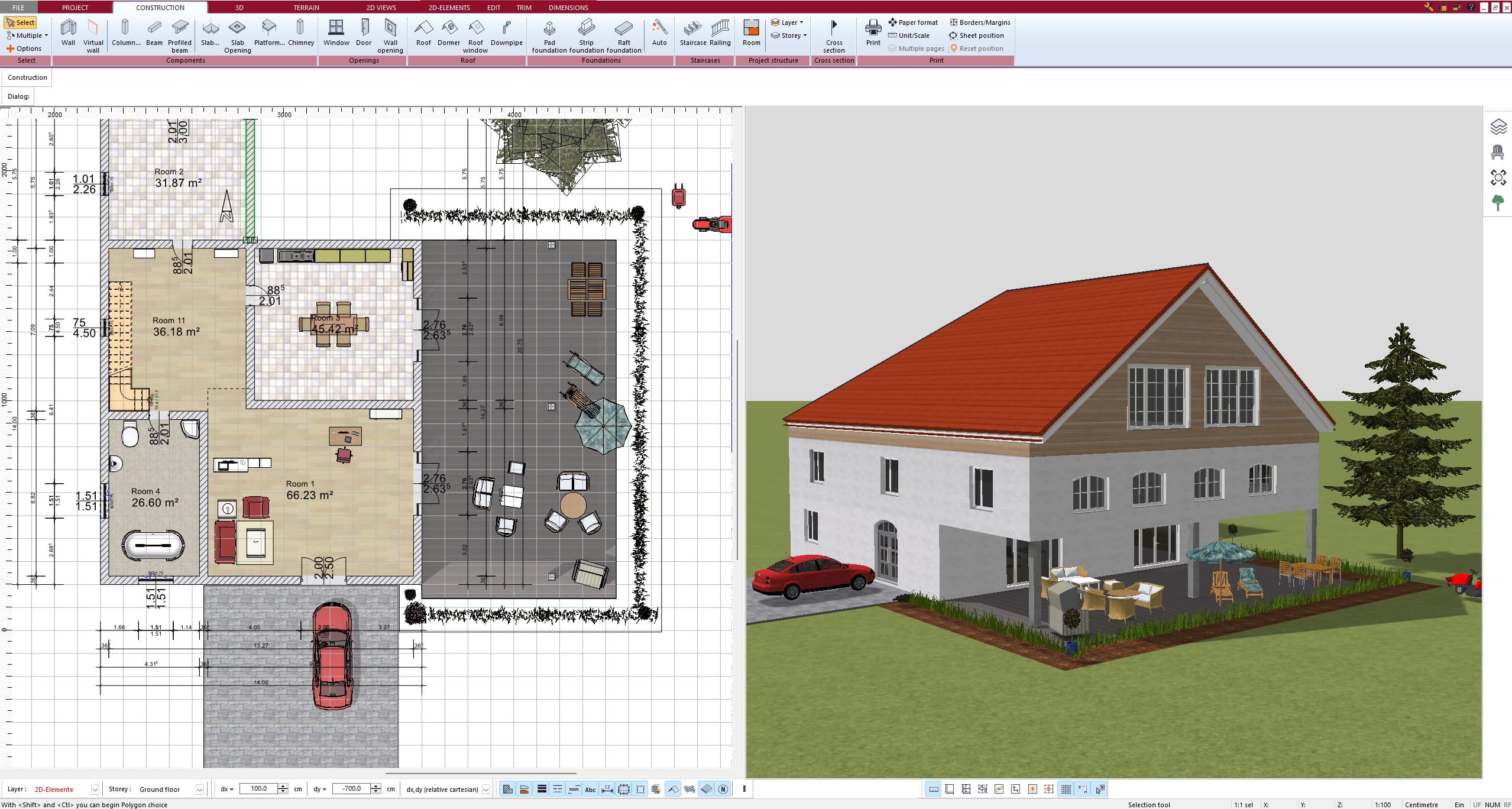
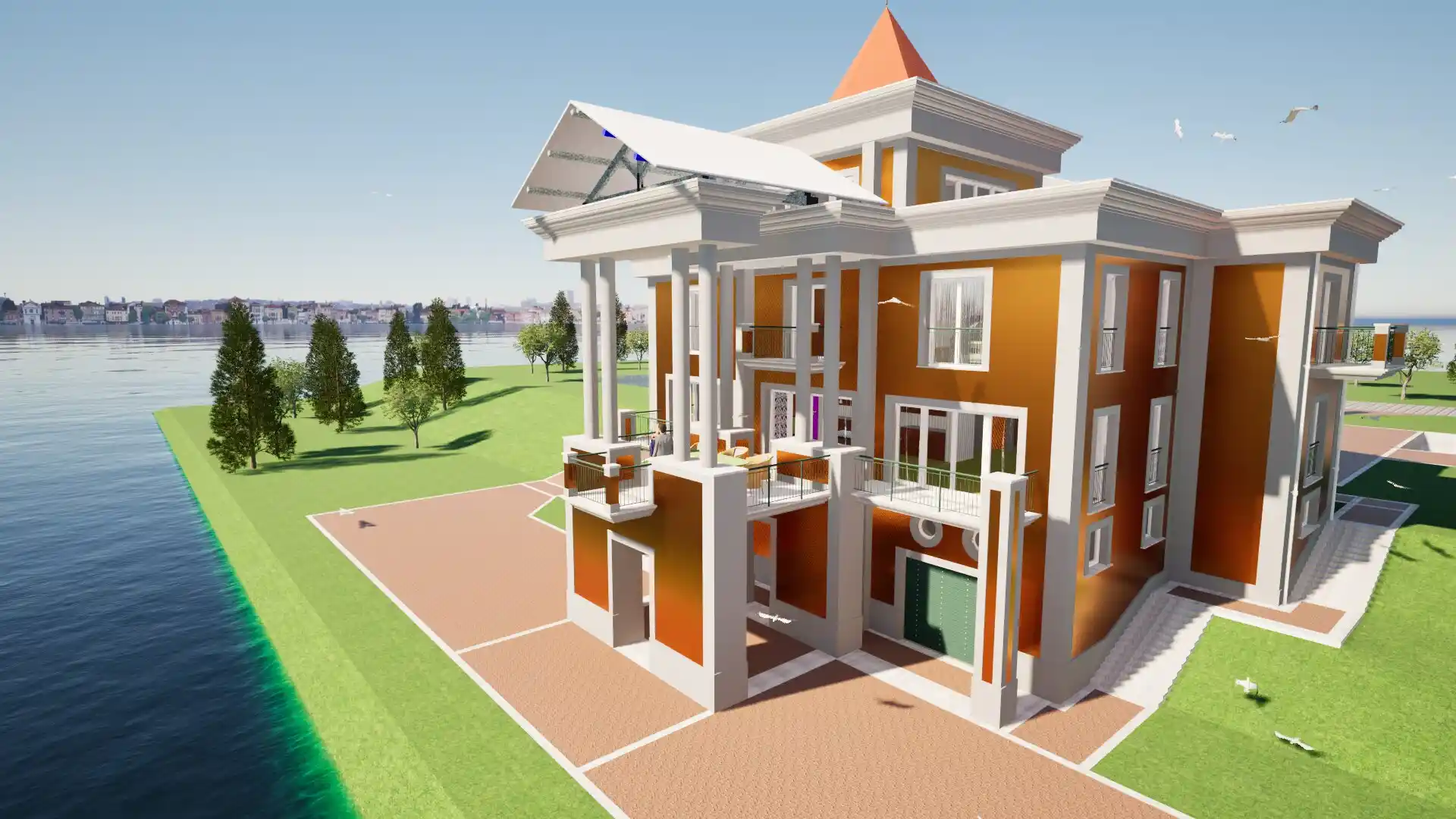
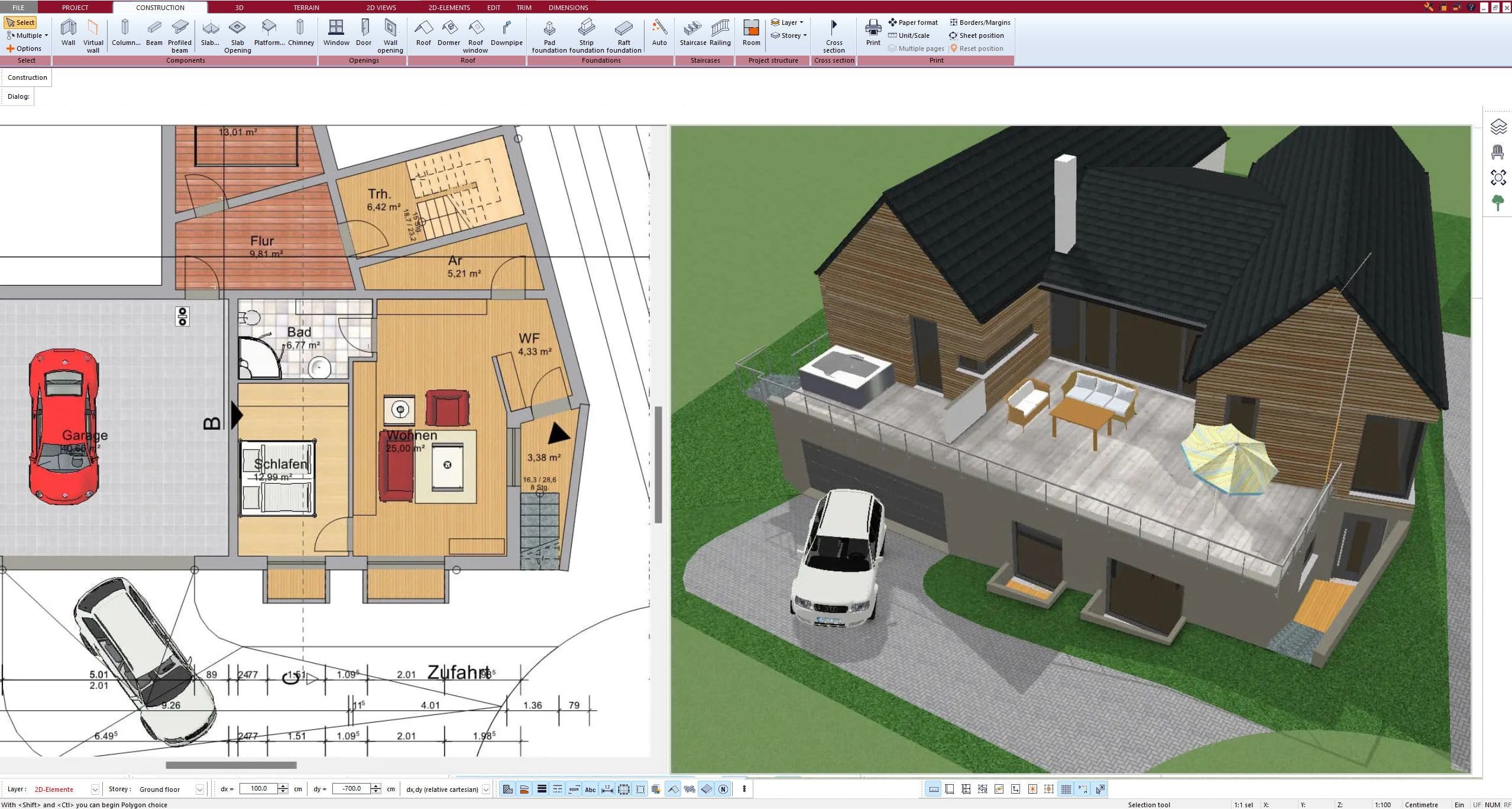
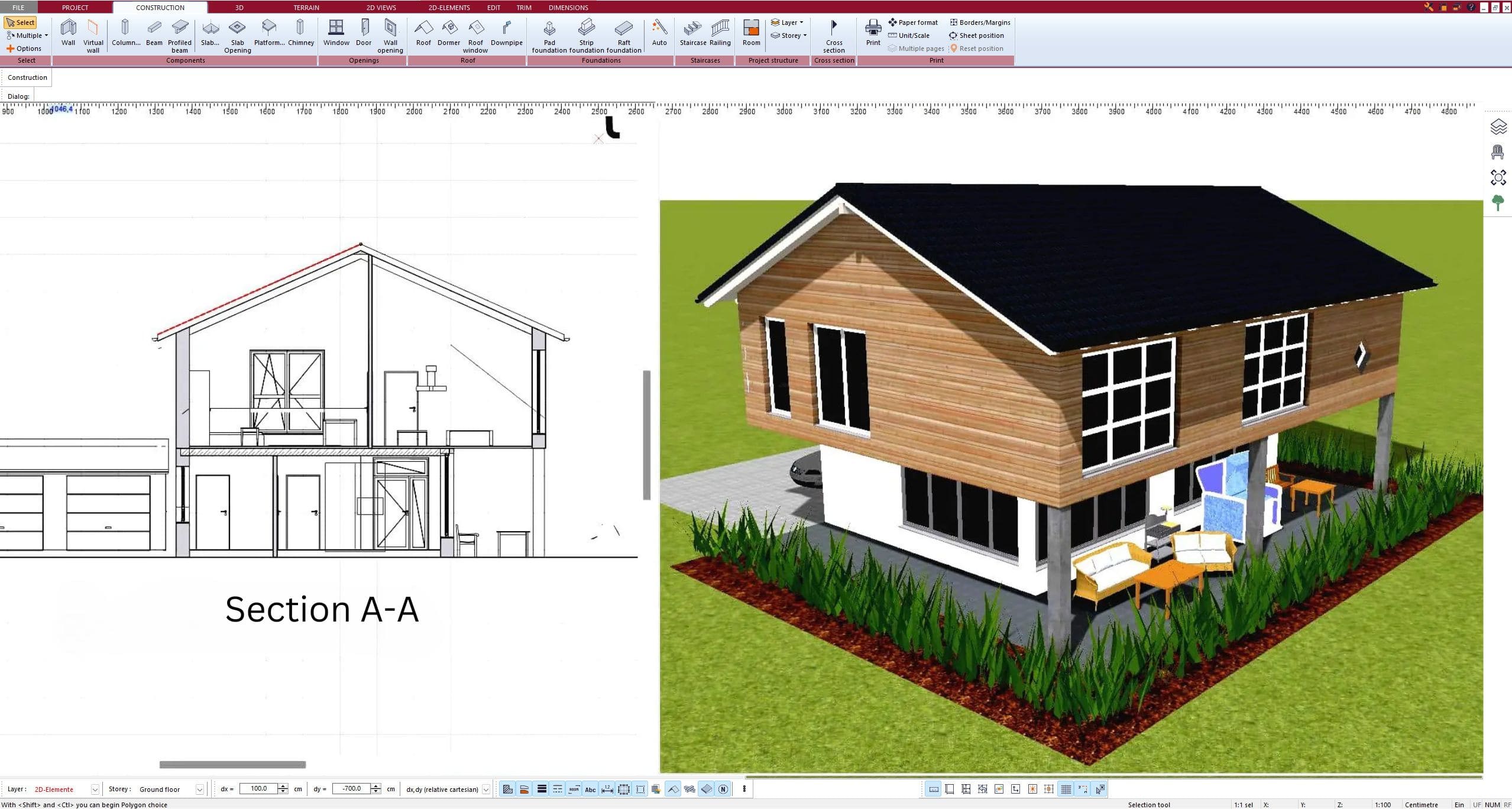
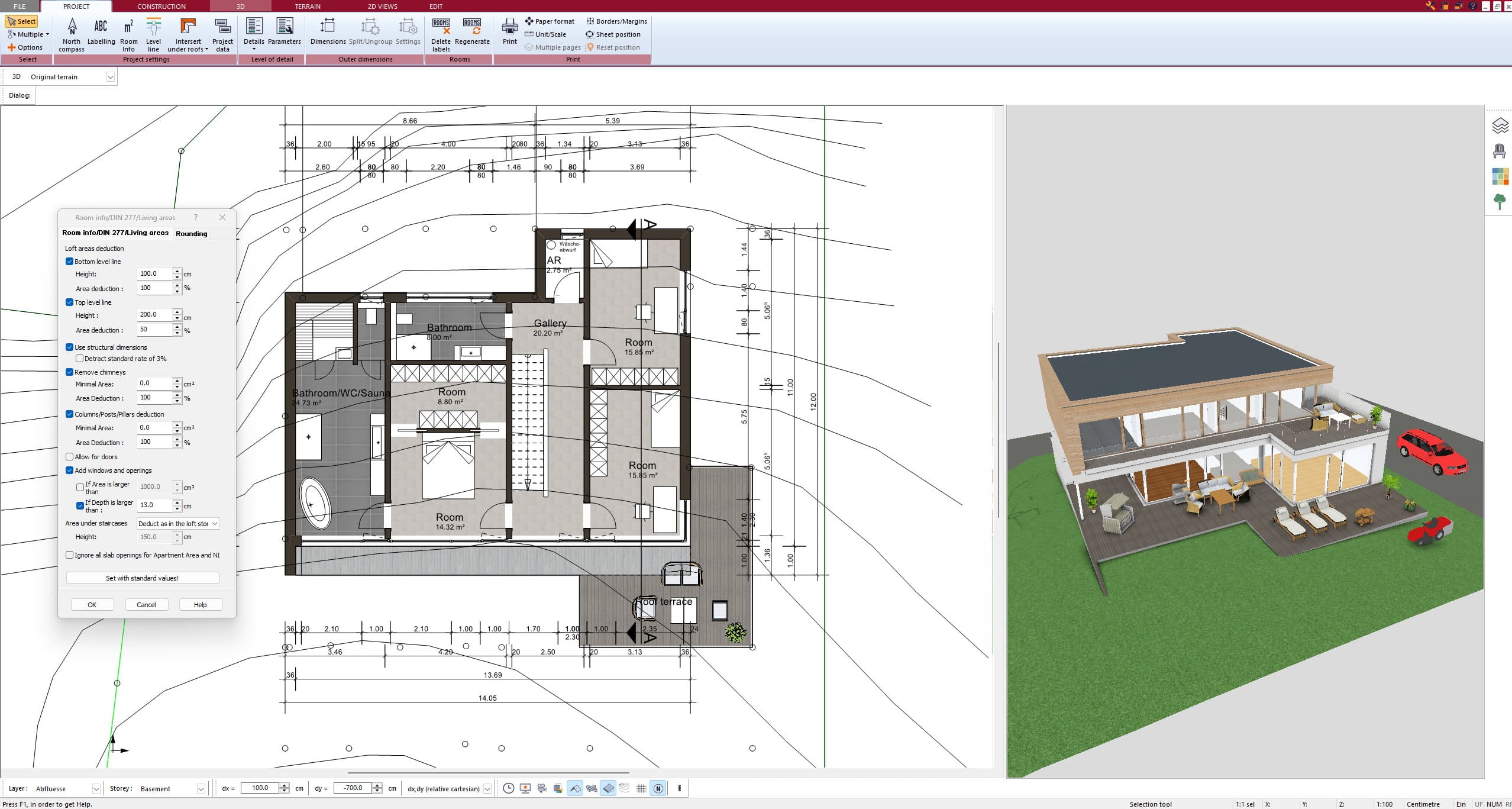
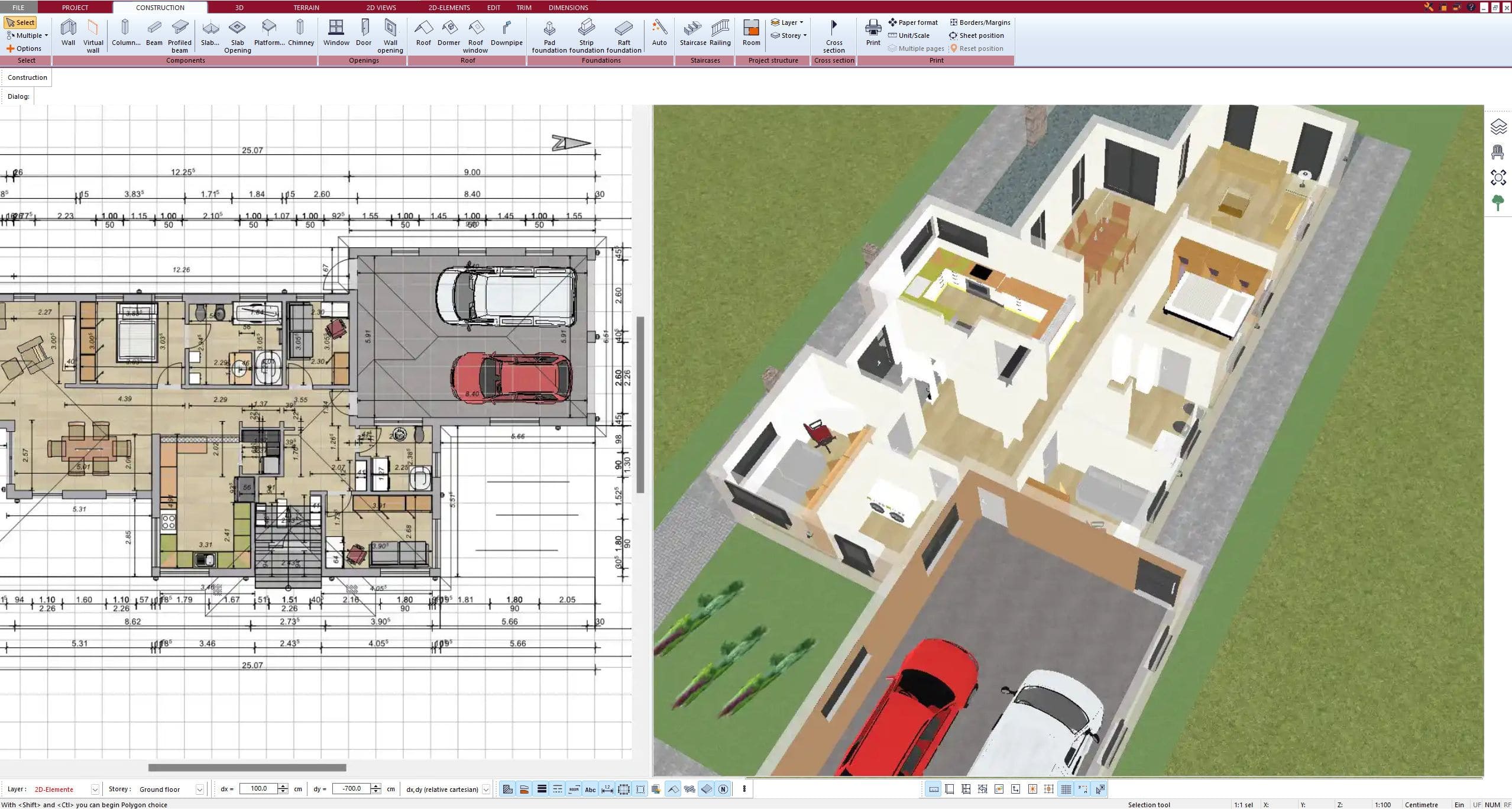
Some Highlights of the Software
Frequently Asked Questions
No. You place your existing plan as a scaled background and trace it with the drawing tools in Plan7Architect – walls, doors, windows, stairs. That is what makes the result a precise, fully editable CAD floor plan instead of a converted picture. While you draw in 2D, the 3D model is created in parallel.
Any floor plan you can turn into an image file (e.g. JPG or PNG) – a scan, a photo or a screenshot. If your plan is a PDF or a printout, simply convert it into an image, take a screenshot or scan it. Hand-drawn sketches work as well. DWG and DXF files from your architect can be imported directly.
Before tracing, you calibrate the scale by entering a known dimension – for example the length of a wall – so the image matches the real measurements. The clearer your original plan, the easier it is to trace precisely. All dimensions can be checked and adjusted at any time.
Plan7Architect Pro 5 is ideally suited for private homeowners and property owners who want to build or renovate their house or property and also wish to share their plans with an architect.
At the same time, Plan7Architect Pro 5 is also widely used by professionals.
Construction companies, craftsmen, planning offices, and real estate agents rely on the software for 3D visualization, detailed project planning, and high-quality presentations.
Many architects also use the Pro version to design, present, and produce accurate construction drawings for their clients.
With the program, you can independently implement all the essential elements required for a building permit application. The interface has been specifically designed for laypersons, so no prior knowledge is necessary.
It is also perfect for planning renovations, extensions, garages, carports, and more.
Just as well, it is ideal for 3D visualization for companies, planning offices, craftsmen, or real estate agents who want to present their properties in a better light.
Plan7Architect can be adjusted to comply with the building regulations of any country. It is easily configurable to meet U.S., Canadian, Australian, UK, New Zealand, and European building standards, as well as those of other regions.
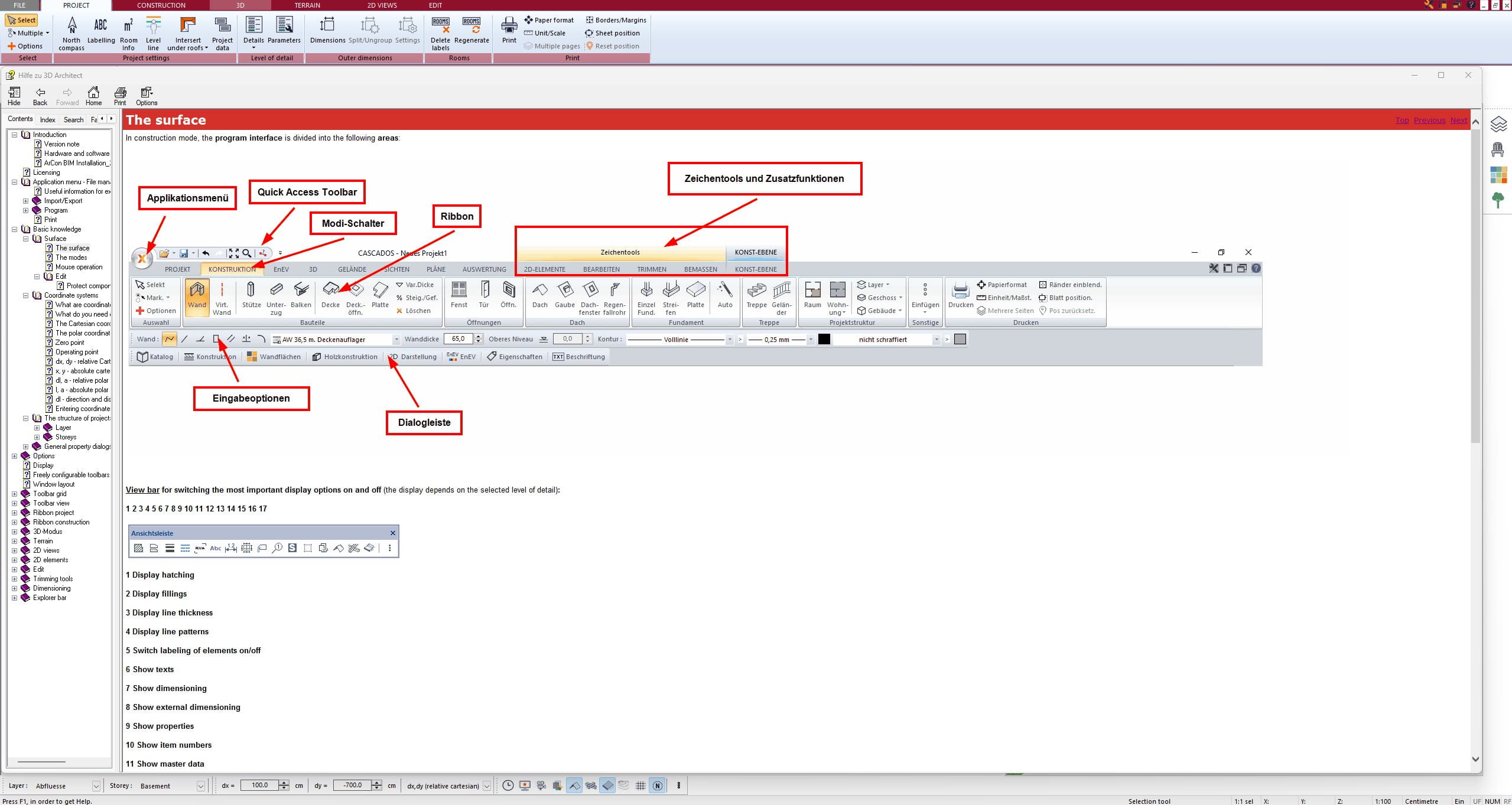
The interface of Plan7Architect is built intuitively, and the most important functions are generally just one click away. As a layman, you can familiarize yourself with the software in approximately 1-2 hours and begin planning moderately complex projects.
Furthermore, as an owner of Plan7Architect, you are supported by the following features:
- Help Functions
The program includes several help features designed to simplify your experience:- Manual & Getting Started Guide
- Context-Sensitive Hints & Tips within the program
- Input Assistance & Tips in the toolbar
- Video Tutorials
Our YouTube channel offers numerous video tutorials with step-by-step instructions for our program. New videos are published regularly. - Support Ticket System
You have the option to create a support ticket at any time via our central support ticket system. The access link is provided automatically after you purchase the software. - Customer Forum
In our customer forum, moderators and fellow users have already answered hundreds of questions, providing valuable assistance. As a customer, you gain access to the forum where you can ask questions or share suggestions for software improvements.
System Requirements:
Operating System:
Microsoft® Windows 10® (64-bit) or higher
CPU:
Intel Core i5 or higher, AMD Ryzen 5 or higher
Hard Drive:
10 GB free disk space
RAM:
8 GB RAM or higher
Graphics Card:
- Optimal: Nvidia GTX 1050ti or higher
- For normal operation: All common graphics card models
Monitor & Mouse:
Full HD (e.g., 1920 x 1080 pixels) or 4K, along with a keyboard and a mouse with a scroll wheel.
After completing your order, you will receive a personal download link for the purchased software via email. Additionally, every customer receives an account on our website where your license key and the download link to the latest version of our program are stored. The download link is valid for exactly 1 year from the date of purchase, and you can download the software as often as you like during that period.
The license has no time limitations, so you can use the software indefinitely after purchase. Only the free updates and download access are limited to 1 year, but these can be extended upon request.
Of course, completed projects can also be forwarded to architects for further editing. The file formats are compatible with professional architectural software.
Every license you purchase is valid for three devices. This means you can activate it a maximum of three times and work on three computers simultaneously.
As a customer, you receive your own account on our website. In this account, your personal download link to the latest version of our software is available for one year. With every new update, we will inform you via newsletter, so that you can log in to your account and download the newest version free of charge.
With the purchase of a Plan7Architect license, no additional or recurring costs apply. The price is one-time, and the license can be used indefinitely.
We don’t want to force any of our customers into a subscription they might forget to cancel and then get frustrated about the ongoing costs. Most of our customers buy the software once for a renovation, remodel, or home addition and never need it again — so there’s no reason to lock them into a subscription.
We believe in fair and transparent pricing: you pay once, and you own the software for life.
Plan7Architect is currently a Windows-based application, and there is no native Mac or web-based version available at this time.
However, many Mac or iPad users successfully run the software on their devices using virtualization tools. The most popular option is Parallels Desktop, which allows you to install Windows on your Mac or iPad and use Plan7Architect seamlessly — just like on a Windows PC.
But you don’t have to pay for Parallels. Free alternatives like UTM, VMware Fusion (Free for Personal Use), VirtualBox, or compatibility layers like Wine/WineBottler can also be used to run Plan7Architect on macOS.
Important: If you’re using a Mac or iPad with an M1, M2, M3, or M4 (Apple Silicon) chip, Parallels and UTM are the most compatible options. We personally run Plan7Architect on the latest MacBooks with M4 chip — and it works smoothly.
Yes, Plan7Architect is fully compatible with Windows 10 and Windows 11.
No, you don’t require a new license. We have step-by-step instructions in our customer area that show you how to deactivate a license on one PC and then reactivate it on a new PC. This way, you can take your software license with you wherever you go.
Since we offer a 14-day right of withdrawal for all our customers, we do not provide a free trial version. You can cancel your software purchase without giving any reasons and receive a full refund. Simply send us a short email to process your cancellation.
Further Questions & Answers
You can find additional questions and answers in our FAQ section.