If you have ever opened AutoCAD just to sketch a kitchen remodel, an addition, or a new home layout, you already know the problem. Comparing autocad vs house planning software is not really about which one is more powerful on paper. It is about which one gets you from idea to usable floor plan, 3D view, and buildable drawings without wasting time or money.
For residential projects, that distinction matters. A homeowner planning a basement conversion does not have the same needs as an engineer drafting industrial details. A contractor putting together a quick pre-bid layout needs speed. A self-builder needs clear dimensions, walls, windows, roof planning, and documents that support real construction decisions. That is where the difference becomes obvious.
![AutoCAD vs House Planning Software]()
 AutoCAD vs house planning software: what is the real difference?
AutoCAD is a general-purpose CAD platform. It is widely respected, technically capable, and used across industries for precise drafting. If you know exactly what you are doing, you can use it for residential design. But that does not mean it was built around the everyday workflow of planning a house.
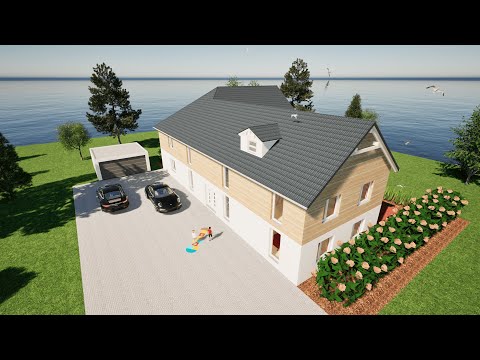
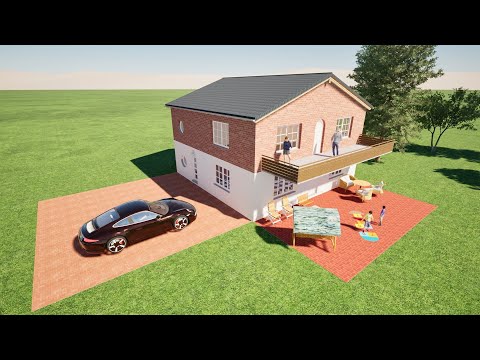
House planning software is usually designed around residential architecture from the start. Instead of beginning with an empty drafting environment, you work with tools made for walls, rooms, roofs, stairs, windows, doors, floor levels, and 3D home visualization. That changes the experience in a very practical way. You spend less time constructing drawings from scratch and more time planning the actual building.
This is the key trade-off. AutoCAD offers broad drafting freedom. House planning software offers residential speed, structure, and accessibility. Neither is automatically better in every scenario, but for most home design tasks, one is clearly more efficient.
When AutoCAD makes sense
AutoCAD still has a place, especially if your work is not limited to home planning. If you are already trained in CAD, work in a technical office, or need to produce highly customized drafting across multiple disciplines, AutoCAD can fit into an established workflow.
It also makes sense when your team is built around generic CAD standards and everyone already speaks that language. In that case, the complexity is not really a barrier because it is part of your day-to-day process.
But this is where many buyers make the wrong comparison. They assume that because AutoCAD is well known, it must also be the best choice for designing a home. For many residential users, that is simply not true. Recognition is not the same as fit.
Where house planning software usually wins
If your project is a house, remodel, ADU, garage conversion, or interior layout, dedicated home design software often gets you better results faster. That is because it organizes the work around building elements instead of abstract drafting commands.
You are not just drawing lines. You are placing walls with thickness, inserting doors and windows that behave like actual openings, generating elevations, switching to 3D, and checking whether the layout works in real space. That is a huge advantage for homeowners and small professionals who need to visualize before they build.
It also reduces friction for people who are capable and detail-oriented but not full-time CAD operators. That includes many contractors, real estate investors, interior designers, and owner-builders. They need professional output, but they do not want to spend weeks learning a system meant for far broader use cases.
Cost is not a small detail
The autocad vs house planning software decision often comes down to cost faster than people expect. Not just purchase cost, but total cost.
With AutoCAD, you are typically paying for a premium platform with a pricing structure that can be hard to justify if your focus is residential design. Then add the learning curve. Time spent learning commands, setting up workflows, and building routine house elements manually is also a cost.
House planning software is often much easier to justify because the buyer is paying for exactly the functions they need. For a homeowner or small business, that matters. A one-time license model is especially attractive because it avoids turning your design tool into a permanent monthly bill.
That is one reason many residential users move toward purpose-built software like Plan7Architect. The value is not just a lower price. It is getting serious house planning capability without paying for complexity that does not help you finish your project.
Learning curve: this is where many projects stall
A lot of software comparisons stay too abstract. In real life, the learning curve decides whether a tool gets used or abandoned.
AutoCAD has a steep one for most non-specialists. It assumes a level of drafting knowledge and software fluency that many homeowners and even many contractors do not have. You can absolutely learn it, but the question is whether you should have to for a residential project.
Dedicated house planning software usually shortens that path. If you want to lay out rooms, test furniture placement, design an addition, or create a buildable plan set, the tools are easier to understand because they reflect the task itself. This is not about making the software simplistic. It is about making it usable.
That difference becomes even more important when the user is trying to make real decisions quickly. Can the new bathroom fit without crowding the hallway? Does the roofline work with the addition? Will the kitchen island leave enough clearance? A residential planning tool is built to answer those questions directly.
2D drafting vs 3D planning
AutoCAD is strong in 2D drafting. If your main goal is technical linework and you are comfortable building everything from a drafting base, it can do that very well.
But most residential users do not think only in 2D. They need to see the plan, then understand the space. They want to move between a floor plan and a 3D model without rebuilding the project from scratch. They want to test room proportions, roof forms, facade changes, and interior arrangements before committing to construction.
That is where house planning software has a practical edge. The 2D and 3D sides are usually connected from the start. You make a plan change and review it visually. That is useful for professionals, but it is even more valuable for homeowners who need confidence before spending real money.
What about permit-ready drawings?
This is a common concern, and it should be. Good-looking plans are not enough if they cannot support actual building work.
AutoCAD can absolutely be used to produce technical drawings. The issue is that you may spend more effort assembling a residential documentation workflow than you would in software designed for that purpose.
Good house planning software can produce floor plans, elevations, cross-sections, dimensions, and construction-oriented drawings that are far more relevant to home projects from the beginning. That does not remove the need to meet local code requirements or professional review where required, but it gives users a much stronger working foundation.
For many projects, that is the right middle ground. You want software that helps you create serious planning documents without forcing you into an industrial-strength drafting environment just to draw a house.
Who should choose which option?
If you are a trained CAD technician, architect, or designer already invested in a broad drafting ecosystem, AutoCAD may still make sense. The same applies if your projects extend far beyond residential planning and require that level of generality.
If you are a homeowner, remodeler, self-builder, contractor, or small design business focused on houses and residential spaces, dedicated house planning software is usually the smarter choice. It gets you to floor plans, 3D views, and construction drawings faster, with less frustration and less overhead.
That does not mean it is only for beginners. In many cases, it is the more professional decision because it matches the job. Efficient software is not less serious software. It is software that respects the way residential projects actually move from concept to build.
The better question to ask
Instead of asking which software is more famous or more advanced in the abstract, ask what your project needs from day one. Do you need a drafting engine with broad technical depth, or do you need a home planning system that helps you design rooms, visualize space, prepare drawings, and move forward with confidence?
That is the real answer behind autocad vs house planning software. The best tool is not the one with the biggest reputation. It is the one that lets you plan accurately, work efficiently, and make better building decisions before the first wall goes up.
If your goal is to design a home rather than become a full-time CAD specialist, choosing software built for house planning is often the move that saves the most time, the most money, and the most second-guessing.
Plan your project with Plan7Architect
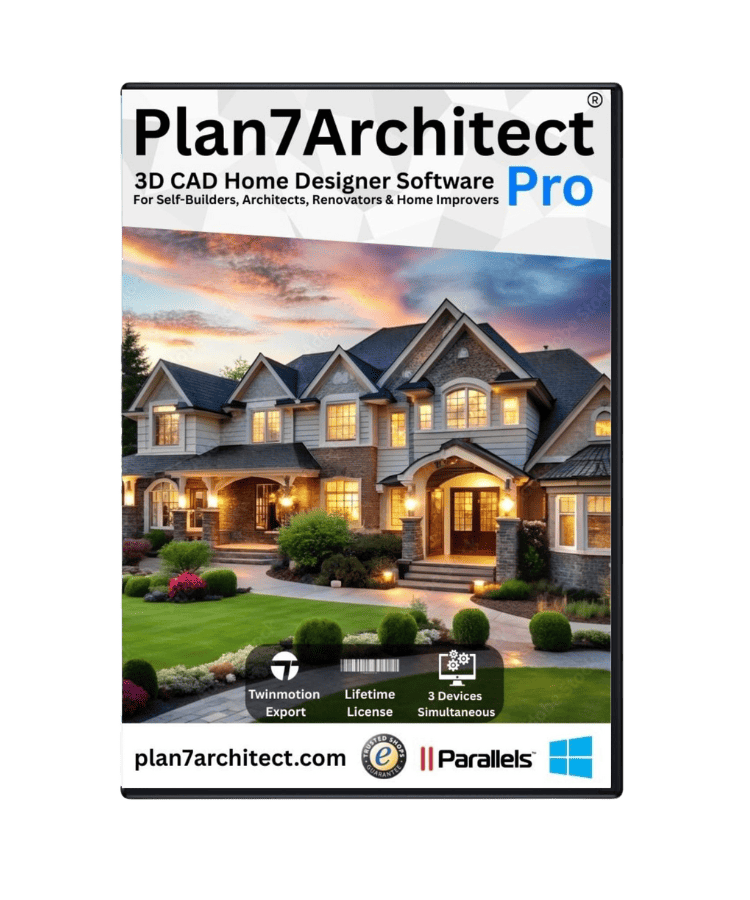
Plan7Architect Pro 5 for $169.99
You don’t need any prior experience because the software has been specifically designed for beginners. The planning process is carried out in 5 simple steps:
1. Draw Walls
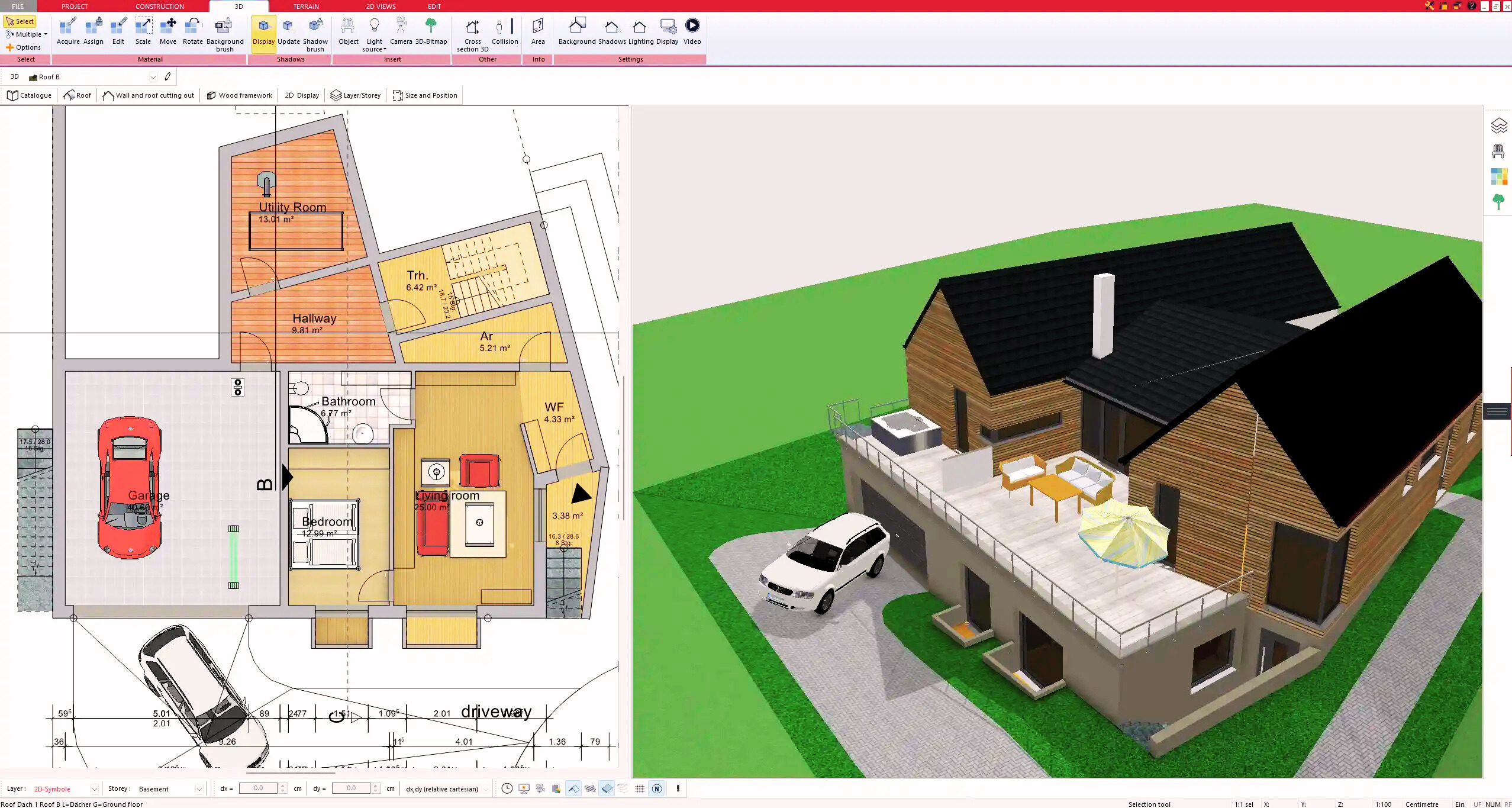
2. Windows & Doors
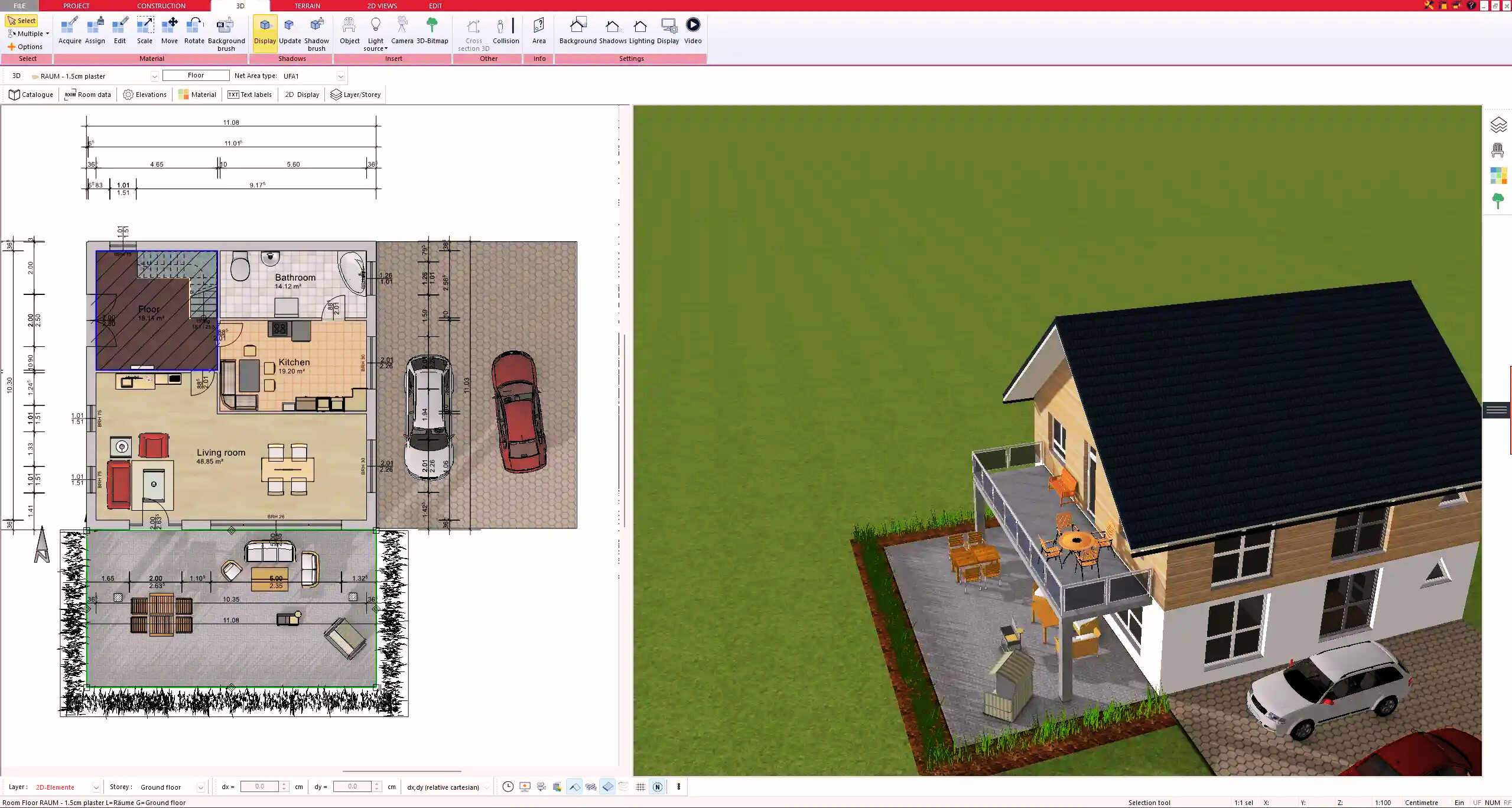
3. Floors & Roof
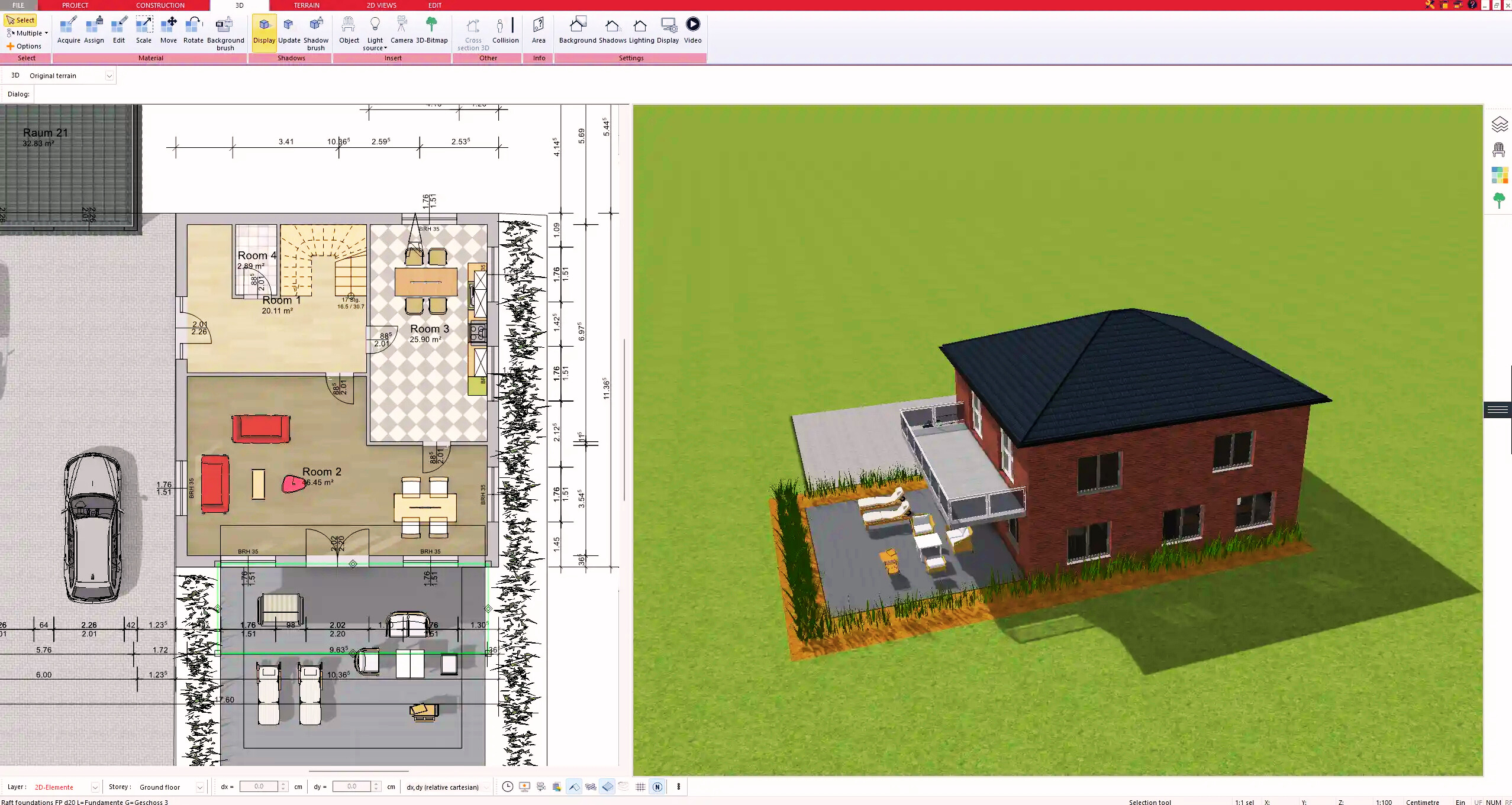
4. Textures & 3D Objects
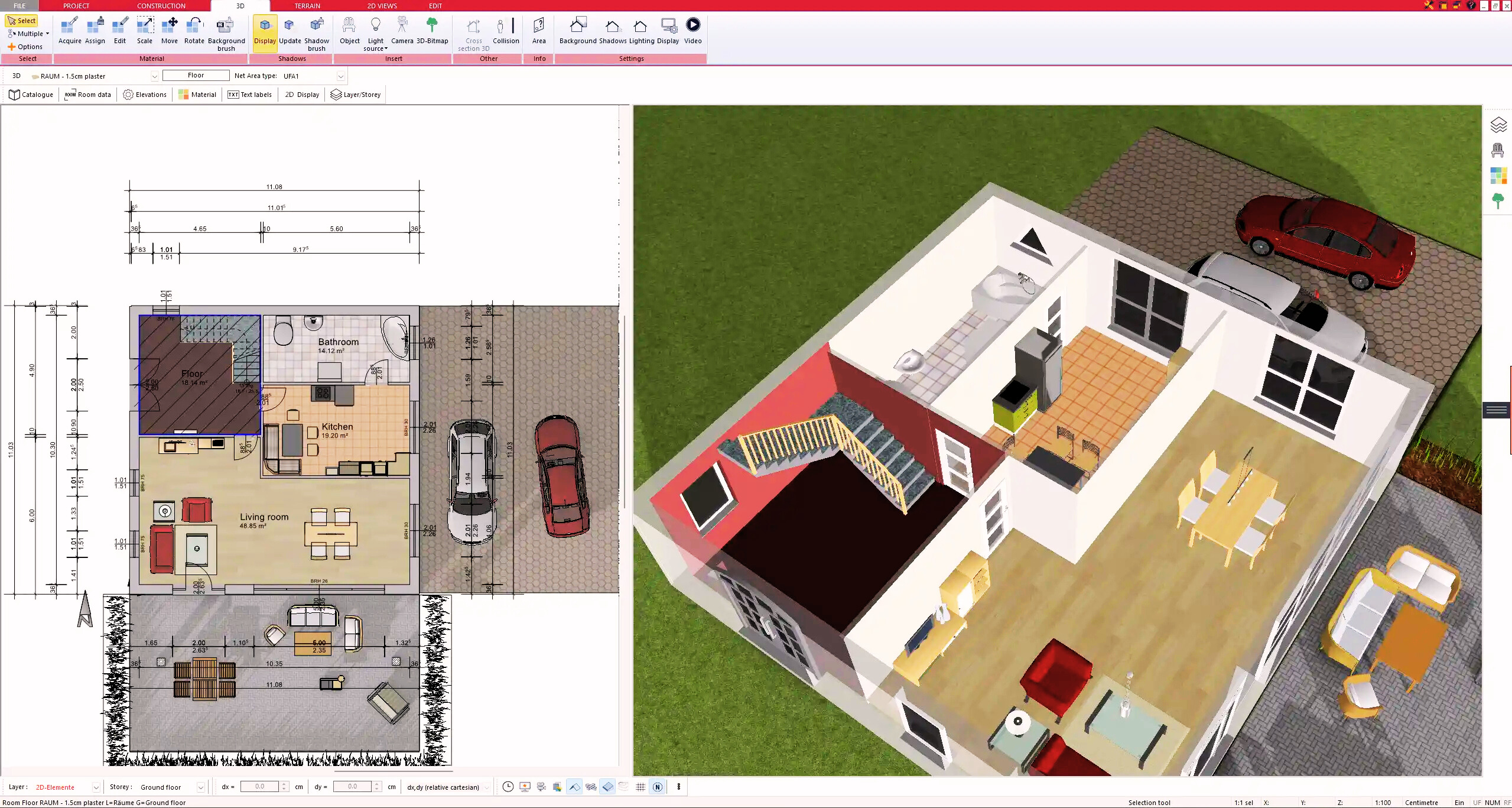
5. Plan for the Building Permit
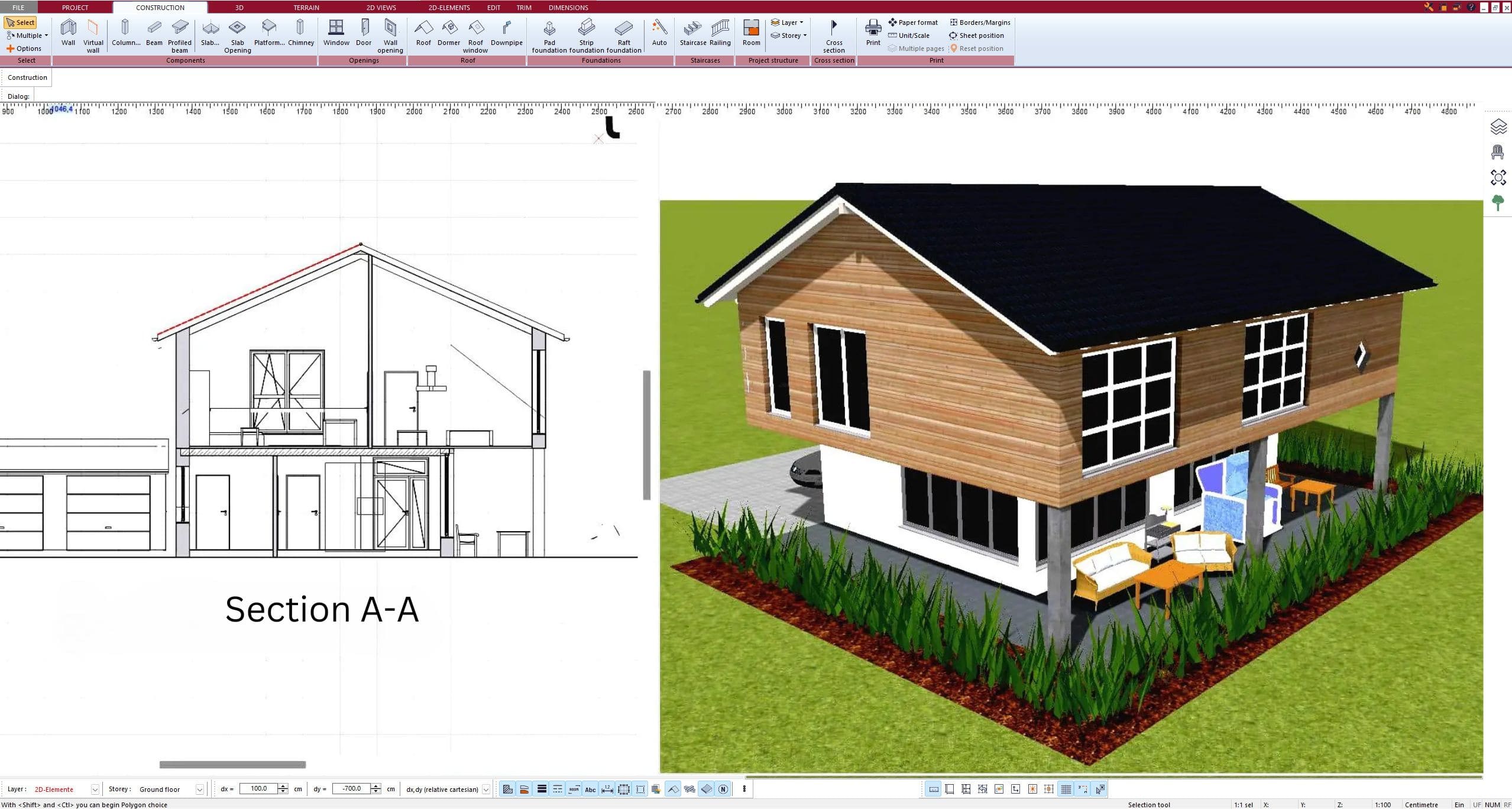
6. Export the Floor Plan as a 3D Model for Twinmotion
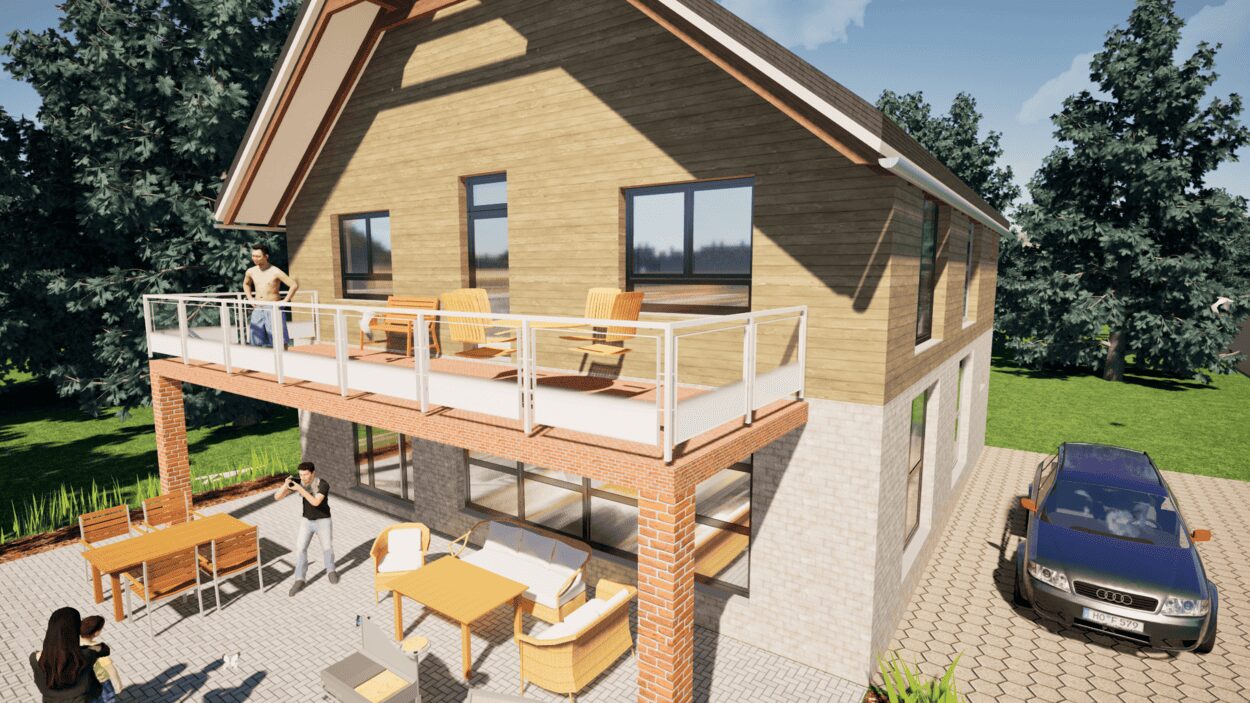
- – Compliant with international construction standards
- – Usable on 3 PCs simultaneously
- – Option for consultation with an architect
- – Comprehensive user manual
- – Regular updates
- – Video tutorials
- – Millions of 3D objects available
Why Thousands of Builders Prefer Plan7Architect
Why choose Plan7Architect over other home design tools?