A contractor usually loses a job long before the first hammer swing. It happens when a client cannot picture the layout, when measurements live in scattered notes, or when a revision takes too long to present clearly. Good house design software for contractors fixes that early-stage friction. It helps you show the idea, adjust it fast, and move from concept to buildable documentation without dragging every project through expensive, overbuilt CAD systems.
For residential work, that matters more than most software comparisons admit. Contractors do not need flashy design tools that look impressive in a demo but slow down real estimating, planning, and client communication. They need software that can produce accurate floor plans, basic construction documents, clear 3D visuals, and editable revisions without a subscription headache or a months-long learning curve.
![Best House Design Software for Contractors]()
 What contractors actually need from house design software
The right tool depends on the kind of work you do. A remodeling contractor handling kitchens, additions, and garage conversions needs speed and visual clarity. A design-build contractor may need deeper drawing capability, including elevations, cross-sections, and dimensioned plan sets. A small builder working on custom homes needs software that can support both sales presentations and permit preparation.
That is why house design software for contractors should be judged on practical output, not just feature volume. If the software helps you draw walls, windows, roofs, and stairs but cannot produce a clean set of plans, it is only half useful. If it can generate technical drawings but is too slow for fast revisions in front of a homeowner, it creates a different problem.
A good residential platform usually sits in the middle. It gives you enough precision for real planning and enough simplicity for daily use. That balance is where many contractors save time and protect margin.
The core features that matter most
Accurate 2D floor planning is still the foundation. You need reliable wall tools, room dimensions, door and window placement, and the ability to update layouts without redrawing from scratch. For contractors, this is not optional. It affects estimating, material planning, and the credibility of every proposal.
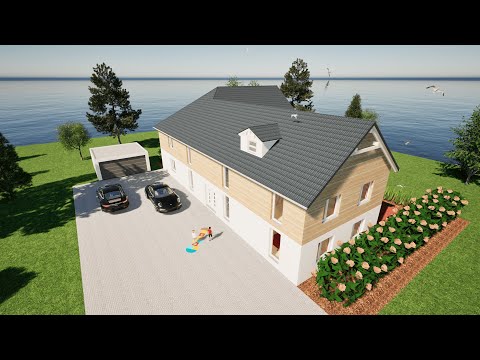
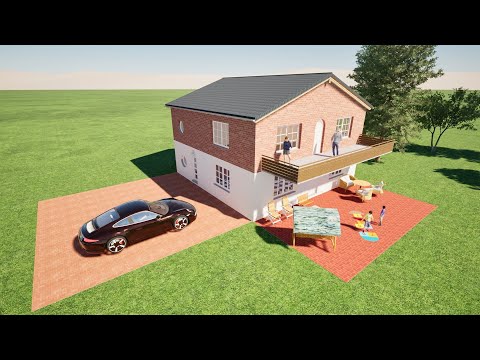
3D visualization matters almost as much. Homeowners often approve a project only after they can see it. A flat sketch may be enough for experienced tradespeople, but clients usually respond better to a model they can understand immediately. That can shorten the sales cycle and reduce revision confusion.
Then there is documentation. Many contractors do not need enterprise-level BIM complexity, but they do need elevations, sections, dimension strings, printable drawings, and exports that fit real-world workflows. If you regularly coordinate with engineers, permit offices, draftspeople, or other design professionals, file compatibility becomes important too.
Pricing structure also matters more than people say. Subscription software can make sense for larger firms with steady volume and dedicated design staff. For many residential contractors, a one-time license is easier to justify. It keeps overhead predictable and avoids paying every month for features you rarely touch.
Why some contractor software choices fail in real use
A common mistake is buying software meant for architects and assuming that more capability automatically means more value. In practice, some advanced design platforms are too technical for fast residential sales work. They may be powerful, but power without efficiency becomes overhead.
The opposite mistake is choosing a basic room planner that looks simple but cannot support real construction planning. Those tools may work for rough visuals, but they often break down when you need scaled drawings, detailed edits, or permit-ready output.
Contractors usually need a middle path. The best software is not necessarily the most famous brand or the one with the longest feature list. It is the one that helps you produce usable plans quickly, communicate clearly, and avoid paying for complexity you do not need.
House design software for contractors by use case
For remodeling and renovation work, speed is everything. You may need to test two or three layout options for a kitchen, bathroom, basement, or addition while the client is still deciding. In that case, easy room editing, fast object placement, and realistic 3D views are more useful than deeply specialized architectural functions.
For custom home contractors, the requirements expand. You need better roof tools, more detailed structural planning, and a stronger documentation package. You may also need to create drawings that support permitting or outside review. That means the software should go beyond presentation and into real drafting output.
For small design-build companies, flexibility matters most. You are often doing concept development, budgeting, revisions, and drawing prep in the same workflow. Software that can move from sketch phase to construction-ready plans without forcing a platform change can save a surprising amount of time.
What to look for before you buy
Start with the output, not the marketing. Ask what documents the software can actually produce. Can it create floor plans, elevations, and sections? Can you print dimensioned drawings clearly? Can you export to common formats such as DWG or DXF if needed? These questions matter more than how polished the interface looks in screenshots.
Next, consider learning curve. If you or your team cannot become productive quickly, the software will sit unused. Contractors need tools that support real jobs now, not someday after formal training. That does not mean every professional feature should be stripped out. It means the workflow should feel logical for residential planning.
Also consider whether the software works offline. For some businesses this is minor. For others, especially teams working between office, home, and jobsite conditions, offline access is a real advantage. It gives you ownership and consistency without depending on constant internet access.
Finally, think about unit systems and standards. If you work in the US, the software should handle imperial measurements naturally. If you coordinate across regions or with mixed drawing standards, metric support can matter too. That flexibility is often overlooked until a project gets more complex.
A practical standard for evaluating software
The easiest way to evaluate house design software for contractors is to run a real project through it. Do not test with a perfect sample file. Use an actual job – a room addition, ADU, garage conversion, or custom home concept. Try drawing the existing layout, revising it, creating a 3D view, and producing the kind of printed plan you would show a client or submit for review.
This reveals the real strengths and limitations quickly. Some software feels fine until you need stairs, roof lines, or construction sections. Other platforms seem technical at first but become efficient once you see how they handle repeated residential tasks.
If the software helps you answer client questions faster, revise plans without friction, and create dependable drawings, it is probably a good fit. If every change turns into a workaround, it is not.
Where value-conscious contractors often land
Many residential contractors are not looking for a giant enterprise platform. They want professional output, approachable tools, and pricing that makes sense for a small business or independent operator. That is exactly why software like Plan7Architect appeals to this market. It gives users 2D and 3D house planning, construction drawings, and permit-oriented documentation without forcing them into a recurring subscription or an overly technical workflow.
That kind of positioning makes sense for contractors who need to move efficiently between sales, planning, and build prep. It is especially useful when the person drawing the concept is also pricing the job, presenting options, or coordinating with clients directly.
The trade-offs are real
No software is perfect for every contractor. If your company produces highly technical architectural sets with constant consultant coordination, you may need a heavier platform. If you only need quick room mockups for homeowner discussions, a simpler tool may be enough.
But most residential contractors live in the middle. They need something more capable than a visualizer and less burdensome than full-scale architectural software. That is where the best buying decisions happen – not at the extremes, but in choosing software that matches the work you actually do every week.
The right software should help you win work, reduce misunderstandings, and turn ideas into clear plans without adding unnecessary cost or complexity. If it can do that consistently, it is not just a design tool. It becomes part of how you run a better residential business.
When you are comparing options, look past the feature parade and ask a simpler question: will this help you show the job, price the job, and build the job with fewer headaches? If the answer is yes, you are probably looking at the right fit.
Plan your project with Plan7Architect
Plan7Architect Pro 5 for $169.99
You don’t need any prior experience because the software has been specifically designed for beginners. The planning process is carried out in 5 simple steps:
1. Draw Walls
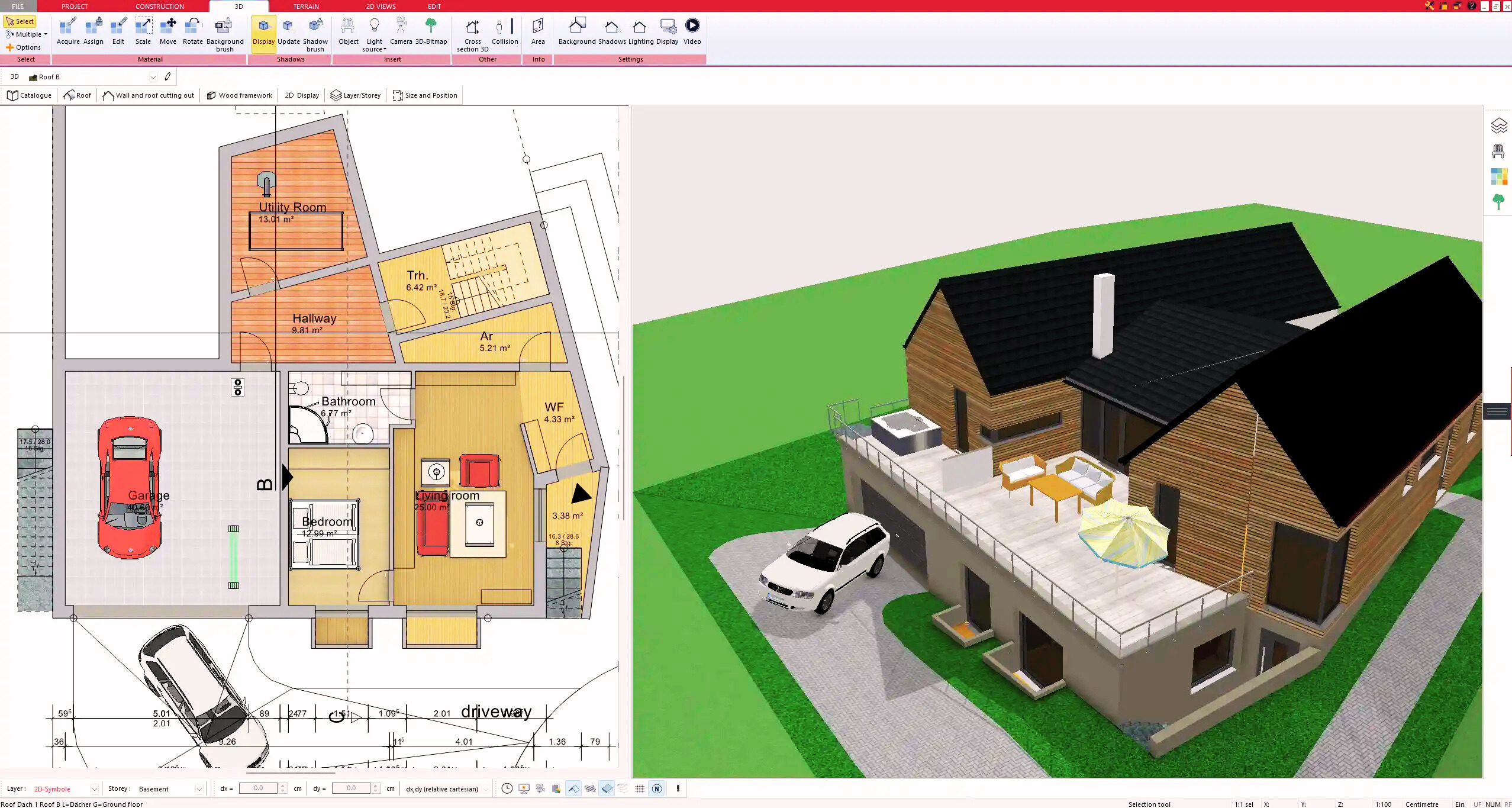
2. Windows & Doors
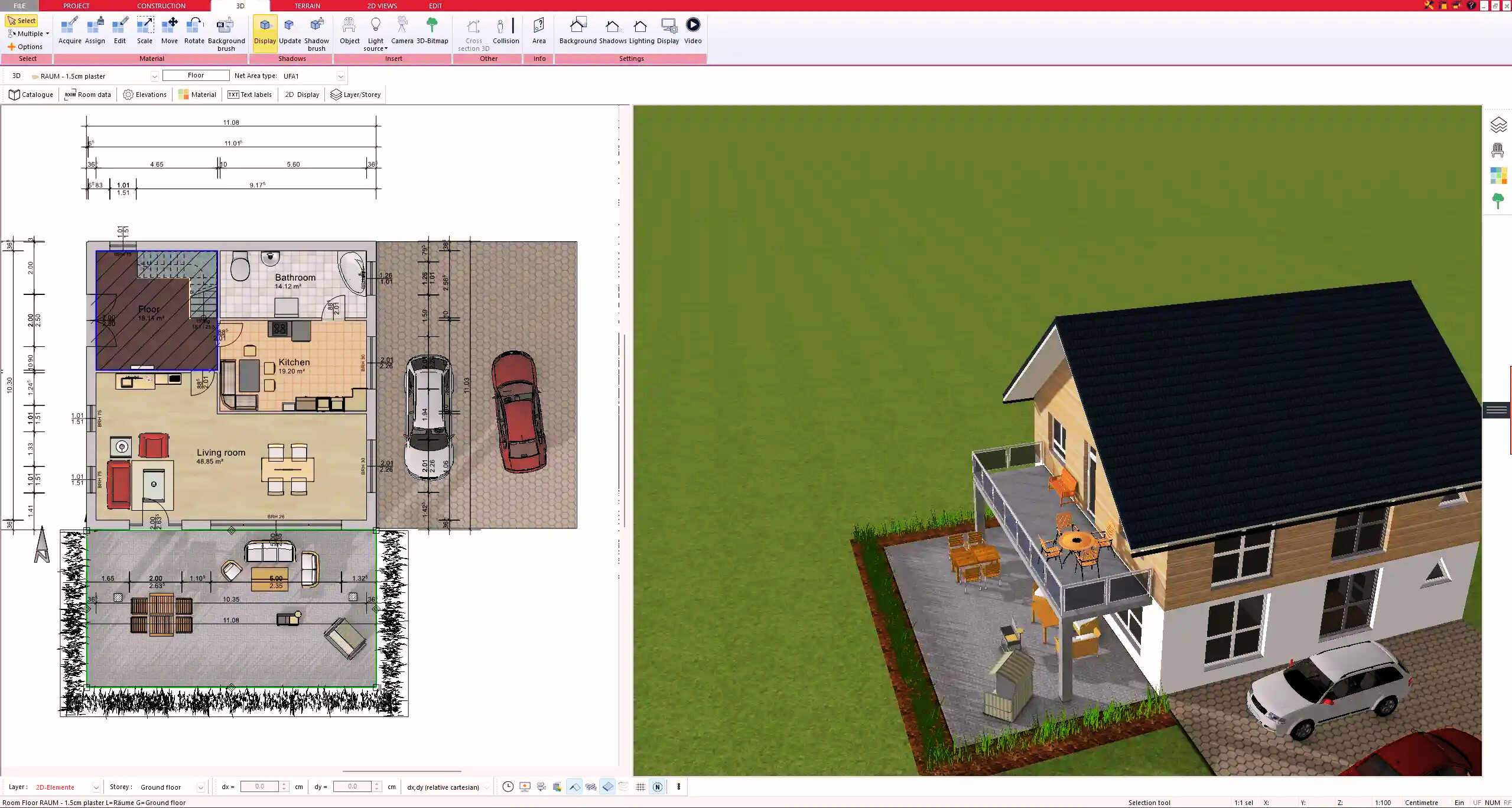
3. Floors & Roof
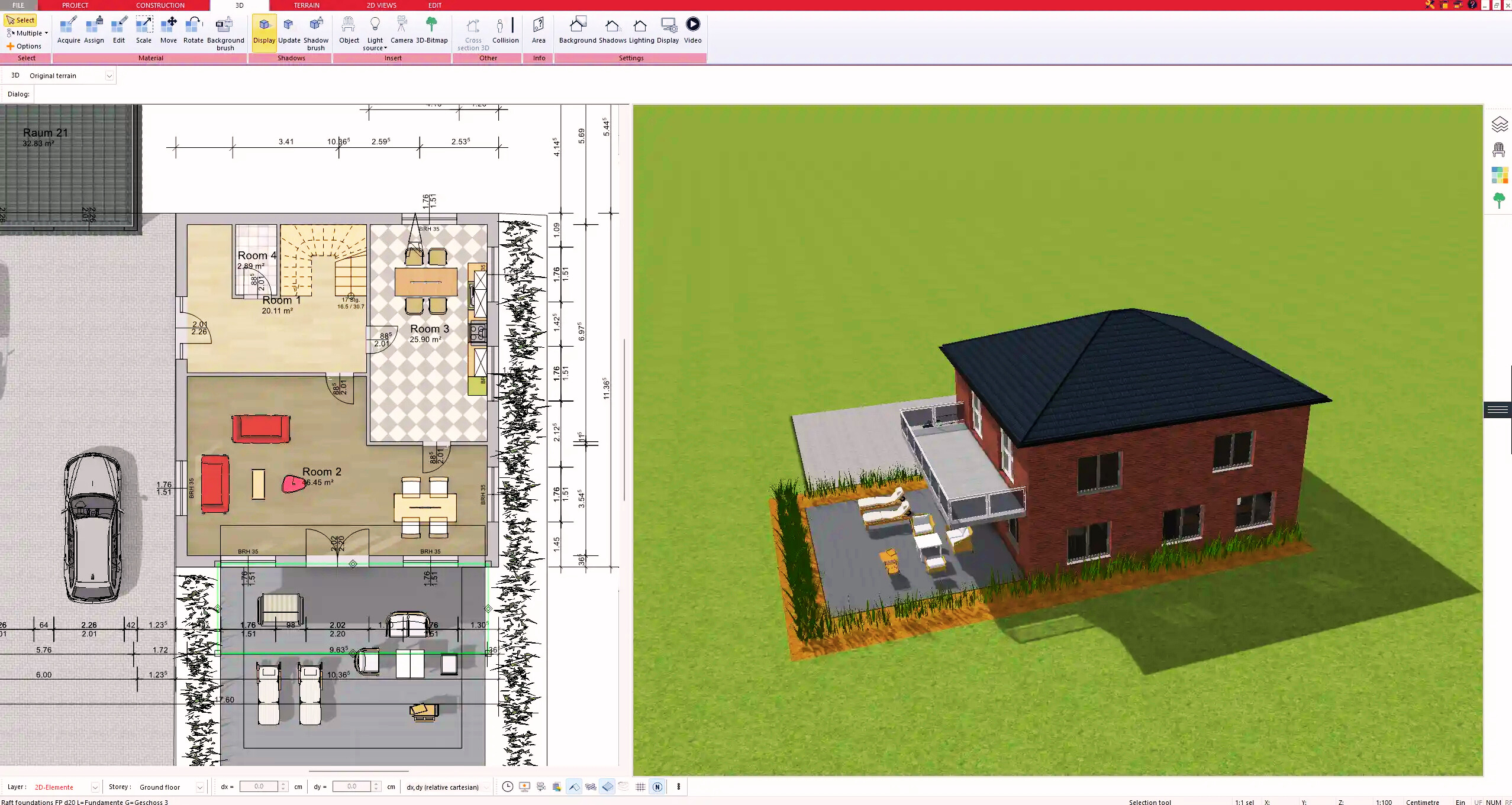
4. Textures & 3D Objects
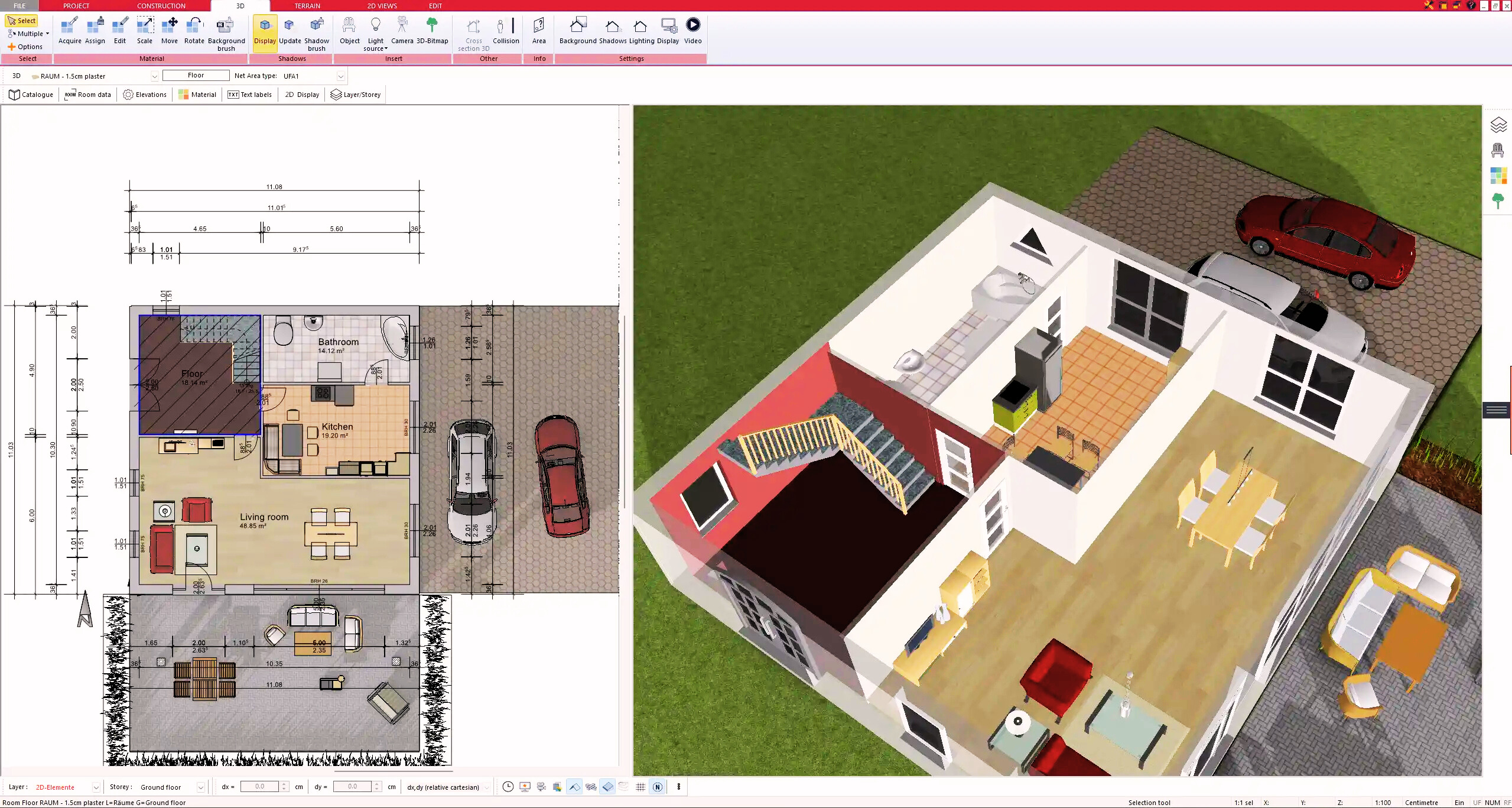
5. Plan for the Building Permit
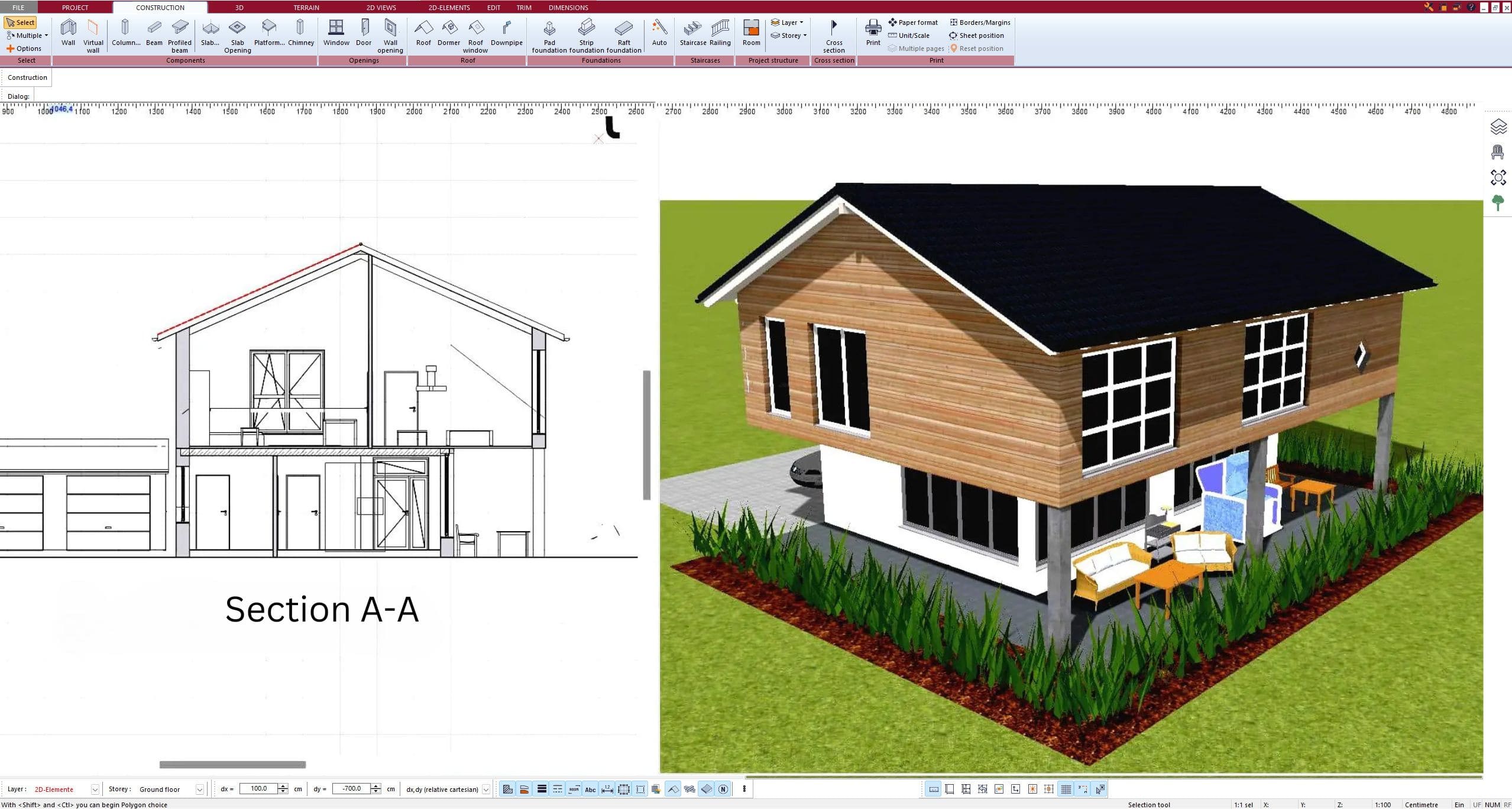
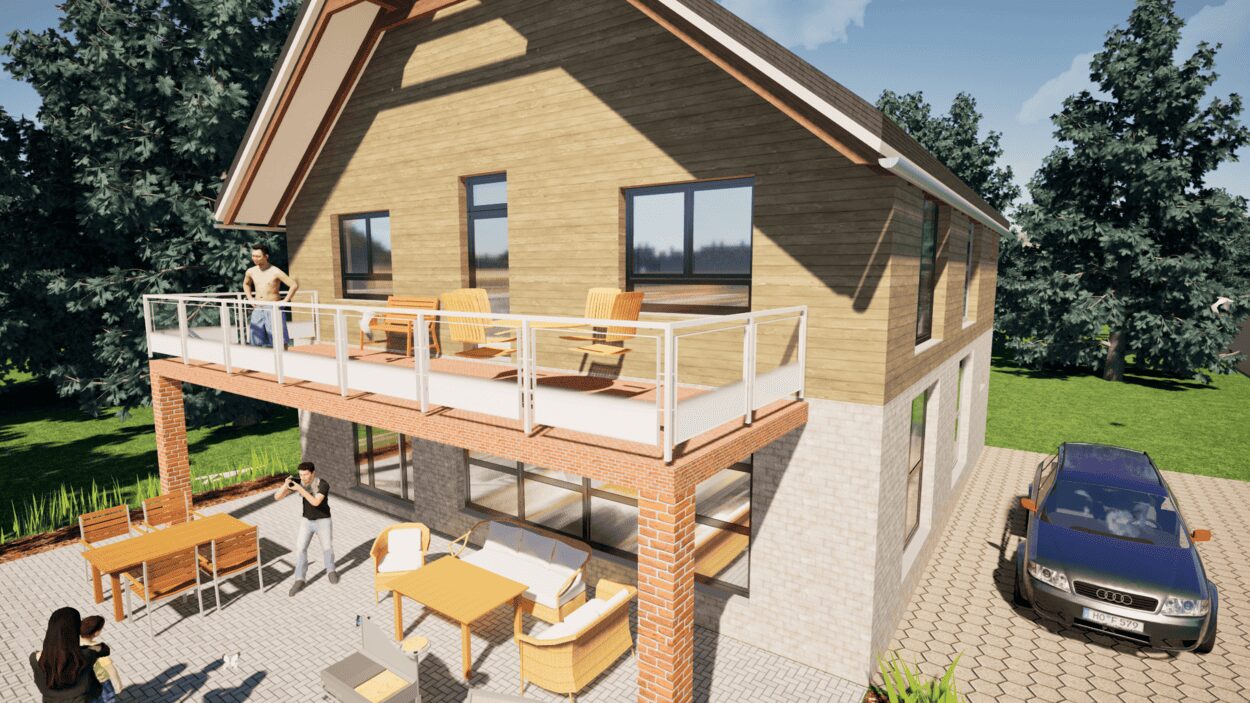
6. Export the Floor Plan as a 3D Model for Twinmotion
- – Compliant with international construction standards
- – Usable on 3 PCs simultaneously
- – Option for consultation with an architect
- – Comprehensive user manual
- – Regular updates
- – Video tutorials
- – Millions of 3D objects available
Why Thousands of Builders Prefer Plan7Architect
Why choose Plan7Architect over other home design tools?