A garage conversion gets expensive fast when the plan is still fuzzy. One wall moves, a bathroom gets squeezed in, ceiling height becomes an issue, and suddenly the simple idea of adding a room turns into weeks of guesswork. The right software for garage conversion plans helps you sort out layout, structure, and presentation before you spend money on labor or materials.
That matters because garage conversions are rarely just decorating projects. You are often changing insulation, windows, doors, electrical runs, heating and cooling, and sometimes plumbing. In many cases, you also need drawings detailed enough to discuss with a contractor, designer, or local permit office. So the software you choose should not only make the room look good in 3D, but also help you produce accurate plans that are usable in the real world.
![Best Software for Garage Conversion Plans]()
 What good garage conversion planning software needs to do
The first requirement is simple: it should let you draw the existing garage accurately. If the software makes basic measuring and wall editing difficult, everything that follows becomes harder. You need to place exterior walls, interior partitions, doors, windows, and fixtures with exact dimensions, not rough approximations.
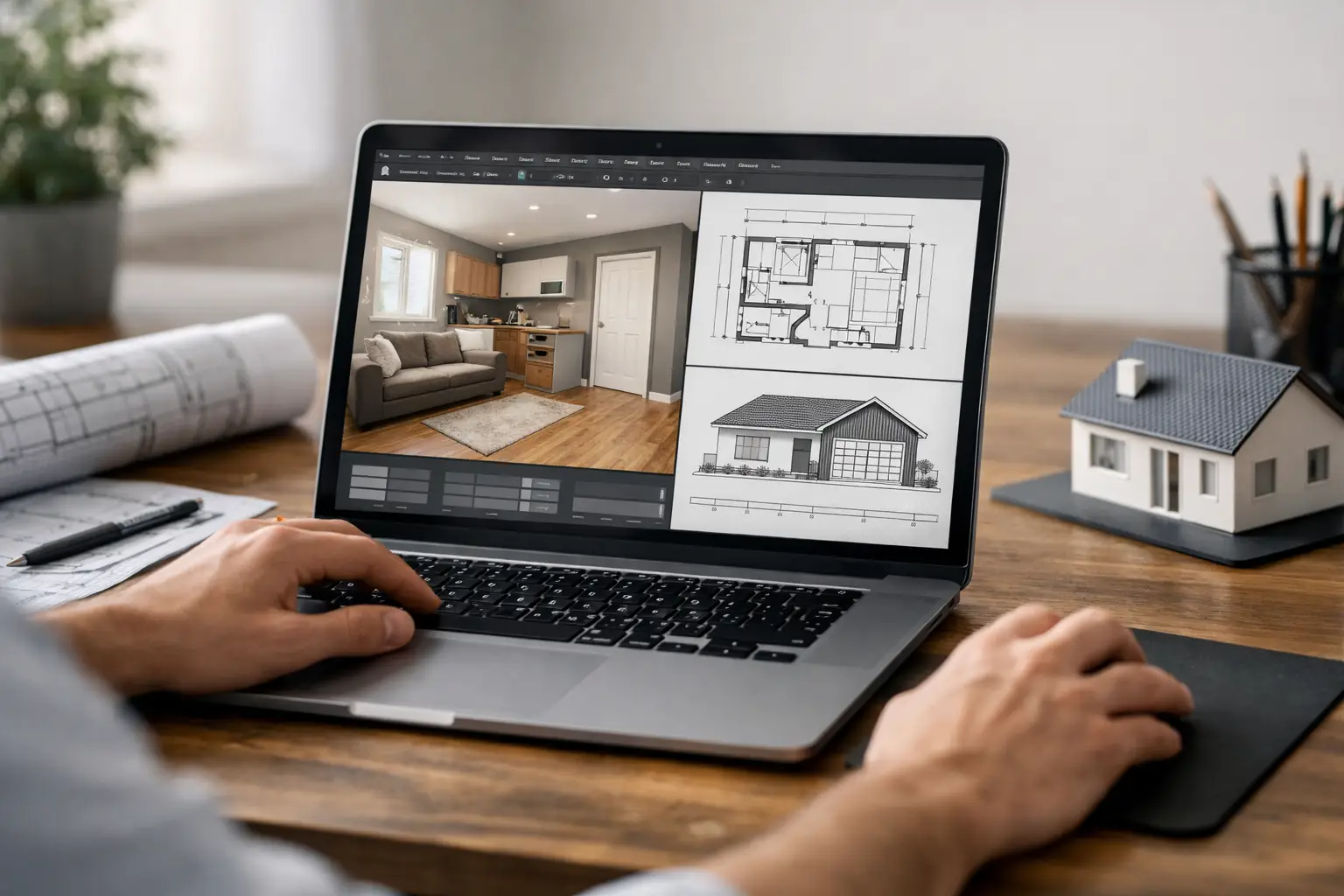
The second requirement is visualization. A garage often starts as an awkward shell with low appeal, and it can be difficult to imagine how it will work as a bedroom, office, rental unit, gym, or family room. Good software gives you both 2D and 3D planning so you can test layouts, furniture placement, circulation, and natural light without relying on guesswork.
The third requirement is documentation. This is where many consumer design tools fall short. Pretty renderings are helpful, but they are not enough if you need floor plans, elevations, sections, and dimensioned drawings. For a garage conversion, those details matter because builders need clarity and permit reviewers often expect more than a screenshot.
Software for garage conversion plans: what to look for
If you are comparing options, start with the practical features rather than marketing claims. A useful program should support precise 2D drafting, easy 3D modeling, editable wall construction, roof and ceiling adjustments, and clear dimension tools. It should also make it straightforward to add openings, insulation layers, floor finishes, and room objects so the design reflects how the converted space will actually function.
Another big factor is ease of use. Some CAD platforms are powerful but excessive for a homeowner or small contractor planning a single conversion. If the learning curve is too steep, you lose time and may still end up outsourcing the drawings. On the other hand, software that is too simplified can leave you stuck when you need proper construction views or scaled documents.
That middle ground is where many users find the most value. For residential remodeling, the best fit is usually software that feels approachable at the start but still gives you professional drawing output when the project becomes serious.
2D and 3D both matter
It is tempting to focus only on 3D because garage conversions are visual projects. You want to see whether the new room feels cramped, whether the windows balance properly, and whether the old garage door area should become a wall, sliders, or a larger front window.
But 2D remains the working language of construction. Contractors price from plans. Installers check dimensions. Permit offices review line drawings, notes, and sections. Strong software should let you move comfortably between 2D precision and 3D understanding.
Permit-ready output is not optional for many projects
Not every garage conversion needs the same level of documentation, and local requirements vary. Still, if your software cannot produce dimensioned plans, elevations, and cross-sections, you may end up redrawing everything later or paying someone else to convert your concept into usable construction documents.
This is one of the biggest trade-offs in software selection. Basic room planners are often faster on day one, but they can create extra work on day ten when you need something more formal.
Common garage conversion scenarios the software should handle
A simple home office conversion has very different needs from a full guest suite. The software should be flexible enough to handle both. In a home office, you may mainly be testing insulation, desk layout, storage, and window placement. In a guest suite or rental setup, you may also need to account for a bathroom, kitchenette, closet space, and more detailed circulation.
The same goes for attached versus detached garages. An attached garage often has stronger implications for access, transitions, and HVAC integration with the main house. A detached garage may require a different approach to utilities and exterior presentation. Software that allows detailed customization gives you room to solve these differences instead of forcing you into preset templates.
Ceiling height is another common pain point. Garage floors are sometimes lower than the main house floor, and ceilings may need to accommodate beams, ducts, or a sloped roof. A good planning program helps you visualize vertical space, not just the footprint.
Where many tools fall short
A lot of homeowners start with free apps because they want a quick test. That can work for early brainstorming. You can sketch furniture, experiment with general room arrangements, and get a rough sense of whether the conversion is worth pursuing.
The problem shows up when accuracy starts to matter. Free tools often limit technical drawing features, exports, or construction detail. Some are designed more for interior decorating than structural remodeling. Others require subscriptions that seem cheap at first but become expensive if your project stretches over several months.
Professional enterprise CAD software sits at the other extreme. It can do nearly everything, but it often costs far more than a typical homeowner or small remodeler needs to spend. It also tends to require more training than most people want for a single residential project.
Why practical residential design software makes more sense
For garage conversions, the strongest choice is usually residential architectural software built for real building projects rather than generic drawing or decoration. That means you can create the existing structure, modify it accurately, furnish it, and generate serious output from the same file.
This kind of software is especially useful if you want control over your project without being forced into a monthly subscription. A one-time license can make more sense when you want to revisit plans over time, compare options, or keep the software available for future remodeling work.
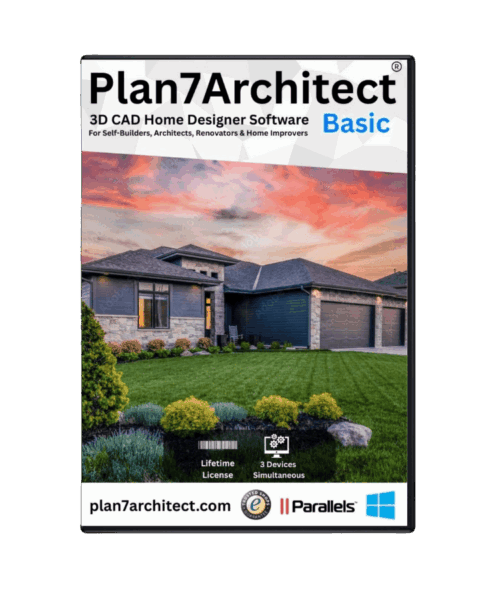
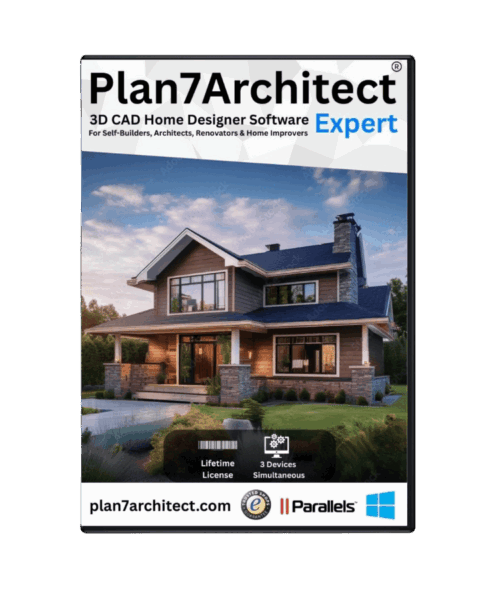
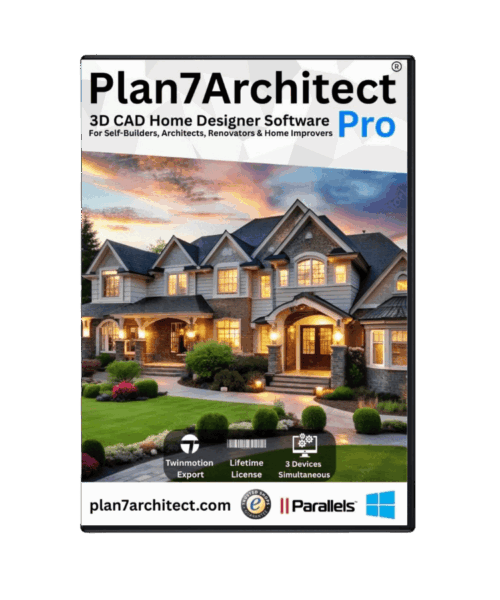
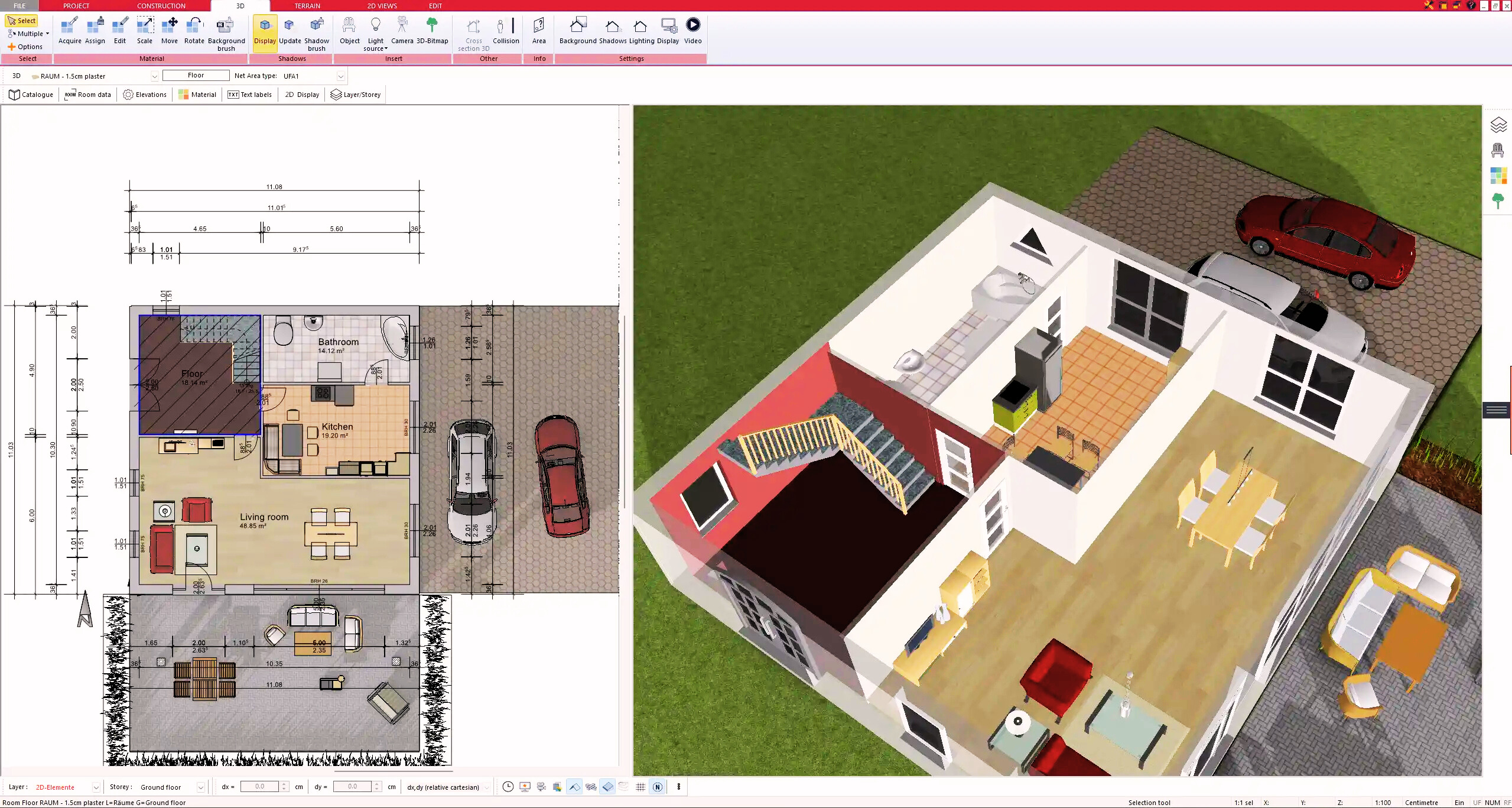
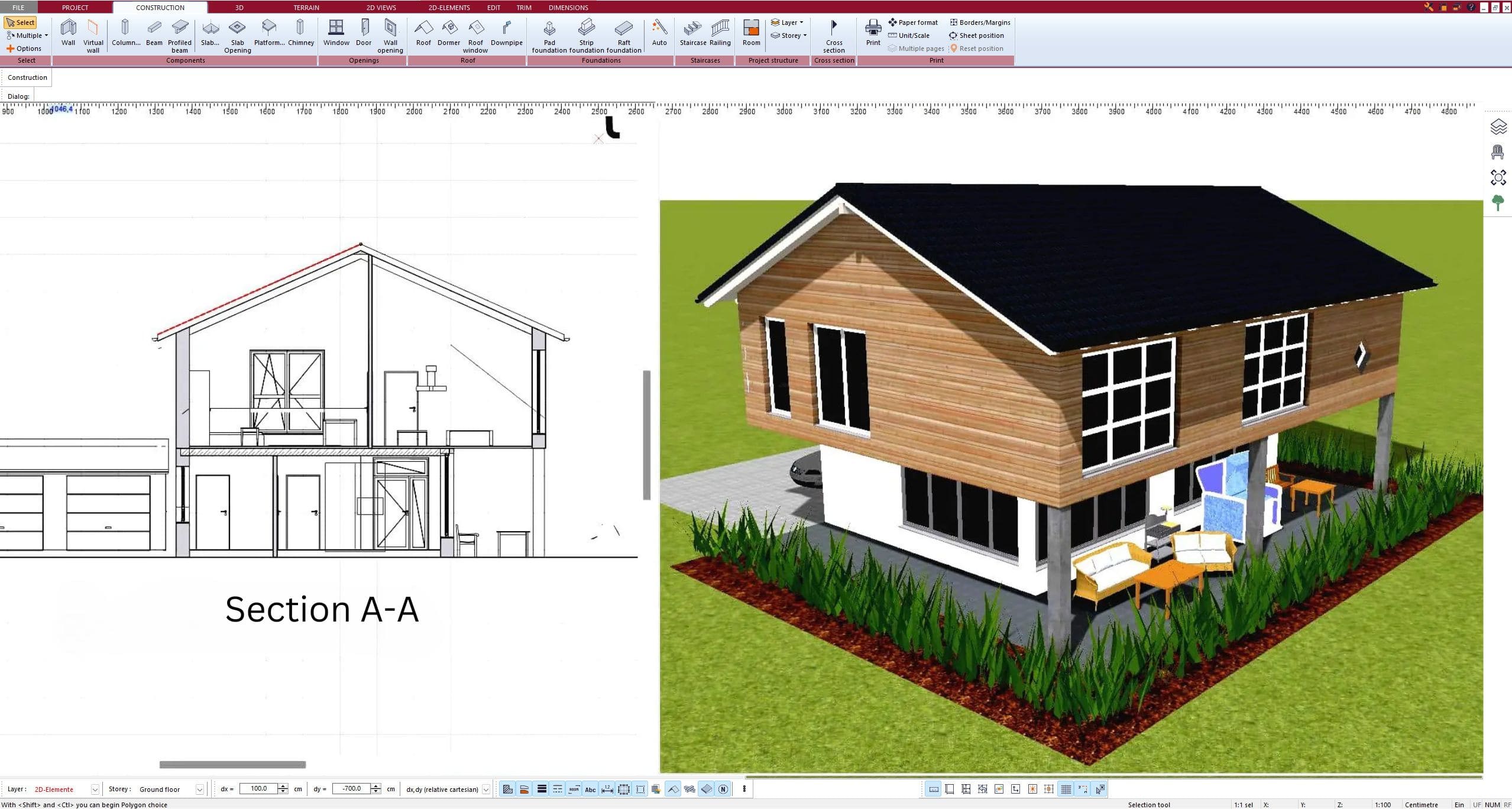
Programs such as Plan7Architect fit this use case well because they combine approachable house-planning tools with the ability to create 2D plans, 3D views, elevations, sections, and documentation that goes beyond concept-stage design. For homeowners, contractors, and small property professionals, that balance is often more useful than either a stripped-down room planner or an overbuilt commercial CAD package.
How to choose the right software for your project
Start by being honest about your end goal. If you only want to see whether a garage could become a decent office or hobby room, almost any decent planner with 3D visualization can help. If you want drawings to support contractor pricing, permit preparation, or a serious build, you need much more than visual staging.
Then look at your own workflow. Some users want to sketch quickly and refine later. Others prefer entering exact measurements from the beginning. The best software for garage conversion plans should support both styles without making either one frustrating.
File compatibility can also matter more than people expect. If you plan to share drawings with a designer, architect, or contractor, export options such as DWG or DXF can save time. Unit flexibility matters too, especially if you are working from mixed reference material or collaborating with different professionals.
Finally, think about ownership and support. A garage conversion may start as a spare room project and turn into a larger home improvement plan. Software that remains available offline, does not lock your work behind a subscription, and includes training resources gives you more control and less pressure.
The real value is clarity before construction
The best software does not just help you draw walls. It helps you make better decisions while changes are still cheap. You can test whether adding a bathroom ruins the main room, whether storage should be built in, whether a new window placement improves the space, and whether the conversion feels like part of the house rather than an afterthought.
That clarity is what saves money, reduces misunderstandings, and gives you confidence when it is time to move from idea to build. If your garage conversion matters enough to do right, your planning software should be able to carry the project further than a pretty rendering ever could.
A smart plan on screen is not the finished room, but it is often the point where a risky remodel starts becoming a manageable one.
Plan your project with Plan7Architect
Plan7Architect Pro 5 for $169.99
You don’t need any prior experience because the software has been specifically designed for beginners. The planning process is carried out in 5 simple steps:
1. Draw Walls
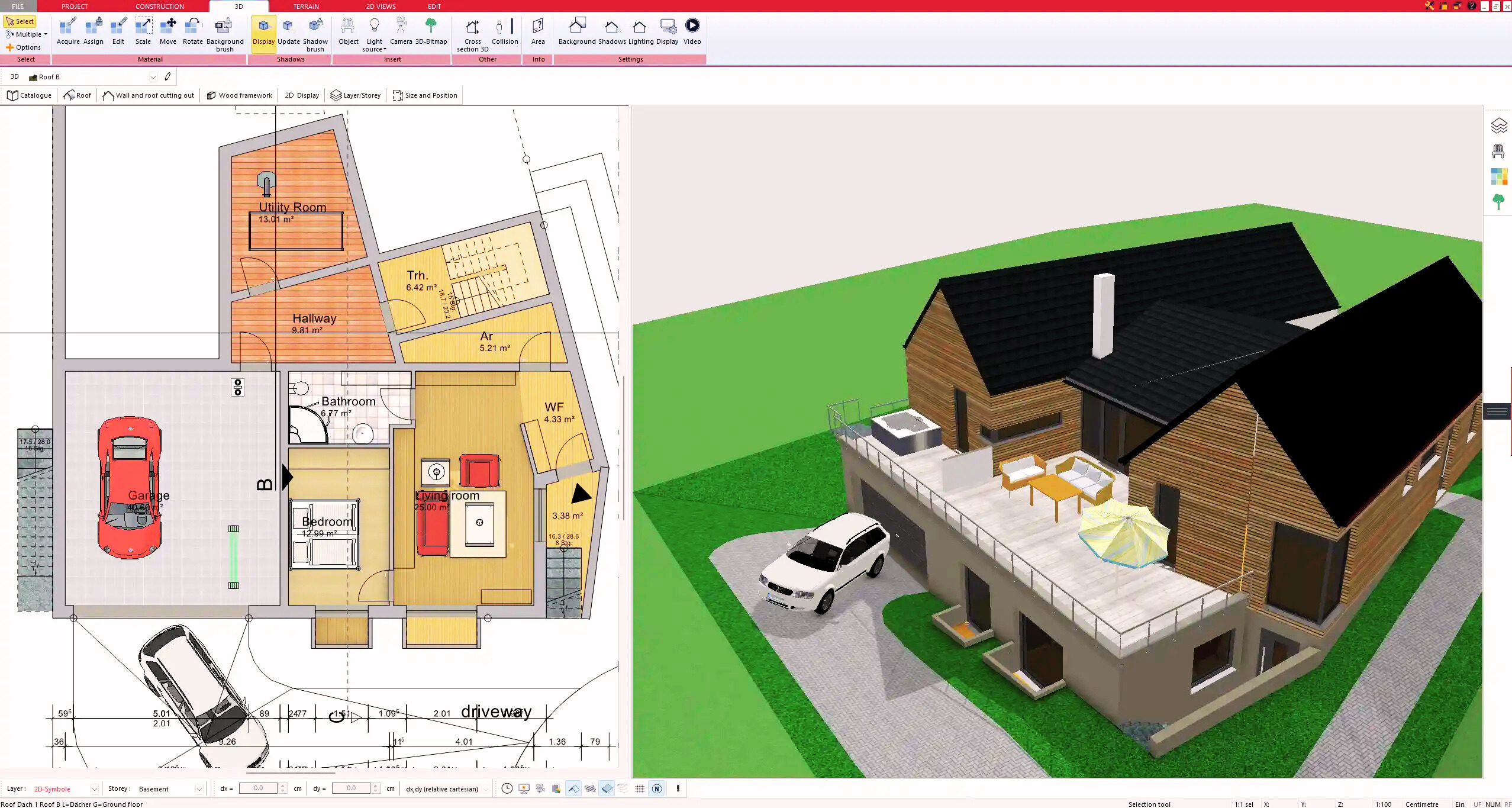
2. Windows & Doors
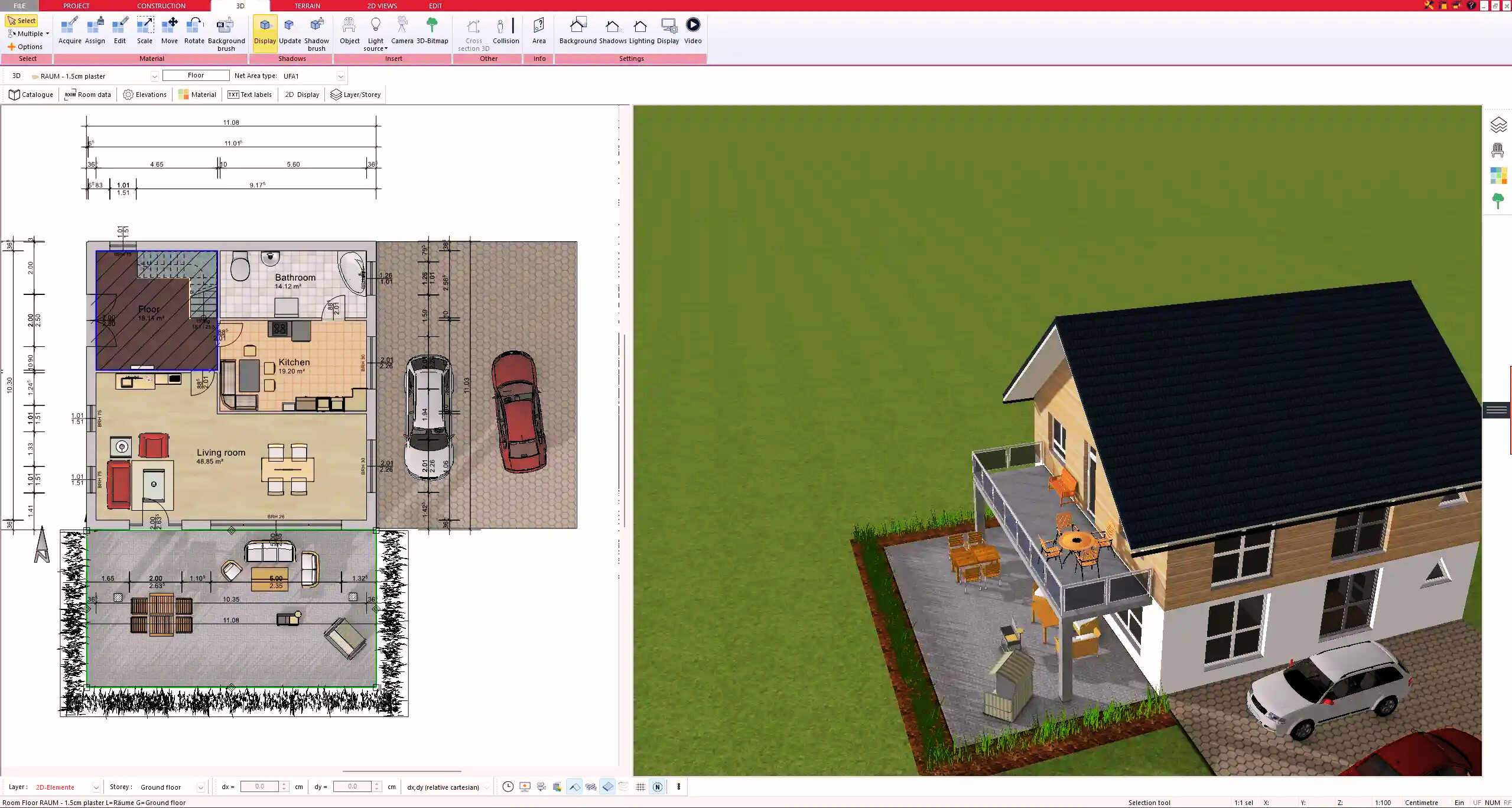
3. Floors & Roof
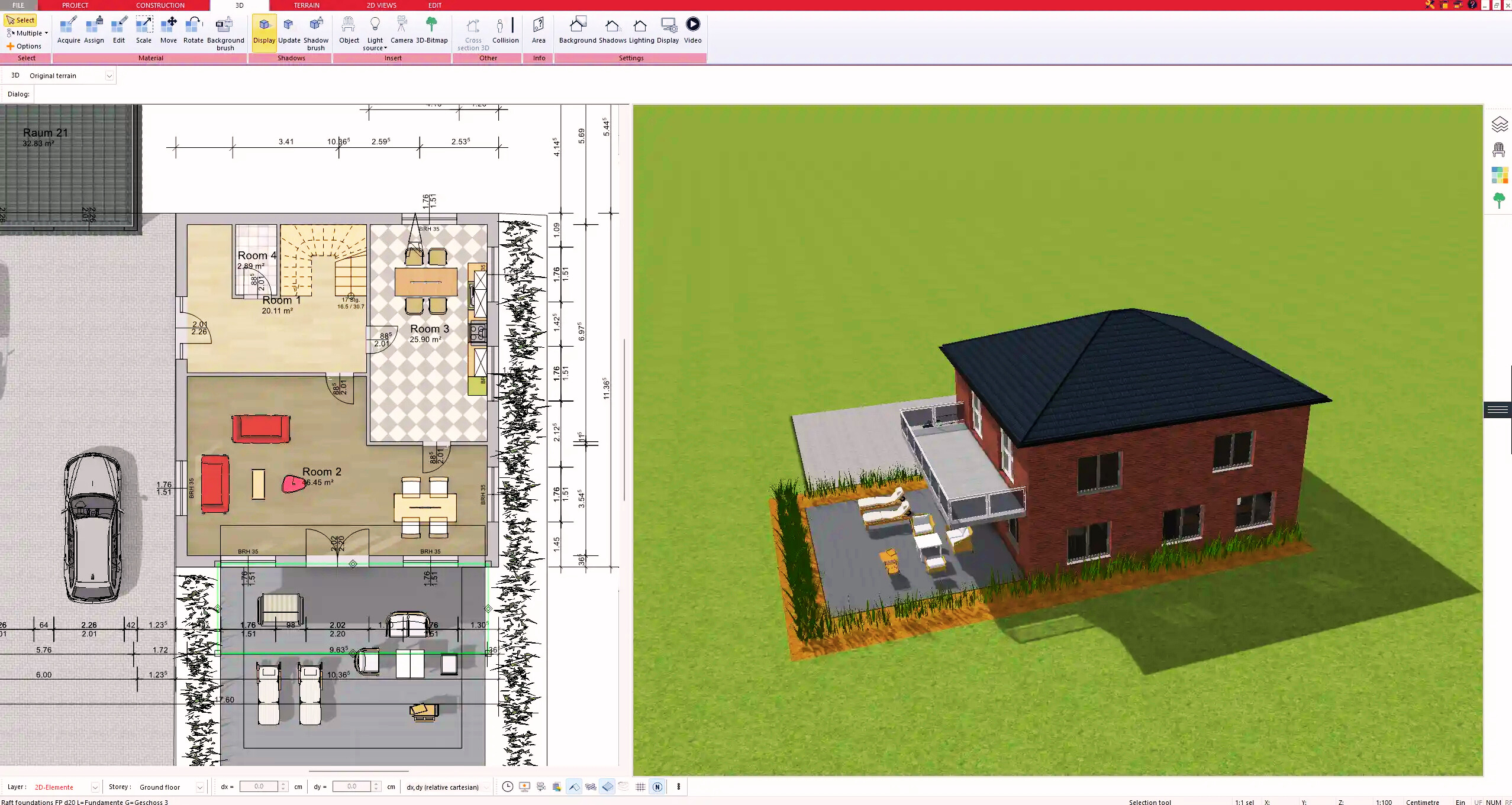
4. Textures & 3D Objects
5. Plan for the Building Permit
6. Export the Floor Plan as a 3D Model for Twinmotion
- – Compliant with international construction standards
- – Usable on 3 PCs simultaneously
- – Option for consultation with an architect
- – Comprehensive user manual
- – Regular updates
- – Video tutorials
- – Millions of 3D objects available
Why Thousands of Builders Prefer Plan7Architect
Why choose Plan7Architect over other home design tools?