If you have ever sketched a kitchen on graph paper, moved a sofa ten times in your head, or tried to explain a remodel idea to a contractor with hand gestures, you already know why the best home design software for homeowners matters. The right program turns vague ideas into accurate plans you can actually use, whether you are reworking one room, adding an ADU, or planning a new house from scratch.
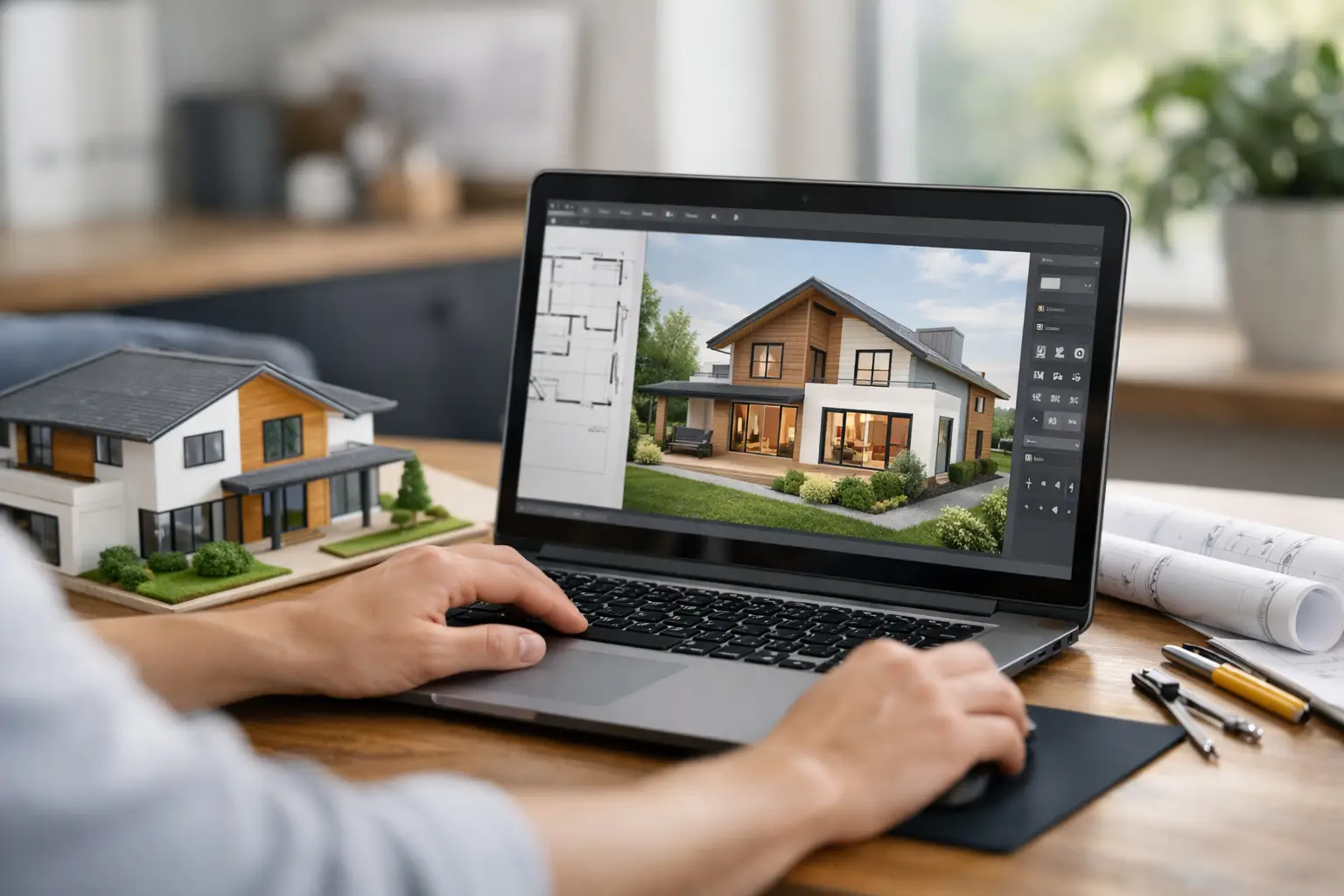 The problem is that most software falls into one of two extremes. It is either so simple that it helps you place furniture but not produce real drawings, or so technical and expensive that it feels built for full-time architects, not homeowners managing a renovation budget. For most people, the best choice sits in the middle: software that is easy to learn, strong on visualization, and detailed enough to support real building decisions.
What makes the best home design software for homeowners?
Homeowners usually do not need every advanced tool found in commercial architectural platforms. They need software that helps them answer practical questions fast. Will the island fit without crowding the walkway? Can a garage conversion include a bathroom? How will a roofline change affect the exterior? Can these ideas be shared clearly enough for pricing, permits, or contractor discussions?
That means good home design software should do more than create pretty images. It should let you draw accurate floor plans, switch between 2D and 3D views, adjust dimensions easily, and generate drawings that support real-world projects. If you are planning construction rather than daydreaming, scale and measurement control matter more than decorative effects.
Ease of use is just as important. A homeowner should be able to start with walls, doors, windows, and room sizes without spending weeks learning professional CAD commands. At the same time, the software should not hit a wall the moment the project becomes more serious. That is where many beginner apps fall short.
The main types of software you will see
The first category is room planners and interior layout tools. These are useful for quick visualization, furniture placement, and style decisions. They are often browser-based and simple to use. For a cosmetic update or basic layout experiment, they can be enough. But if your project involves structural changes, additions, elevations, or permit-related documentation, they usually stop short.
The second category is professional CAD or BIM software. These programs are powerful, but many homeowners find them too expensive, too complex, or too dependent on subscription pricing. They can absolutely handle house planning, but the learning curve often makes them impractical unless you already have drafting experience.
The third category is the sweet spot for many residential users: dedicated house planning software built for homeowners, self-builders, and smaller professionals. This type of software usually combines drag-and-drop planning with serious drawing capability. You can create floor plans, view the project in 3D, refine dimensions, and prepare construction-oriented documents without paying for enterprise-level software.
How to judge software based on your project
A bathroom refresh and a full custom home should not be judged by the same standard. If you are redesigning a single room, strong 3D visualization and easy layout editing may be your priority. If you are building an addition, garage conversion, or new house, you need software that can carry the project beyond concept stage.
For remodels, look for tools that let you work with exact dimensions, existing wall conditions, and multiple design versions. Being able to test options quickly is valuable when every inch counts. For larger projects, you should also look for elevations, cross-sections, roof planning, and documentation features.
This is where buyers often make the wrong call. They choose software because it looks easy in a demo, then realize later it cannot produce the detail needed for contractor pricing or permit preparation. It is usually smarter to choose a tool that is approachable now but capable enough for the next step.
Features that actually matter for homeowners
The best home design software for homeowners should help you move from idea to decision. Accurate 2D floor planning is the foundation. If the walls, openings, and room dimensions are wrong, the 3D view will not save the project.
After that, 3D visualization becomes valuable because it reduces guesswork. You can understand ceiling height, sightlines, window placement, and circulation in a way flat sketches cannot show. This is especially helpful for open-plan remodels, attic conversions, and additions where proportion is hard to judge.
Construction-oriented output is another major differentiator. Some homeowners only want a design tool, but many want drawings they can use in conversations with builders, trades, or local authorities. Elevations, sections, dimensioned plans, and export options make a real difference once the project turns practical.
Pricing structure matters too. Subscription software may be fine for a design firm billing clients every month. Homeowners often prefer a one-time purchase because the project has a defined timeline. Owning the software outright also makes sense if you want to return to the plan later for phased renovations.
Offline use is more important than people expect. It gives you control, avoids browser limitations, and keeps your project accessible without depending on a web connection. For many homeowners and contractors, that reliability is a real advantage.
Where many homeowner tools fall short
A lot of design apps are excellent at helping you imagine a room, but weaker at helping you build it. They may offer attractive renderings, product libraries, and intuitive editing, yet struggle with precise drafting or documentation. That is not necessarily a flaw if your goal is inspiration. It becomes a problem when you need real measurements and buildable plans.
On the other side, professional drafting software can be more than you need. It may require a level of setup, training, and technical workflow that slows down a homeowner trying to make decisions this weekend. Power is useful only if you can access it without friction.
That is why software designed specifically for residential planning often provides the best balance. It keeps the process accessible while still supporting detailed home design work.
A practical standard for choosing the right software
If you are comparing options, ask five direct questions. Can I draw my current or proposed floor plan accurately? Can I view and adjust it in 3D without rebuilding the model? Can I create drawings detailed enough to share with contractors or permit offices? Is the software priced in a way that matches a homeowner budget? And can I realistically learn it without becoming a CAD specialist?
If the answer to only the first two is yes, the software is probably a visualization tool. If the answer to all five is yes, you are likely looking at software that can support a real project from planning through execution.
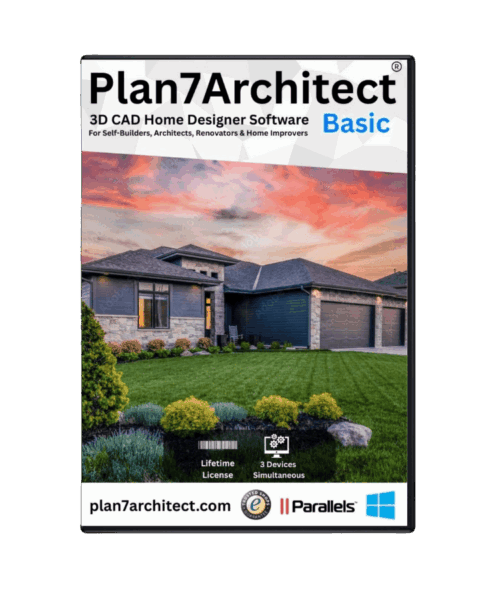
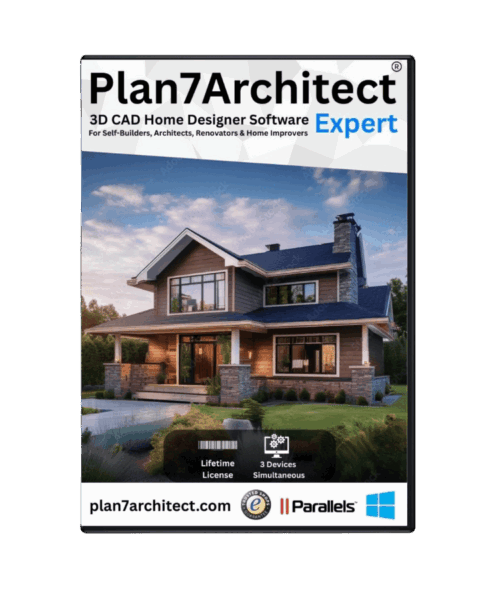
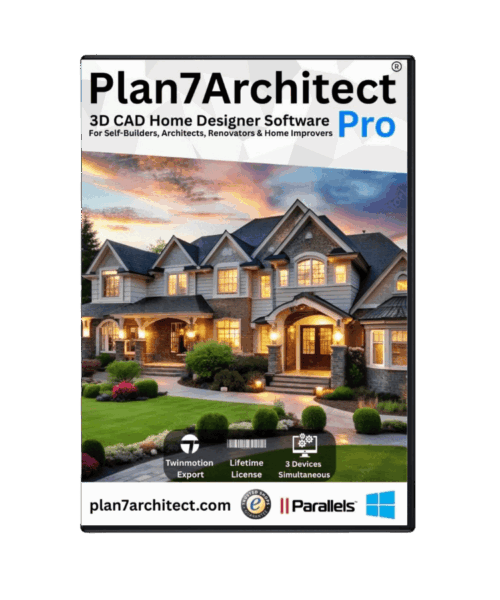
For many users, that leads them toward residential CAD software rather than generic interior apps. A platform such as Plan7Architect, for example, appeals to homeowners because it offers 2D and 3D house planning, construction drawings, and professional-level output without the usual complexity or recurring subscription cost. That kind of positioning makes sense for people who want more than a mood board but less than a full architectural training program.
So what is the best home design software for homeowners?
The honest answer is that it depends on what you need the software to do after the first draft. If you only want to test furniture layouts or visualize colors, a simpler room planner may be enough. If you are preparing a remodel, addition, ADU, or new build, the best option is usually software that combines beginner-friendly planning with serious drafting capability.
In other words, the best home design software is not the one with the flashiest renderings or the longest feature list. It is the one that helps you make accurate decisions, communicate clearly, and keep control of your project without paying for tools you will never use.
For homeowners, that usually means looking for a program with accurate 2D planning, strong 3D visualization, practical construction drawings, flexible unit support, and pricing that respects a real household budget. When software can do those things well, it stops being just a design toy and becomes part of the building process.
A good home plan should reduce stress, not add to it. Choose software that lets you see the project clearly, change it confidently, and move forward with fewer surprises.
Plan your project with Plan7Architect
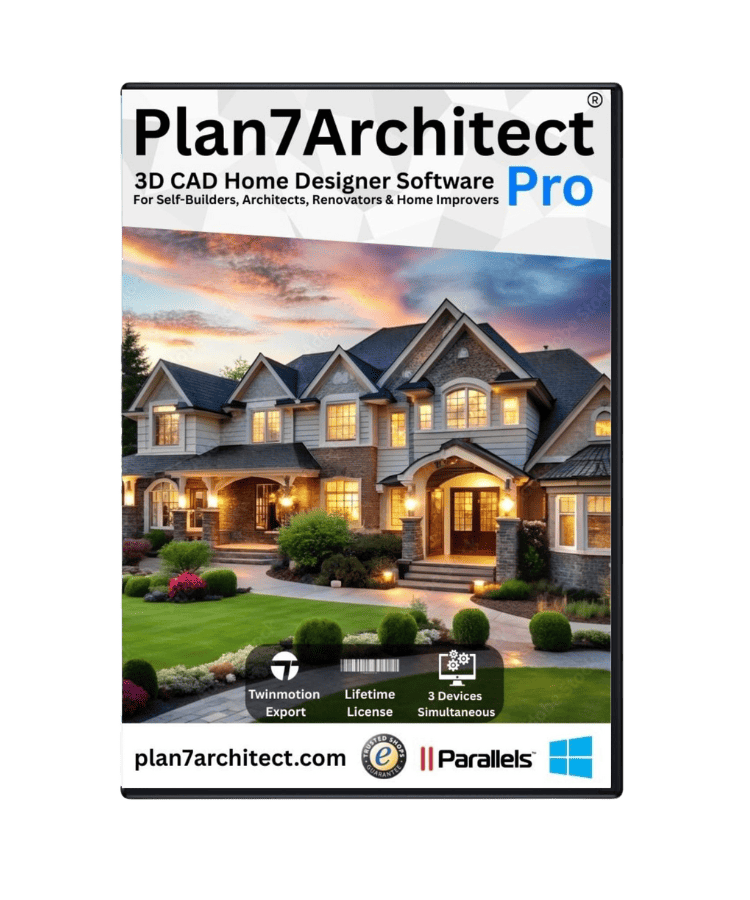
Plan7Architect Pro 5 for $169.99
You don’t need any prior experience because the software has been specifically designed for beginners. The planning process is carried out in 5 simple steps:
1. Draw Walls
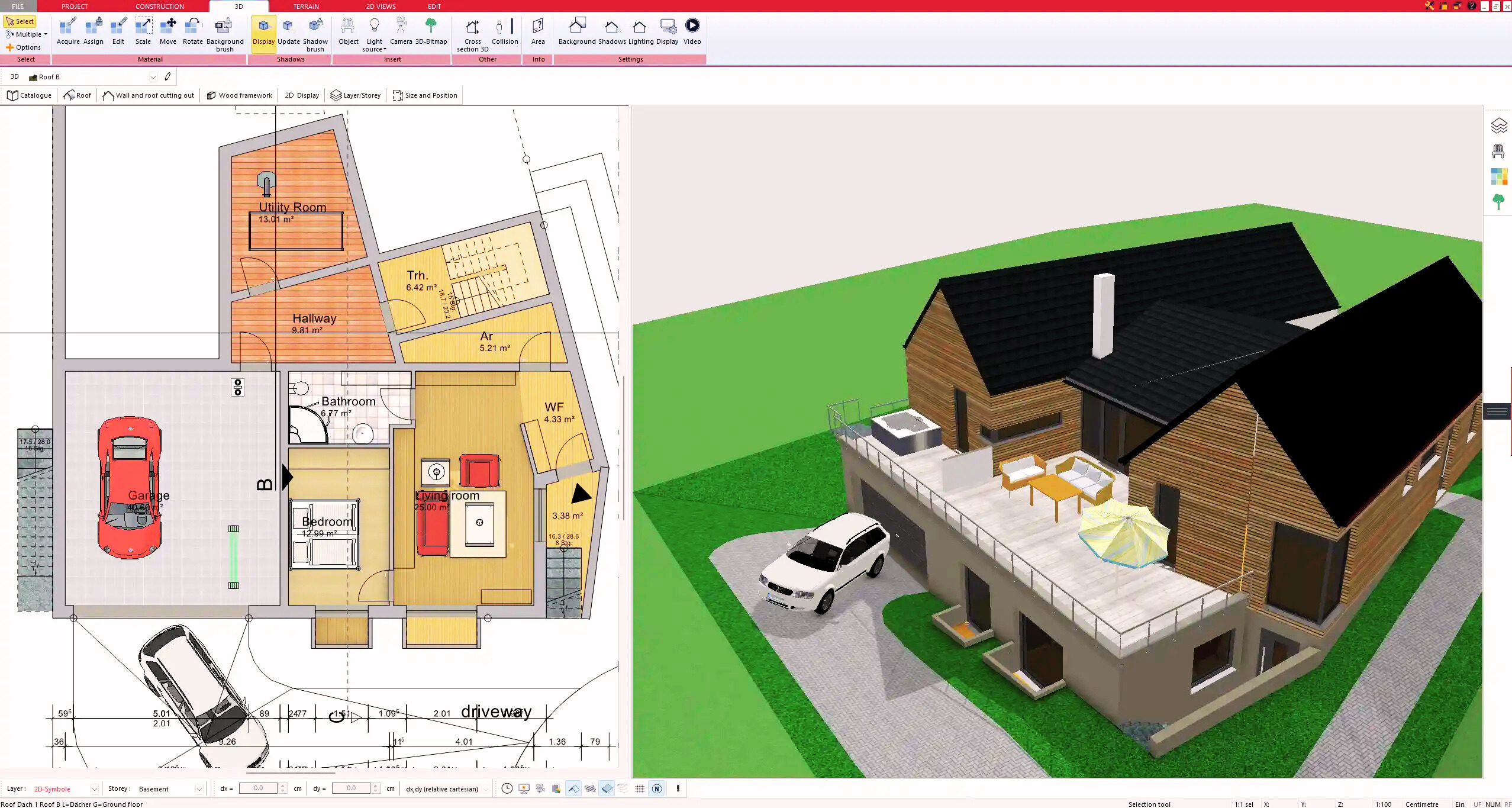
2. Windows & Doors
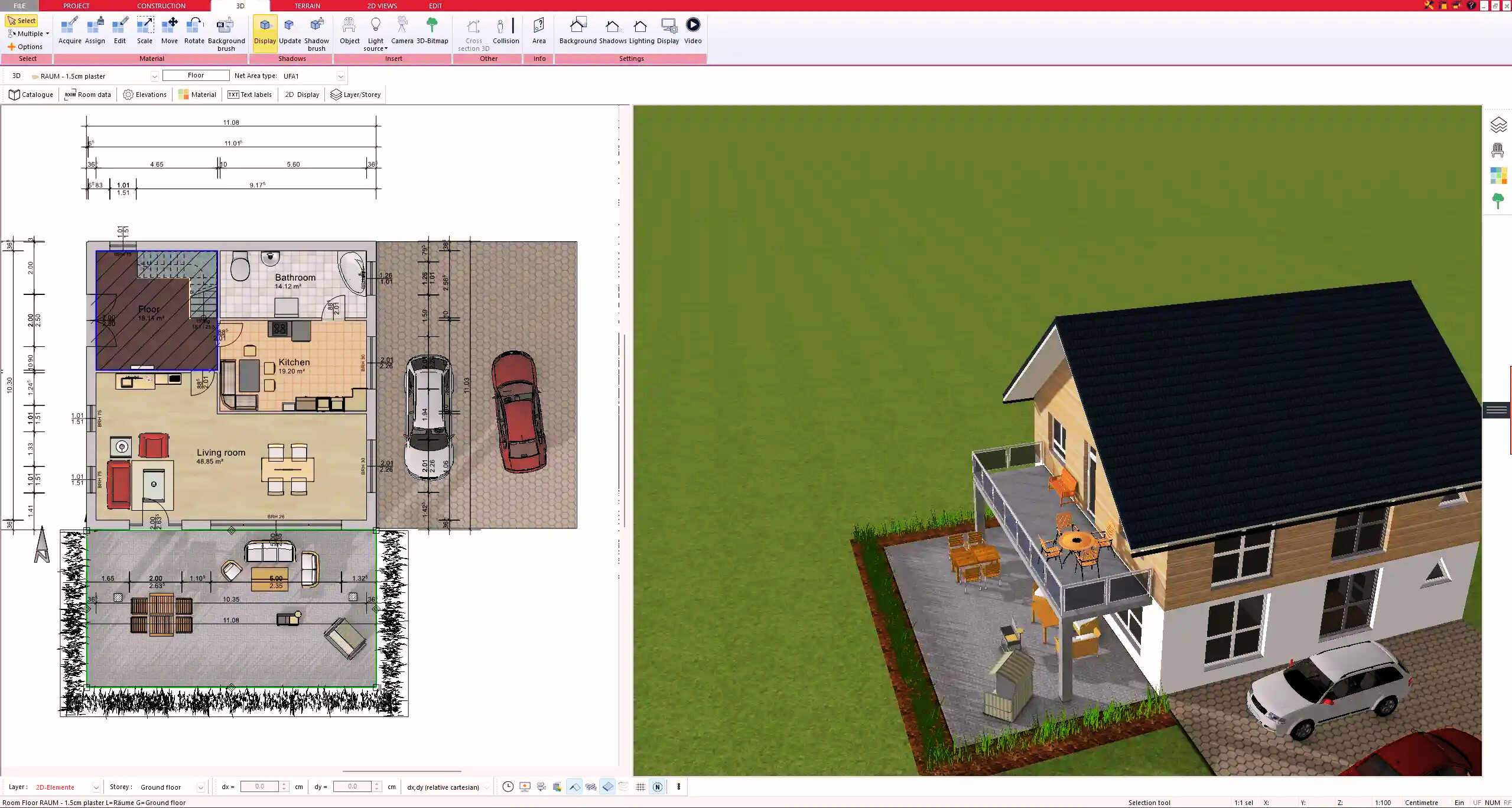
3. Floors & Roof
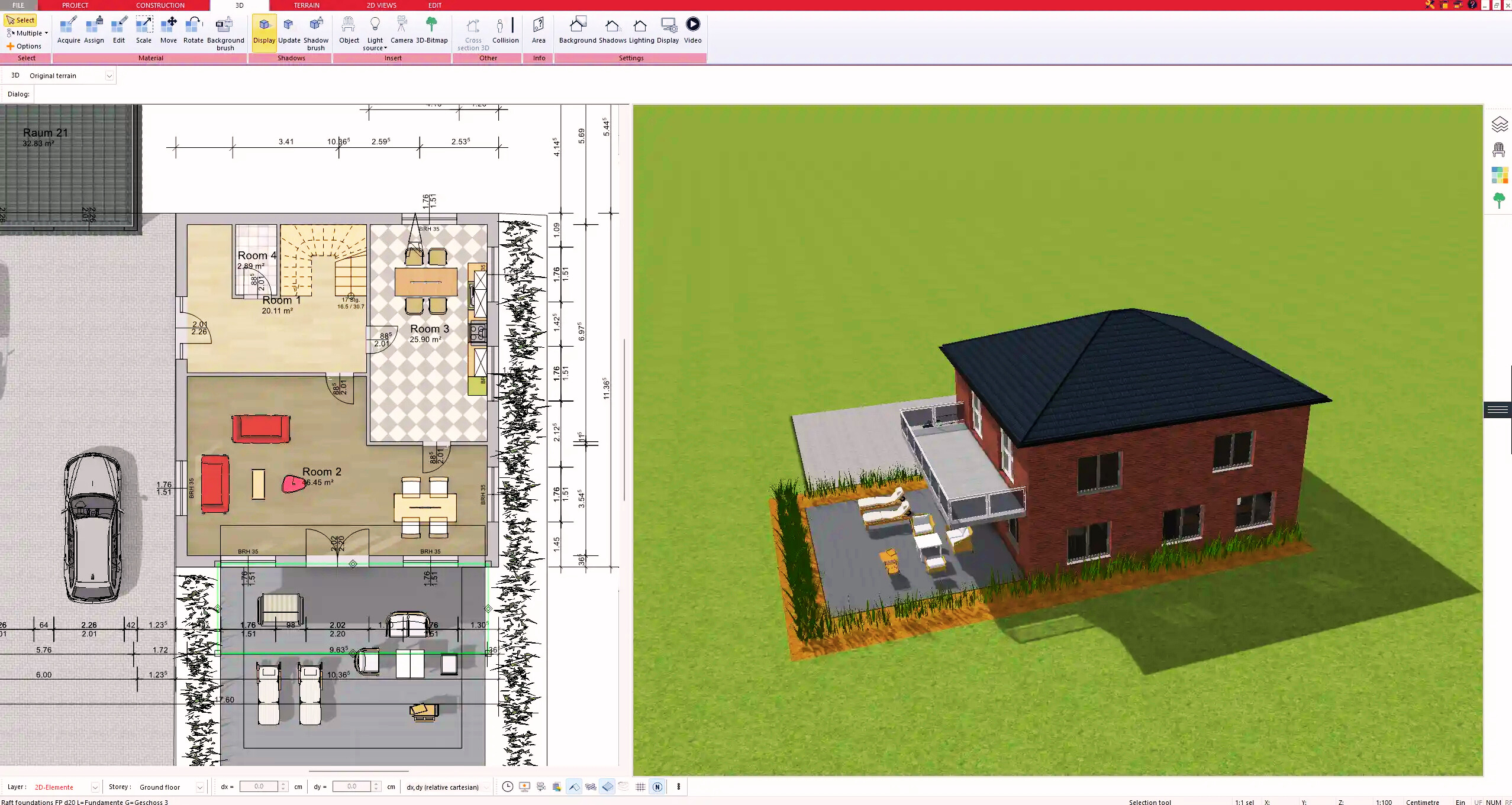
4. Textures & 3D Objects
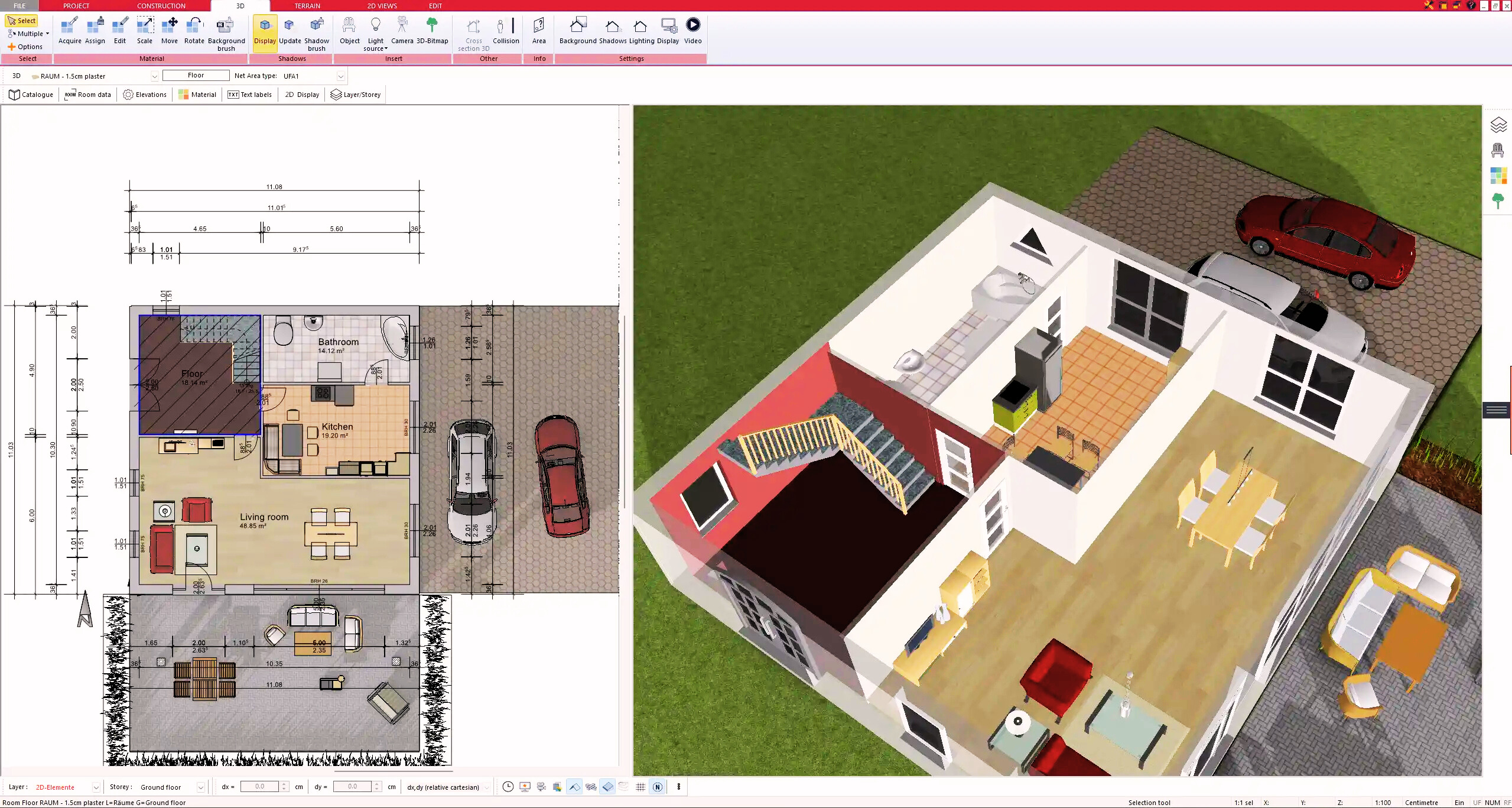
5. Plan for the Building Permit
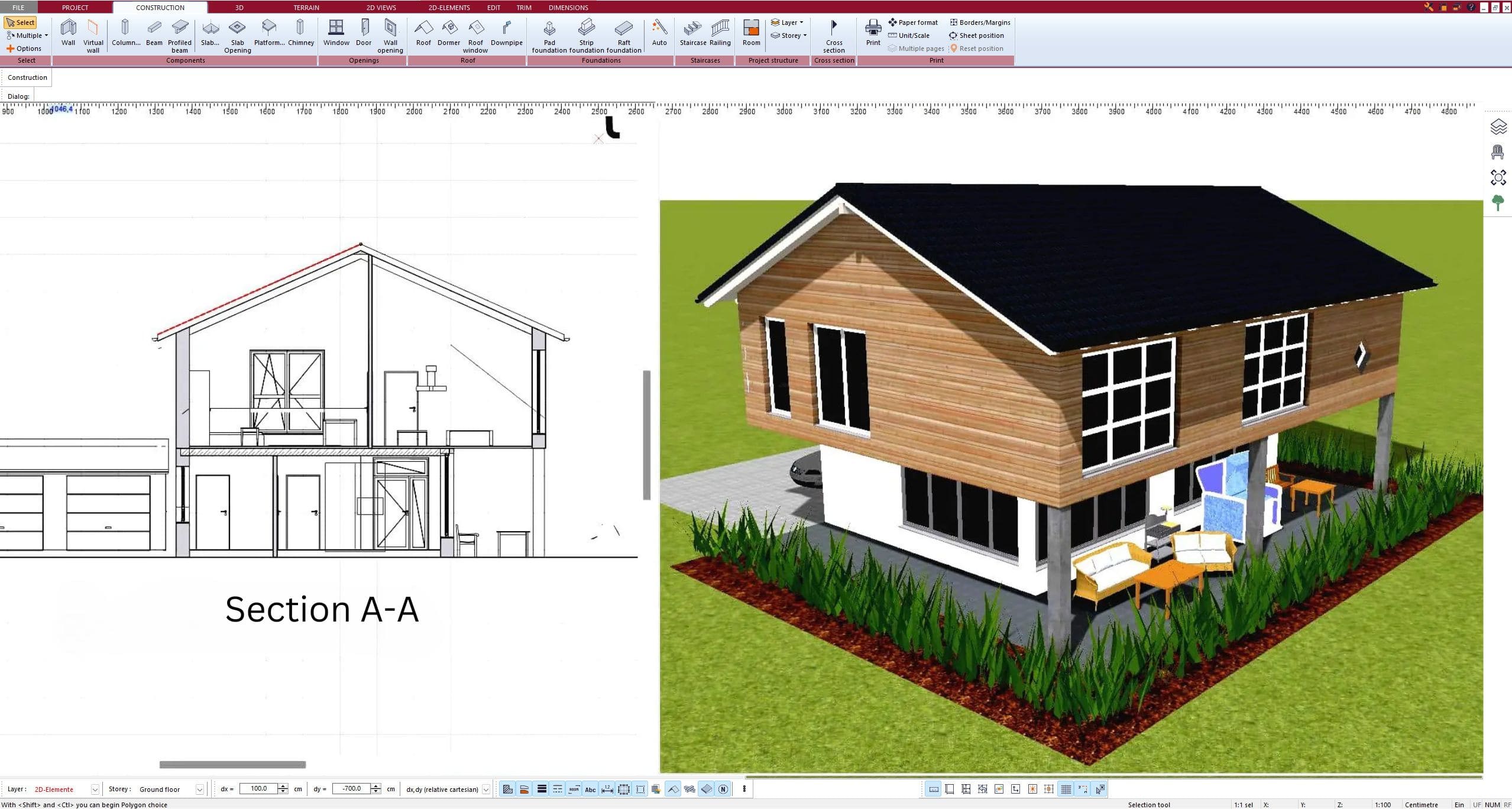
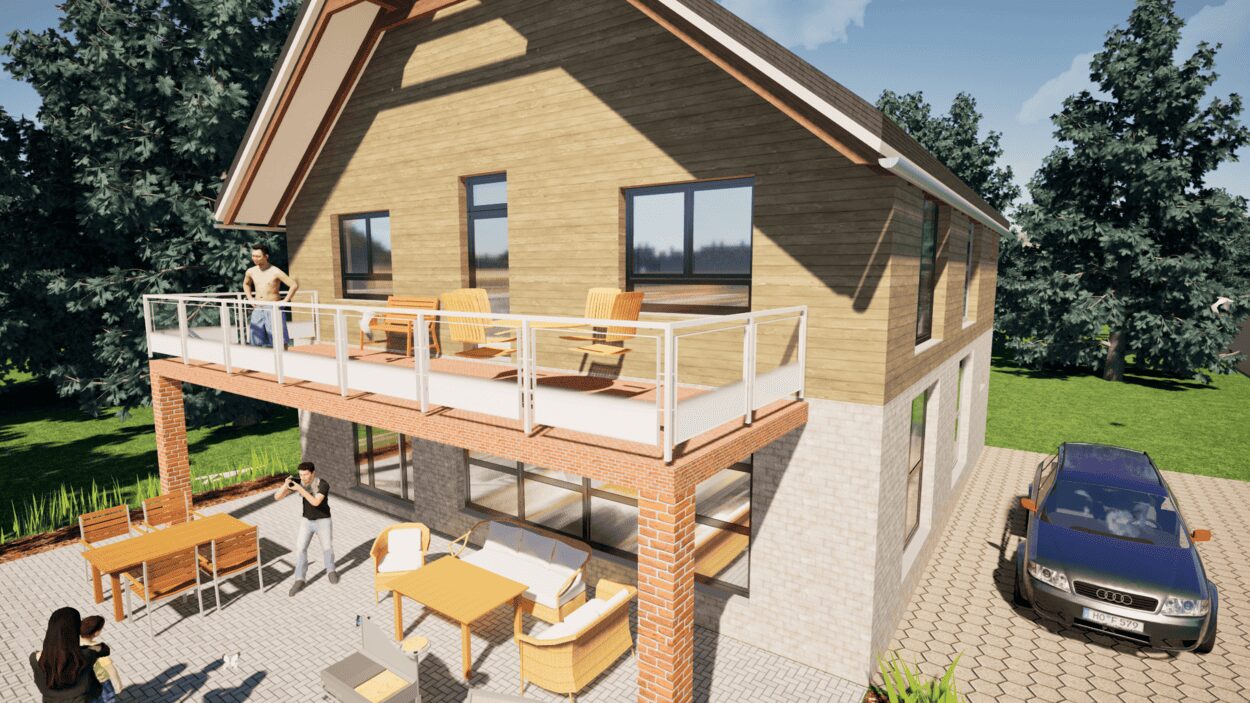
6. Export the Floor Plan as a 3D Model for Twinmotion
- – Compliant with international construction standards
- – Usable on 3 PCs simultaneously
- – Option for consultation with an architect
- – Comprehensive user manual
- – Regular updates
- – Video tutorials
- – Millions of 3D objects available
Why Thousands of Builders Prefer Plan7Architect
Why choose Plan7Architect over other home design tools?