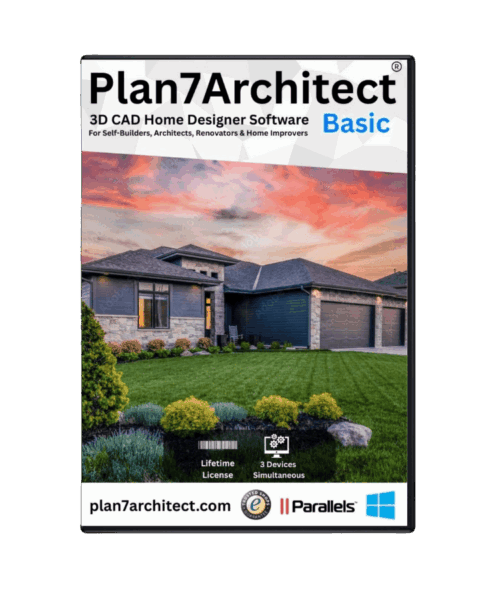
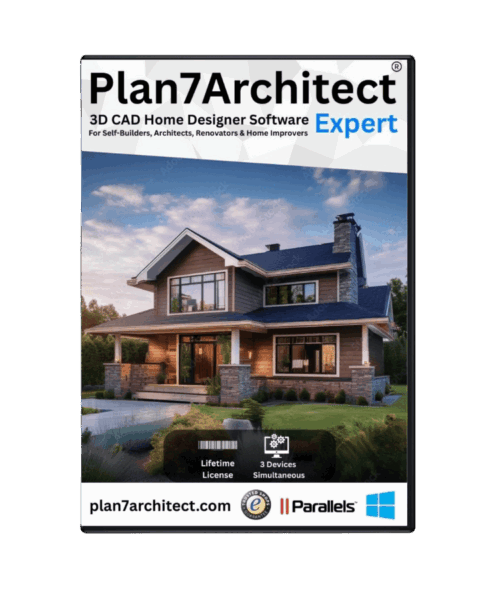
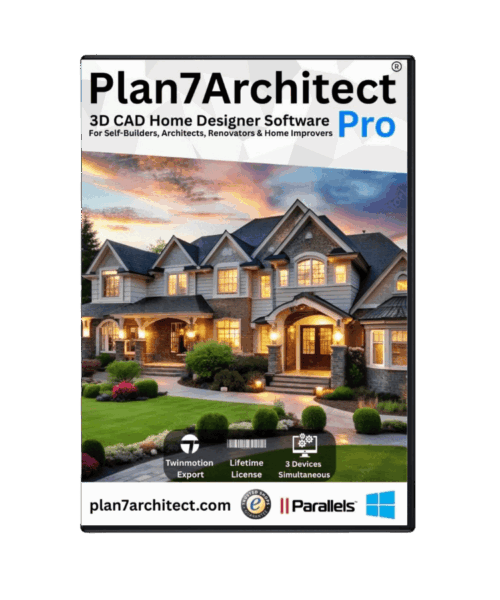
If you are sketching a remodel on graph paper, guessing room sizes, or trying to explain a layout idea to a contractor with a few phone photos, you have already hit the limit of guesswork. A 3d cad house planner gives you a far better way to test ideas, see proportions, and turn rough concepts into drawings you can actually use.
That matters whether you are planning a kitchen remodel, an ADU, a garage conversion, or a full custom home. The right software helps you move from “I think this will fit” to “I know this works.” It can also save time, reduce change orders, and make it easier to communicate with family members, contractors, permit offices, and designers.
![3D CAD House Planner: What to Look For]()
 What a 3D CAD house planner should actually do
Not every planning tool deserves to be called CAD. Some programs are fine for quick room mockups, but they stop being useful the moment you need accurate wall thicknesses, roof geometry, elevations, or printable construction documents. If your project has any real building intent behind it, the software needs to do more than produce a nice-looking 3D view.
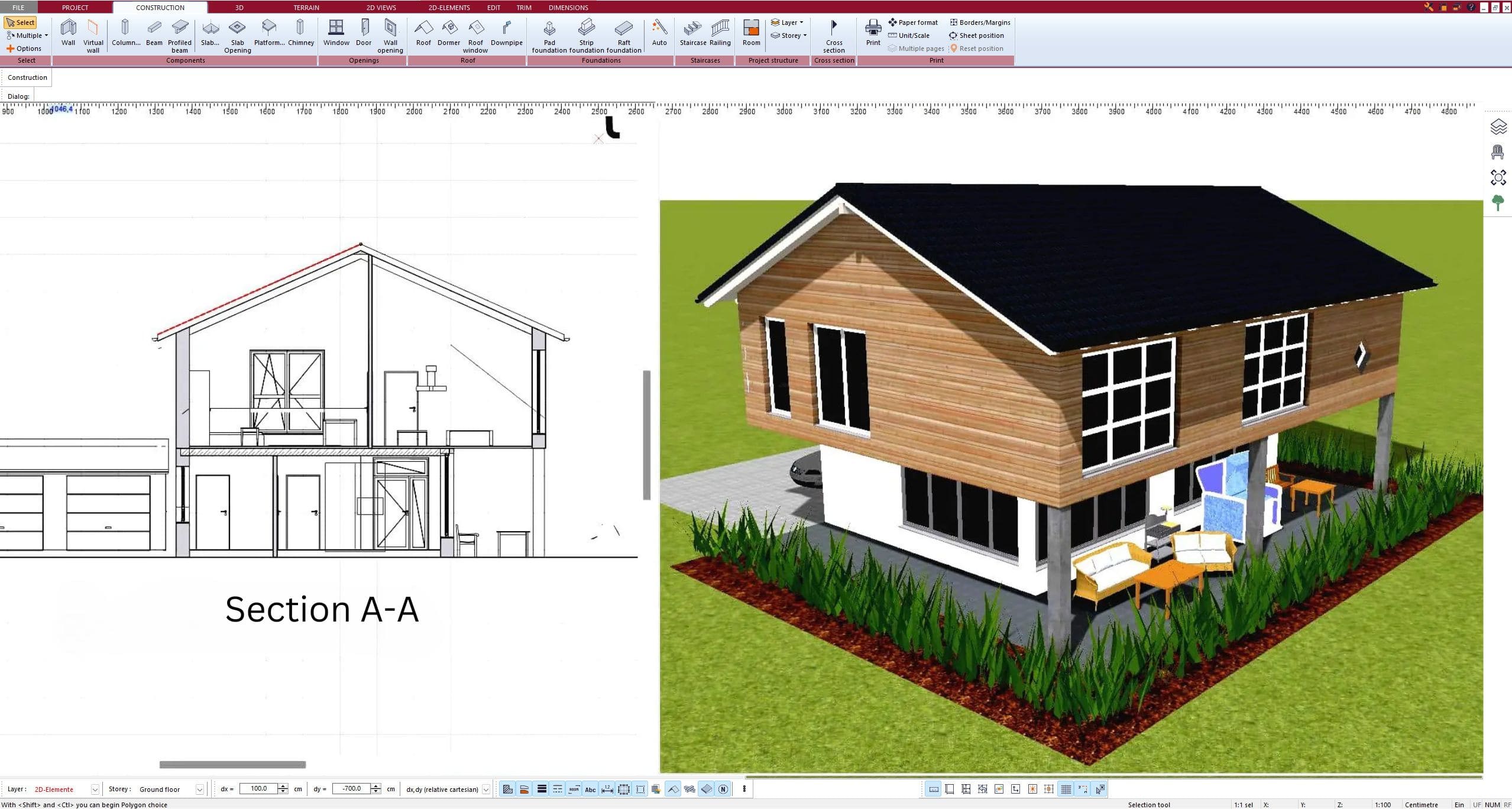
A capable 3D CAD house planner should let you draw in exact dimensions, switch between 2D and 3D without rebuilding the project, and generate views that support real decisions. That includes floor plans, façades, sections, and detail-ready layouts. It should also make it practical to place doors, windows, stairs, roofs, and fixtures without forcing you into a steep professional-only workflow.
For many homeowners and small professionals, the sweet spot is software that feels approachable at the start but does not run out of capability halfway through the job. That balance is harder to find than it sounds. Some tools are easy but too shallow. Others are powerful but slow you down with a learning curve that belongs in a full architectural office.
Why 3D changes the planning process
2D drafting is still essential, especially when measurements and buildability matter. But 3D is where most people finally understand the plan. You can see whether a hallway feels cramped, whether a roofline looks awkward, or whether a kitchen island blocks circulation before anything gets built.
This is one of the biggest reasons people search for a 3d cad house planner in the first place. They do not just want lines on a page. They want confidence. A 3D model exposes problems early, when changing them costs minutes instead of thousands of dollars.
That said, 3D alone is not enough. A beautiful rendering that is disconnected from accurate drawings can create just as much confusion as a hand sketch. The best planning software ties both together, so the model and the technical plan stay aligned.
The features that matter most
Accurate dimensioning comes first. If you cannot trust measurements, nothing else matters. Walls, openings, ceiling heights, roof slopes, and stair geometry all need to be editable with precision. This is especially important for additions, remodels, and conversion projects where existing conditions are already tight.
Next is the ability to produce multiple drawing types from one model. A homeowner may start with layout planning, but many projects quickly need elevation views, section cuts, area calculations, and cleaner printouts for contractor pricing or permit prep. Rebuilding the same project in different views wastes time and creates mistakes.
Usability matters just as much as raw power. Good house planning software should help you place walls, drag fixtures, adjust floor levels, and test alternatives without feeling buried in engineering menus. That does not mean it should be simplistic. It means serious functions should be organized in a way that normal users can understand.
File compatibility is another practical point people often overlook until it becomes a problem. If you need to exchange drawings with a contractor, draftsperson, or architect, support for common formats such as DWG and DXF is valuable. It gives your project room to move beyond the software instead of trapping everything in a closed system.
Then there is ownership. Subscription pricing may make sense for large firms, but many residential users want a one-time purchase they can keep using offline. That is not just about cost. It is about control, reliability, and being able to open your plans months later without another billing cycle.
Who benefits most from a 3D CAD house planner
Homeowners are often the biggest winners because they can finally visualize the home they are paying for. Instead of relying only on verbal descriptions, they can compare layouts, furniture clearances, window positions, and exterior massing before committing. This is especially useful for remodels where one small change can affect circulation, storage, and natural light.
Self-builders and DIY renovators benefit for a different reason. They need both planning clarity and cost control. A detailed model helps estimate materials, define scope, and reduce on-site improvisation. It also makes it easier to discuss structural or code-related questions with professionals when needed.
Contractors and small design businesses often use the software as a fast concept-to-drawing tool. For pre-bid layouts, customer presentations, and design revisions, speed matters. They do not always need a large enterprise platform. They need software that can produce professional output without dragging a small project into a large-software workflow.
Real estate and property professionals can also benefit, especially for renovation feasibility, unit reconfiguration, or marketing a potential layout concept. In those cases, clear visuals paired with measurable floor planning are far more persuasive than rough sketches.
Where simpler planners fall short
A basic room planner can be useful for trying furniture arrangements or visualizing décor. But once you are dealing with actual construction, the limits show up quickly. Roofs may be too generic, stair tools may be restrictive, dimensions may not be dependable enough, and print output may look more like a presentation than a document set.
That does not mean every project needs advanced professional software from day one. It depends on your goal. If you are only testing whether a bed fits in a guest room, simple is fine. If you are changing walls, adding square footage, planning an ADU, or creating permit-oriented drawings, you need a more serious tool.
This is where many users get frustrated. They start with a lightweight app because it feels easy, then realize they have to start over in a different system when the project becomes real. A better approach is to choose software that is beginner-friendly but capable enough to support the full planning process.
What to look for before you choose
Start with your actual project, not a feature checklist. A kitchen remodel needs different depth than a new build. An interior designer may prioritize visualization and room planning, while a contractor may care more about dimensions, elevations, and exchange formats.
Ask whether the software can handle exact wall construction, floor levels, roof design, sections, and printable plans. Check whether it supports US users properly, including unit flexibility, realistic building workflows, and output you can use in conversations with local trades or permit reviewers.
Also consider how quickly you can become productive. Powerful tools are only useful if you can learn them without losing momentum. Tutorials, built-in object libraries, and a logical workflow matter more than flashy marketing screenshots.
For many residential users, software like Plan7Architect stands out because it aims squarely at this middle ground. It offers professional house-planning functions without forcing homeowners or small businesses into expensive subscription software built for large firms.
The best choice is usually the one you can keep using
The right 3d cad house planner is not the one with the longest feature list. It is the one that helps you make sound decisions, communicate clearly, and produce drawings that stay useful as your project moves forward. For some people, that means quick visual planning. For others, it means serious documentation and 3D modeling in one place.
If your goal is a real home project, not just a rough concept, choose software that respects both sides of the job: visualization and accuracy. You should be able to see the space clearly, measure it confidently, and revise it without friction. That is what turns planning software from a nice extra into a practical building tool.
Good house design starts with clear thinking. The right software simply gives that thinking a form you can trust.
Plan your project with Plan7Architect
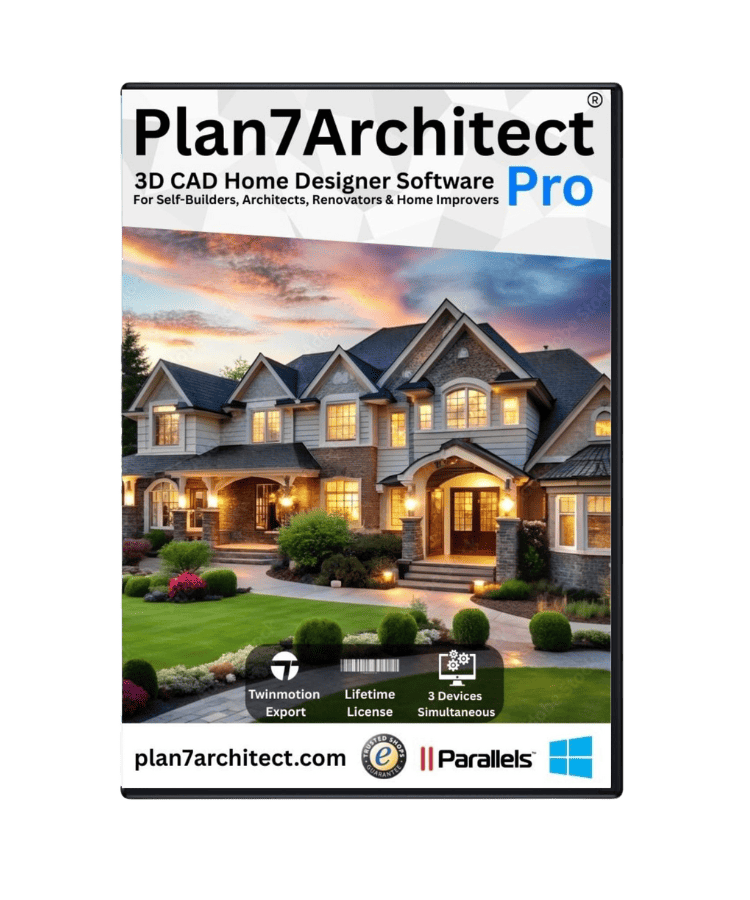
Plan7Architect Pro 5 for $169.99
You don’t need any prior experience because the software has been specifically designed for beginners. The planning process is carried out in 5 simple steps:
1. Draw Walls
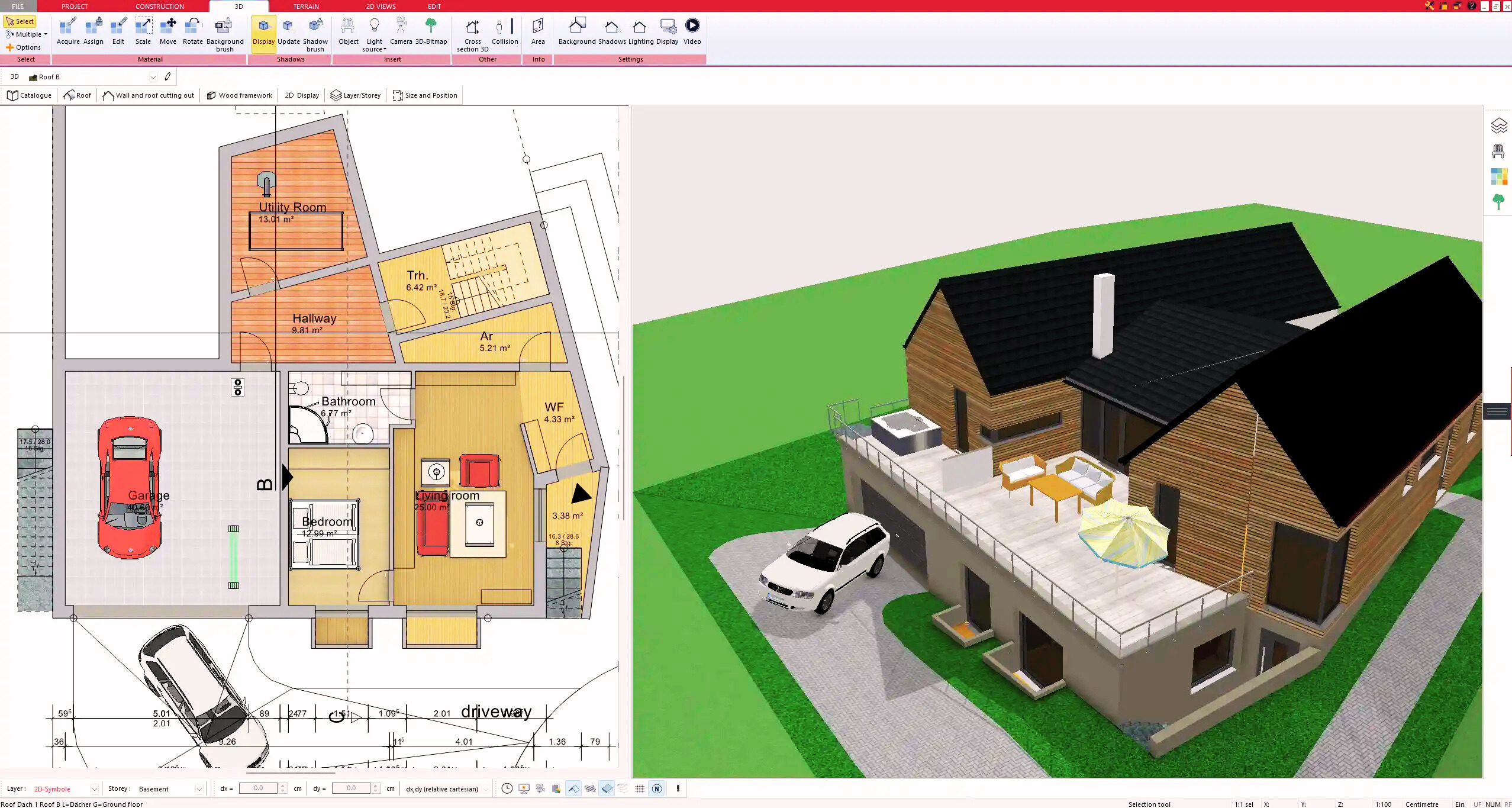
2. Windows & Doors
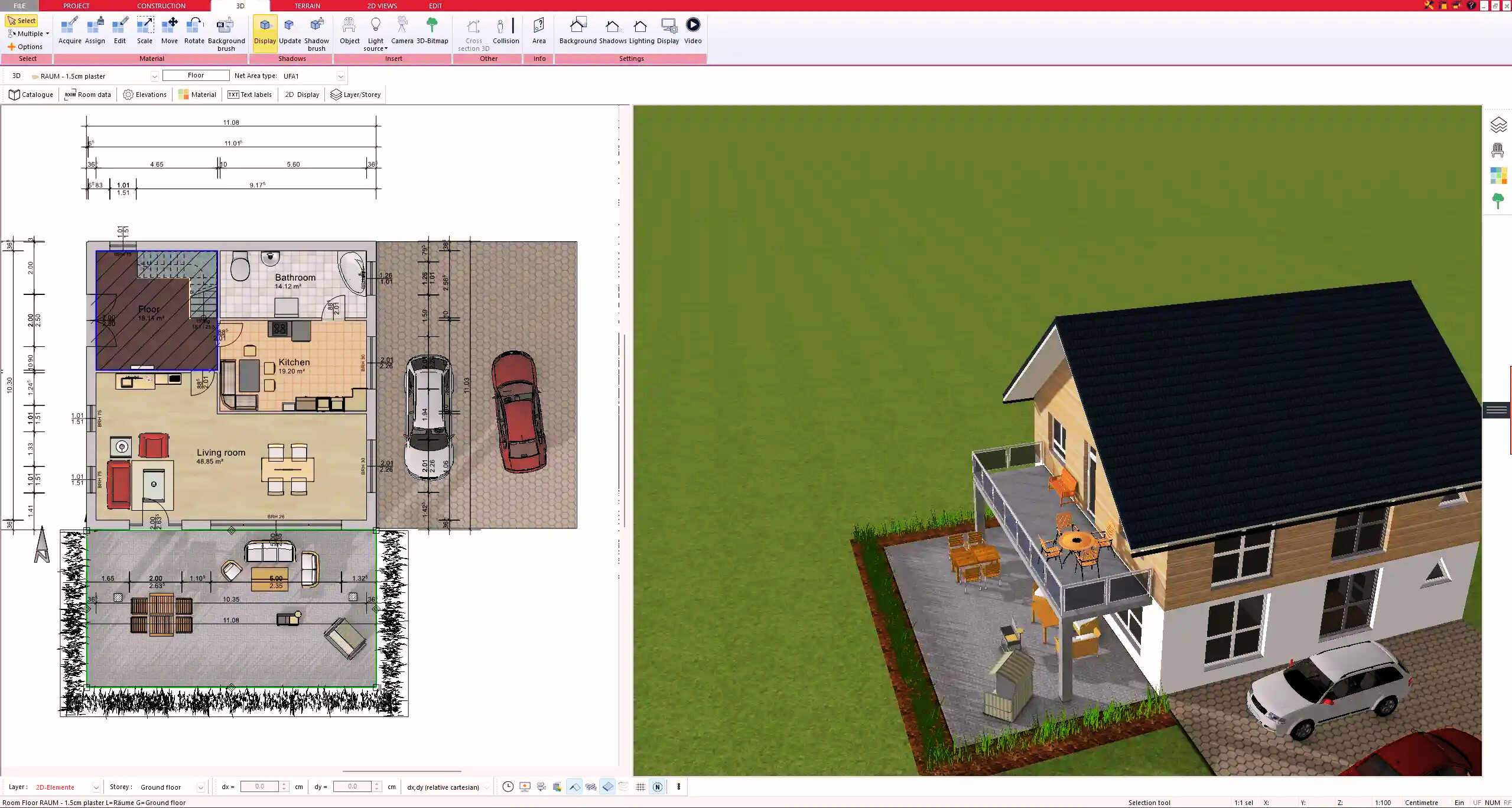
3. Floors & Roof
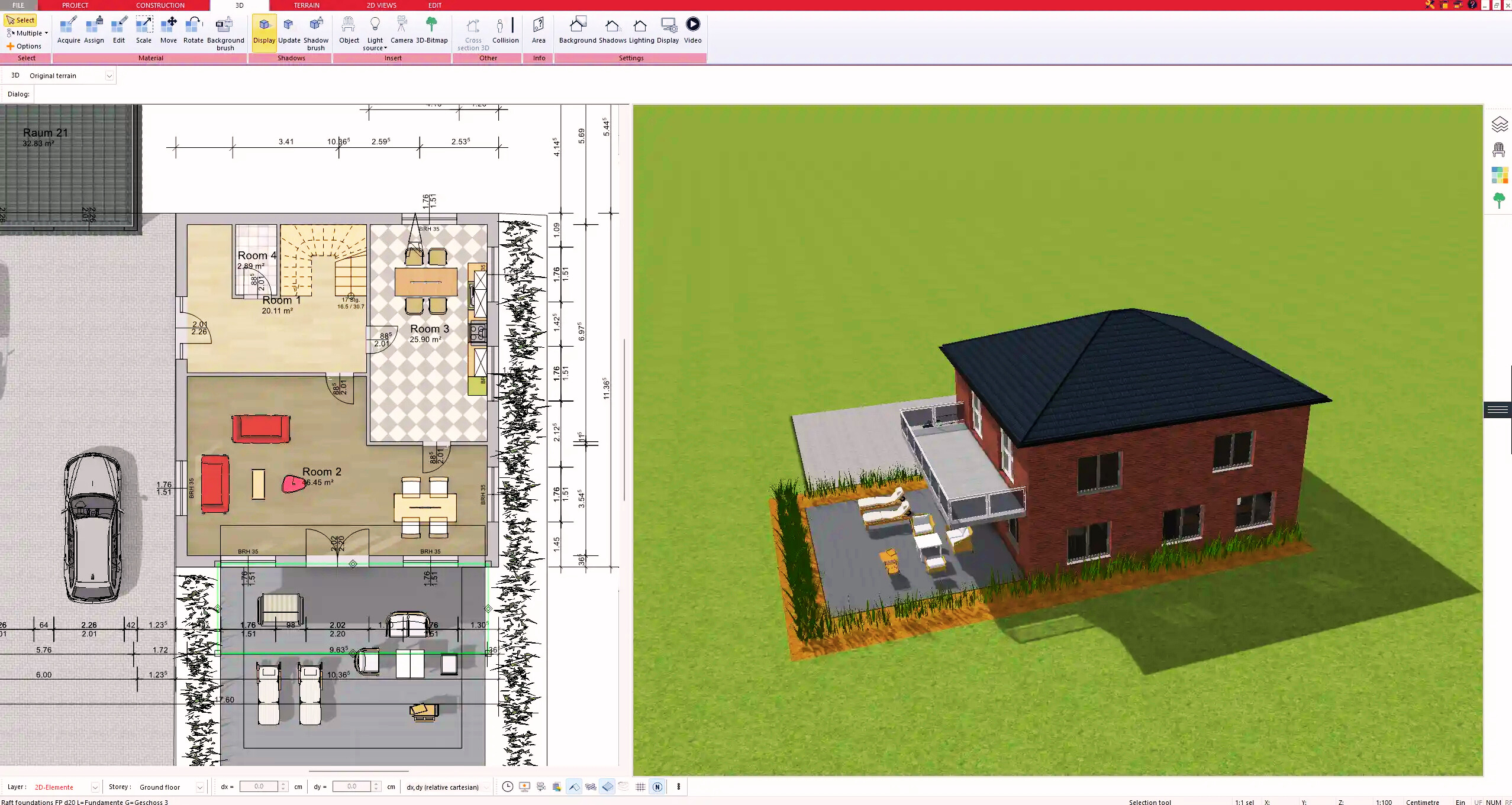
4. Textures & 3D Objects
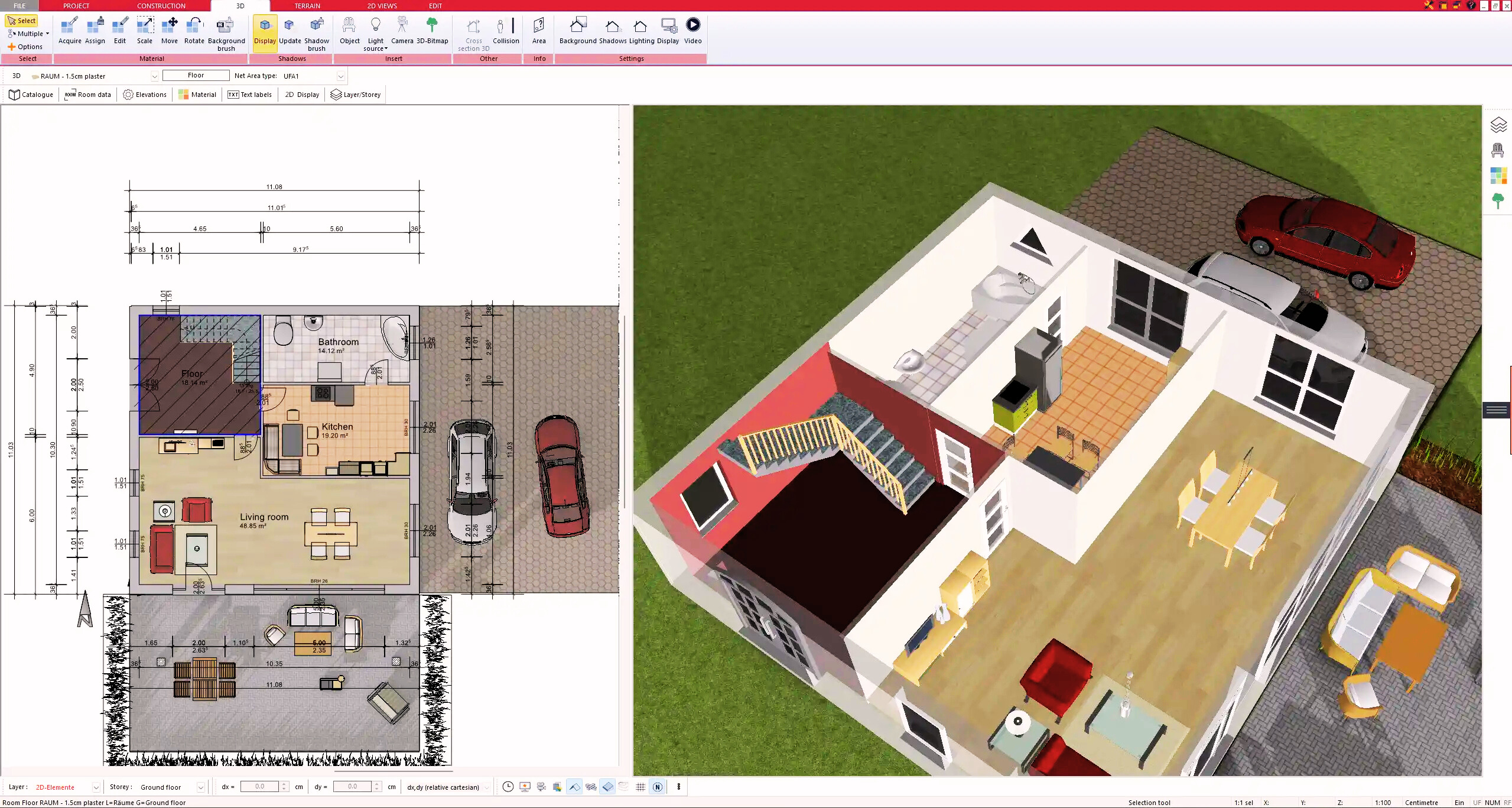
5. Plan for the Building Permit
6. Export the Floor Plan as a 3D Model for Twinmotion
- – Compliant with international construction standards
- – Usable on 3 PCs simultaneously
- – Option for consultation with an architect
- – Comprehensive user manual
- – Regular updates
- – Video tutorials
- – Millions of 3D objects available
Why Thousands of Builders Prefer Plan7Architect
Why choose Plan7Architect over other home design tools?